Irish_RS_Combi
Finding my way
-
Joined
-
Last visited
-
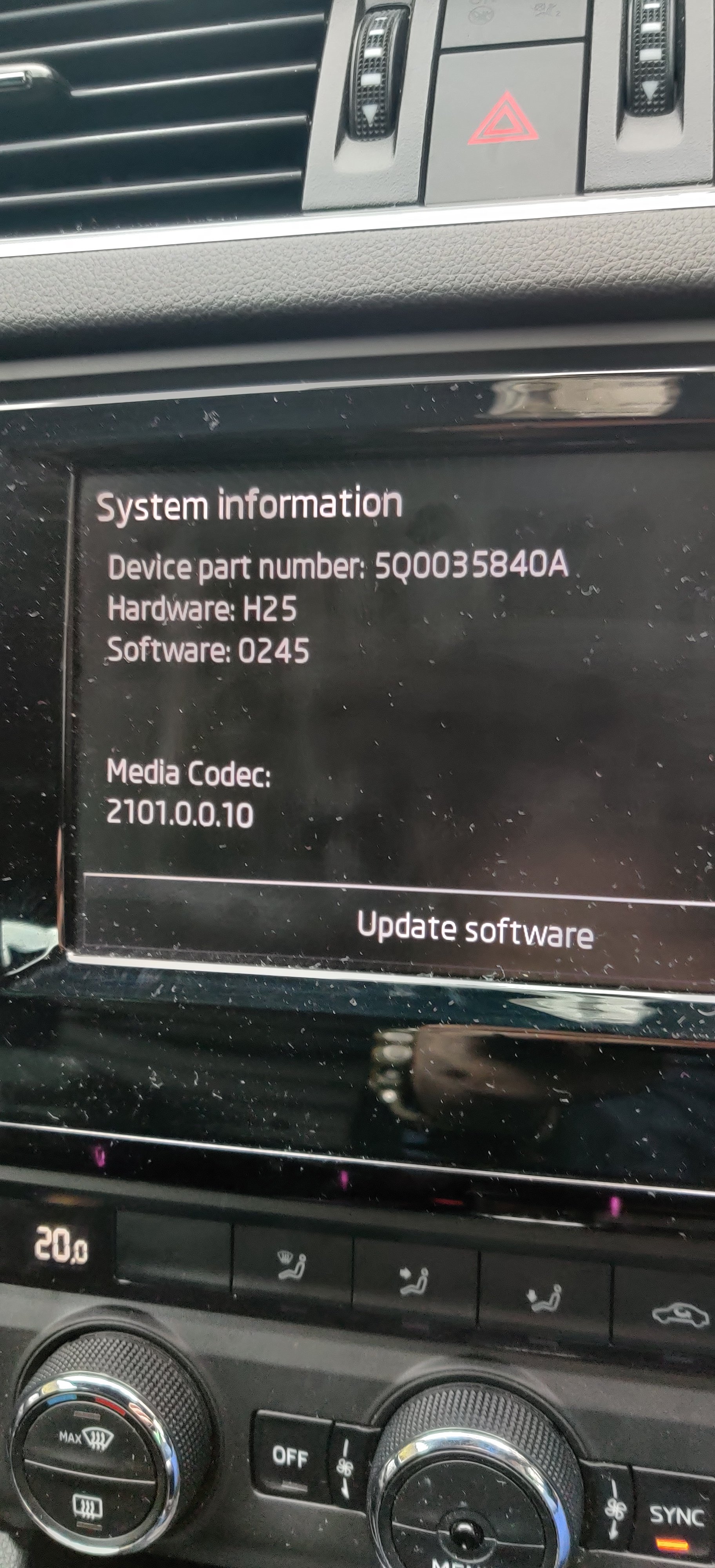
I would still be pulling it out to check connections. If it's that unit you could get a 2nd hand one. You can get the model number in settings under system information.
-
The unit in the glovebox is actually the brains of the entire system. Does the CD player still work when the sound is gone from radio, phone? It could be the case there is a bad/loose connection on the back of the glovebox unit you can pop it out with keys you can get on eBay which are cheap. It's worth a look before spending a lot of money.
-
Did Skoda say what the problem was? What kind of replacement are you looking at?
-
Fuse box is behind the glovebox if RHD or under steering column if LHD.
-
@SashaGrace would you know if I am ok to plug and play as per my previous post? You seem to be all knowing in these areas 😀
-
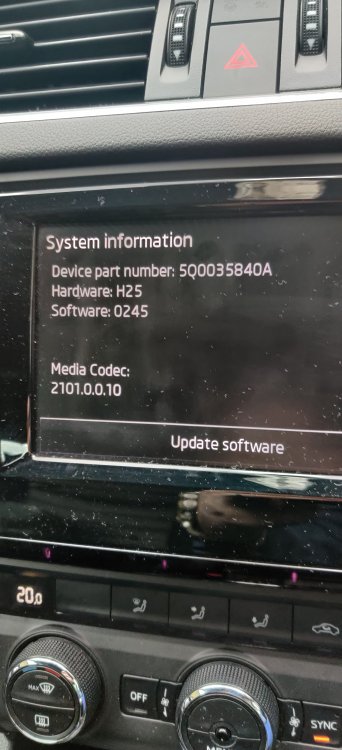
Having read through this thread I was considering upgrading my display to 5E0919605N as it was plug and play. I was almost certain my current system was MIB2 as it has android auto but just in a couple of previous comments I'm not sure. Can some please advise? Pic is of current setup.
-
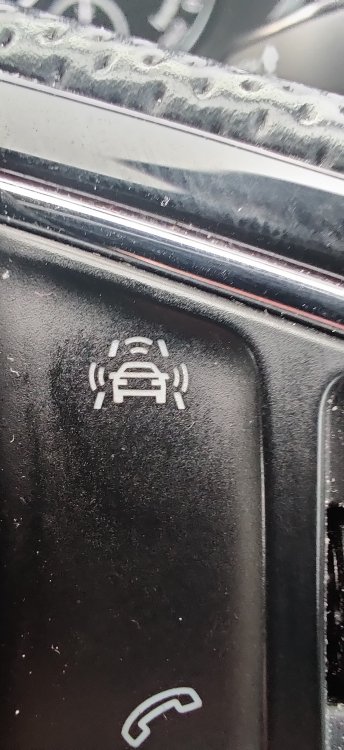
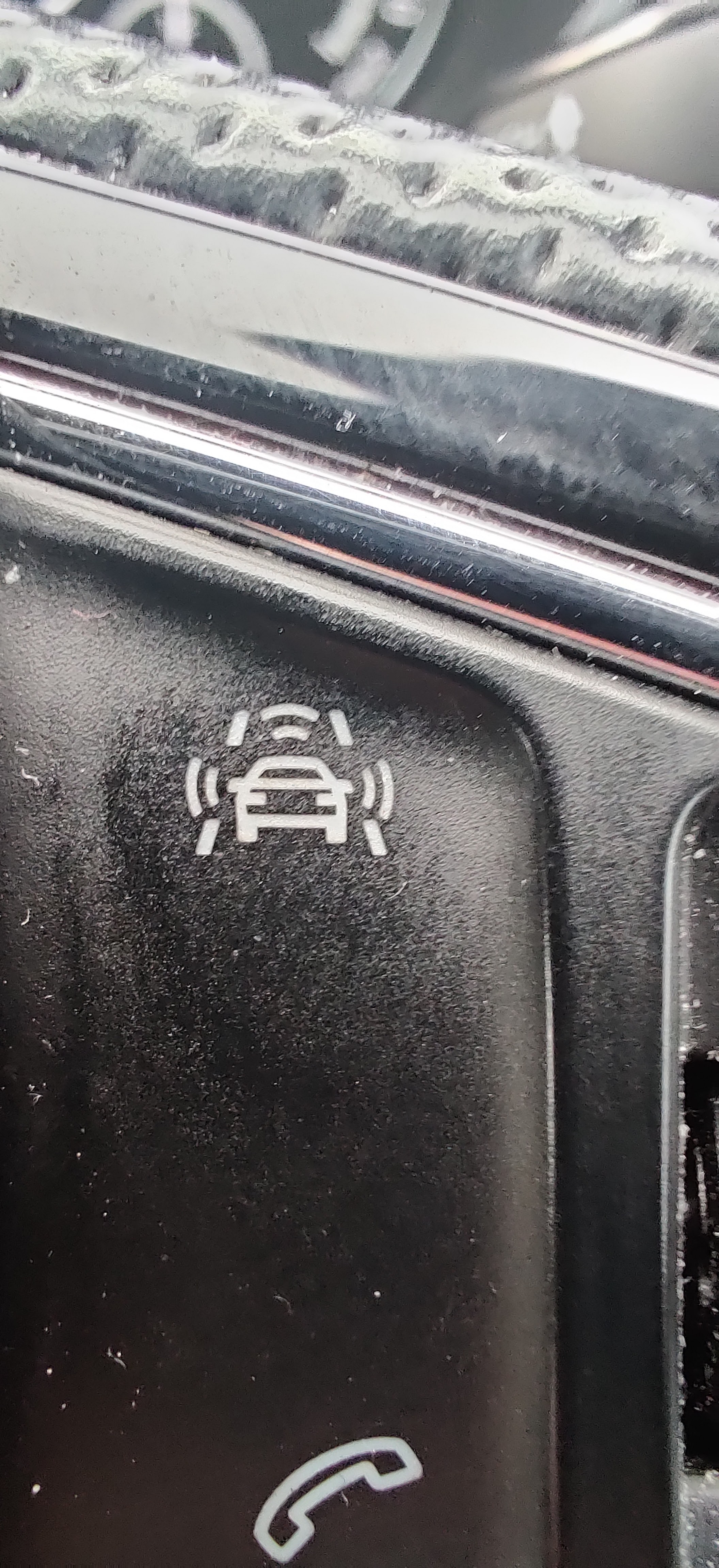
I just double checked and there is no camera, only the light/rain sensor. Nothing appears on the maxidot either when I press it or press and hold.
-
Hi Folks, just looking for a little help. I picked up my 2016 VRS combi in the 23rd and I cannot work out for the life of me what the button in the attached picture does. It doesn't do anything when I press it and there is no submenu for driver assistance in the infotainment display. Any advice would be appreciated.