G0DD4RD
New here
-
Joined
-
Last visited
-
It’s does, but it’s pretty basic. Initially bluefin produced the code P0016 (with the engine management light on) this generally Indcates crankshaft alignment when googled. hooked it up to vdcs and it had engine speed sensors and two other codes. now it displays no codes when used as a diagnosis tool…… friend with the full vdcs has gone on holiday 😩
-
Yeah, school boy error 😩 as far as I understand in the new cars they will help….. either way I’m still up a tree without a paddle….
-
Super chips do offer a warranty…. IF you have manufacturers warranty left and your manufacturer don’t help - they will…. if it’s a 2015 as I understand they aren’t interested in helping sort a problem (I guess they can’t tell if it was there before or not?) (I had no fault lights etc before) they have offered a refund on the bluefin but that’s about it. it’s a Tdi, well serviced as far as I can tell. New belts etc when I bought it a few months ago…..
-
Hiya, Weirdly, it’s not in limp mode…… glow plug light only illuminations at approx mid temperature (70 degrees ish). no fault codes stored either
-
Looking for some advice, recently got myself a Bluefin remap (liked the convenience etc). Got it mapped and went for a little drive. All good. next time I go out it’s flagged up the engine management light and start stop us failed etc. Speak to Superchips who have sent an “updated” map. I put the car back to standard map in the mean time, but still got warnings and a rougher sounding idle. is there any possibility the map altered something physical that hasn’t been changed back? Or more likely some on the car has broken (more power - slipped belt etc) any thoughts would be great as it’s doing my head!
-
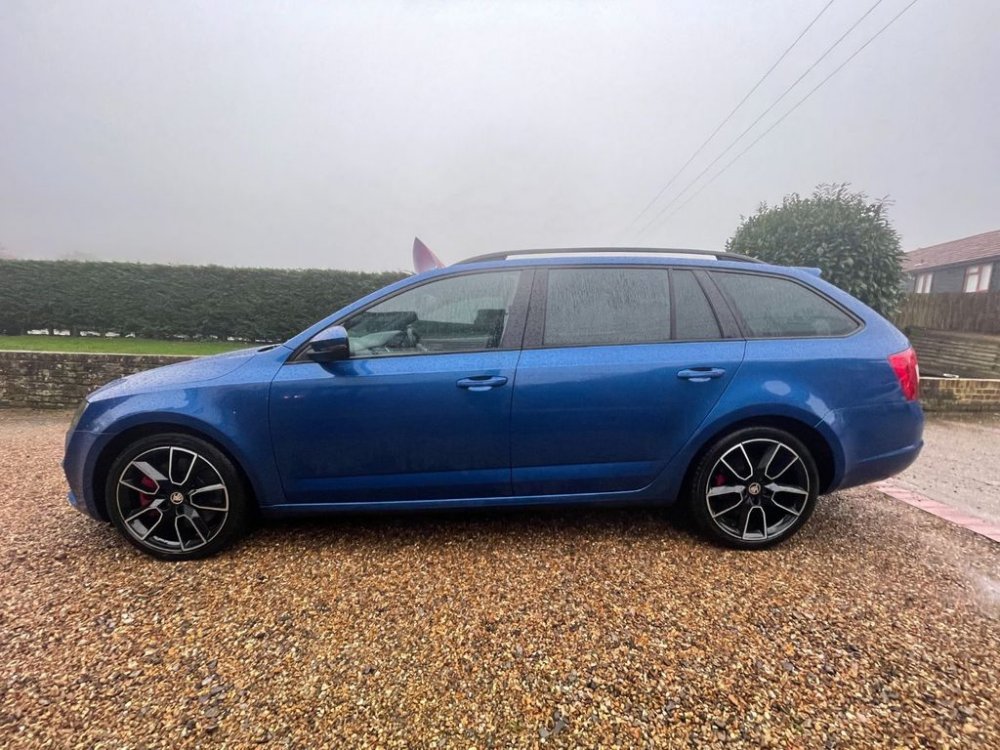
Evening! Thought I'd better say Hi as I'm due to pickup a 2015 Mk3 Octavia next week :) This will be the second, first one was a company motor Team Blue