Octaviascout
New here
-
Joined
-
Last visited
Everything posted by Octaviascout
-
the cabin filter is after the fan, and also i have checked it. looks fine. but i hav not checked the air inlet. do you know where it is?
-
Hello! i have a problem with the ventilation system. i could not find anyone else on this forum with the same problem. so my ventilation system is not blowing air out of the vents. the fan is working 100%. the flaps has been calibrated numerous times, and they seem to be working. the weird thing is that once i activate the recirculation the system work flawlessly. every flap and adjustment work, but when i want my car to suck in fresh air the fan is working, but no air out of the vents. any sugestions or help?
-
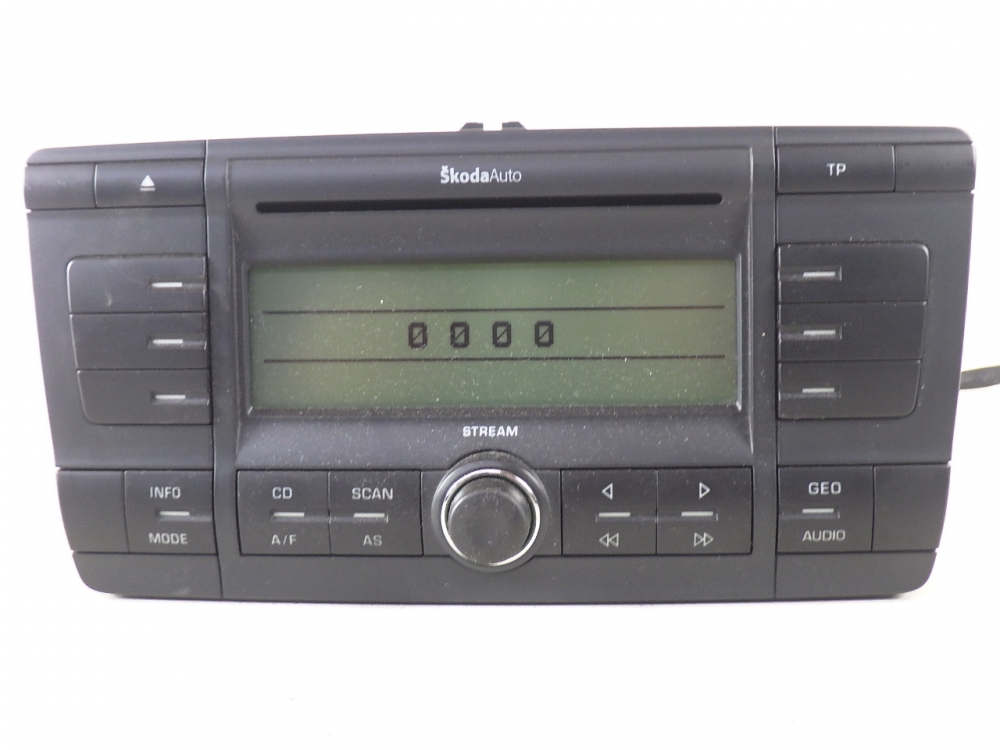
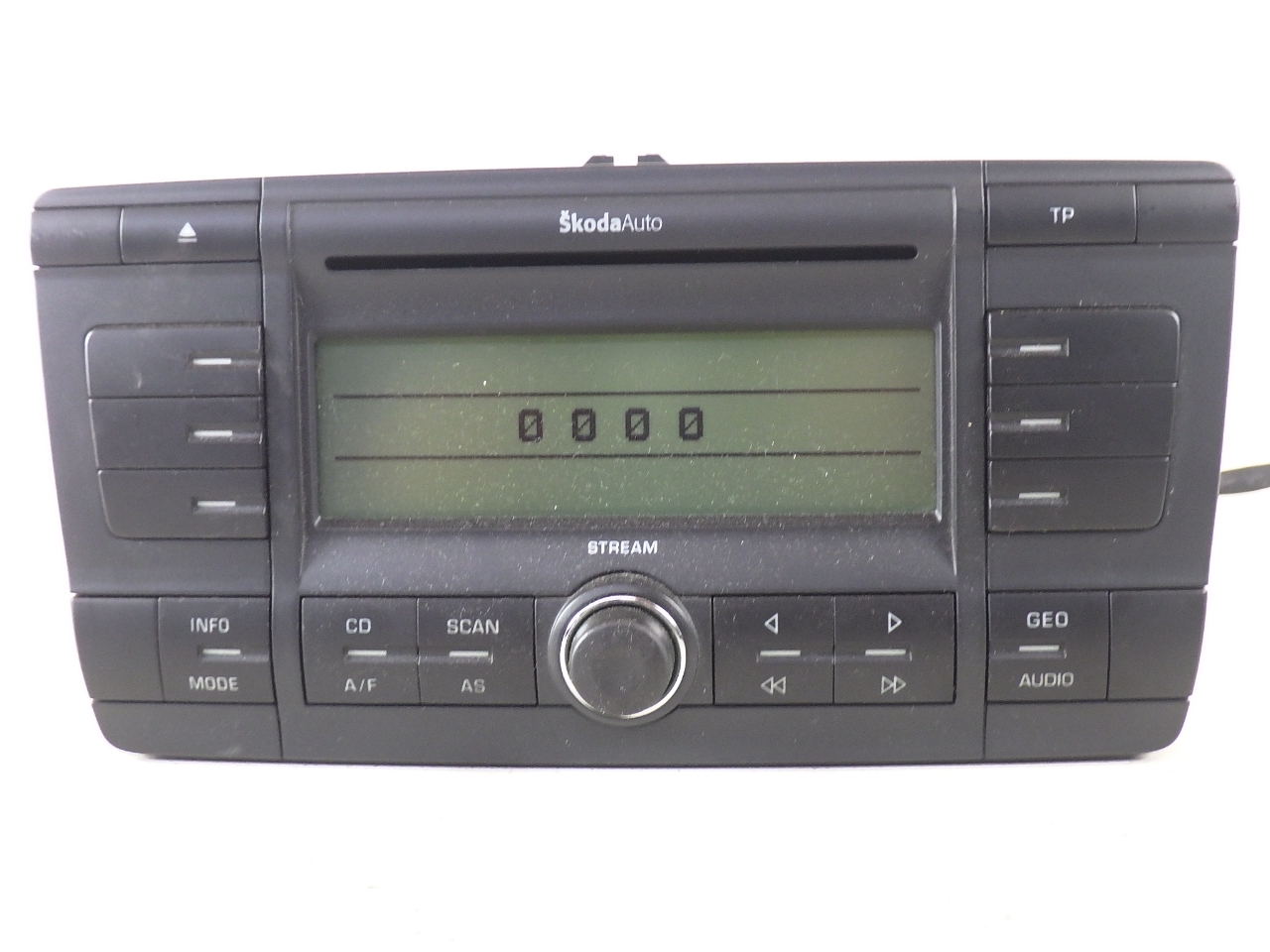
Hello my skoda friends! i own a 2007 skoda octavia scout AWD, tuned to 180bhp. i have loved the car since i bought it! there is just one thing, and its the radio. i have a old skodaauto mp3 player with only AUX. i would really like to have a new android headunit, but i am very confused as of how i can do that. i know this topic has been done alot before, but i have found that it could be alot harder than i tought. this is the type of radio i have now. because i have read alot of places that if u want a new android 2din, u have to change from columbus/bolero/amundsen to android. and you cant go grom skodaauto to an android headunit. can anyone confirm this? and to further complicate this i also have the 12speaker soundsystem on my car and i have just learned that when you have the soundsystem, the radioreplacement is not plug and play. you have to do a lot of wiring and maybe program/code something. can anyone confirm that? any help is greatly appreciated!