HobBoskins
Finding my way
-
Joined
-
Last visited
-
Saw the bloke on eBay Sat-navs-uk. Couldn’t fix mine but got a reconditioned one for a decent price.
-
Hi KW, thanks for the reply, just sent mine off to a guy who has excellent reviews for fixing these things. will update post when I get unit back
-
Hi S/Dreams Burn a CD! Last time I did that was back to the 90’s with varied success. Hopefully it’s possible to buy a preloaded disc with the latest firmware, I just can’t be bothered to buy blank disks then set about trying to burn the info onto a blank. Life is way too short for all that jazz. I really miss basic cars that just went on forever without electrical glitches. Thanks for the help. All the best.
-
Would you be kind enough to explain how I reflash it please. Thanks
-
Hi, I have an issue with the factory fitted radio unit (Columbus MP3), I noticed that the screen was fading and then coming back to life, now it has started turning on and off without any reason. I’ve tried a hard reset but it has not fixed the problem. Is this a common issue and is there a fix. Thanks
-
Thanks Will update once I've fitted the new part cheers
-
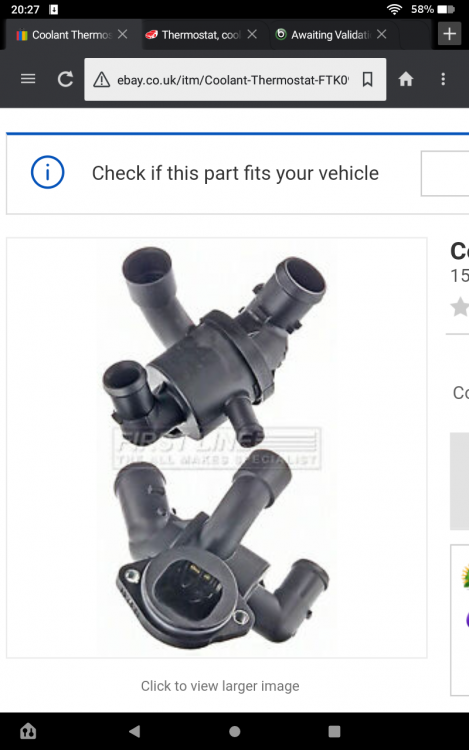
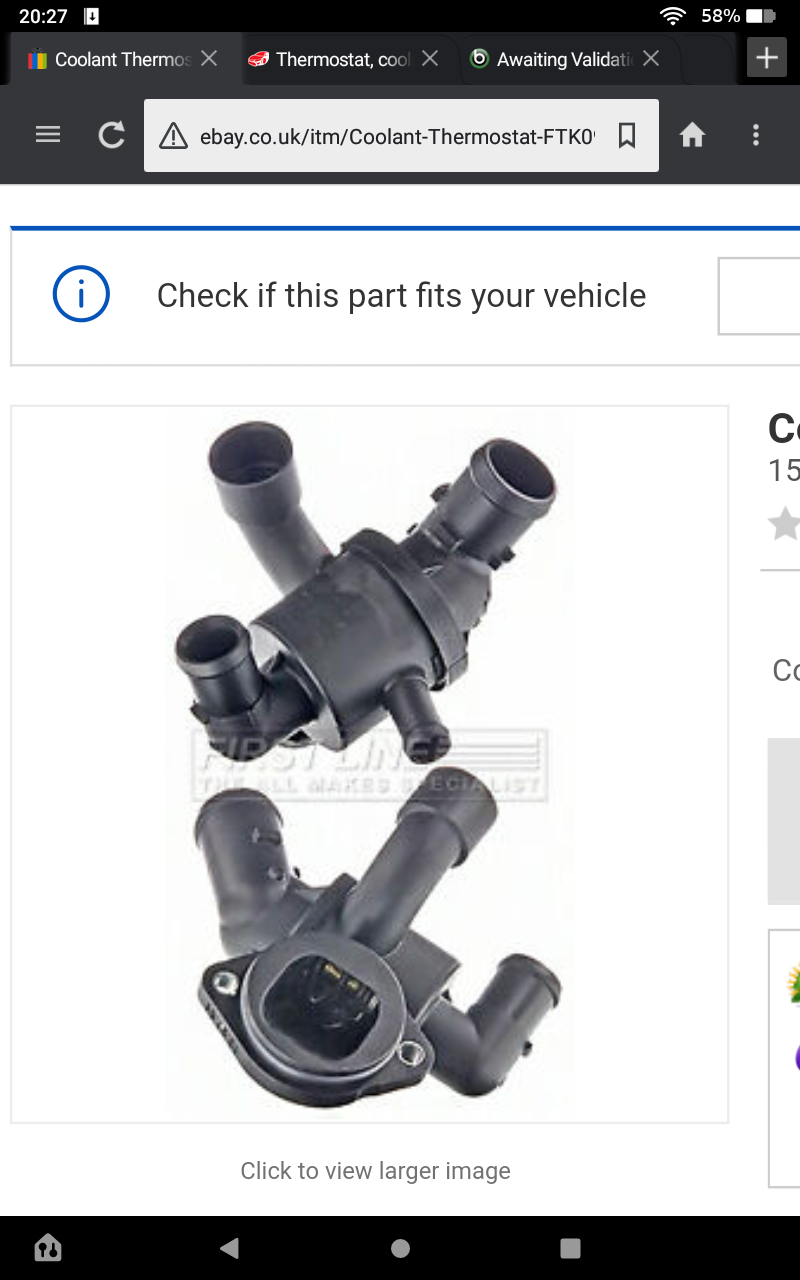
Hi, been reading about temp not getting up correctly on Superb 2.0 Diesel DSG 2011. I've looked on eBay for a DSG thermostat, tried to confirm with supplier what type I need and am being told I need the following part ( please see image), is my car fitted with a combination thermostat set up or has it got a separate DSG one? Any help and part numbers would really be appreciated Thanks for any forthcoming help