Cobbers
New here
-
Joined
-
Last visited
-
I have messed around with the bonnet catch and all is good 👍 Im new to all this car fiddling millark so didn’t even think something so small could be the issue. Cheers guys 👍 Appreciate it.
-
The bonnet catch is the one that came with the new bonnet and now that you mention it, it is harder to close than the original. I will have a play around with that tomorrow and have a look at the crash beam. Thanks guys 🤞
-
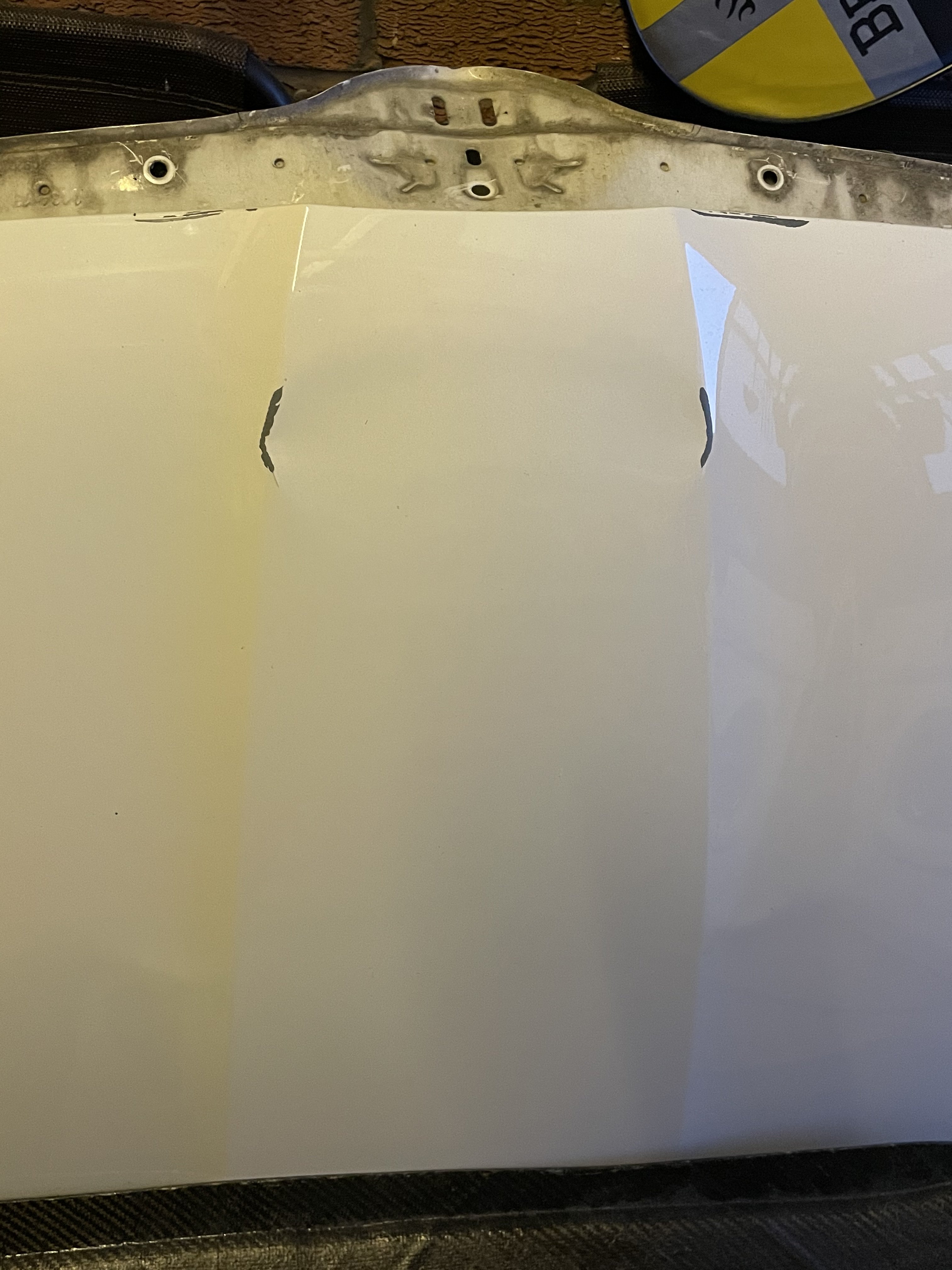
Thanks for that. No the bumper and crash beam were not replaced. Basically i rolled into a wall and my bonnet got stuck under a window sill (stupid i know 🤦♀️) have attached a picture of the damage. As far as I thought the bonnet was the only thing damaged?
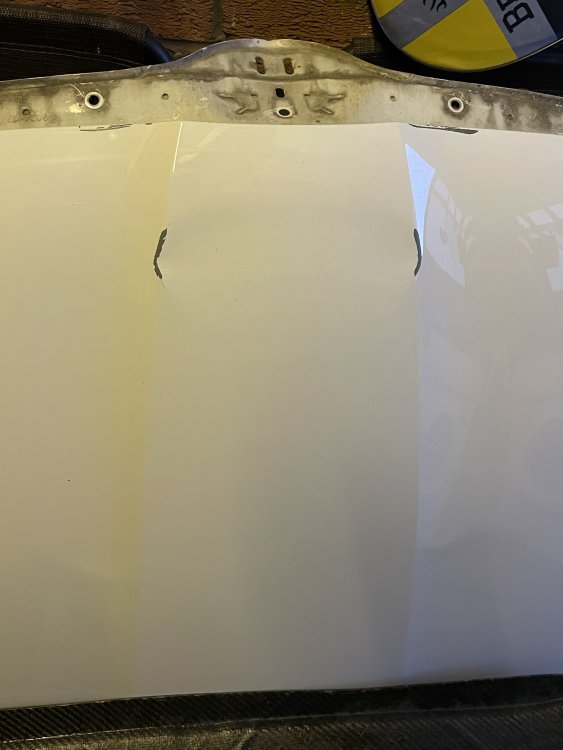
-
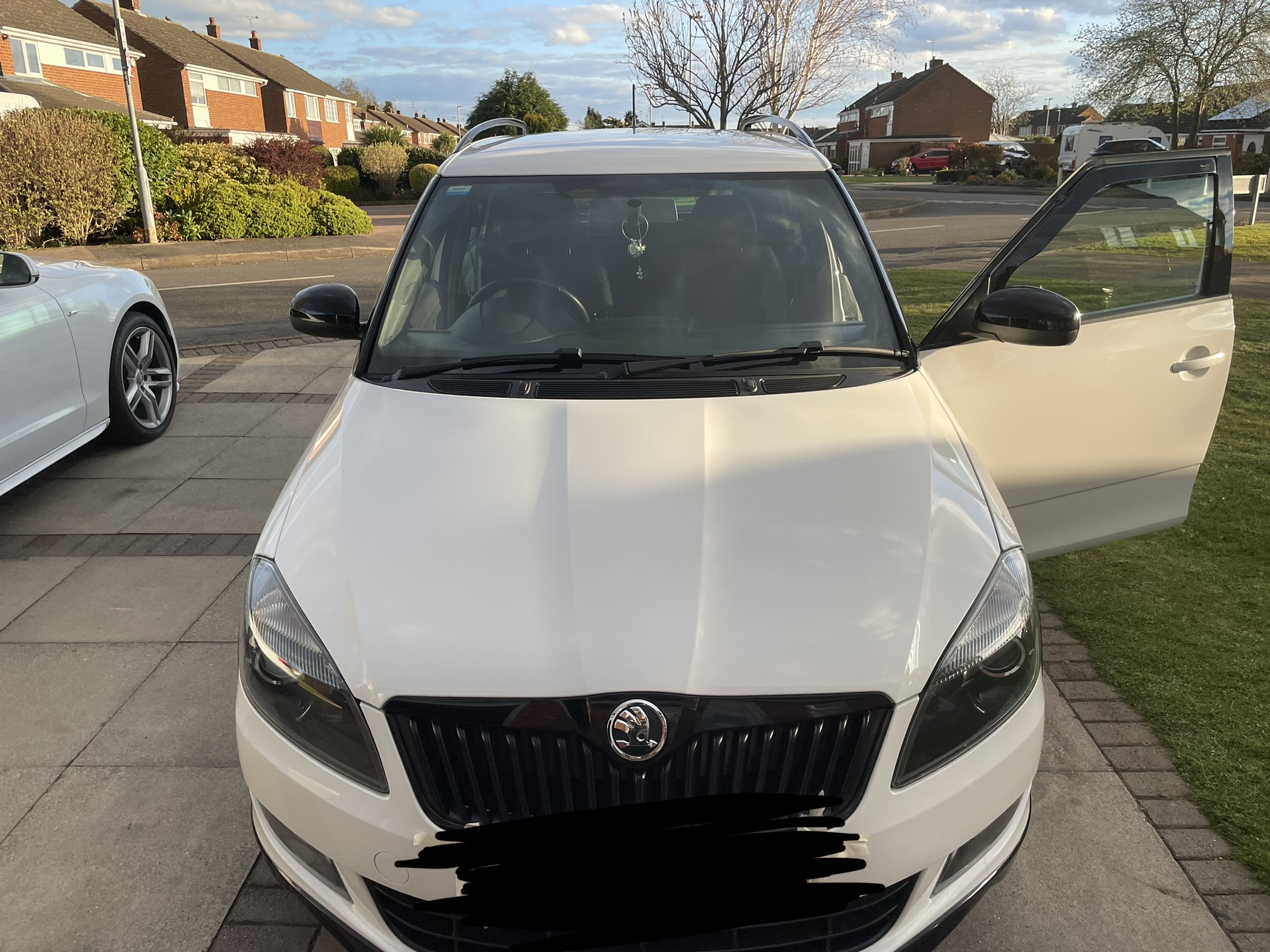
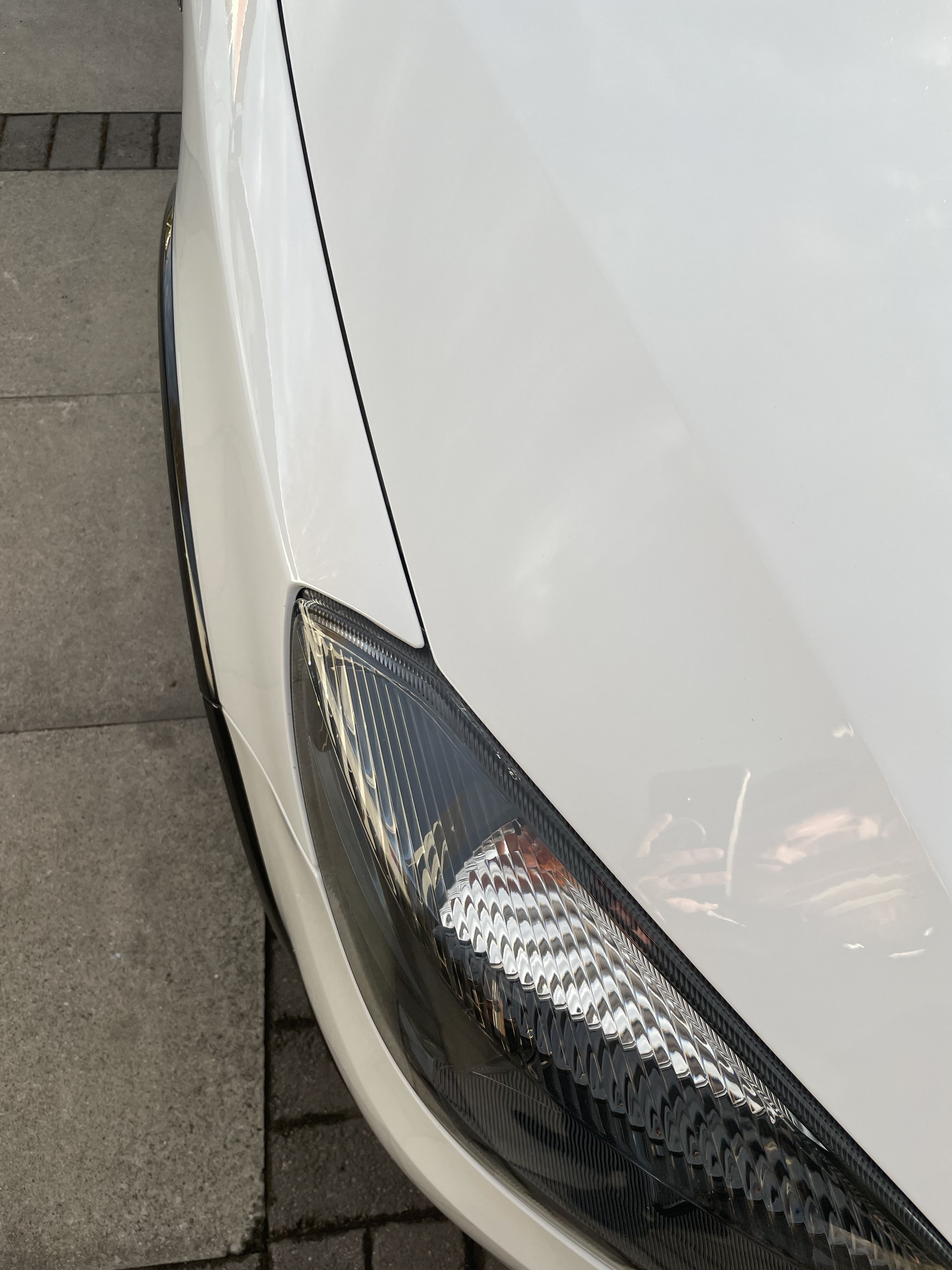
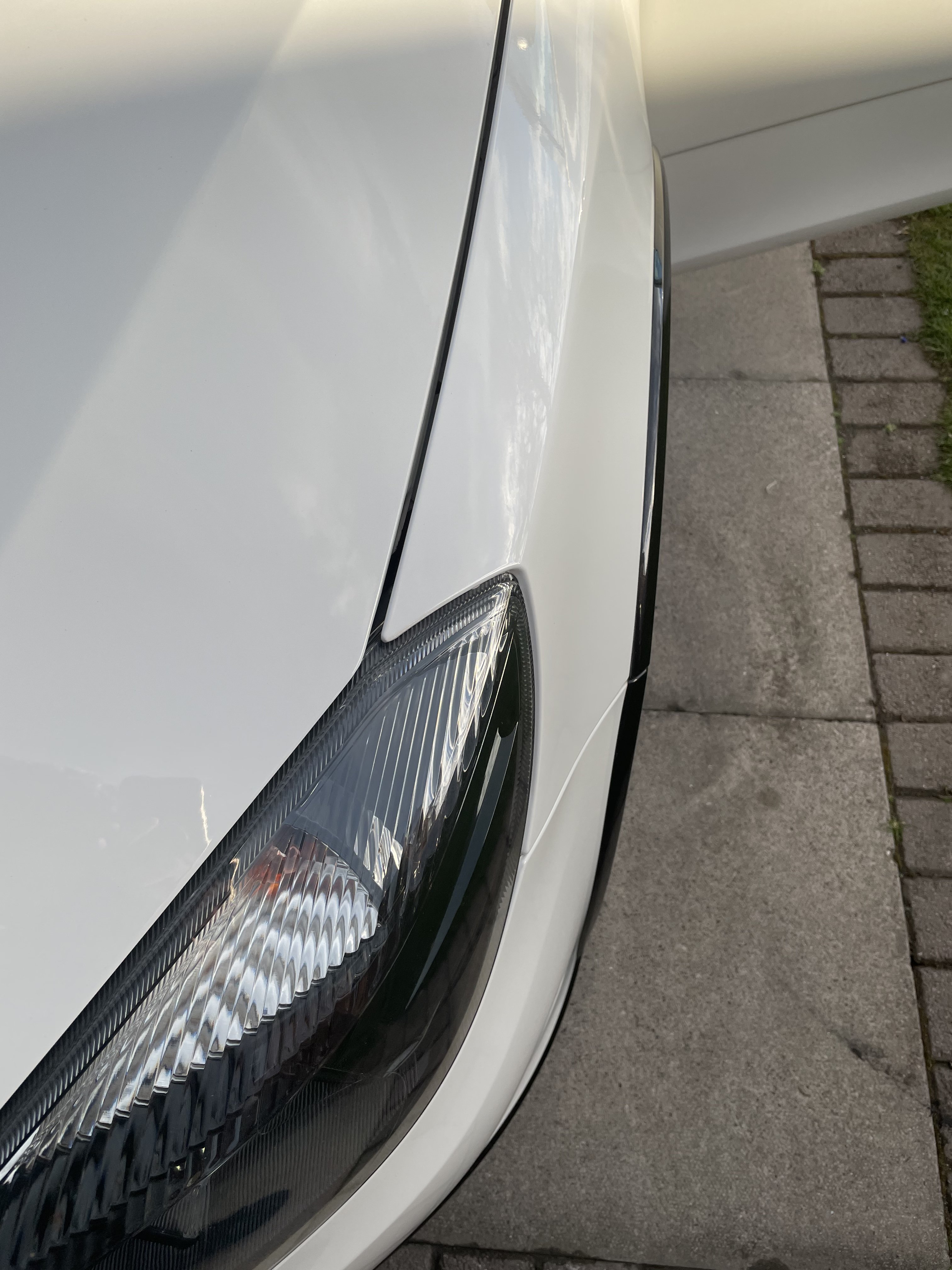
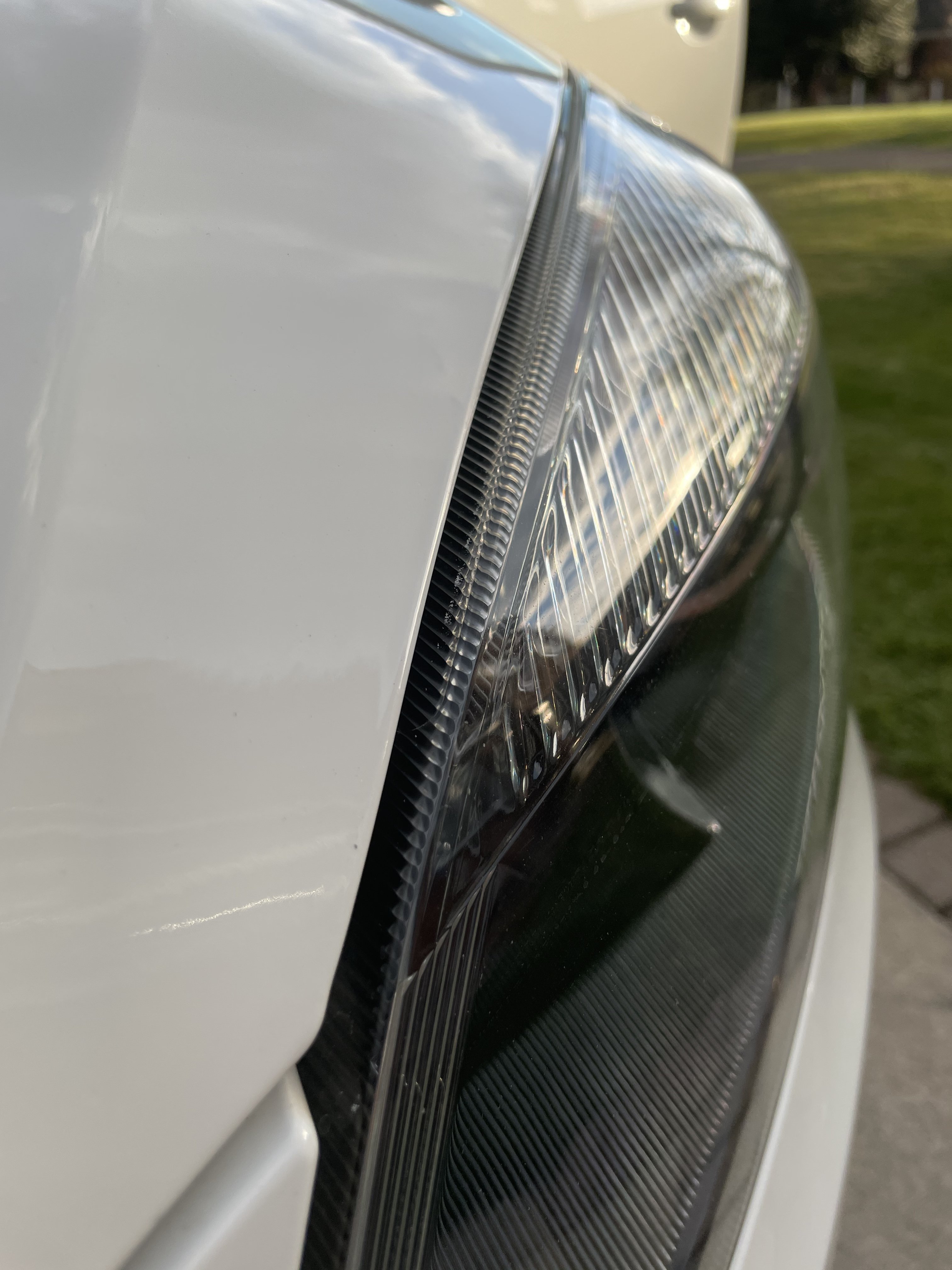
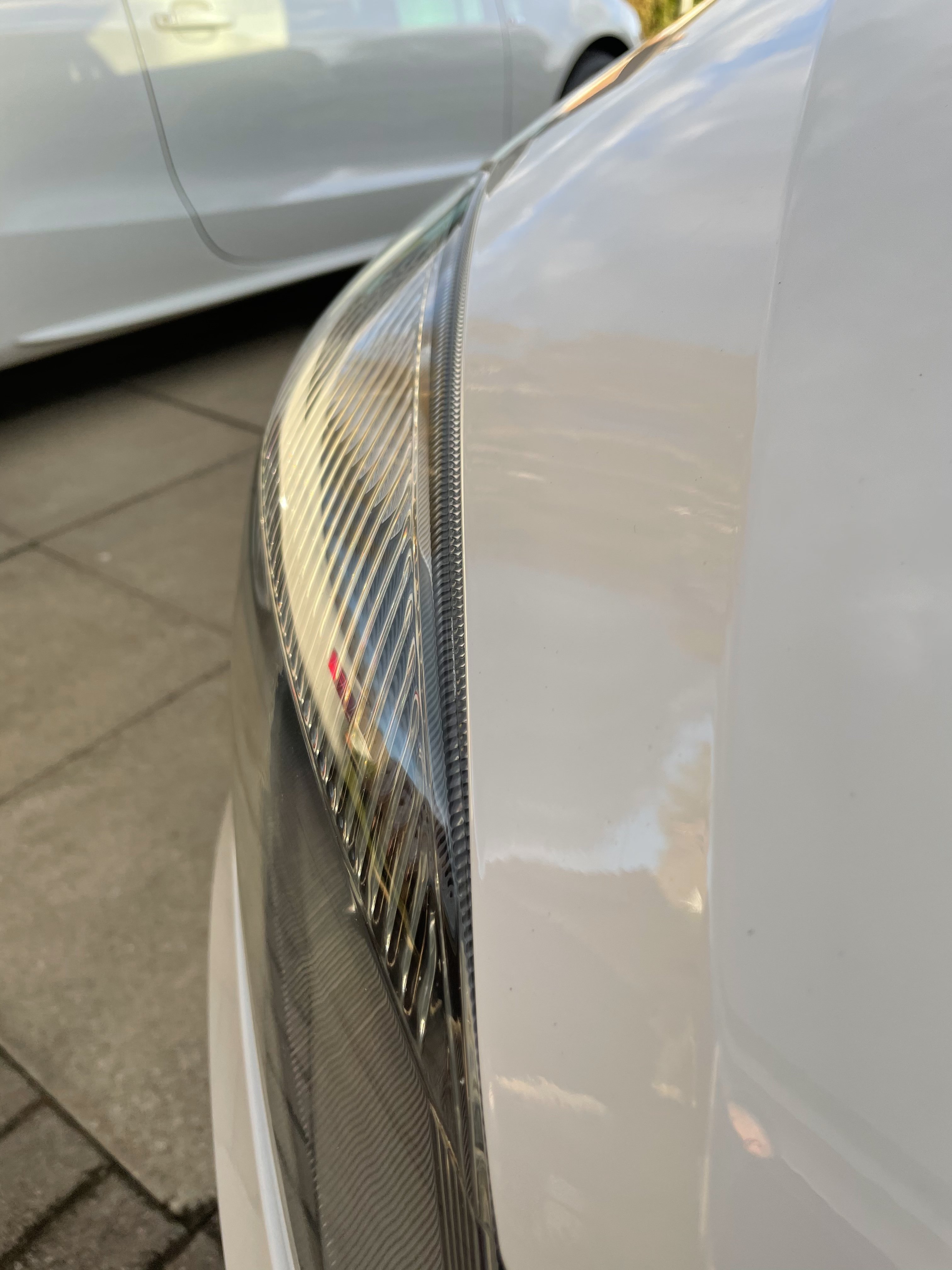
Hey guys, I recently replaced my bonnet after a little accident. After replacing it I can’t get it to sit right. I have adjusted every which way at the hinge points and the 4 rubber bungs but still no joy. It sits too far to the drivers side and very close to the headlight whereas the passenger side has a massive gap, too far back and lower than the headlight. I have attached some picture. Has anyone got any recommendations on how to remedy this issue? Its really getting to me now 😂 Thanks
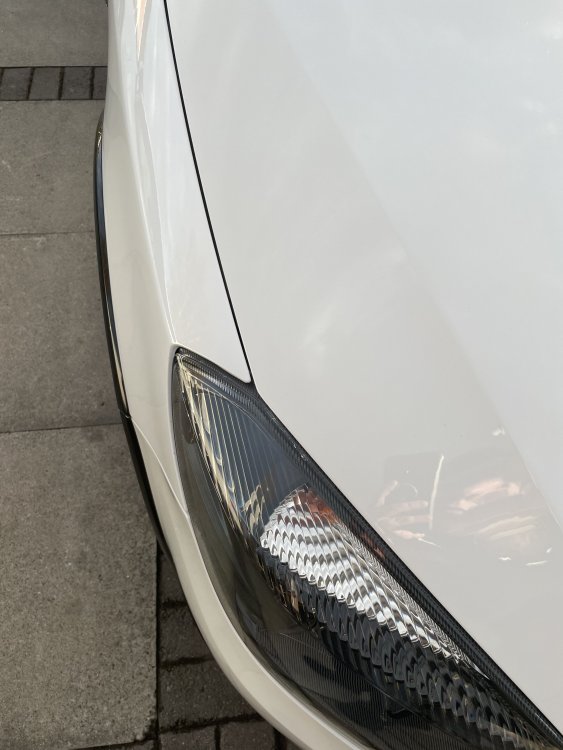
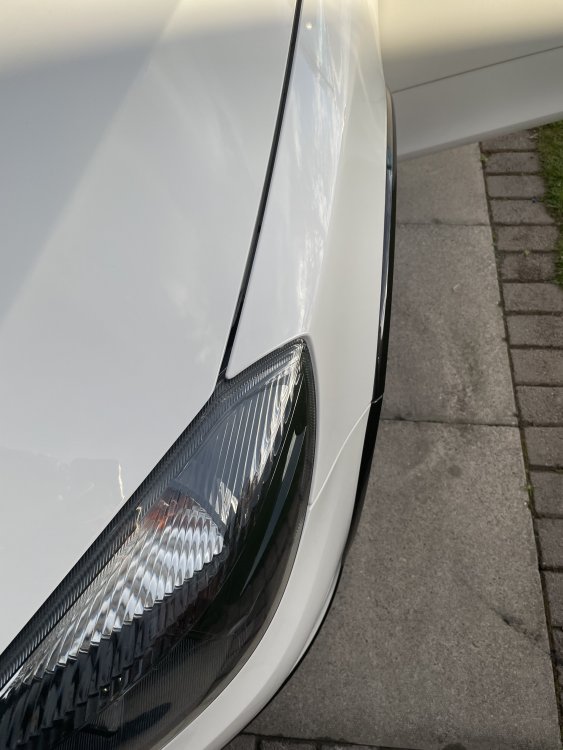
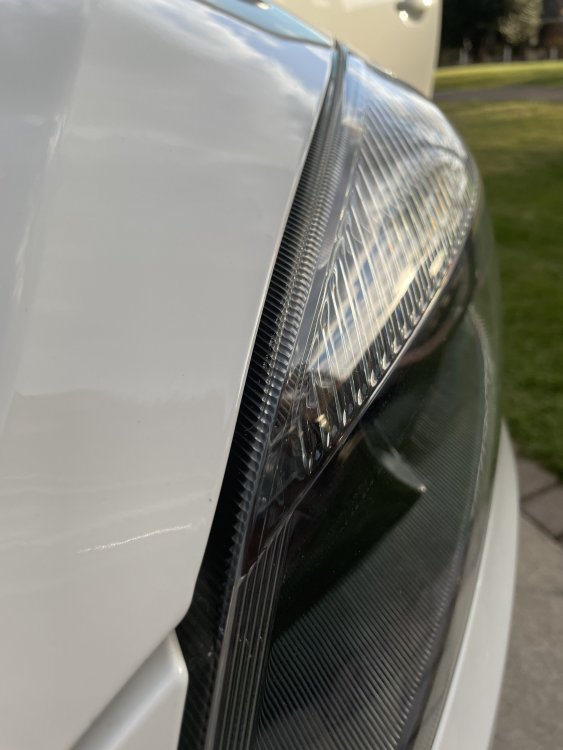
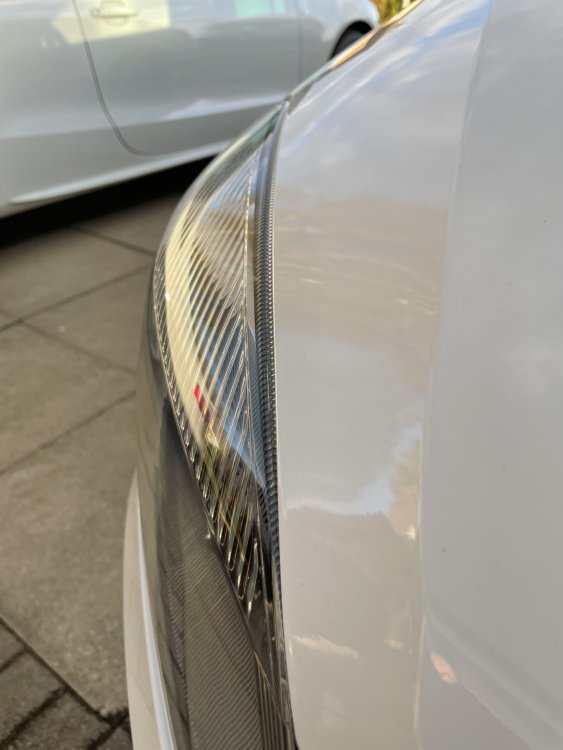
-
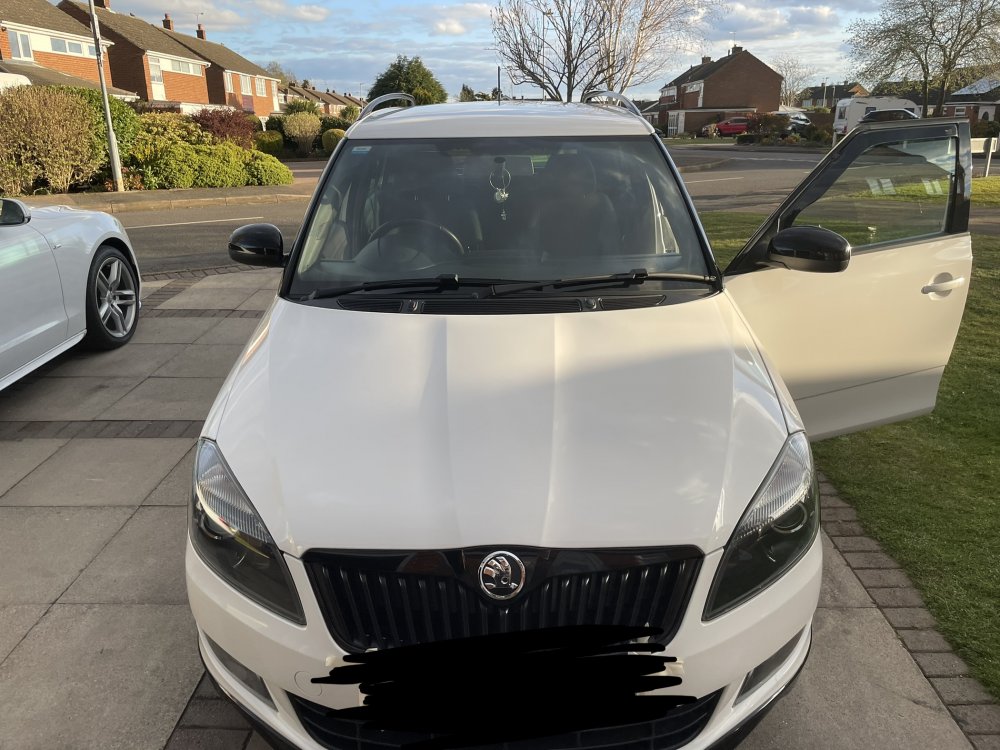
Hi guys, im in need of a bonnet for my 2013 white Monte Carlo estate. I have had a look on ebay and struggling to find anything. Can you guys tell me weather the pre face lift models have the same bonnet? Or if the standard fabia’s post facelift will fit the Monte Carlo Estate? I have googled it and can’t find an answer. Trying to widen my options! Thanks