TImoHesk
New here
-
Joined
-
Last visited
-
Anthls, I now the temperature issue is not a skoda thing. First idea was the otterbox case but even without it is doing the same. So thats why I have the cable and that works fine. The spotify issue you are talking about i did not had but when stay on the Spotify page it is getting behind as well. Sound is good thought. It almost looks like a refresh rate issue but both Apple and skoda says there is no issue. I get used to do workarounds (not only in my car) but this one can cost me some money as the speed cameras are not coming in correctly. Also I found out that when having a phonecall via carplay the sound notifications are very far away so you don't hear them. Did not find yet how to solve this but it is pretty annoying.
-
Small bump
-
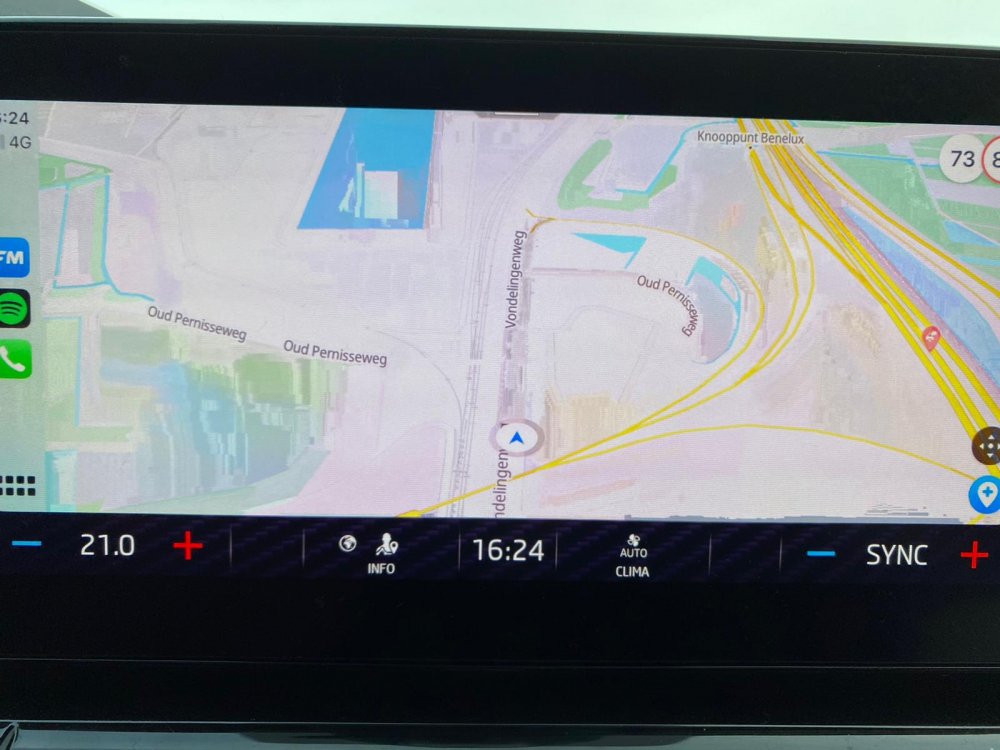
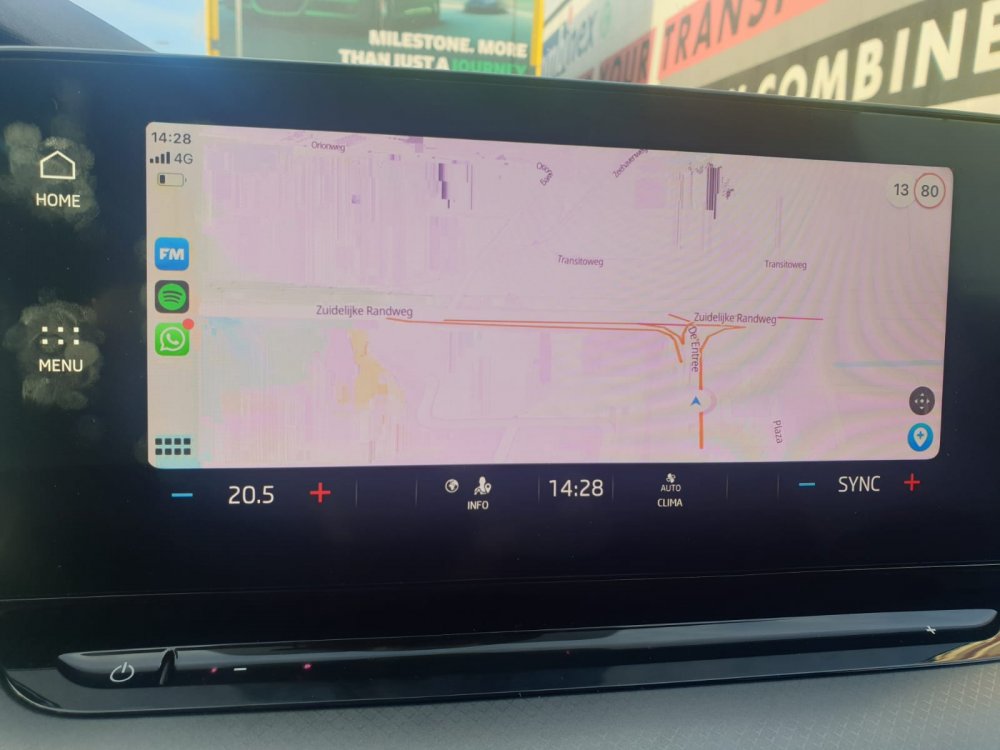
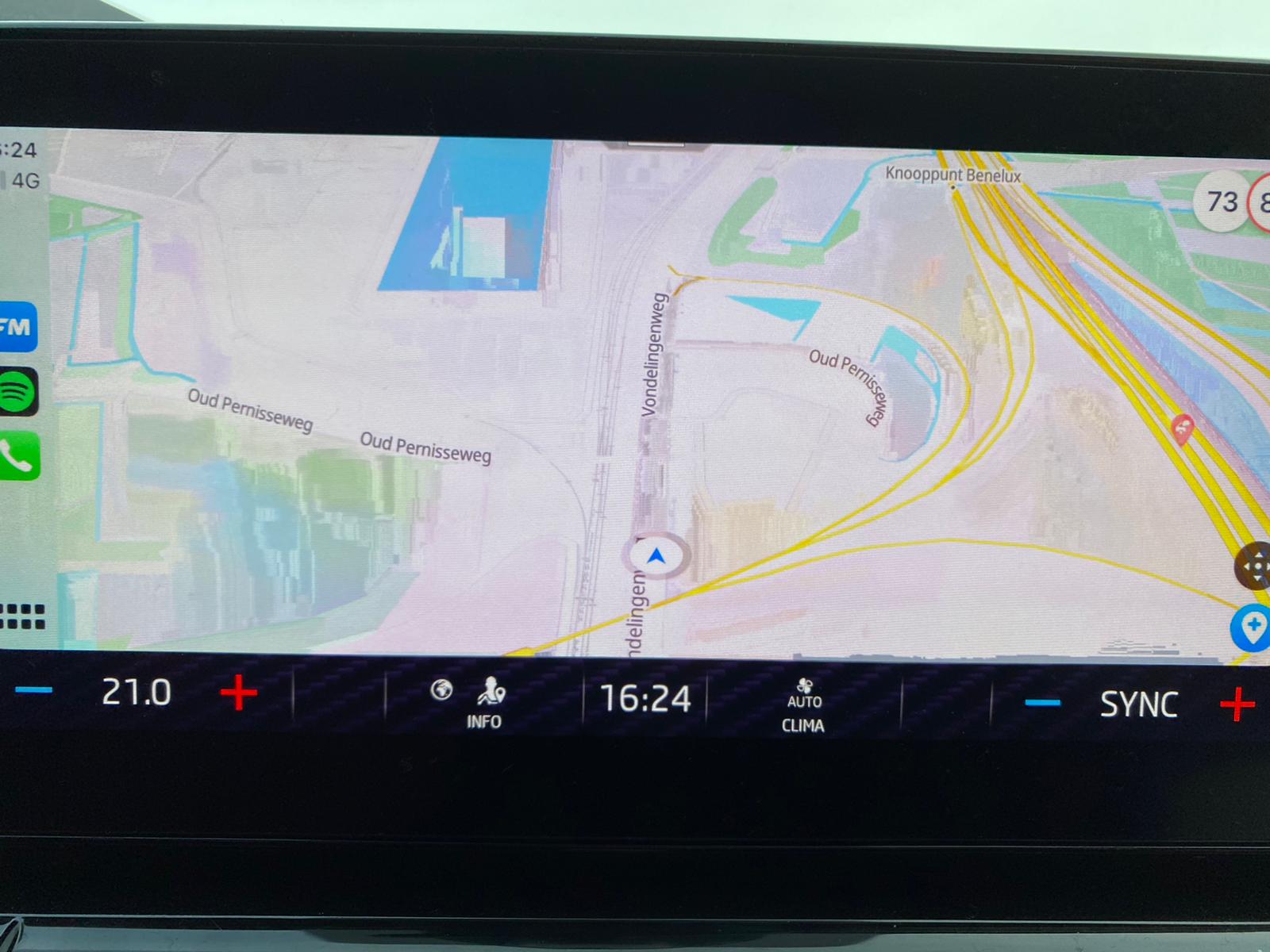
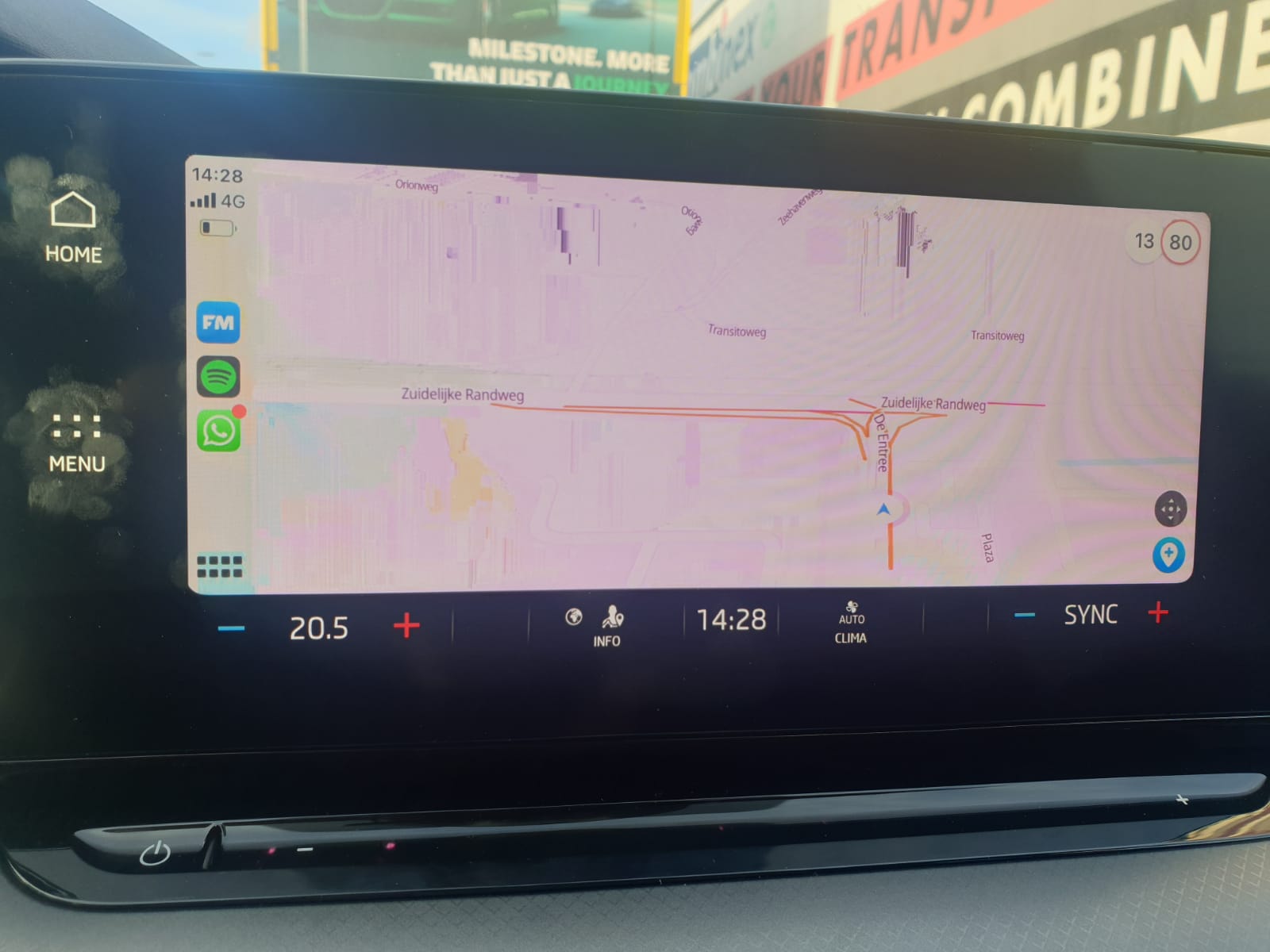
Good day, I'm now driving a new octavia combi mk IV for 1.5 month now. The car is great and drives amazing. However there is 1 issue that is a pain in the ass and i'm not able to solve this. Also my co workers who have the same car are facing the same issue. As a company phone we have Iphone (some still the 6s and others the SE 2nd gen, but same issue happens with iphone 11) So most of us use the Apple carplay function. First I used it wireless but when using the carplay, wireless charge and making a phone call at the same time the iphone was getting really hot and goes into protection mode. So i bought a USB C to Lightning cable and now using carplay via the cable. This works but for some reason when you select carplay and start Flitsmeister for example it works for a few minutes and then it is delayed and then it becomes slugy and/or becomes double. specially when on a route wil a lot of turns it starts faster. to solve this i need to go out of the carplay (for example to radio or navigation) and then go back to carplay. then it works for a view minutes and again the issue starts. Also have seen this with Spotify, phone application and google maps. Called the dealer and they said it is unknown on our side. Checked it out with the Flitsmeister guys and they did not heared about this issue either but forwared it to Apple. The phones are on the latest software version (14.4) and the car shows version 1788. When trying to update the car there is no newer version. removing the phone and setup again it does not solve the issue. One co worker had checked it with Android car and he is not facing this issue. See photo attached. This is still a more or less "good" view but it is getting worse when making turns. A search on google did not give me any answer that solve this issue. Has anybody seen this issue or now how to solve this.