camfran
Finding my way
-
Joined
-
Last visited
-
And if I don't do the error clearing on VCDS or ODBeleven - will error codes pop up when I use the car? Or is it literally just the guys in the service garage who'd be able to see any evidence of the error?
-
Hi @varaderoguy - OK good to know, thanks for the tip. In terms of the battery - if it's well charged do you reckon it's really necessary to hook up to a car battery charger? Guess I'm surprised that the head unit upgrade would require so much juice! Can see the value of better safe than sorry though. And @langers2k - good to know ODBeleven etc. can do it too, thanks!
-
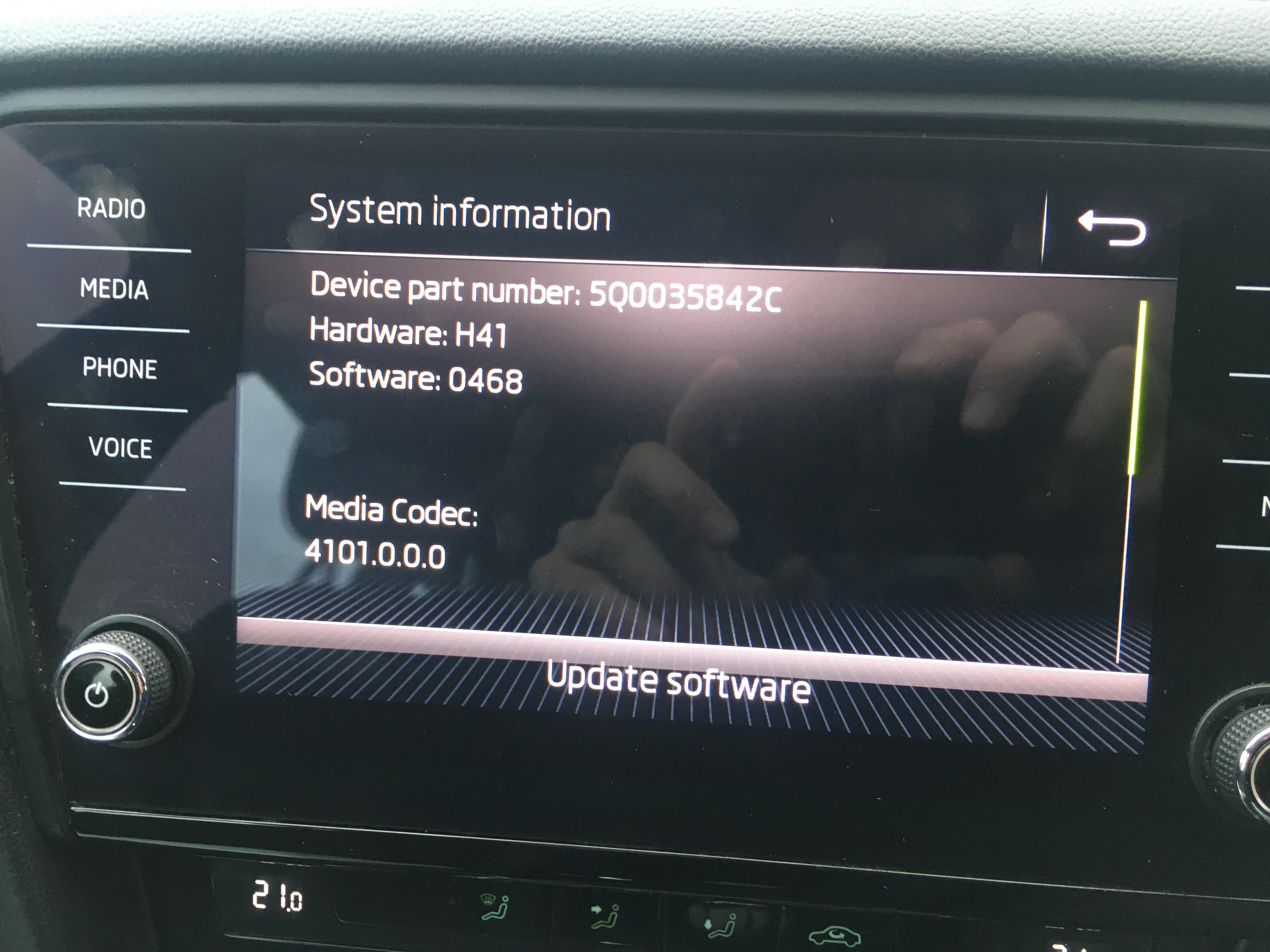
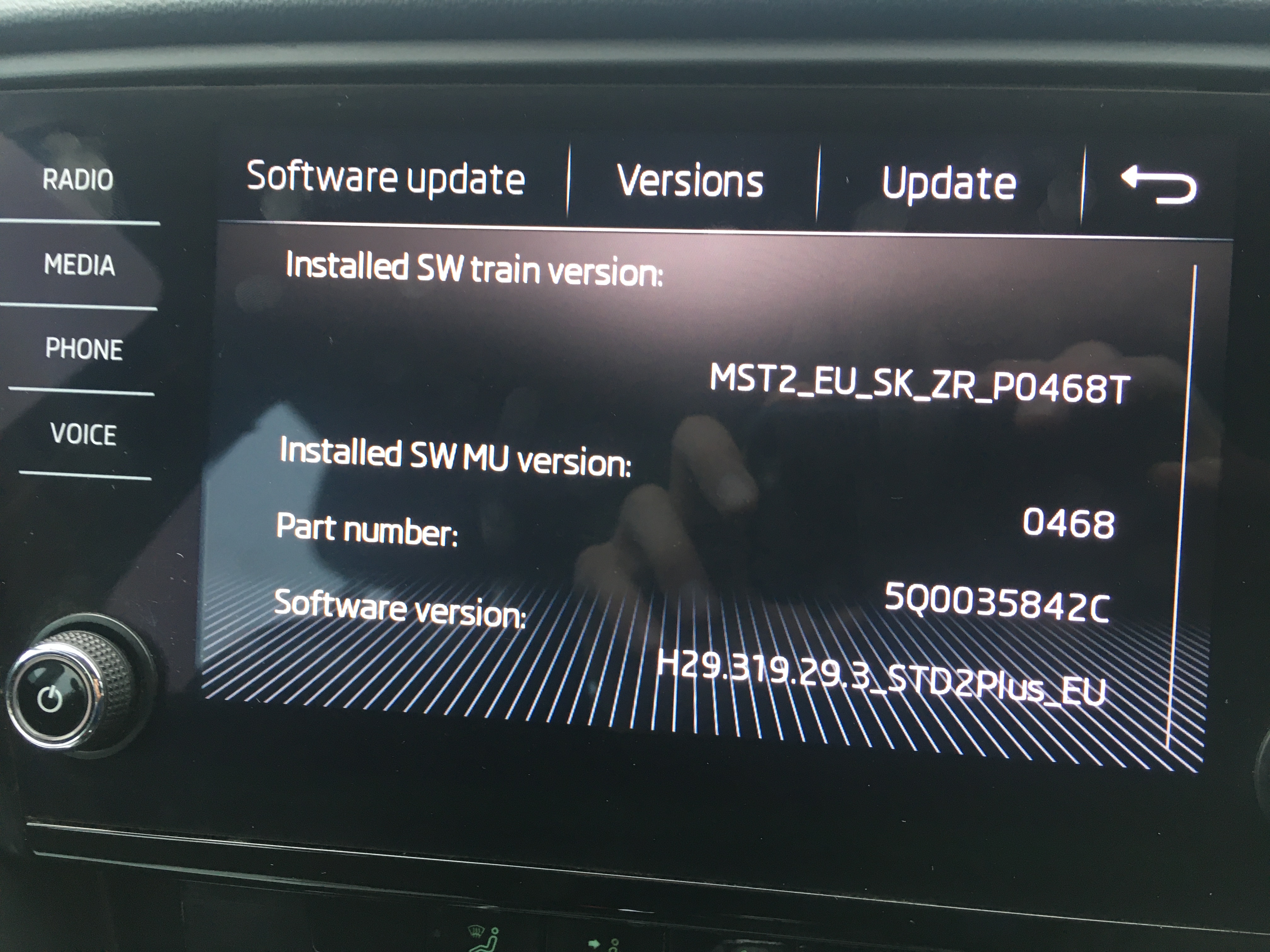
Hi @varaderoguy - thanks for the summary of your upgrading experiences. Am about to do the same to go from 0468 to 0478 to try and fix a CarPlay problem that just arose. Just wondering - after updating the firmware, did you have to use ODBeleven or other to reset a fault on the "Confirmation of installation change" setting? (as Many thanks
-
Hi @FrankNicklin - ah sounds ominous. Phone is an iPhone 6s on iOS 14.4. This is the thread that made me hope that a software update might fix it..
-
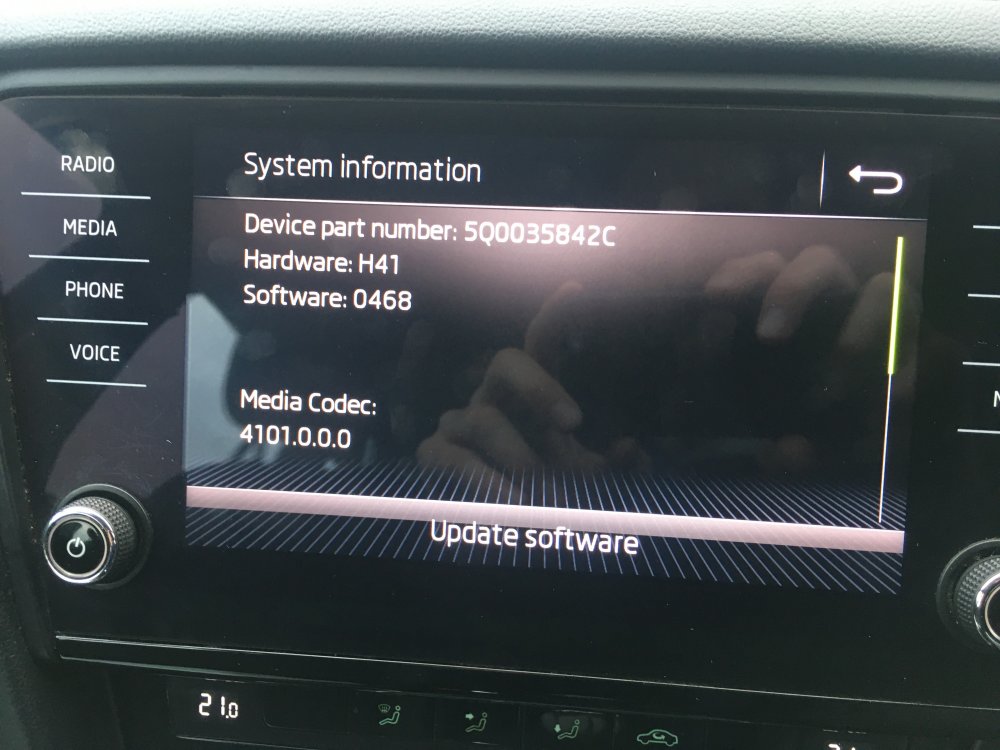
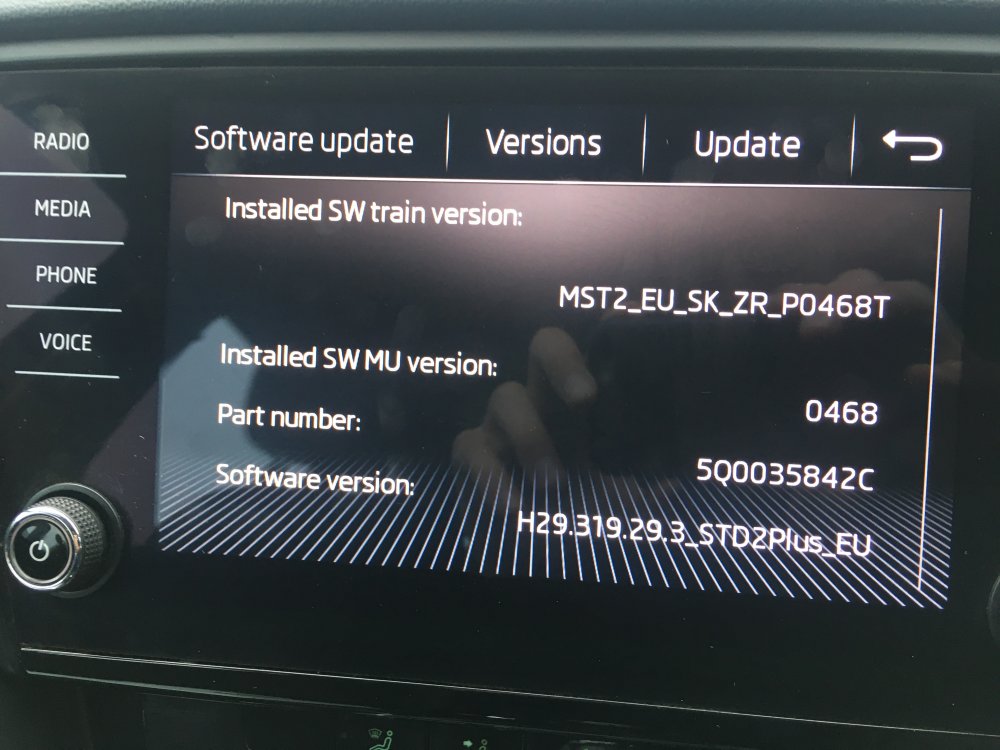
Hi @pab567, I'm hoping you might be able to help. I think I have a Bolero 2 unit on a second hand Octavia III SE 2017 that I bought second hand about 6 weeks ago. I just started having trouble with Carplay/Smartlink (message: "Smartlink connection failed" repeatedly) after several weeks of using it problem-free. I understand that this is likely to be related to the head unit, and have tried resetting it as well as forgetting the car on the phone. I would really appreciate any help in updating the head unit! Many thanks in advance.
-
Had an issue for the first time after 6 weeks of successfully using Carplay with a Bolero 2 on my newish car. Got a 'Smartlink connection failed' message this eve so am looking for a way to update the head unit software.