JJ_AT
New here
-
Joined
-
Last visited
Everything posted by JJ_AT
-
Interesting. There was no code for me. Maybe someone on this forum knows these codes.
-
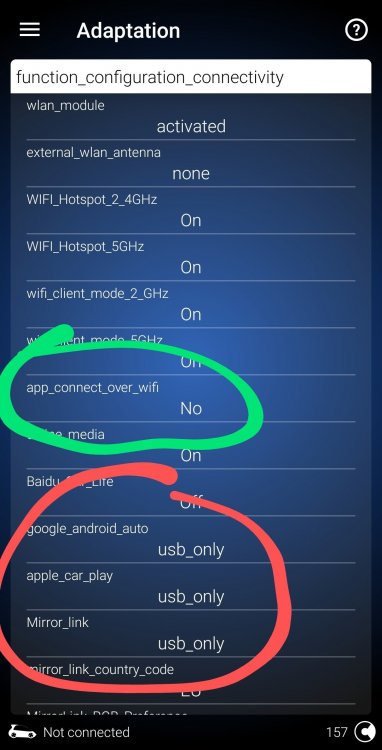
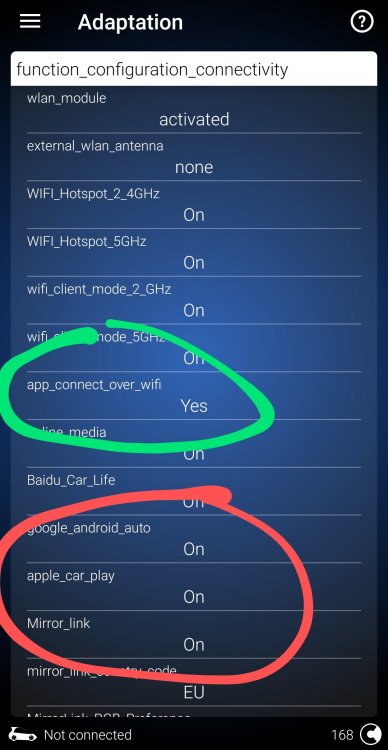
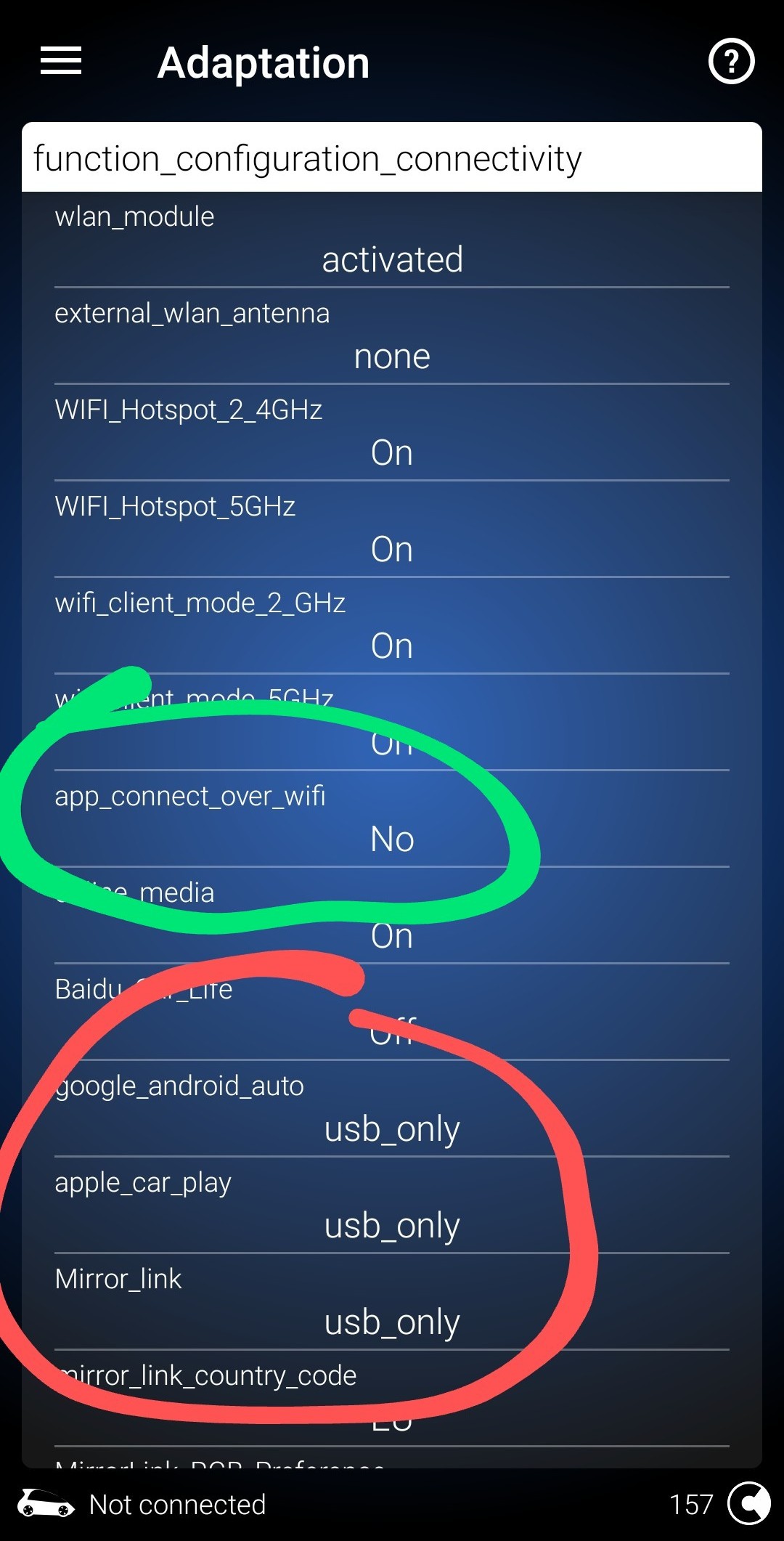
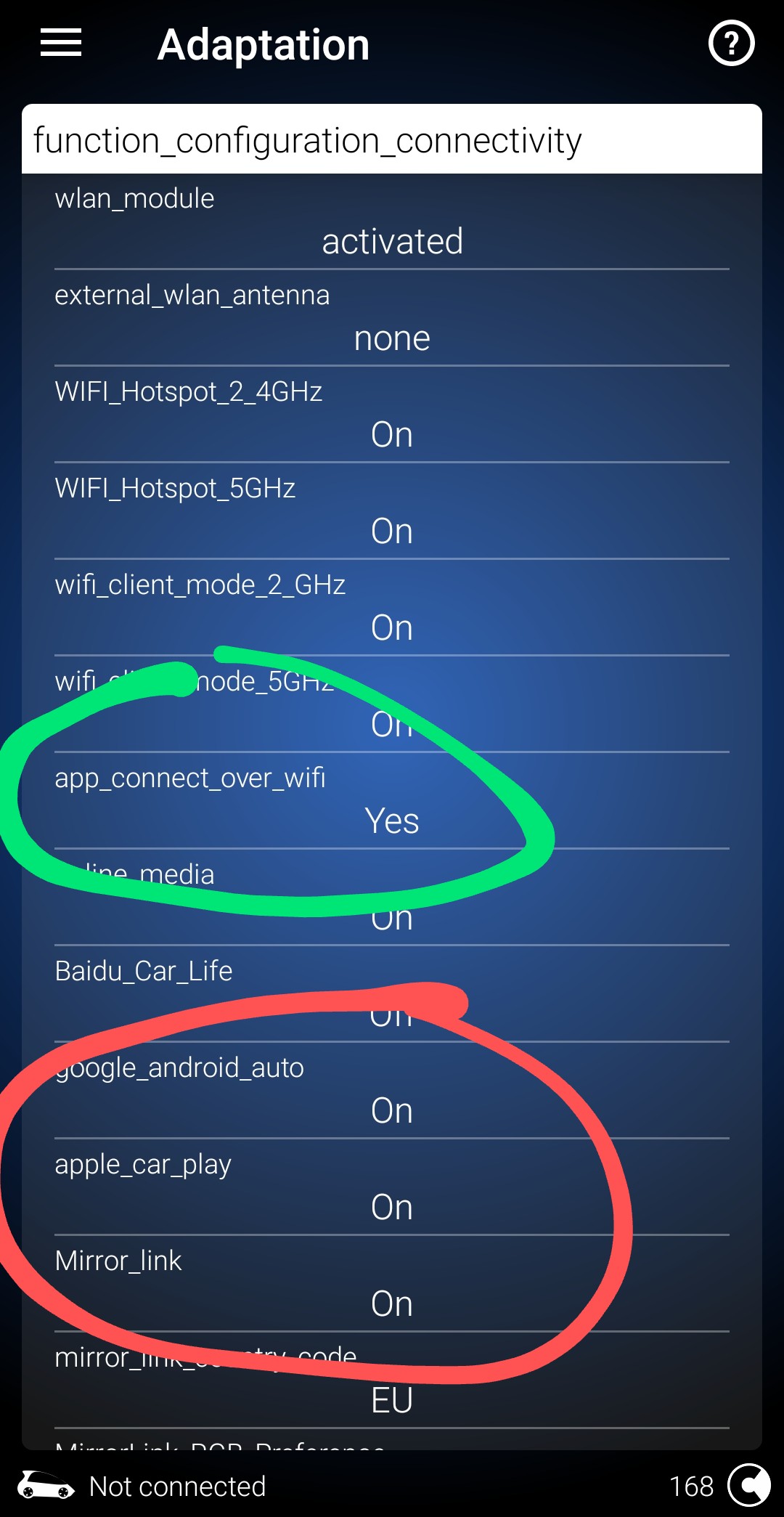
Hello guys! And girls of course I found this forum when I was searching for a solution for the same indentical problem - make Android Auto wireless to work on my new Seat 2020. Yes, you read it right, I have a Seat Ateca 2020, not a Škoda We have a little differenet Infotaiment part/serial number, but I think that A, B, R or Z is not important. Also on Skoda. I found a solution for me and I'm sure that it will work on your Škodas too. Our cars have some settings that prevent Anrdoid auto wireless to work. I don't know why exactly why they set it that way. So... to the solution that worked for me. A changed this four settings with ODBeleven and when I re-added my phote to the Infotaiment, Android Auto wireless magically started to work like it should work already from the beginning. Please see the attached files - before and after. This settings are located in: Control Units ---> Module 5F (Multimedia) --> Adaptation --> function_configuration_connectivity. I hope that this will work also on your "old version" Škodas