Corrosio
New here
-
Joined
-
Last visited
Everything posted by Corrosio
-
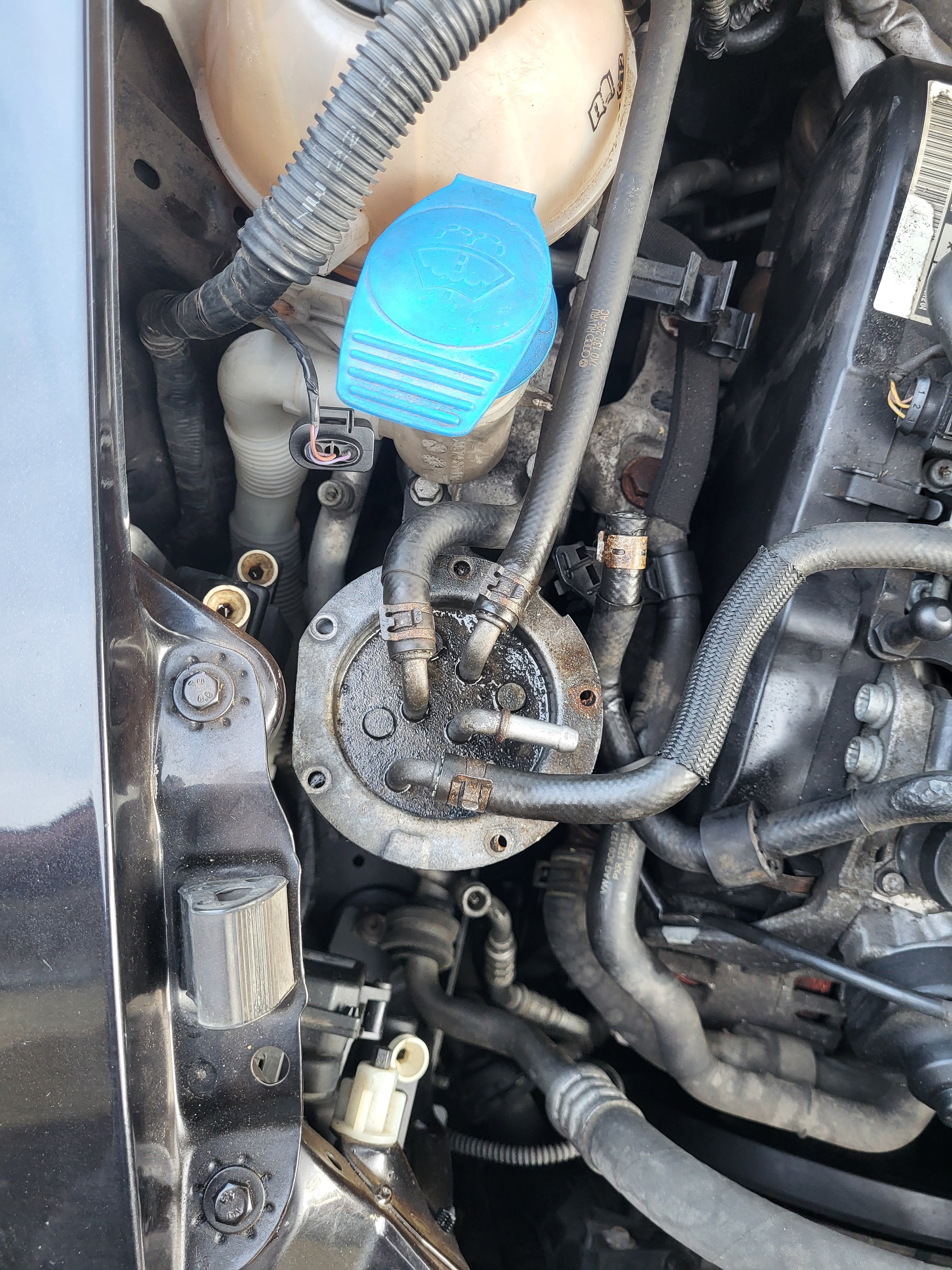
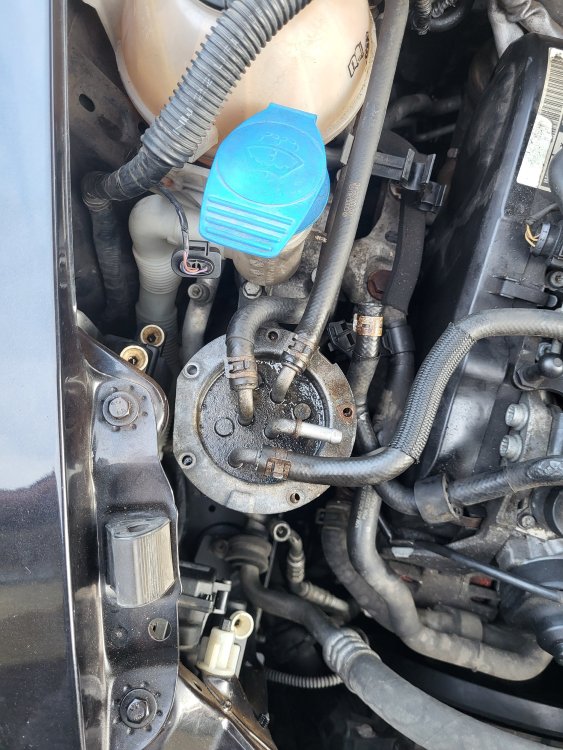
Good day to everyone present. I am assembling the fuel system of a SKODA OCTAVIA II 2.0 TDi RS (common-rail CEGA) manufactured in 2010. Can someone explain to me exactly how the hoses connect from/to the UFI fuel filter housing? Attached is a picture. I believe the hoses are connected in the following order (from left to right): Supply from the fuel tank; Return line back to the tank; (disconnected hose) towards the auxiliary fuel pump V393; Return from the engine? I want to make sure I'm connecting this correctly. Thank you!!!
-
Hello everyone! As a short-term owner of a Škoda Octavia vRS 2.0 TDi Mk-II CEGA, I am interested in how long routes you travel on average between individual regenerations of the dpf filter? I own the car for 7 months. The original dpf filter was no longer in good condition, so I had it replaced by a SKODA repair shop. For the correct function of the dpf filter, I had the condition of the fuel system checked in another car repair shop, where malfunctioning injectors were detected - followed by replacing the injectors with new ones.Furthermore, in this car repair shop, the original software was loaded in front of the "diesel gate". Other minor shortcomings were revealed, such as unstable (fluctuating) pressure in the fuel system due to a poor DRV valve and fuel rail pressure regulator. The average distance traveled with this new dpf filter from one dpf regeneration to another dpf regeneration is approximately 350 km to 400 km (218 miles - 249 miles). The car runs in combined city / highway traffic. Is this distance between dpf regenerations OK? How far will you travel between the individual regenerations of the dpf filter?