JohnTeroo
Finding my way
-
Joined
-
Last visited
Everything posted by JohnTeroo
-
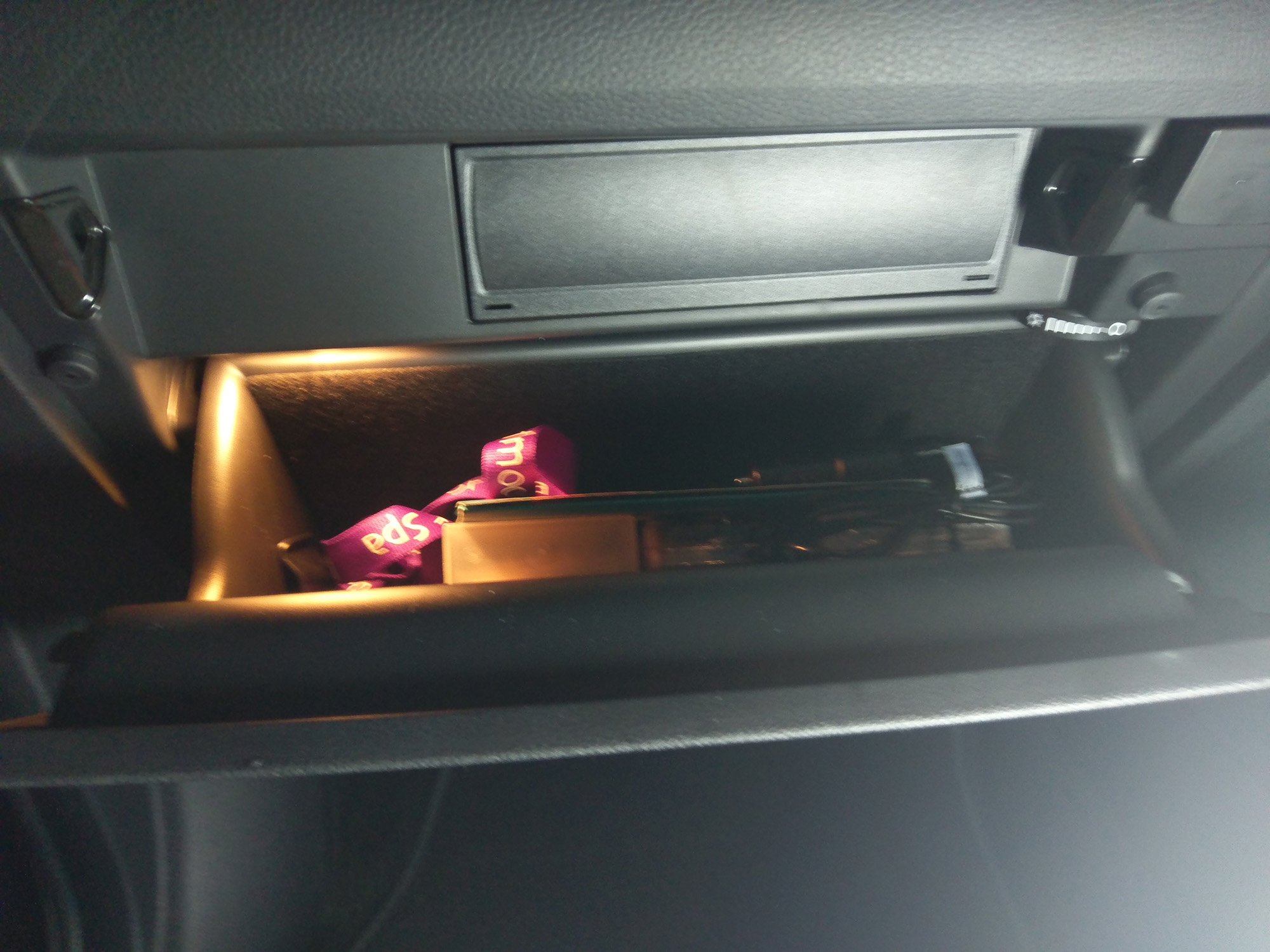
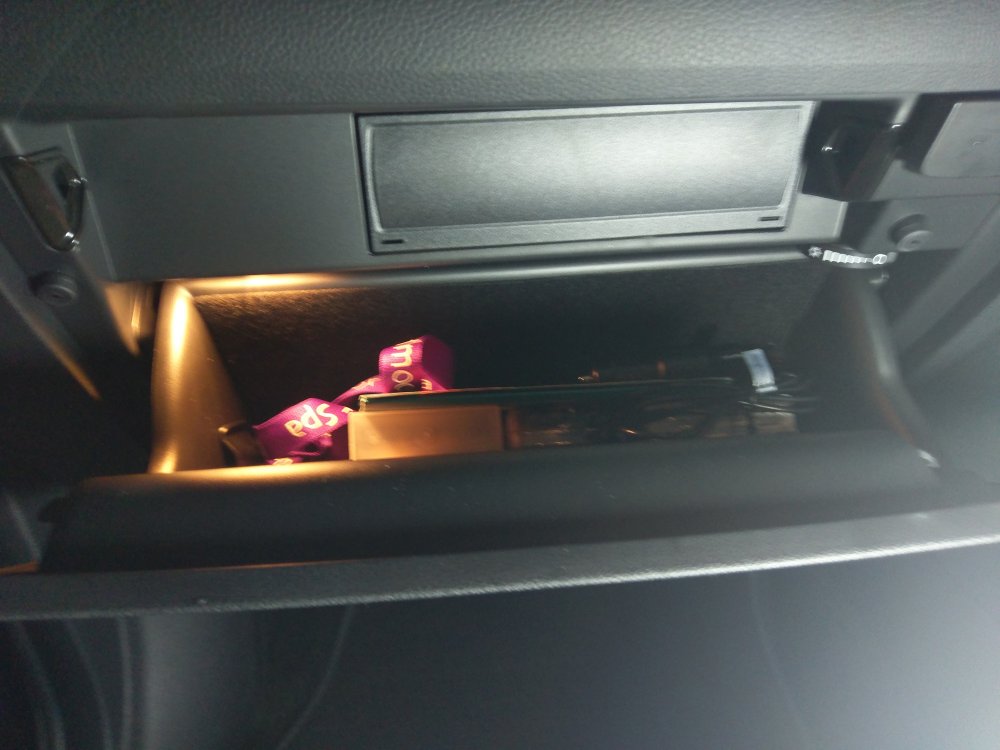
Hello, thanks for the reply. Our Octavia had exactly what you describe, this Kodiaq just has a blanking plate.
-
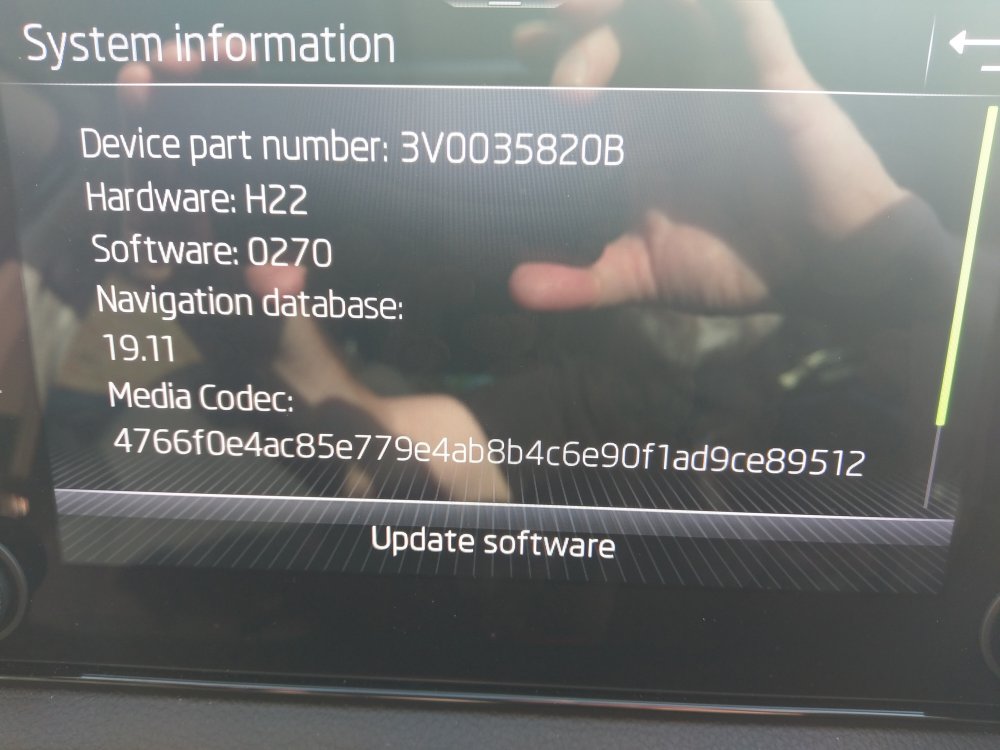
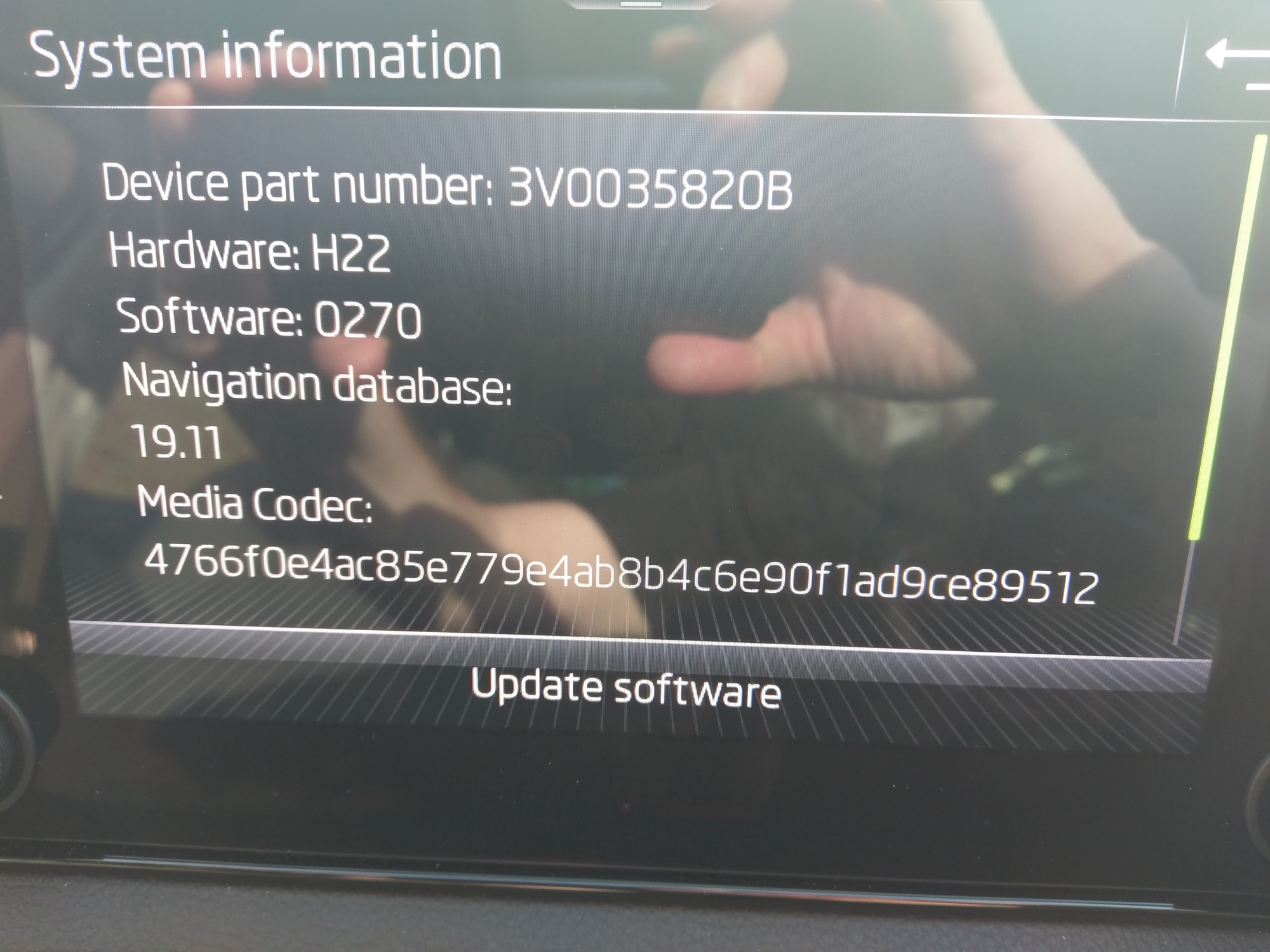
The Skoda dealer today said that my head unit is Bolero. A thread I found on here, showing a system information screen with exactly the same details as mine, identified it as Amundsen. Also NAV button in top right. I am really confused with this. My system information screen describes a Navigation Database - 19.11, surely this indicates that there is some navigation capability in the unit? I would be really grateful of any help in enabling this NAV feature.
-
Thanks, but as I explained in my first post I already have AA working.
-
I went to my Skoda dealer today - £1100 to supply and fit a Blaupunkt navigation kit
-
Hello, we already have Google maps working via Android Auto. My wife is used to the Skoda navigation we had with the Octavia, which is why I want to enable it in this Kodiaq.
-
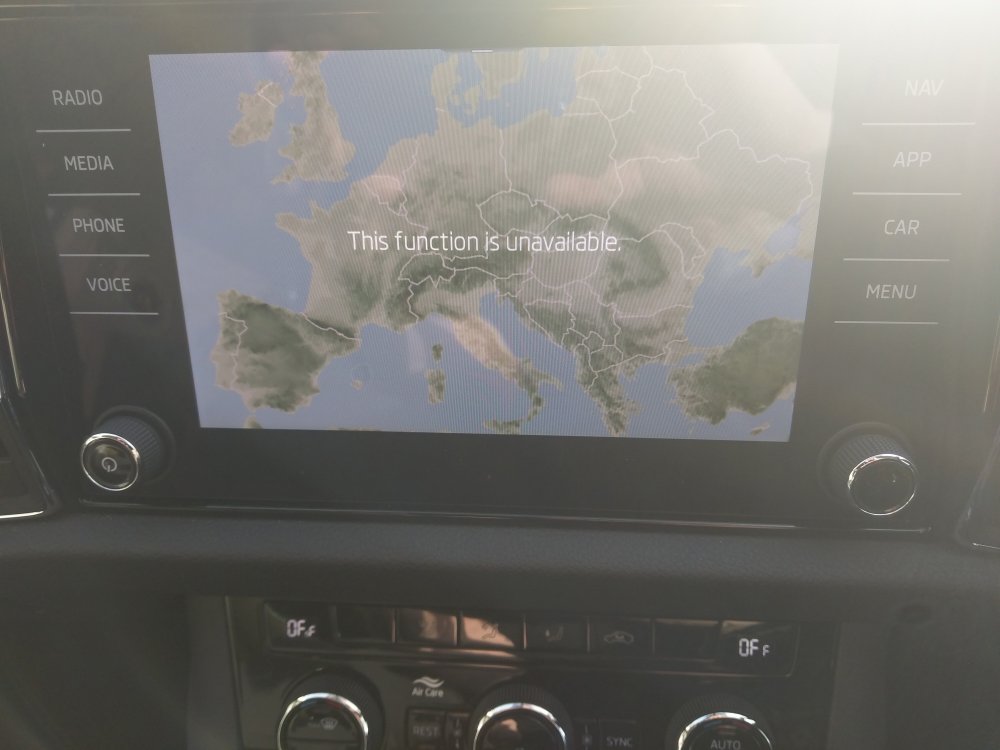
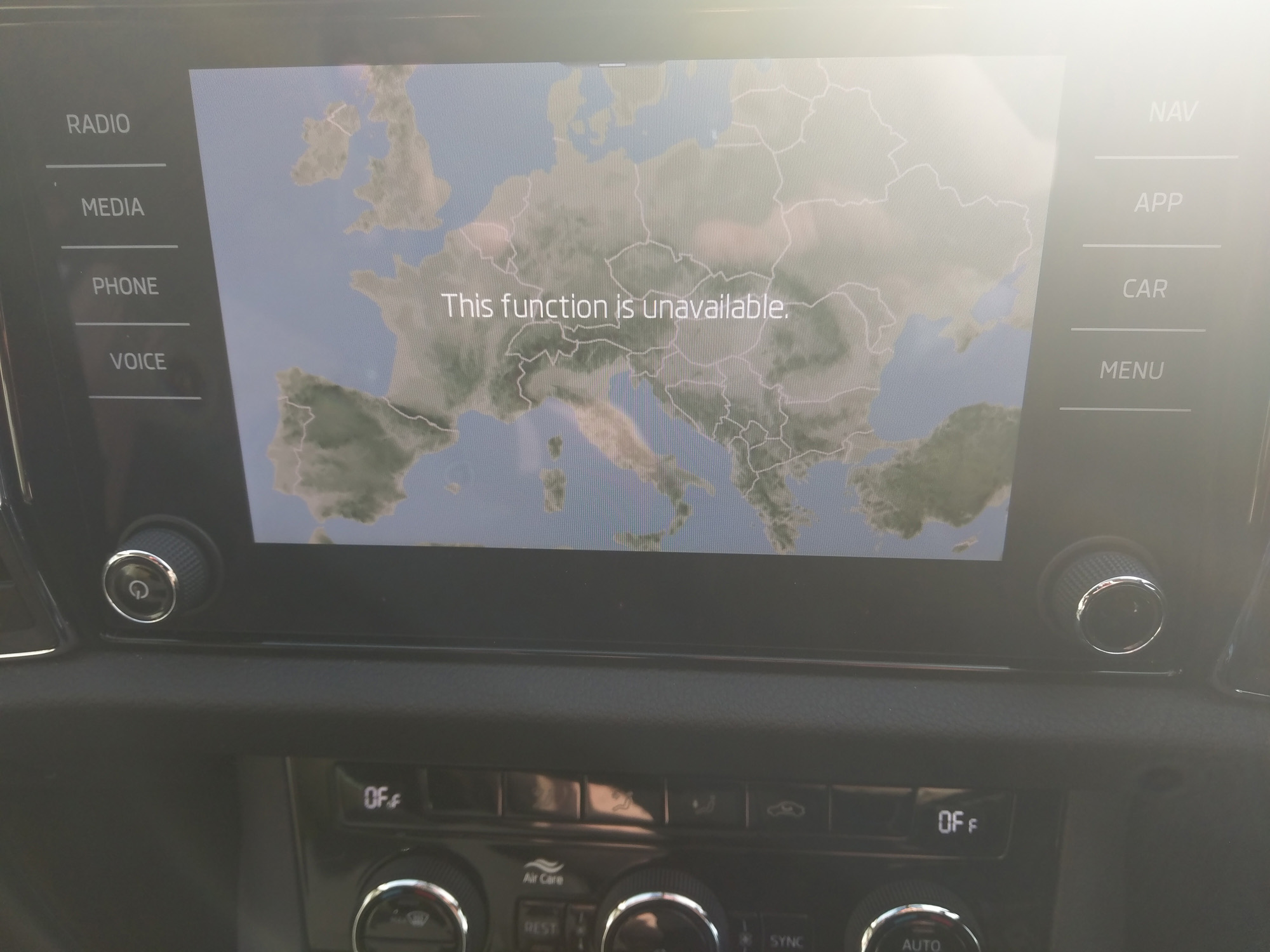
Hello all, First post and I feel a bit stupid already. We just bought a 7 seat Kodiaq SE 1.5 TSI DSG from a main dealer. We traded in a 2014 Octavia. On the test drive we didn't try NAV on the head unit, we just assumed it was there. Our Octavia had it. Now, after buying it, we realise it doesn't have it. Nor does it have any SD card slots in the glove box. Android Auto is fine by me but it is a bit flaky and my wife isn't blessed with patience with technology. I think we have an Amundsen head unit, see attached. Also attached a photo of what we see when we press the NAV button. So, my question is, is it possible to add NAV? If so what is involved in doing it? Many thanks in advance John