Christo79
Finding my way
-
Joined
-
Last visited
-
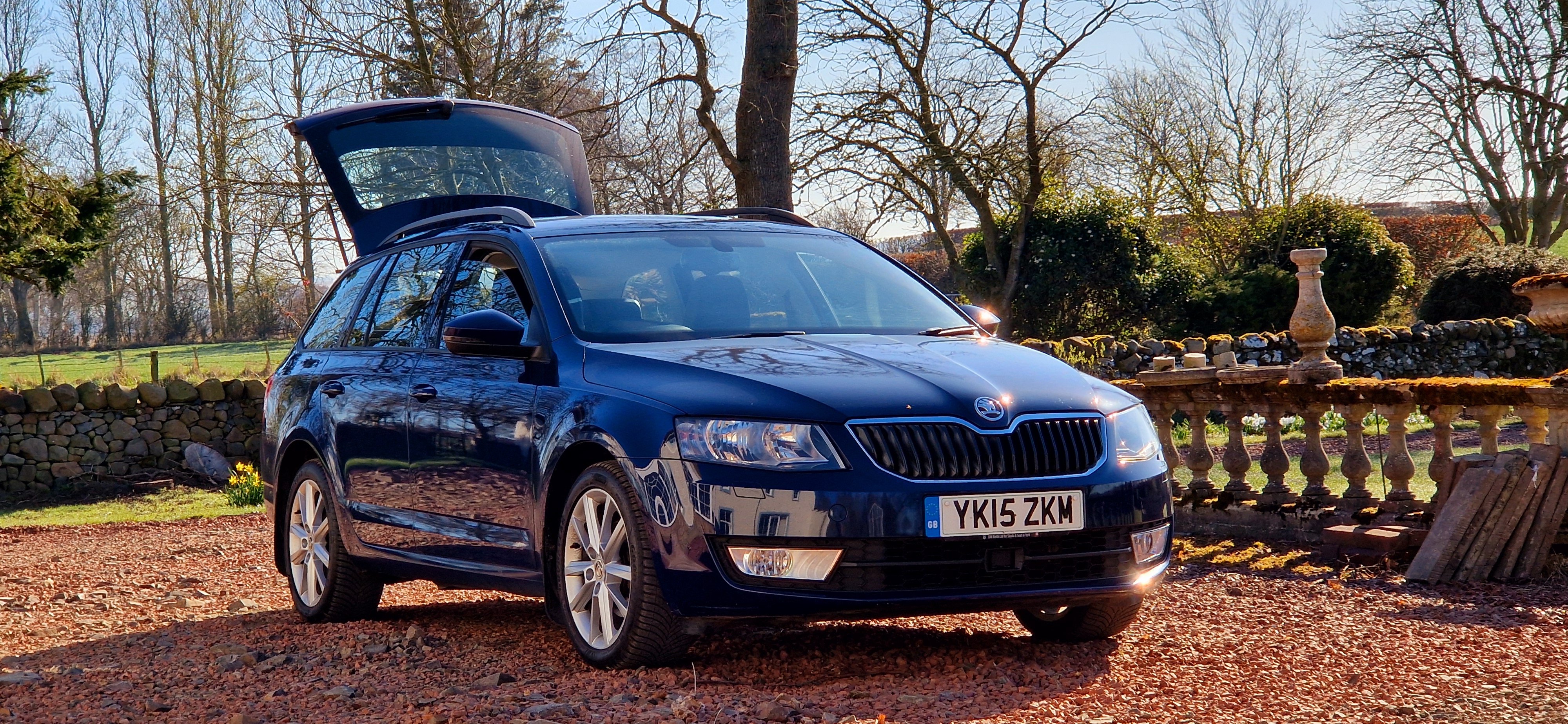
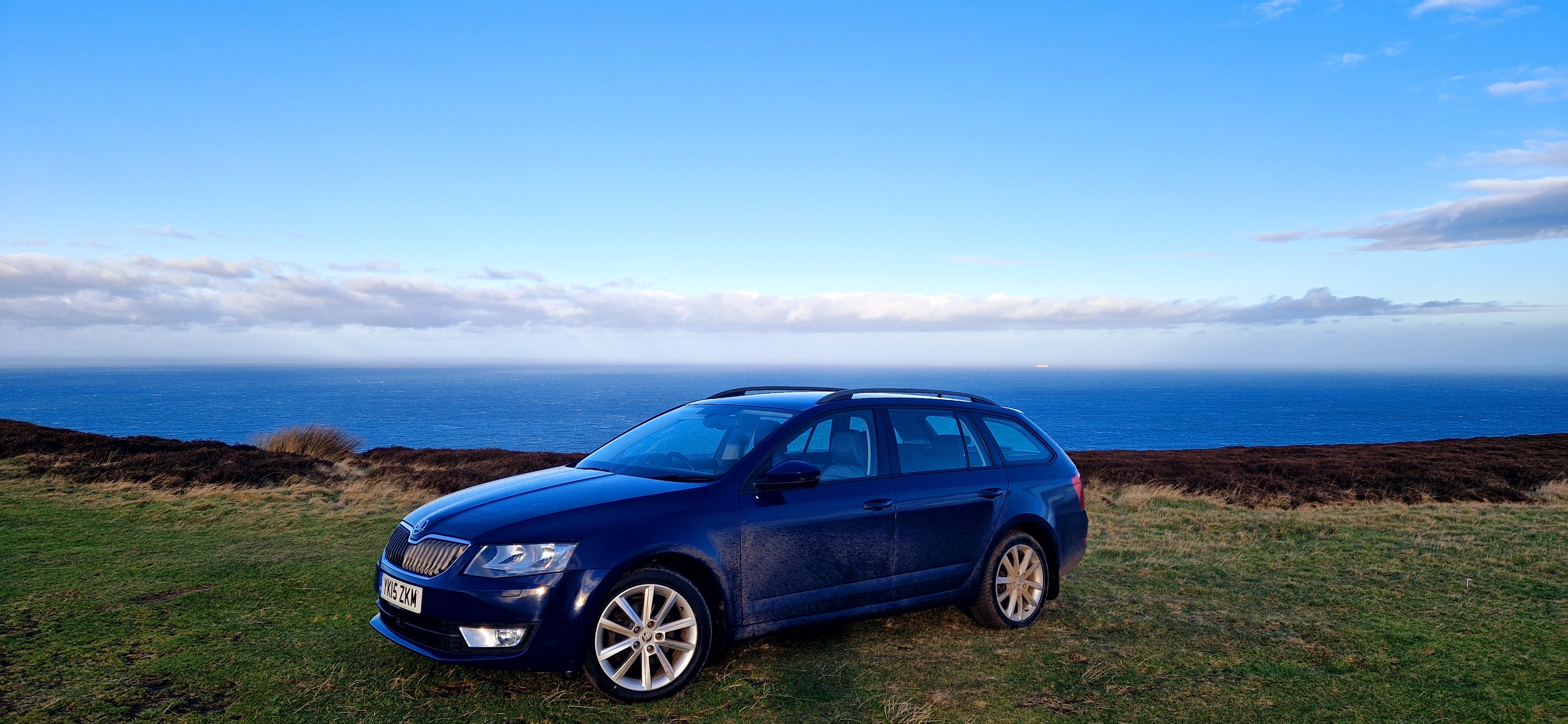
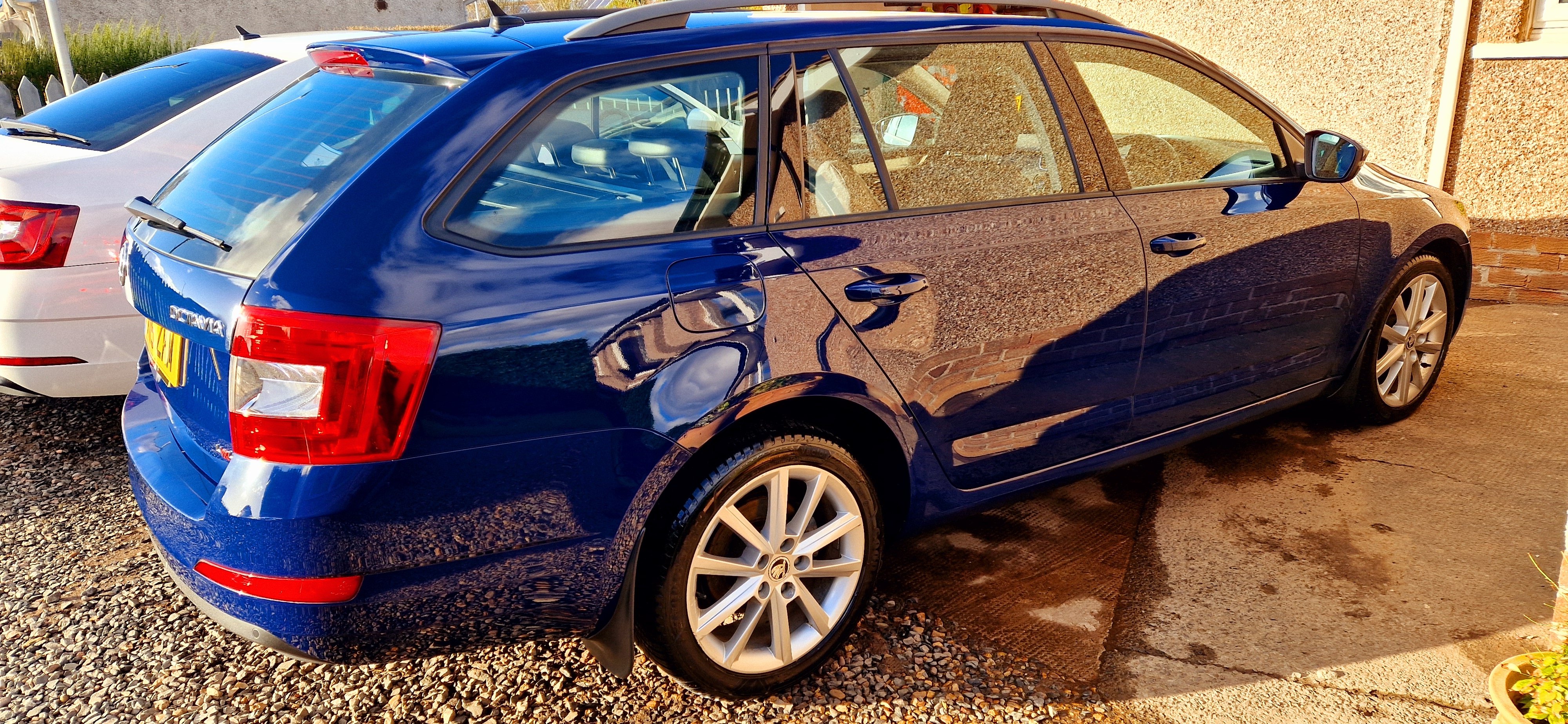
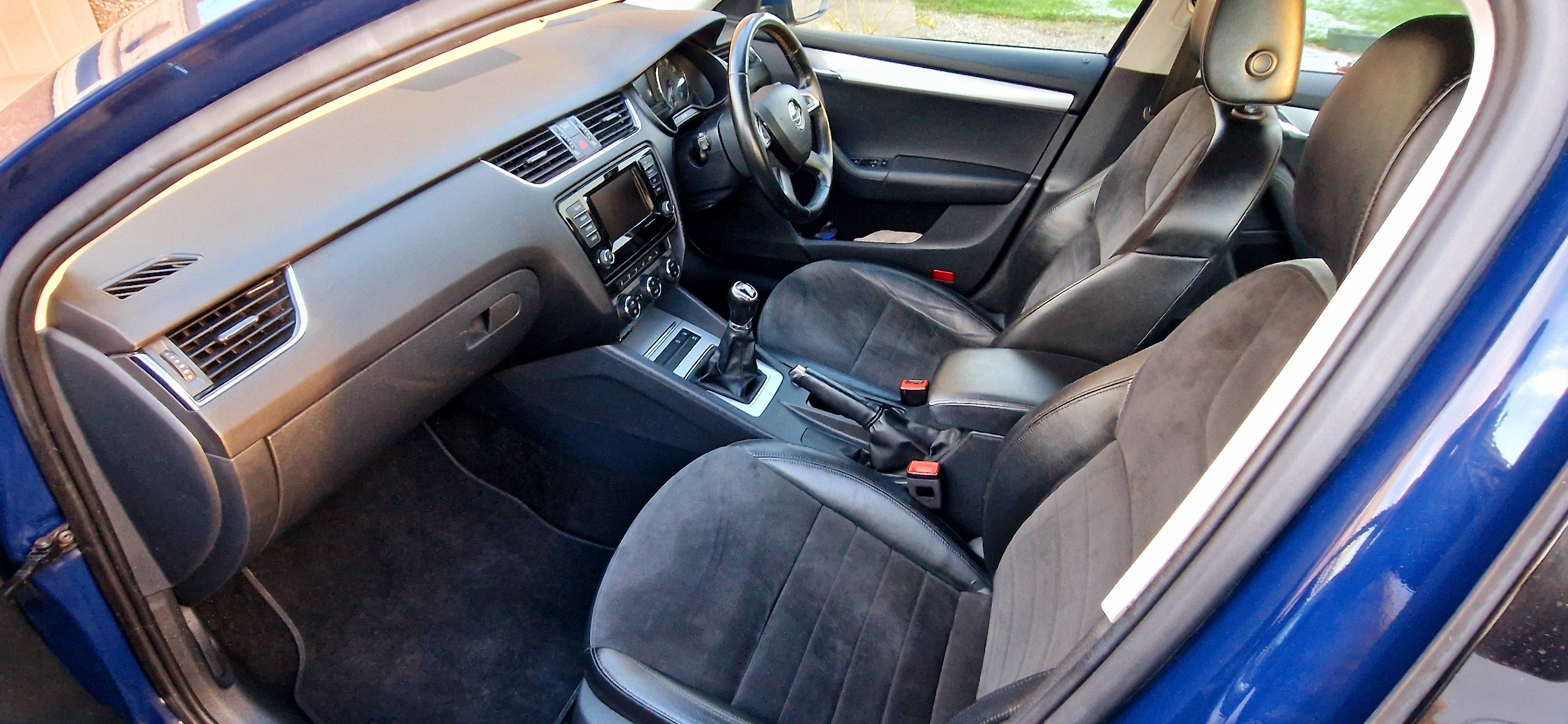
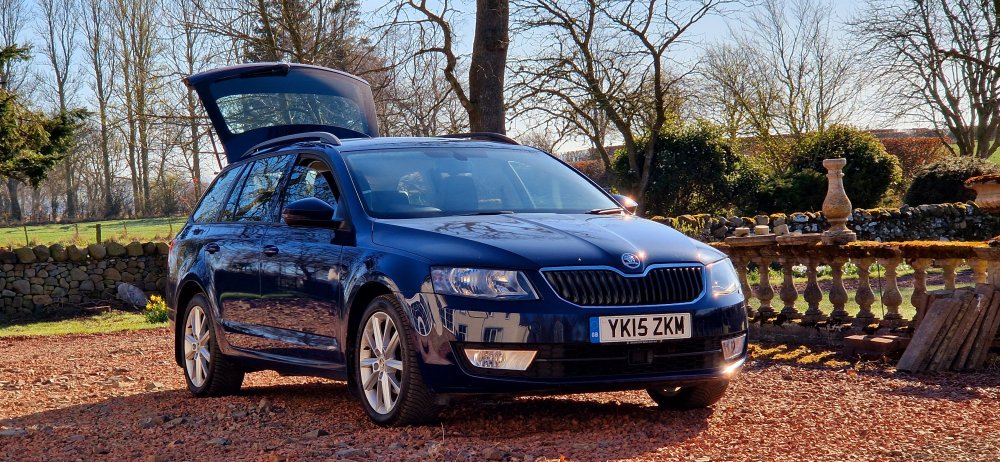
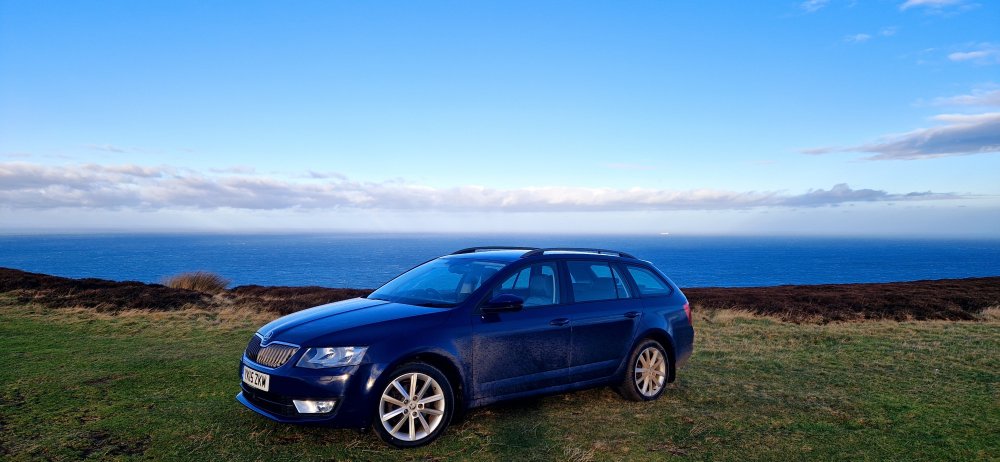
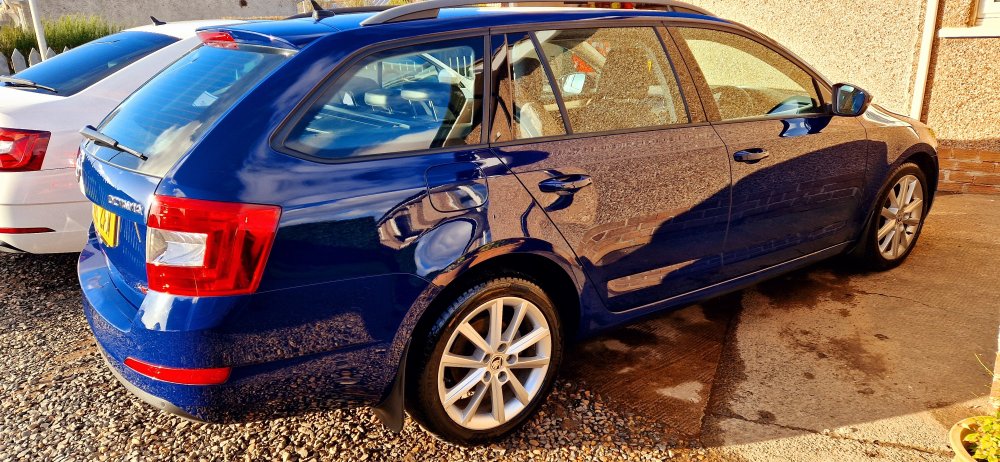
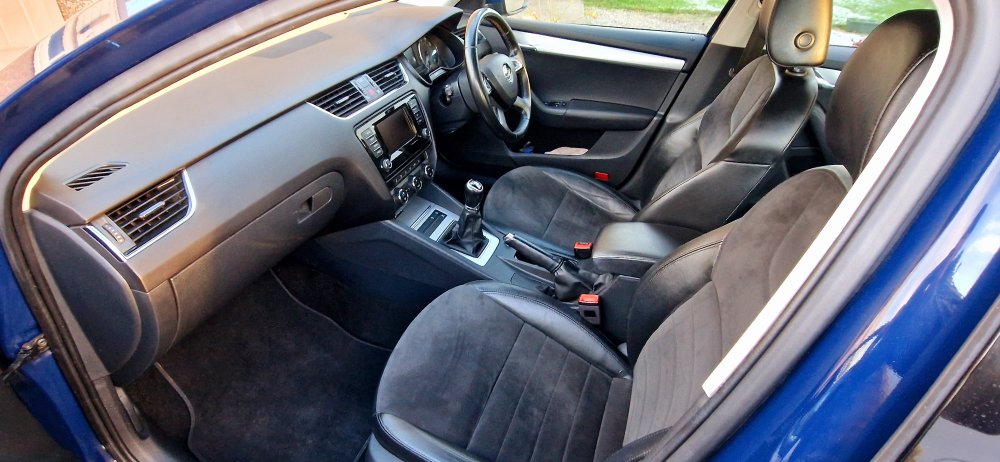
I've owned a fair few Skodas over the years yet it's the mk3 Octavia that I really love. This is my 3rd....and favourite. We purchased this 2015 2.0 Tdi Elegance 4x4 back in November 24. It was a cheapish example with a short MOT and in need of a little tlc. We could tell it was a decent car, it drives beautifully, the engine is quiet and leak free, the interior is mint and everything works as intended. A service, new battery, tyres and a good clean tranformed the car. I noticed a broken osf coil spring so both were replaced. The MOT was passed advisory free. Since then, the brake fluid has been changed and a haldex service carried out. This car has proved to be good buy. It's great to drive, sips diesel and is so comfortable. I love the colour too. It's covered 123k miles and I'm looking forward to adding plenty more! Long live the mk3 Octy!
-
A pair of very clean and glossy but used Mk3 Octavia mirror shells in Corrida Red. No scuffs, scratches or cracks. Now sold
-
A set of four Continental WinterContact TS860 205/55 R16 tyres and unmarked alloy wheels for a mk3 Octavia. Now sold
-
It's called Skoda Move and Fun. To be honest I have found the app problematic, it's glitchy at best. I tend to favour Android Auto which works really well. The only thing it lacks over the Skoda app is fuel economy data and oil temp etc. I note that VW offer an app for Up!....simply called Up! Could be worth a try.
-
Thanks, it took ages to find a good one in this colour.
-
Hi Camango, I hope you are enjoying your new Octavia, they are great cars! I've owned 3 over the years and have a big respect for them.
-
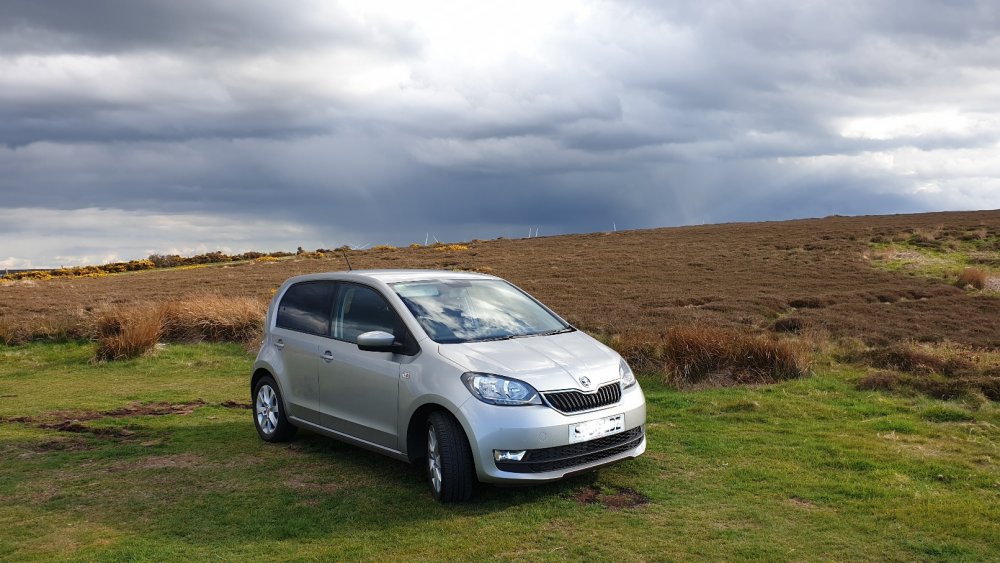
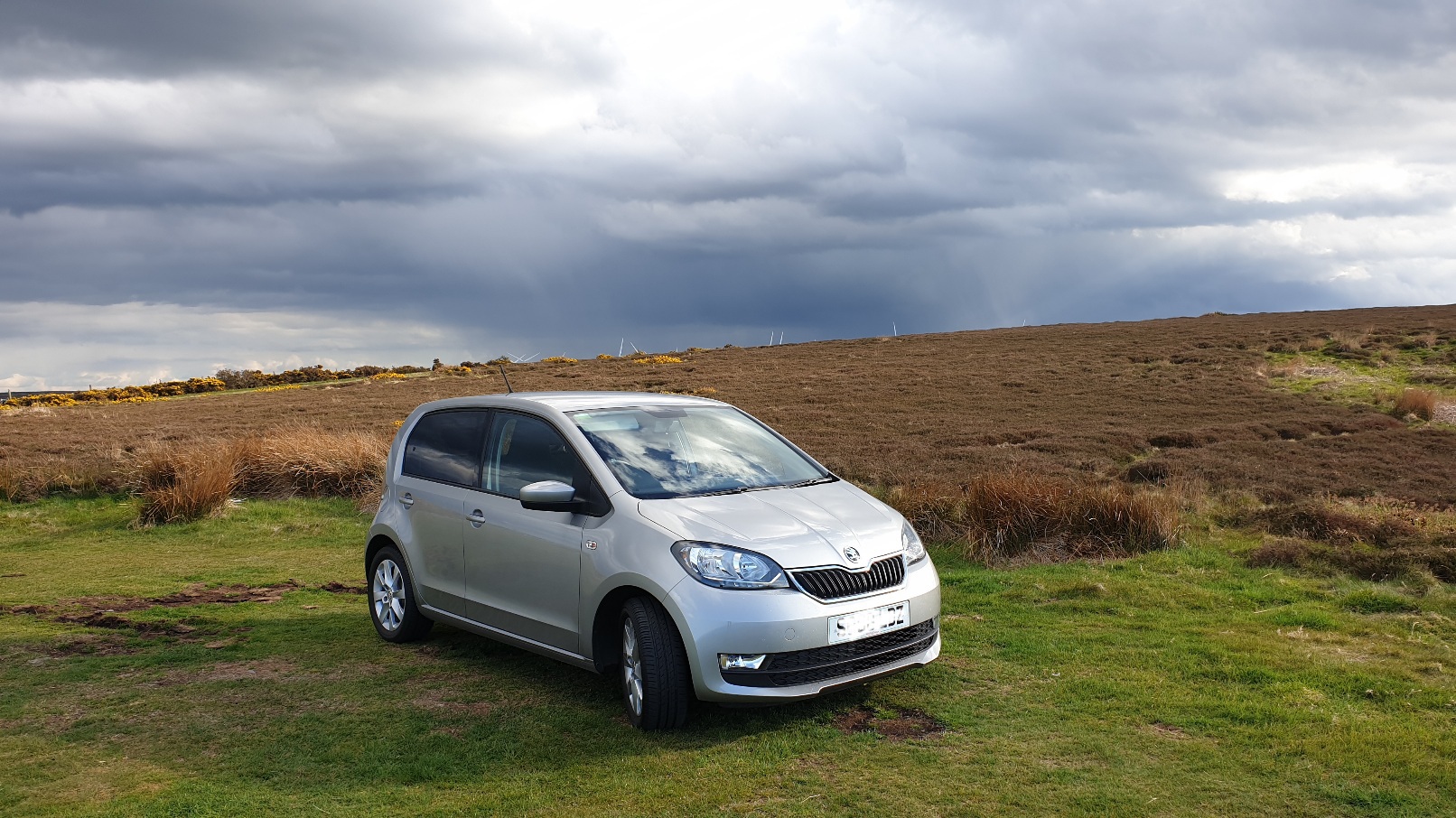
Hi folks, I'm a long term Skoda nut based in the Scottish Borders. Over the last 21 years I've had the pleasure of owning 3 Felicias and 3 Octavias. I am now the proud owner of a 2019 Citigo. I was on here a few years ago during felly ownership and I'm happy to be back!