Yusuf
Finding my way
-
Joined
-
Last visited
-
After the Gateway update, I cannot access assistants. Disabled error keeps coming, how do I solve it?
-
I did it by looking at the video, I think I did it without any problems, but the car I watched was golf 7, is it because of the problem, I wonder if the codes are exactly the same. Because the right side burns as I want, the trouble is on the left.
-
@pab567 @SashaGrace Help me !
-
Hello, I opened american parks in my vehicle. There is no problem on the right side, but the left parks are constantly lit at 100 brightness. I'm doing 30, it doesn't change. It just shuts down when I set 0, how can I solve it.
-
@pab567 @SashaGracePlease help me.
-
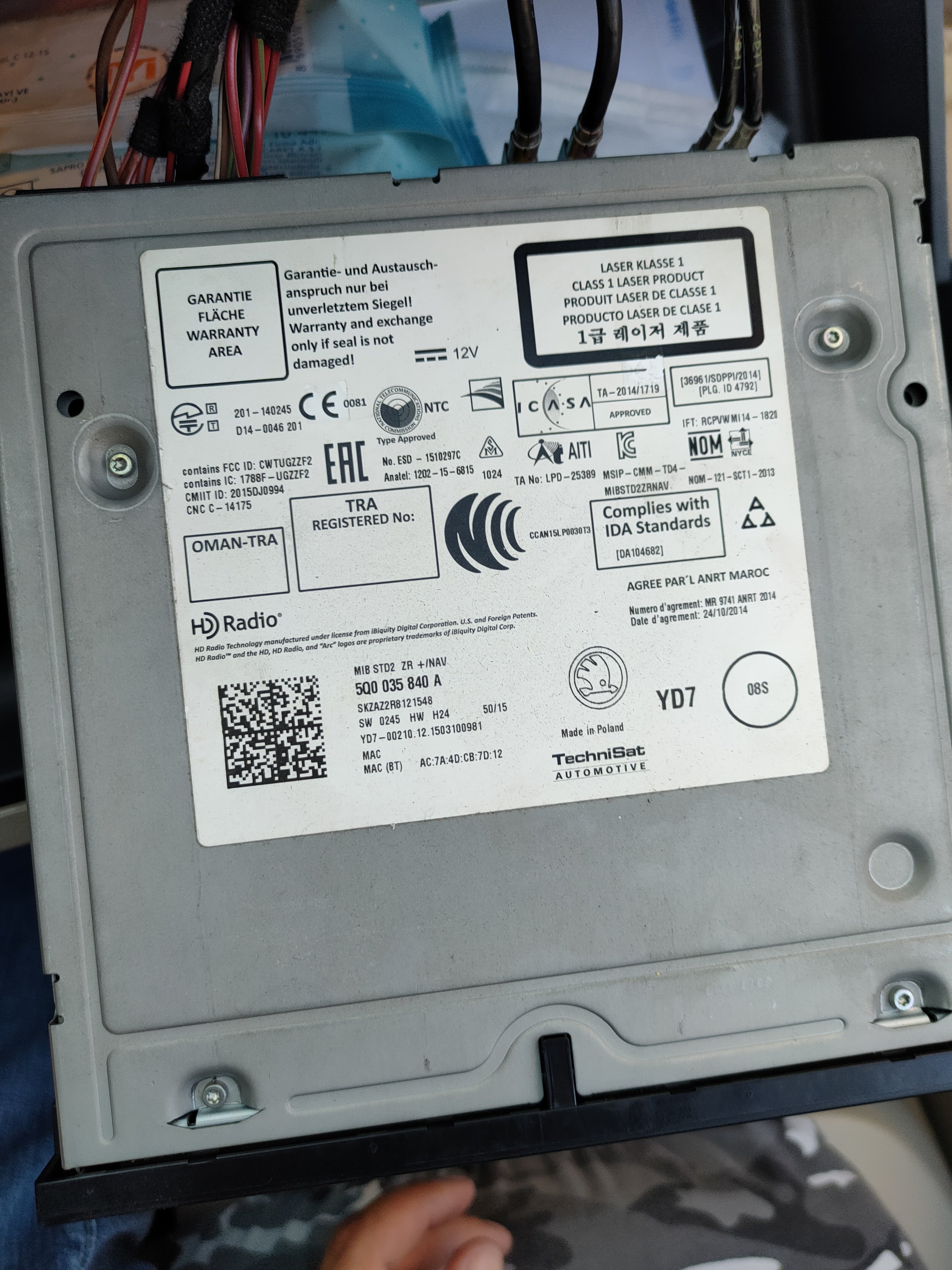
Hi all, I have 2013 Octavia. I installed an 840A unit. Park Pilot rarely comes. Mostly it doesn't. There is only sound. How can i solve it. Thanks.
-
@pab567, my car currently does not have bluetooth. Will the bluetooth work when I break this unit?
-
Yes I know. Does the 5Q0 035 840A unit also support carplay?
-
Can I use smartlink on this unit?
-
Thanks, when switching from mib 1 screen to mib 2, they said that the screen socket is not fully seated, how can I do it?
-
Would it be 5E0919605J?
-
Can I get a screen recommendation for 5Q0035840A octavia? I am using 2013 Octavia.
-
@pab567
-
5Q0035840A octavia için ekran önerisi alabilir miyim? 2013 Octavia kullanıyorum.
-
What unit can I get for 5E0919605H?