Smurffi
New here
-
Joined
-
Last visited
-
Hi! Tried to find previous post about the topic, but not much luck. I noticed that my -08 Octavias xenon headlights now flickers on-off now and then. Not sure is both of them doing it or just one side, but it's like both of goes off.. I haven't changed them in my ~5y ownership and I could say they have lost their brightness a lot and ones little violet which usually tells is needs replacing. But does xenon start flickering when going out? D1S has ballast build in them? Any good ideas to trying to start solving the flickering. I have only checked connections aren't loose etc.
-
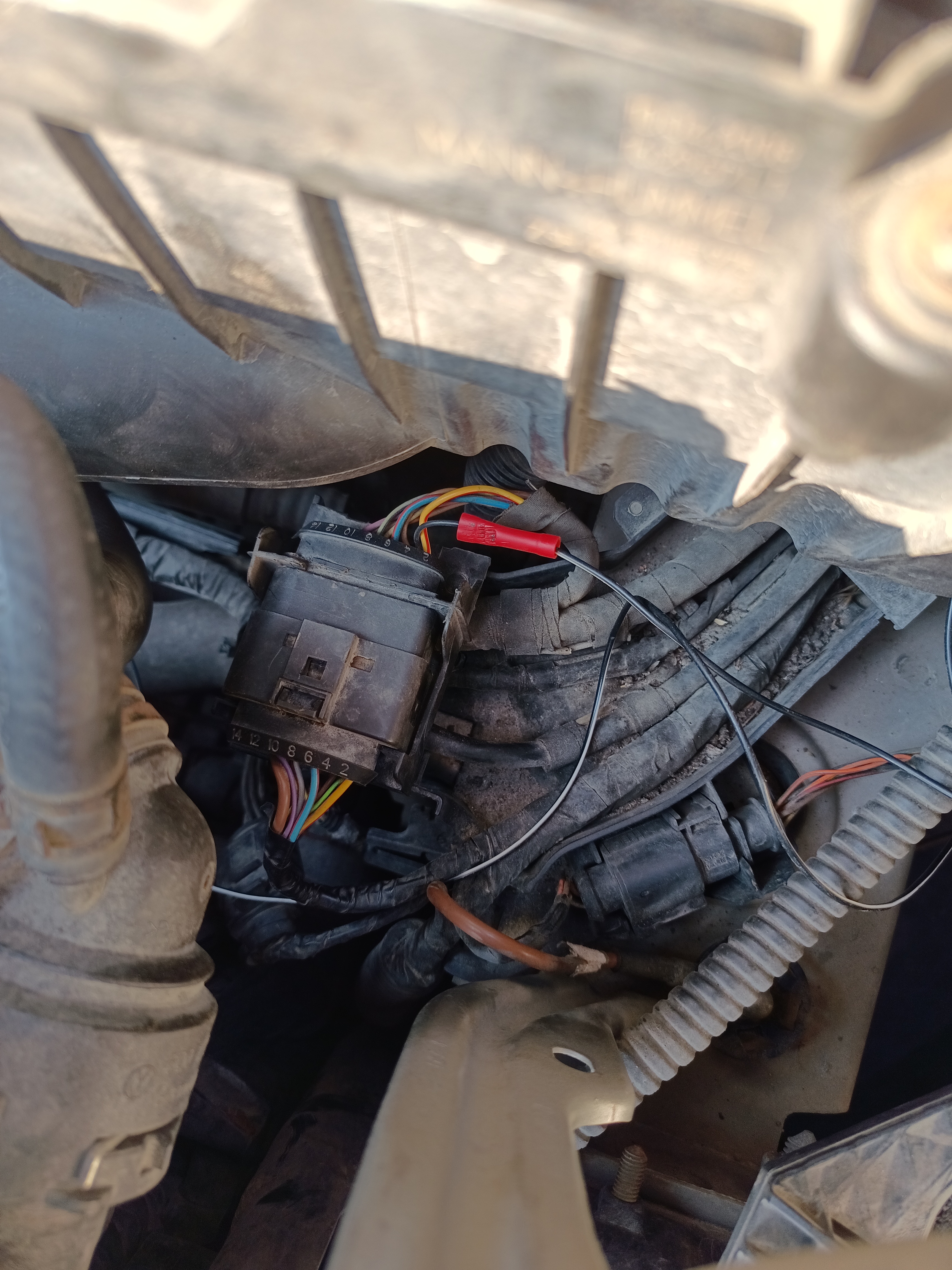
UPDATE!! First of all HUGE thanks to @Wino giving the connector and wire information!! It was accurate and changed from black (sensor to connect) to green/black (onwards). I located the 14-pin connector and was little pain to access +disconnect, but removing headline helped a lot. I measured the pin 1 to the sensor and no connection so I made quick jump cable (pic) and then tested and NO WARNING anymore! 🎉🎉🎉 Again, HUUUGE thanks to Wino!! After couple of years it will take a while to get used to no warnings on startup 😂😂
-
Hi, any possibility to get pic of the locations? I remember when the crankshaft sensor was fixed I heard/saw some flimsy wiring diagram of the ecu under the windscreen and was like "pin 14 was crackshaft and pin 16 was for oil pressure" but those aren't too valid information to fix now.
-
Hello. I'll try to make this simple. I have Octavia II -08 1,9TDi BXE (no dpf) and on start it gives oil pressure warning. Pressure has been tested few time ok and changed new sensor. There was broken wires near radiator and it also cause crackshaft sensor failure, but it was fixed by new jump wire from ECU. So I think that oil sensor wire is still cut/broken some another spot. I'm asking if anyone can tell what is the oil sensors port in ECU so I can test with new jump wire. Thats all !! Tried few local shops and they don't have that kind information and Skoda wants to sell new whole wire pack. Thanks!!