CRISB
Finding my way
-
Joined
-
Last visited
-
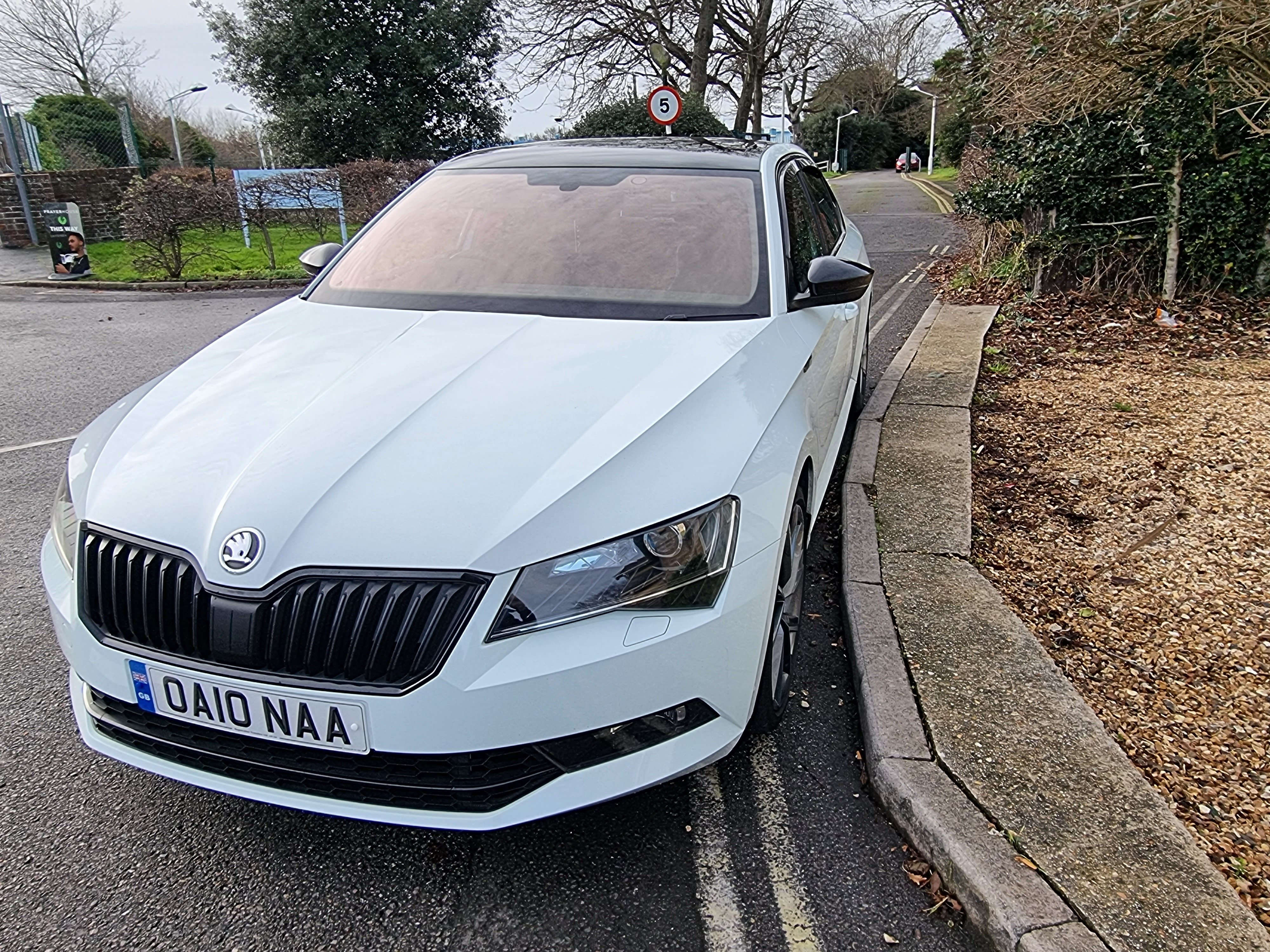
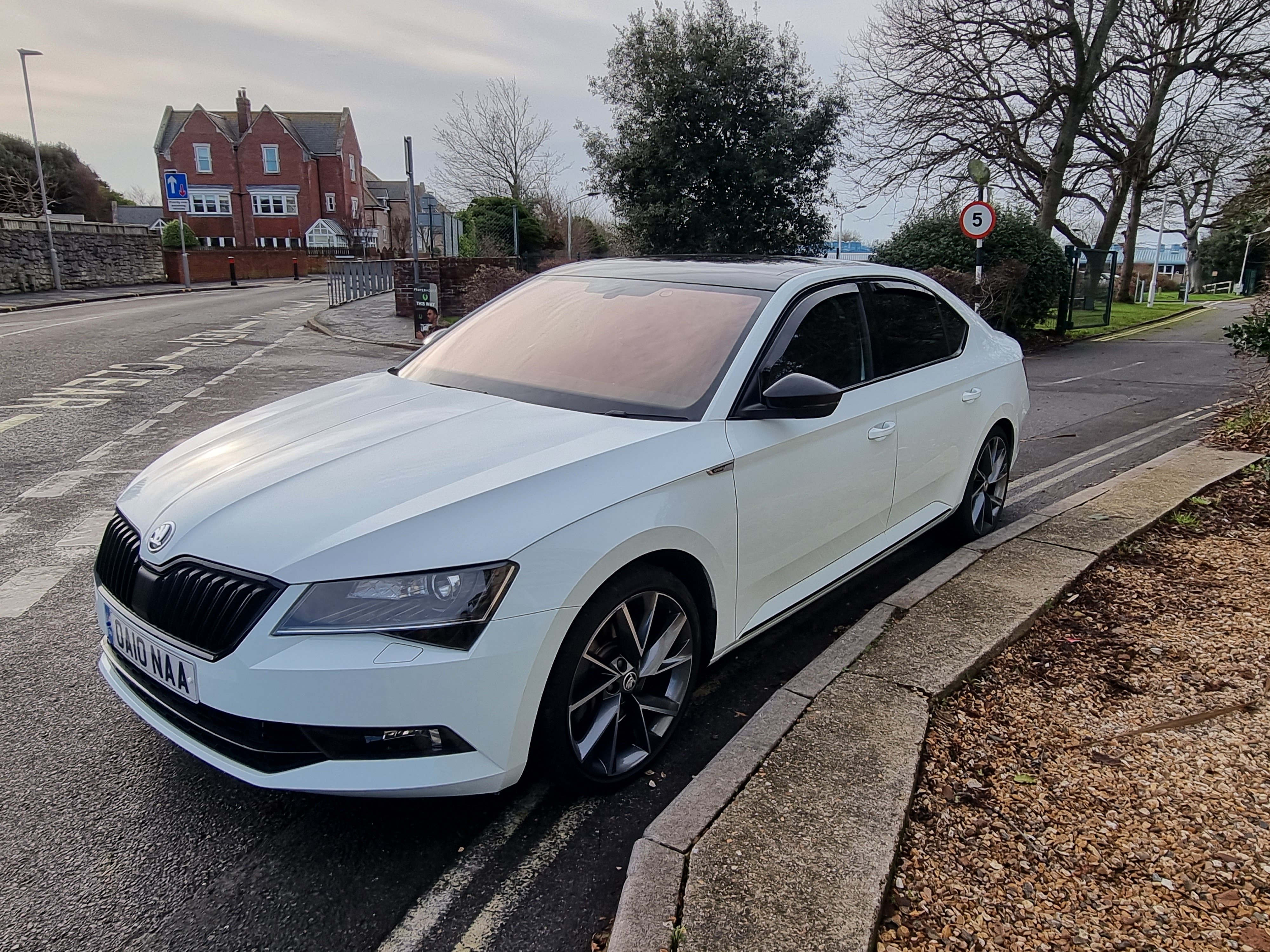
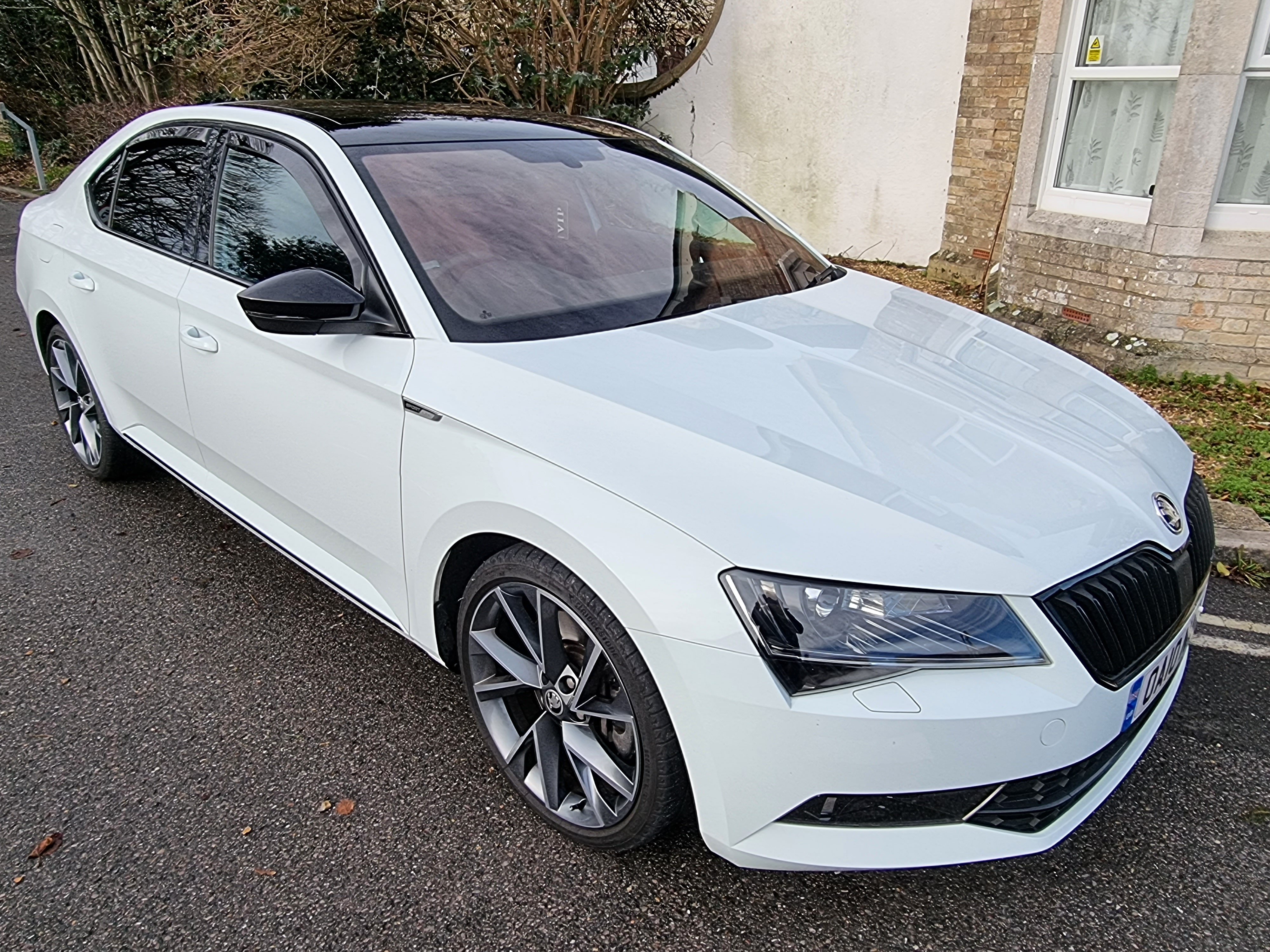
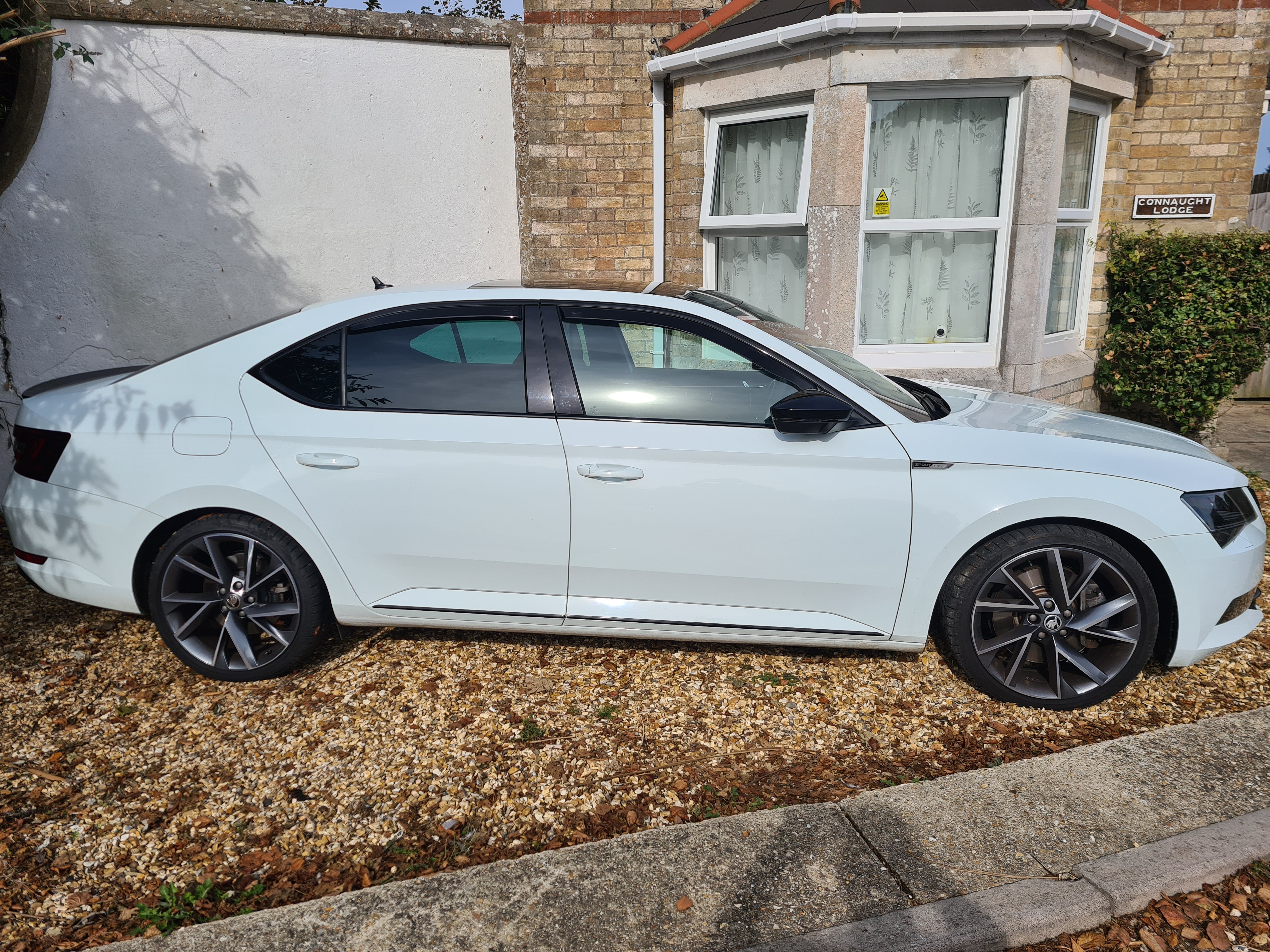
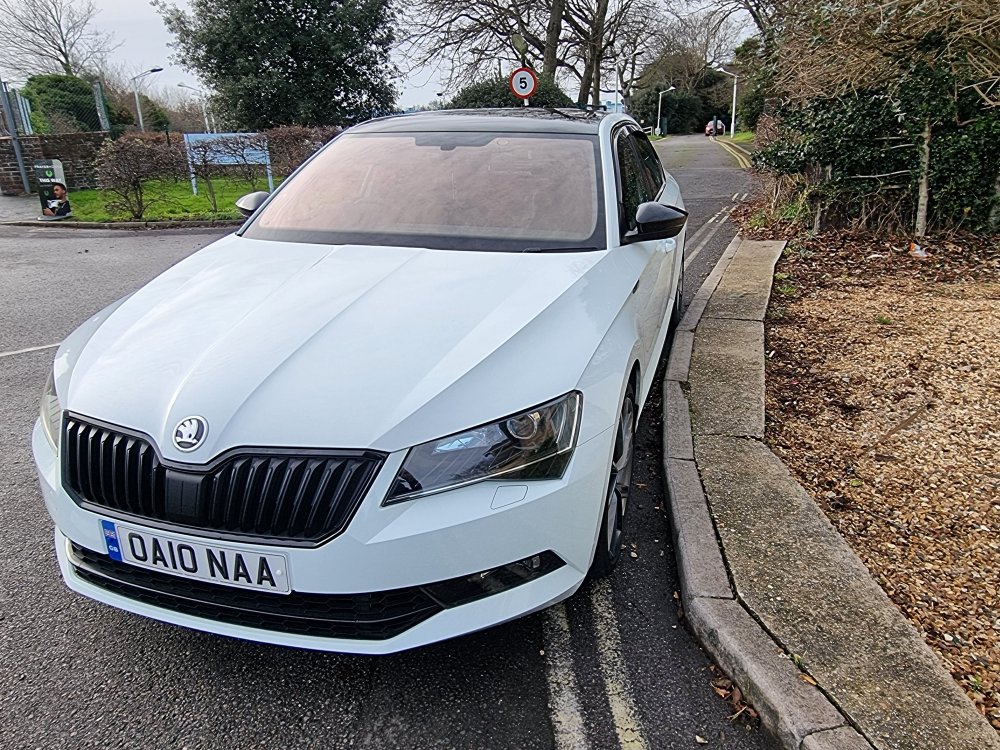
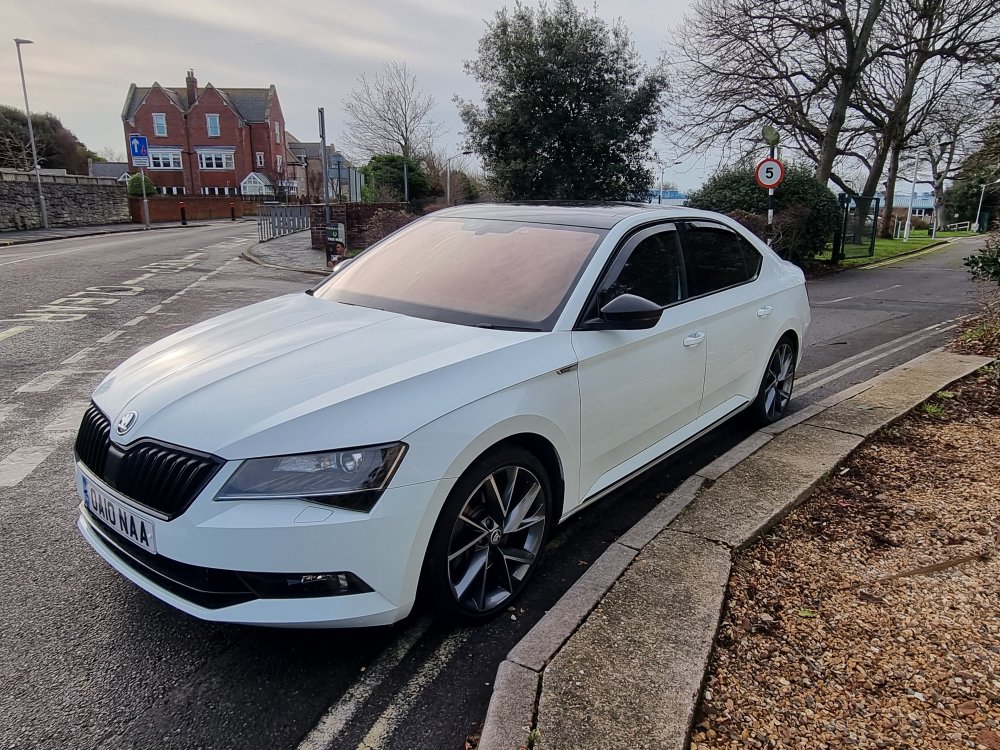
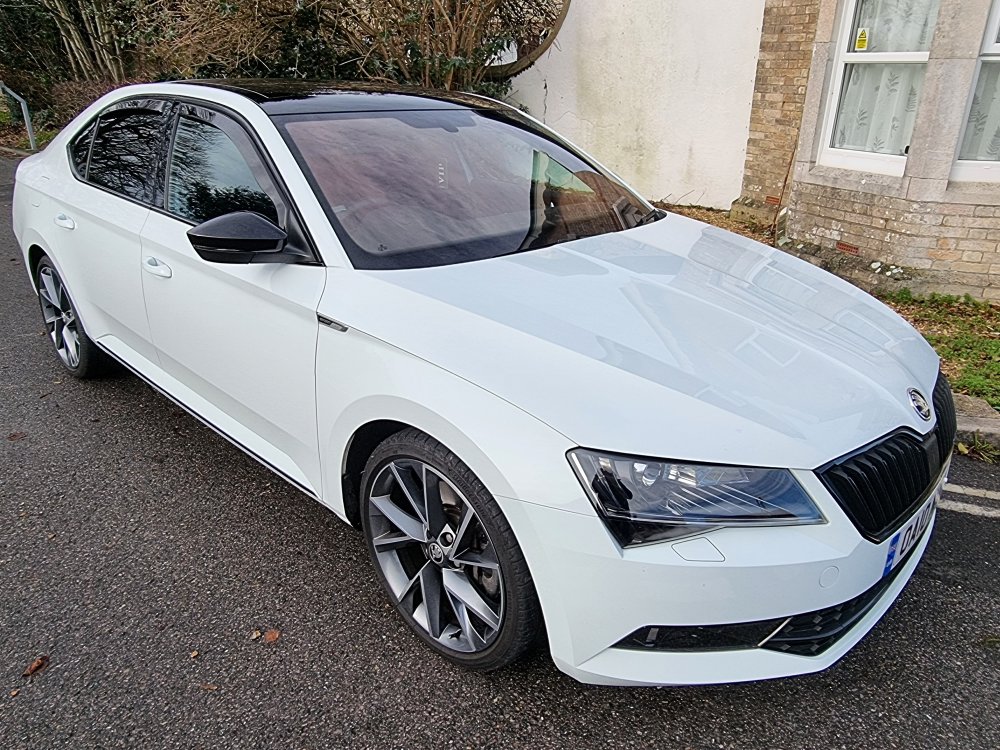
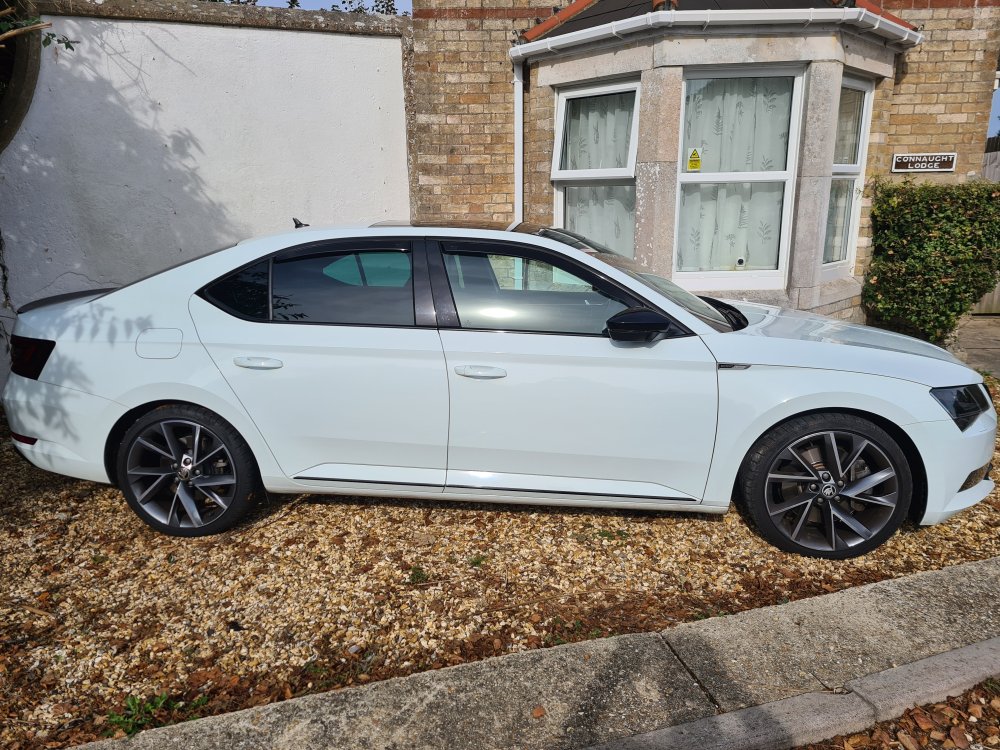
Skoda Superb Hatchback 2.0 TSI 280 Sport Line Plus 4x4 5dr DSG 2018 32600 miles MOT until December 22 Full service history Car comes with another 2.3 years full electrical and mechanical warranty Engine power 280 HP. Launch control 0-60 in 5.6 sec. Tyres Bridgestone Potenta Sport- 235/35/19 - 5.5 mm. Perfect condition. Very well maintained. Front and rear dash cam. Smoke free, Pet free, Full service history, Recent MOT.Car comes with private number plate. £24,000 ono.NO SILLY OFFER
-
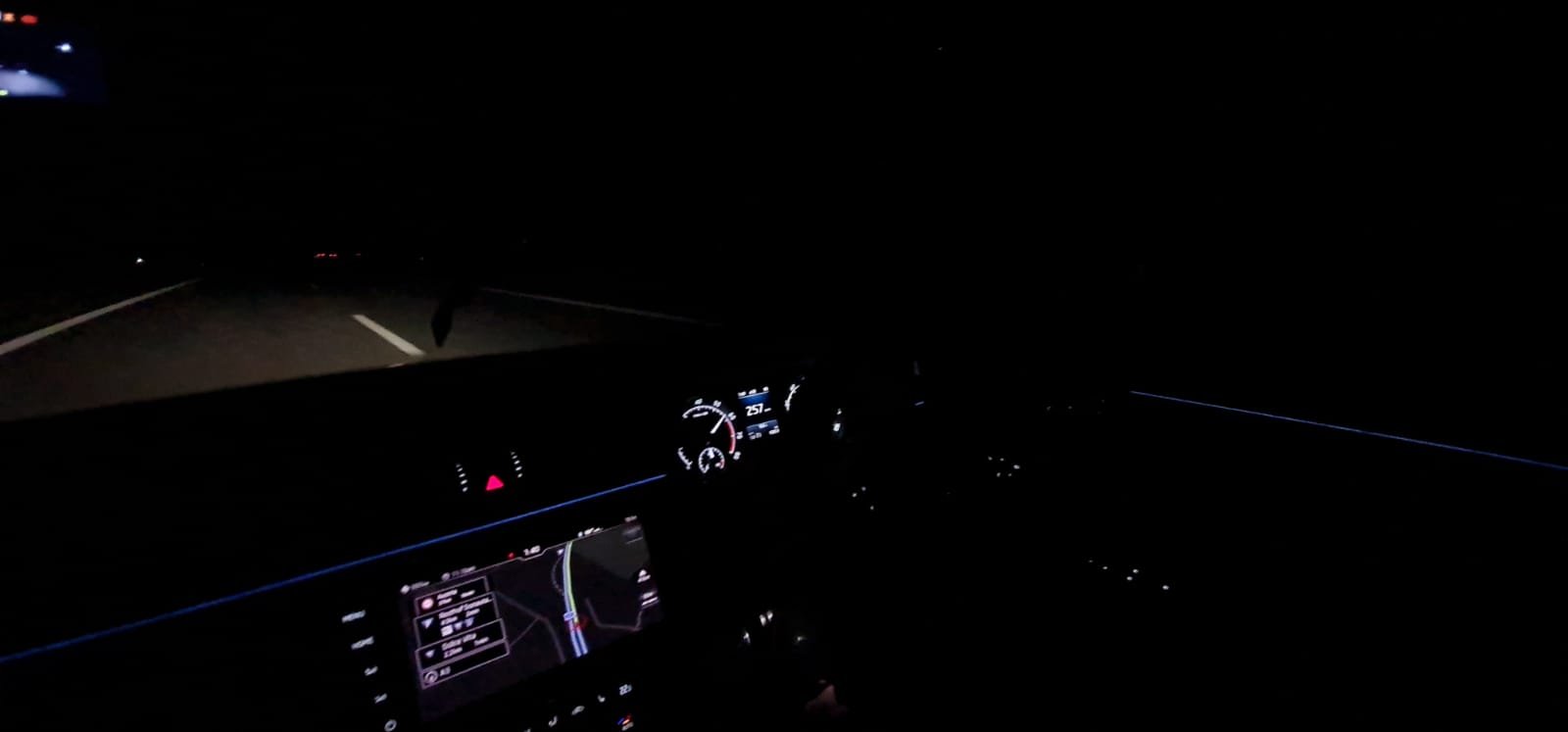
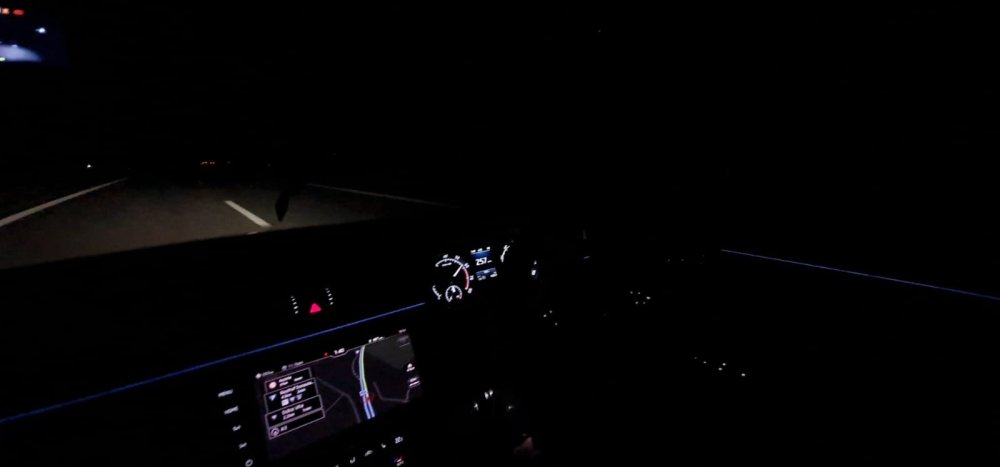
CRISB - Sport Line 4x4 280 HP This was in Germany this summer. 257 km/h means quite 160 miles/ hour. It amazing how the car is accelerating from 120 to 160 when you put the feet down. AMAZING Also the lunch control is really nice.
-
CRISB - Sport Line 4x4 280 HP
-
Hello I try to find fuel filter for Superb MK3 2.0 tsi 4x4 280 hp but I don't find. It is possible to don't have one? If someone can help me please. Thank you
-
Thank you I will let you know next Wednesday after they finish
-
-
Thank you I know but I have now full warranty which includes turbo and catalytic converter because if the turbo is gone all oil from turbo will go in catalytic converter. The guy ho done the first remapping he reinstall the original soft back on the car after he come from drive test.
-
Thank you You can send me a link please
-
Hello I had a bad experience with my car when I done the remapping.The guy after he done his job he go to do a drive test and when he come back he come with the turbo broken. Luckily I have warranty. I still want to do remapping stage 1 and I want from you an advice or a suggestion with a trust company. Thank you