




GeorgeG202
Finding my way
-
Joined
-
Last visited
-
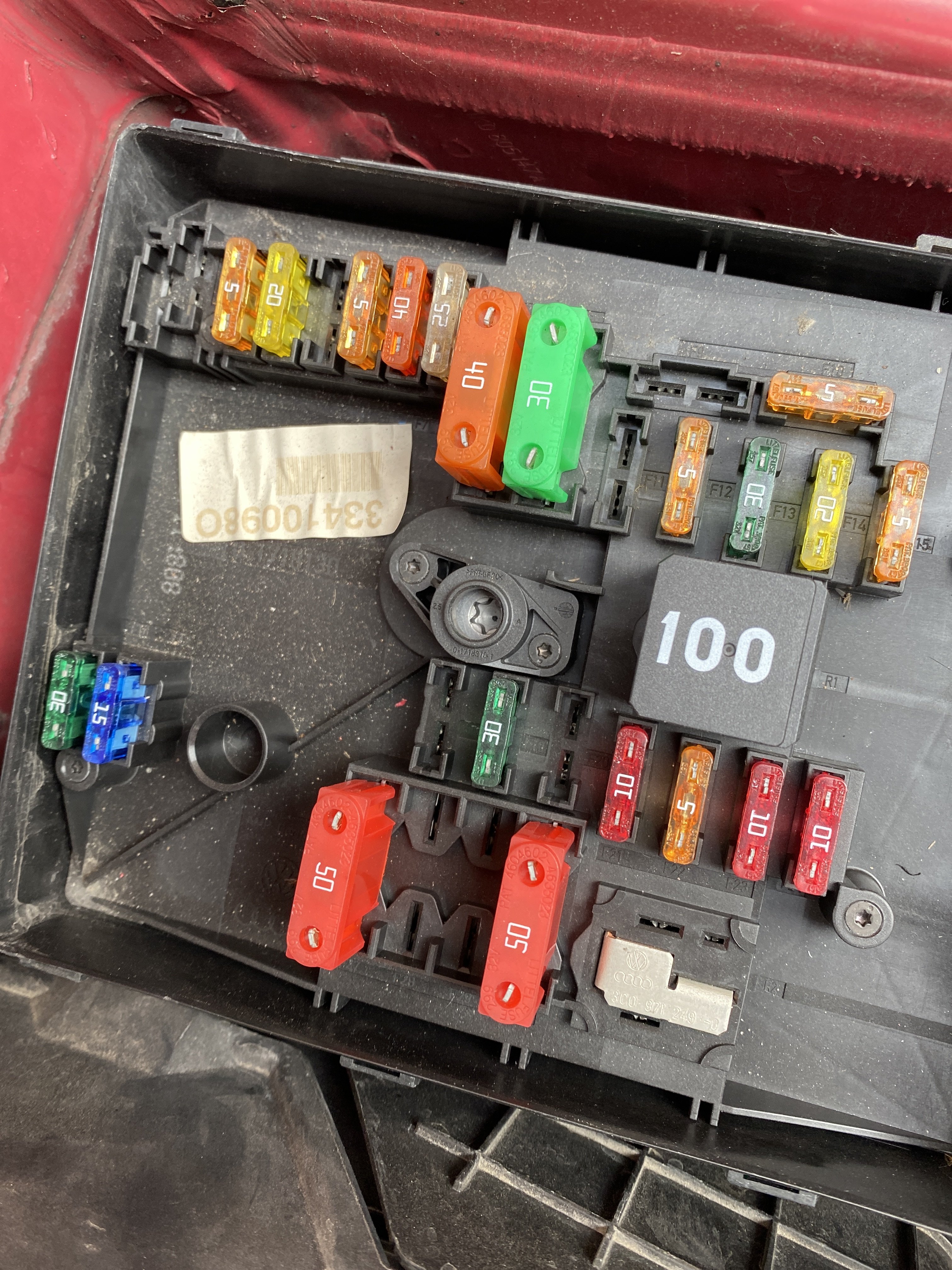
Hello, been a while now still having an issue with it had a local “vw specialist” look at it couldn’t find the issue as live data for steering sensor and rack came back perfect all wires seem clean and not wet seriously becoming such a pain to find this fault the only code on vcds is 02391 looked at this earlier not sure if can be related someone please help on any possible fixes, should there be something in the missing
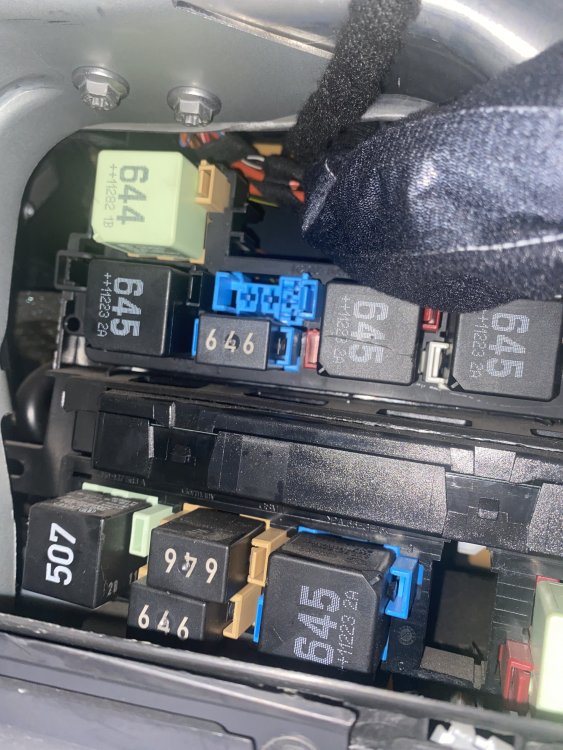
-
Any other ideas what it could be, mechanic going to check the module tomorrow
-
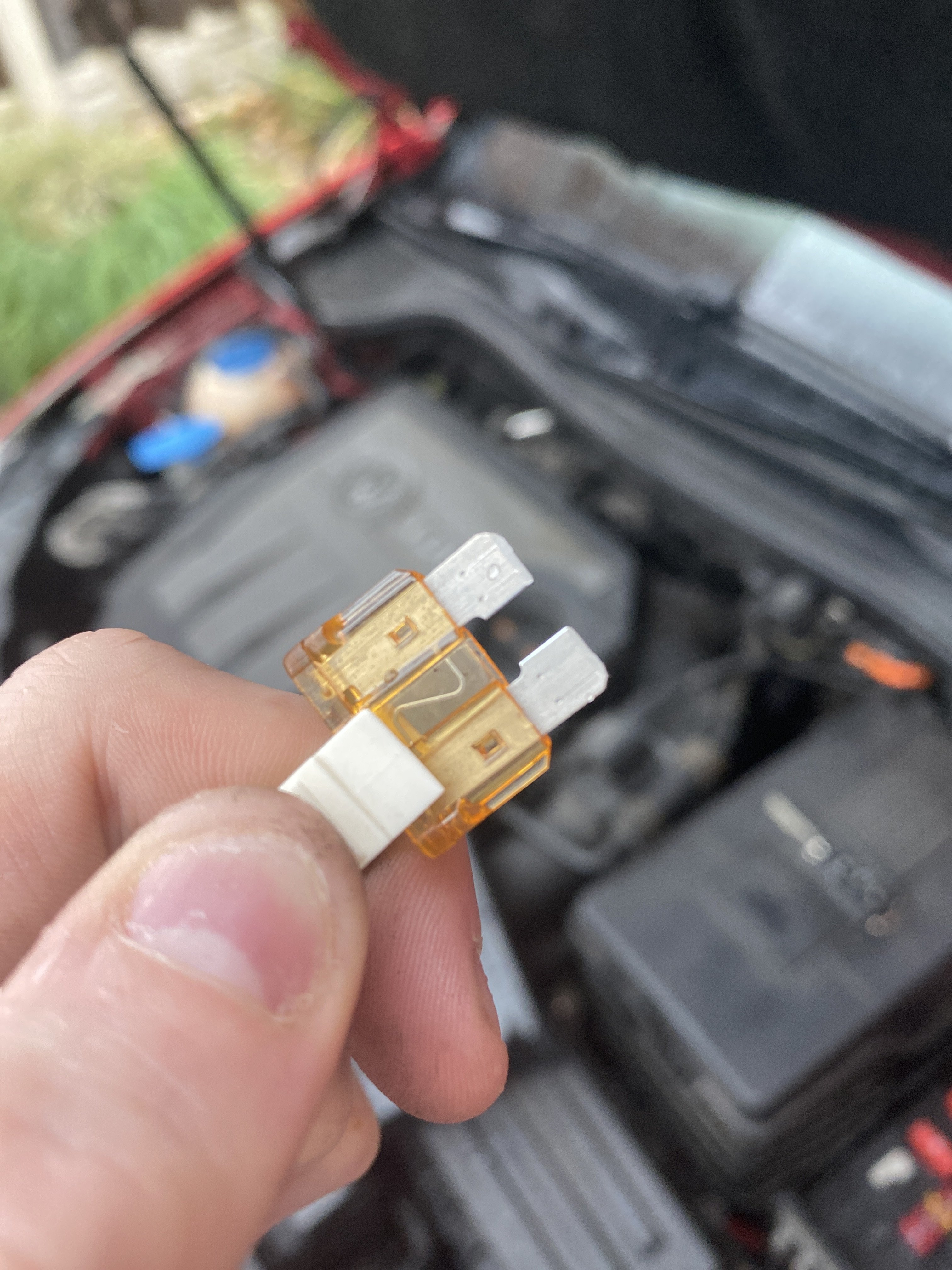
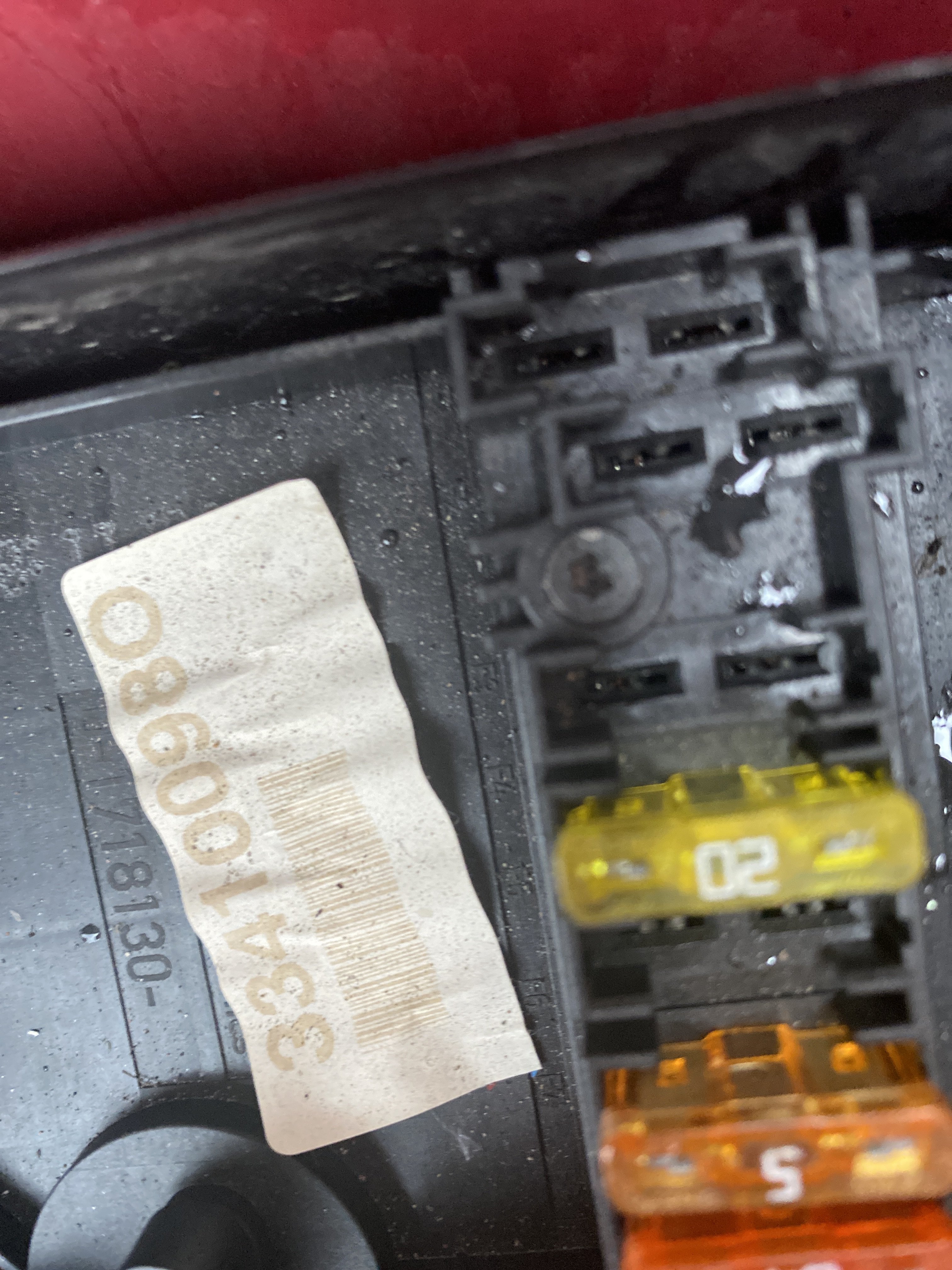
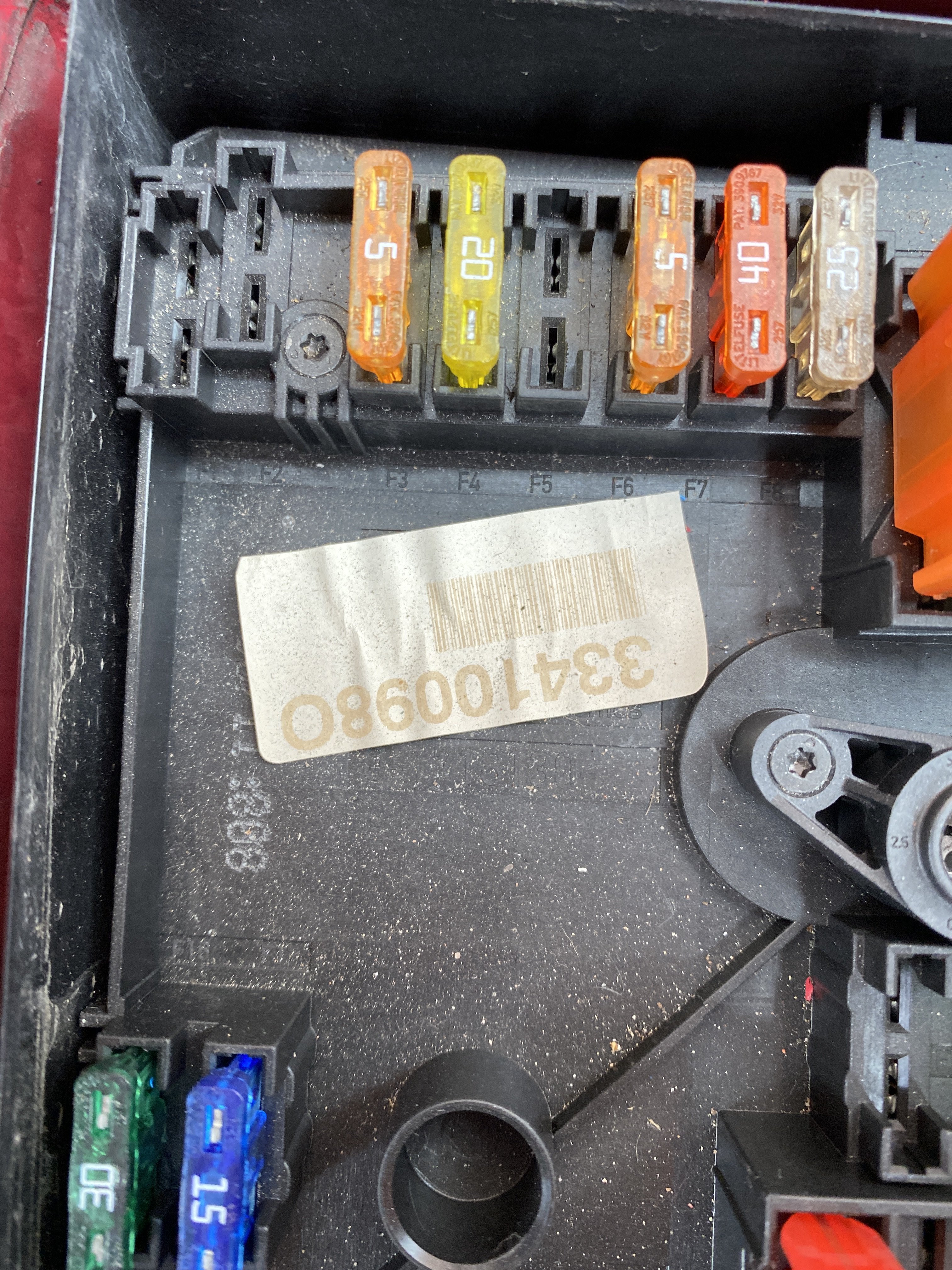
Had people tell me it’s the steering rack, can’t find any issue regarding it online i personally think it’s either a ground issue/fuse problem or something to do with the connection to the control module but can never be certain only fault code is thatFeels tight pal, couldn’t get it out then it started raining so i just left it, mechanic said he checked all fuses but i’ll just mention it again tomorrow as he’s looking at itStarted raining, i’ll keep you updated budJust pull it out with my fingers?It’s just a very intermittent issue had my mechanic check all fuses for any breaks etc all fine one was replaced for the fuse board inside the vehicle a 20 amp fuse code still appears, starting to think this could be a module issueMissing fuse can you elaborate, thanks.Hello, i have a Golf 1.6 TDI, done a full scan and this is only thing i can think of what makes this fault occur, every so often my steering wheel will go stiff the ABS, Steering Light and TCS light will come on for a split second then disappear, also sometimes it will come on with the ESC light for a few seconds then it will disappear saying error on the mfd, does anybody have any solutions or anybody had a similar problem i was told it’s the steering rack but before i look into that i thought i’d ask here, Thanks

Important Information
Welcome to BRISKODA. Please note the following important links Terms of Use. We have a comprehensive Privacy Policy. We have placed cookies on your device to help make this website better. You can adjust your cookie settings, otherwise we'll assume you're okay to continue.
Account
Navigation
Configure browser push notifications
Chrome (Android)
- Tap the lock icon next to the address bar.
- Tap Permissions → Notifications.
- Adjust your preference.
Chrome (Desktop)
- Click the padlock icon in the address bar.
- Select Site settings.
- Find Notifications and adjust your preference.
Safari (iOS 16.4+)
- Ensure the site is installed via Add to Home Screen.
- Open Settings App → Notifications.
- Find your app name and adjust your preference.
Safari (macOS)
- Go to Safari → Preferences.
- Click the Websites tab.
- Select Notifications in the sidebar.
- Find this website and adjust your preference.
Edge (Android)
- Tap the lock icon next to the address bar.
- Tap Permissions.
- Find Notifications and adjust your preference.
Edge (Desktop)
- Click the padlock icon in the address bar.
- Click Permissions for this site.
- Find Notifications and adjust your preference.
Firefox (Android)
- Go to Settings → Site permissions.
- Tap Notifications.
- Find this site in the list and adjust your preference.
Firefox (Desktop)
- Open Firefox Settings.
- Search for Notifications.
- Find this site in the list and adjust your preference.