itsablueone
New here
-
Joined
-
Last visited
Everything posted by itsablueone
-
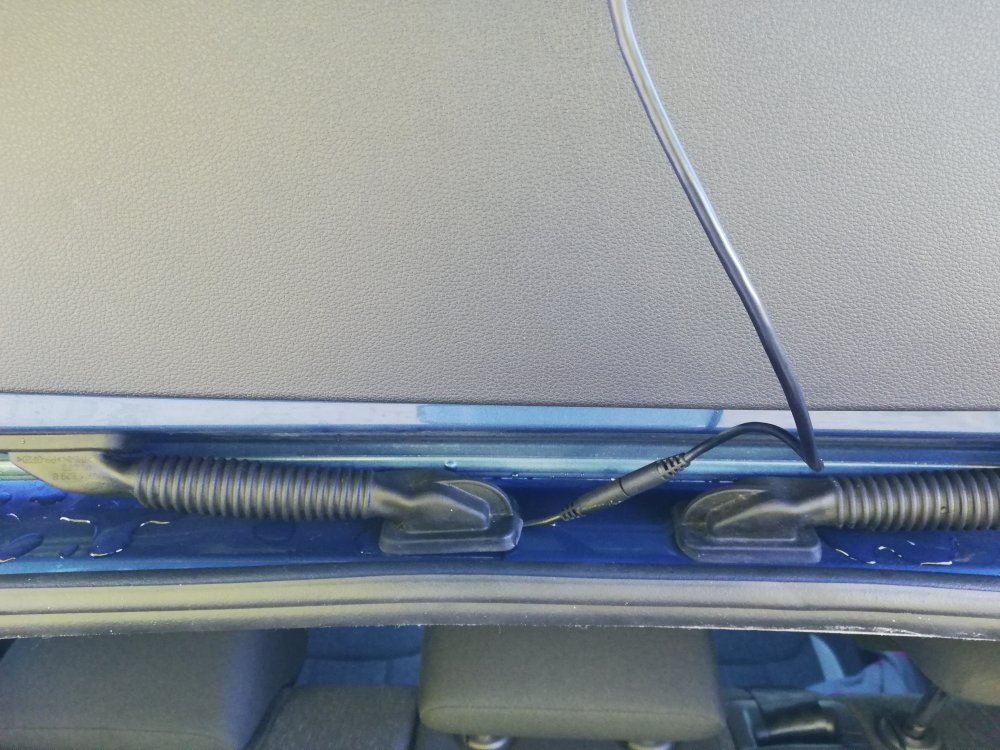
Sorry. I forgot to mention that the rear cam cable is currently routed around the headlining above the near side doors and at the top of the hatchback door, to the rubber gator / conduit thing. Thanks again for you input.
-
Hello there. Halfords (Tyresonthedrive) will come and look at the issue of the cable routing tomorrow. However, I discovered another issue today: The signals from / to the rear cam interfere with DAB reception. I recall seeing something about the location of the DAB antenna being affected by Nextbase rear cam signals. Can somebody advise on routing of the cam cable to the top, centre of the rear window that would avoid the antenna? Many thanks....
-
Thank you for the advice. It's particularly worrying as the rain water really collects at the position between the rubber conduits. Off to Halfords then...
-
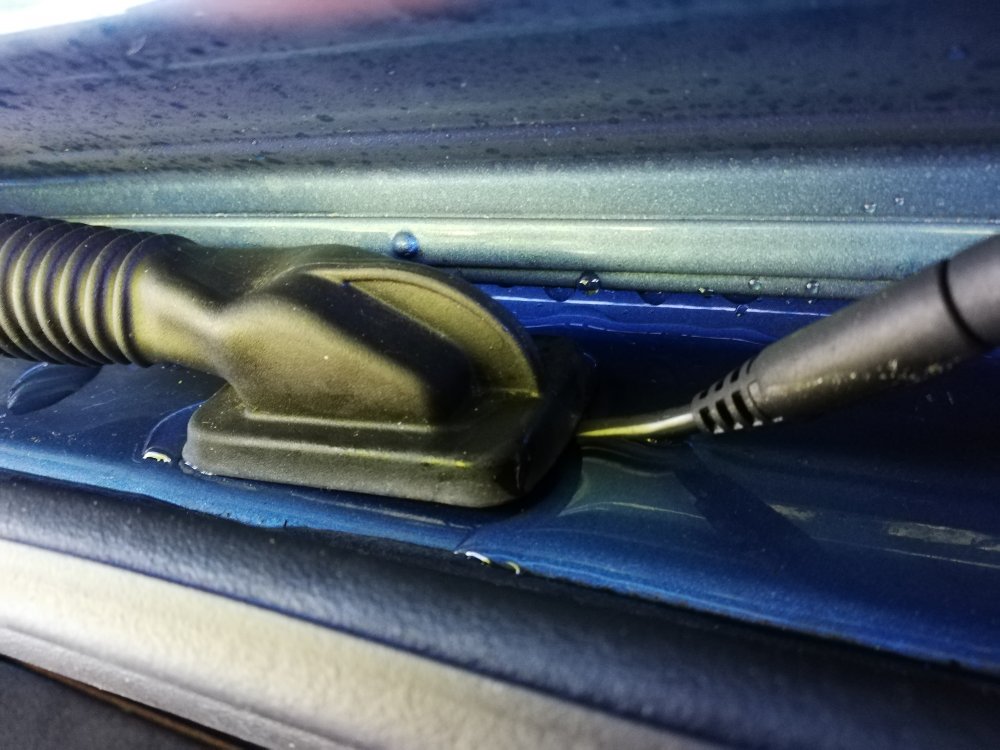
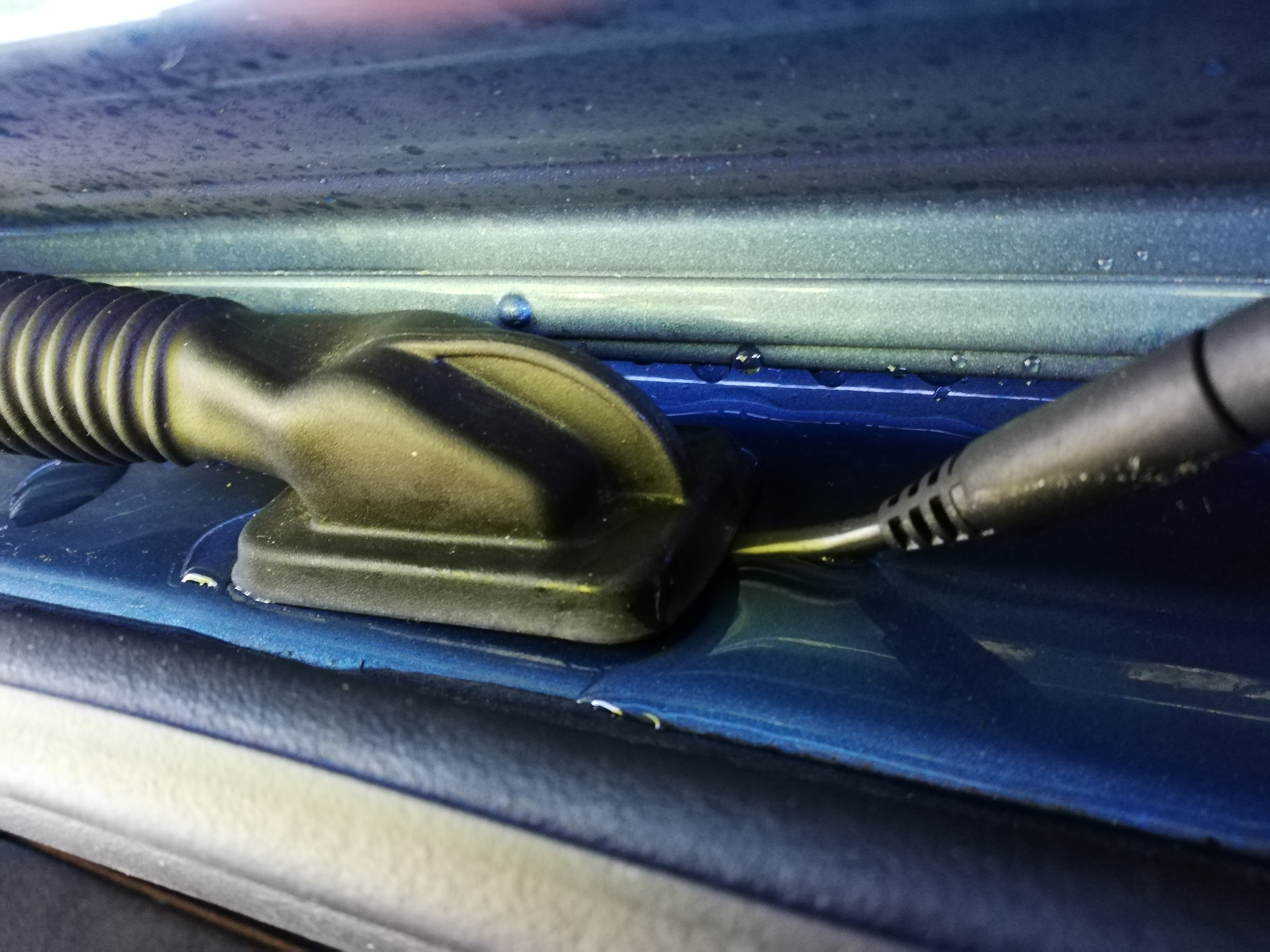
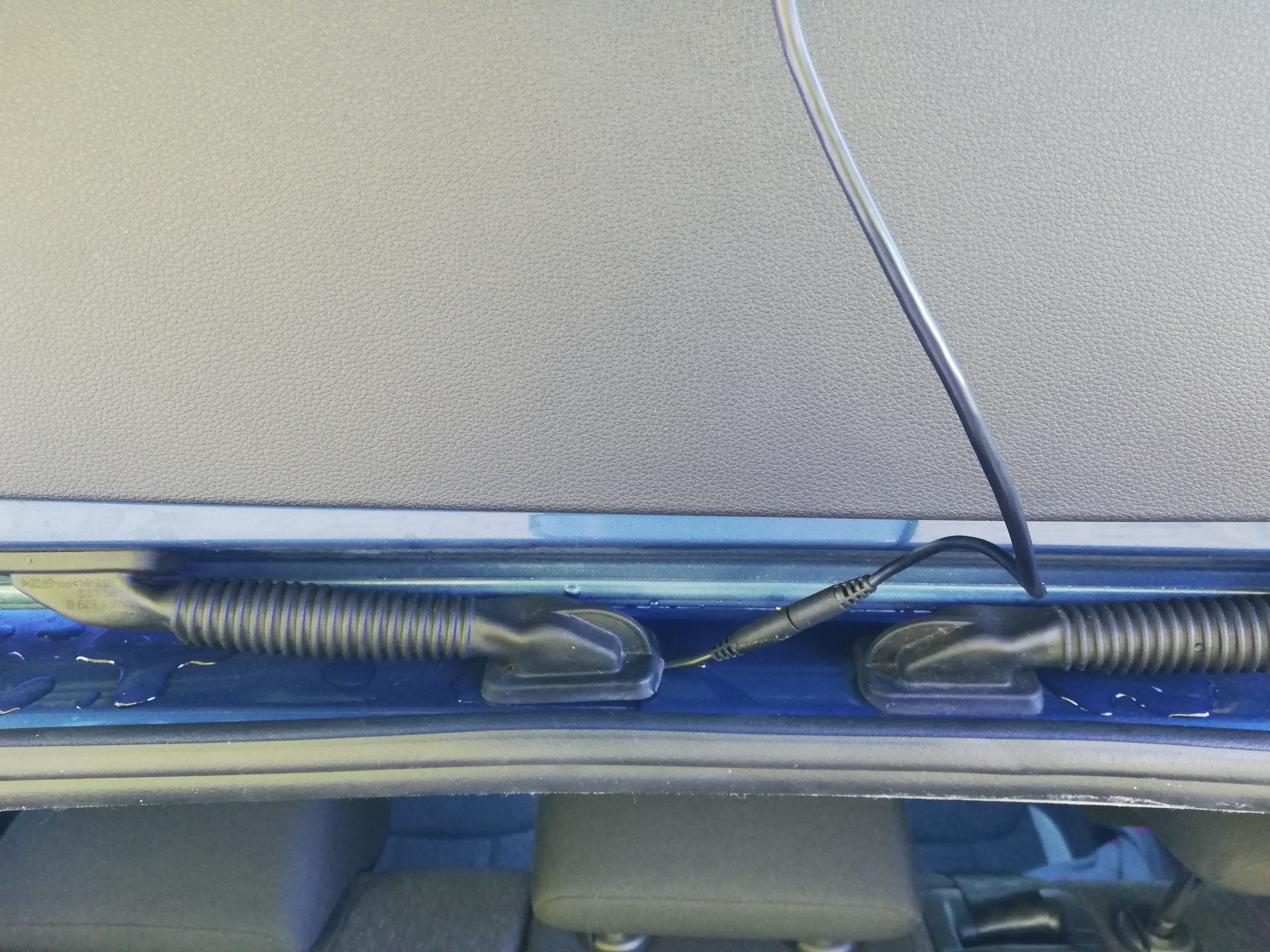
Hello, I am after some advice, please. I bought '20 plate Kamiq a couple of weeks ago. Yesterday I had a Nextbase front and rear dashcam setup fitted on my drive by Halfords - Tyres on the drive. I am a bit concerned about the routing of the cable to the rear camera. The technician has pulled out one of the flexible rubber conduits that runs between the car body and the top of the read door, and routed the cam cable through the hole in the body work. He has then replaced the conduit fitting back in the hole. The moulded fitting ("sealing lip / spigot" - I don't know the correct term for it) cannot fit properly back into the hole as the camera cable is in the way. It rained during the night and when I opened the boot, there is a pool of water collected around the entry points of both rubber conduits. The concern is that this presence of the cam cable will cause water to leak into the body. Is this as bad as it looks? If yes, then I guess I'll be complaining to Halfords / Tyresonthedrive. Are there alternative routings for the cable or other methods of sealing the cable? Thank you...