Vojtechovsky
Finding my way
-
Joined
-
Last visited
-
Where u see axial? It's moving side to side so its radial clearance
-
so what i read, is my turbo good yet? Or i should start looking for new one? Axial clearance is good, i have just radial what u can see in my video. I know that oil pressure balance that clearance, but my question is, is it too much? Or still good?
-
Well, i know that some clearance can balance oil preasure but someone said that radial play looks excessive
-
Well, thank u, I will check it, so when i will have no end float, should it be ok with this radial clearance? You said that radial play looks excessive
-
Shoul i repair it now? But it runs normal, no oil leak from turbo, no noise, no faulty codes, no smoke from exhaust etc.
-
My brother have Peugeot 1.6 hdi, 1 month new turbo, works good, no oil leak from turbo and it have almost same radial play
-
Some movement can balance oil pressure i think
-
Ok, now i understand, i will try it, so what should i do now? should I drive normally with it or let repair it? Okay, thank u for explaining
-
Ohh 😌 how is that possible? :( End float? What is it? U think axial clearance? Or radial clearance of exhaust part of turbine? Sorry for my English
-
when i moving with the turbine it does not touch the wall of the turbo and I can't hear any noises
-
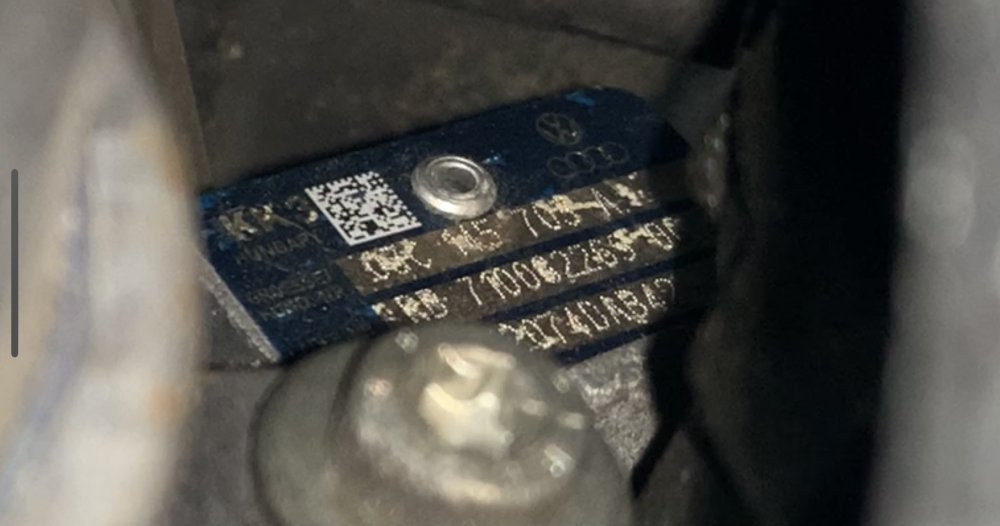
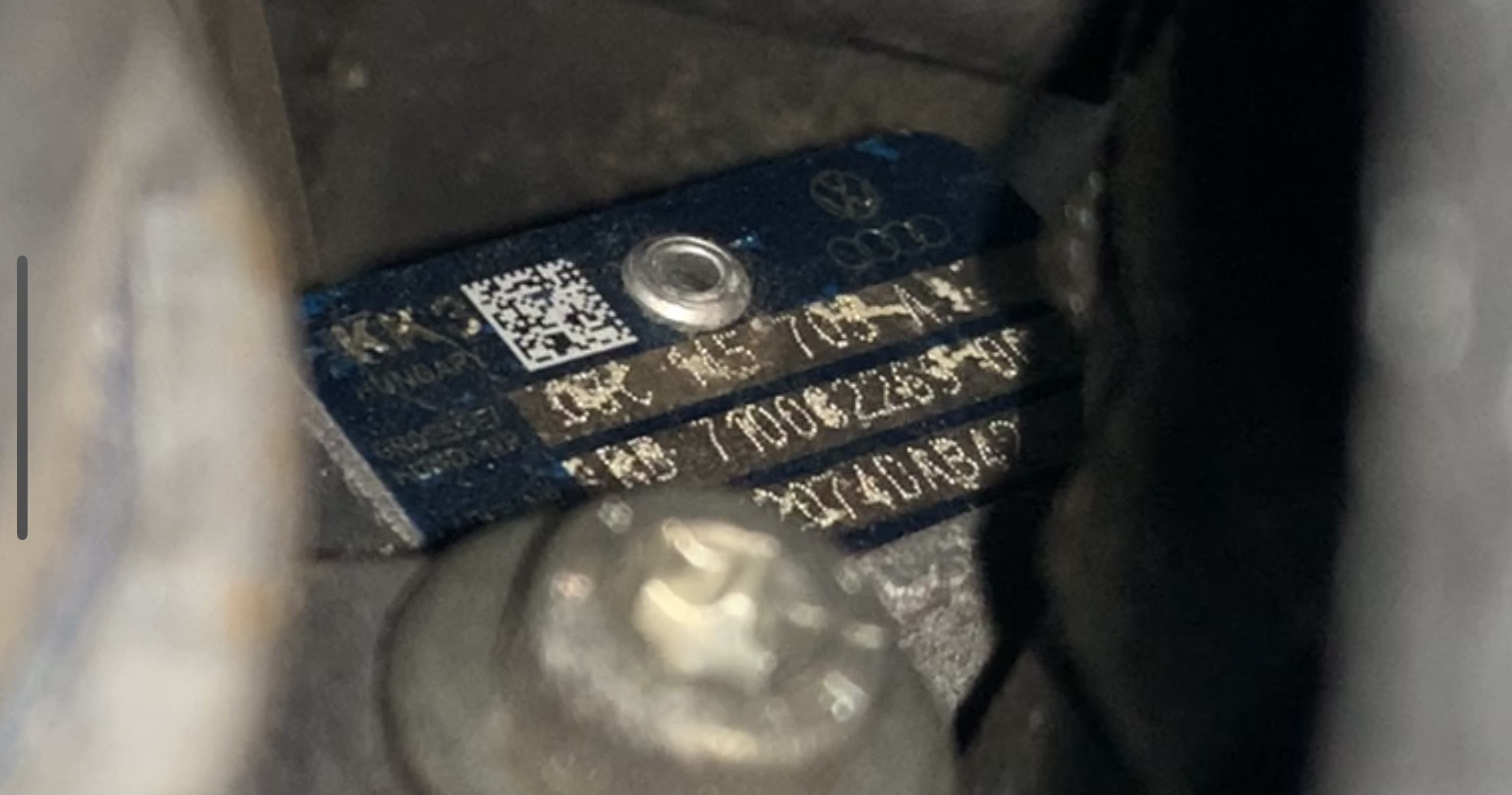
Hi, i have 1.4 tsi CTHE 132kw, i have engine from crashed fabia 2, 2015/03, whole engine with turbo etc. Have 25 000km +- mileage, engine works normally, 0 faulty codes, no problem, turbo runs normally too, but i tryed radial clearance and i think thats little bit much. What do u think? Turbo number: 03C 145 703 A https://youtube.com/shorts/0lJgLK9CUgg?feature=share Oil (5w40 valvoline) in engine is clear like new, i changed the oil 3 times when i installed the engine in my car, i drove 5000+- km by myself with this engine and no prob. I let the turbo heat up and also cool down every time, no chip tuning etc. Thank u.