Geegar
New here
-
Joined
-
Last visited
-
It’s mk2 there is no lock button on the doorcard
-
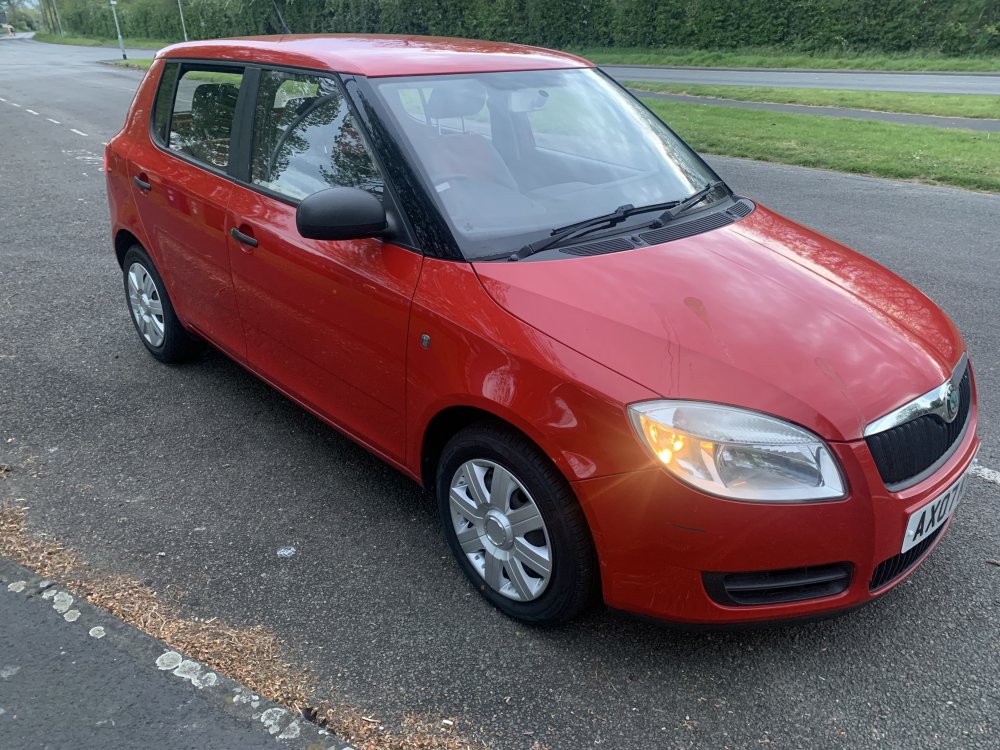
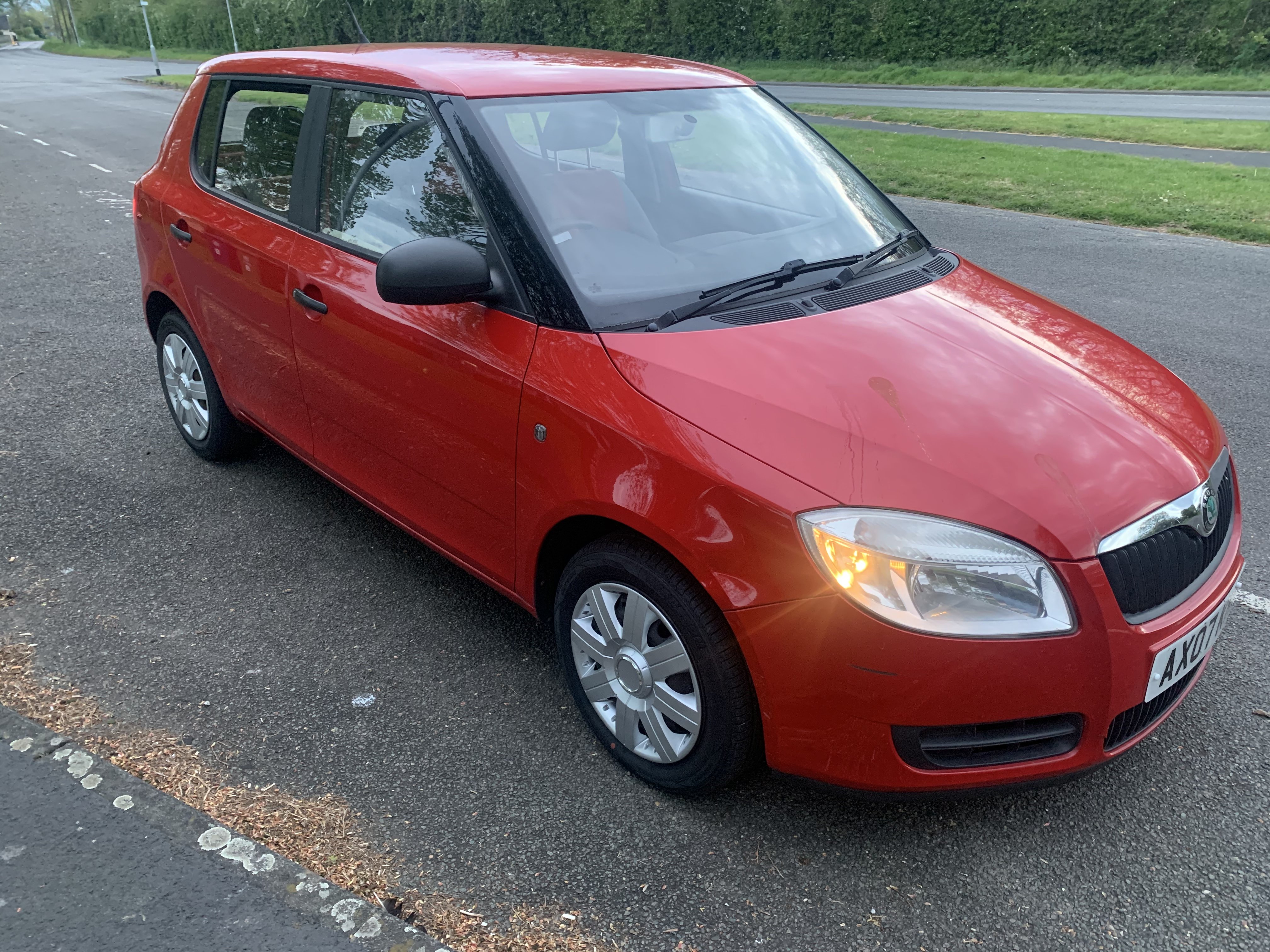
Morning all I am new here and recently purchased a 2007 fabia 1.2 petrol 3 cylinder for my son to learn to drive in, we purchased it with the front windows not working seller had told us this and said it will need a replacement drivers motor and regulator, we have done this and all working ok now (previous owner had made a right mess of trying to wedge the window shut) had broken the plastic on the ca bled for the inside door handle). We replaced those (drivers and passenger) all is good I thought until I went to unlock it the other morning and the rear doors unlocked fine but the front doors won’t open, after a couple of hrs of fiddling I have managed to get them to open, they will open and close as they should from inside and out now until I lock the car again then same problem, if I don’t fit the interior door cards it locks and unlocks and opens just fine but if the door cards are fitted then it won’t open the front doors from inside or outside until you remove the door card, once you have opened the doors you can refit the door cards and all functions as it should. It’s a fabia htp1 so a base model no remote central locking you have to put the key in the door to unlock/lock it any help would be great thank you in advance
-
Sounds like you got it sorted I was about to chime in and say it was a coil pack
-
A big sunny hello from Cambridge Uk, thanks for having me, my current ride is a 2007 mk2 fabia