Geordieskoda
Finding my way
-
Joined
-
Last visited
-
Hi m8, it’s a 2018 1.6 7 speed, it happens in all mods and when freewheeling, goes off when you reduce speed. Hi m8 ye that’s the model I bought it’s only done 40k.
-
Got a whining noise off front near side at 50mph plus, replaced the wheel bearing but still doing exactly the same, anyone had this problem, car only done 40k, I guess next port of call has to be a gearbox specialist, any advise greatly appreciated.
-
I did on a earlier post I held both buttons in and it reset it self
-
Got it sorted cheers
-
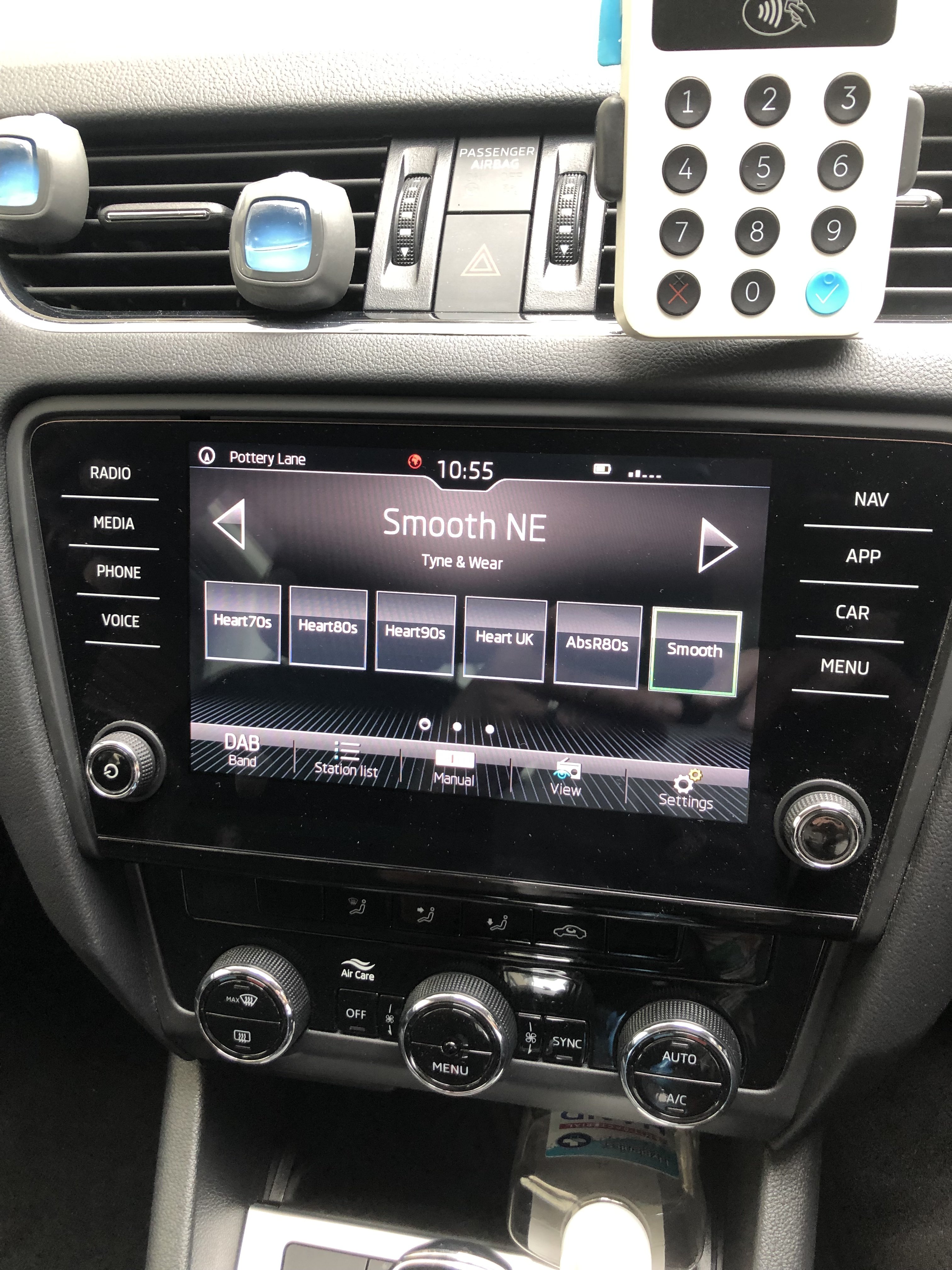
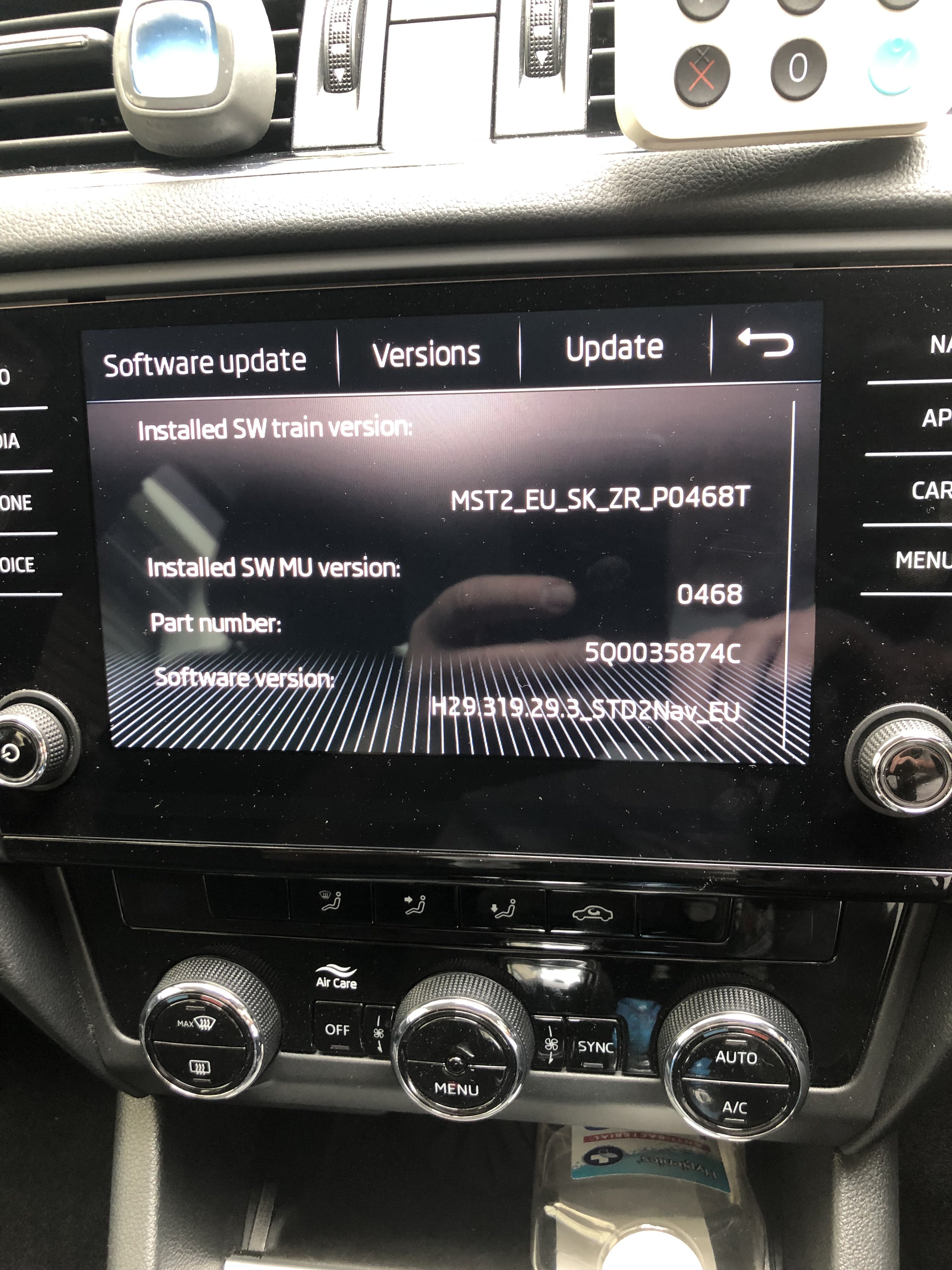
After parking my car up on Thursday I got back in on Friday morning and I have lost radio volume and I can’t change radio channel every thing else works on head unit ?
-
No am not very good IT but my son is how will I find your guide ? Cheers for your help.
-
Hi think I have done this right
-
Just bought a 2018 Octavia, I have got my mobile linked upto car but I can’t hear my text, e-mail alerts etc, now I am not one to read txts etc when driving but I need to know I have received one so I can look at it when I pull over, thanks for any help.
-
Geordieskoda changed their profile photo
-
Pleased to hear it’s been problem free Good to hear
-
Cheers for your reply,
-
Hi there’s no problem with box just wondering what people thought of them
-
Yes 2018
-
Just bought one
-
Good evening everyone, had anyone got a 1.6 Octavia with the 7 Speed Automatic.
-
Always use Shell V Power nothing else I bought the car with10k on the clock and I have never used any other fuel, 99.9% of the time the car runs as sweet asa nut, I have only had to replace the Alternator in the 4 years I have owned the car,