nnathann2403
New here
-
Joined
-
Last visited
Everything posted by nnathann2403
-
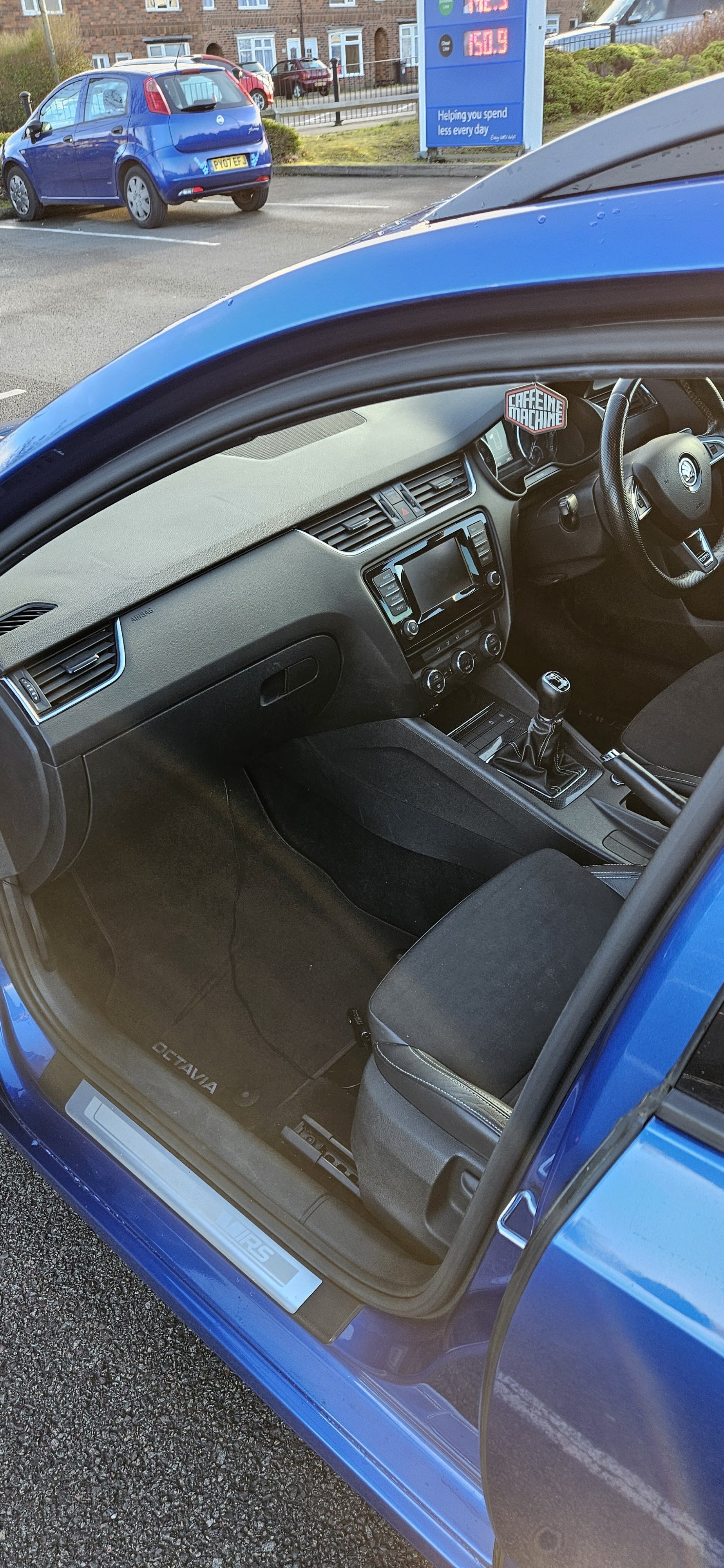
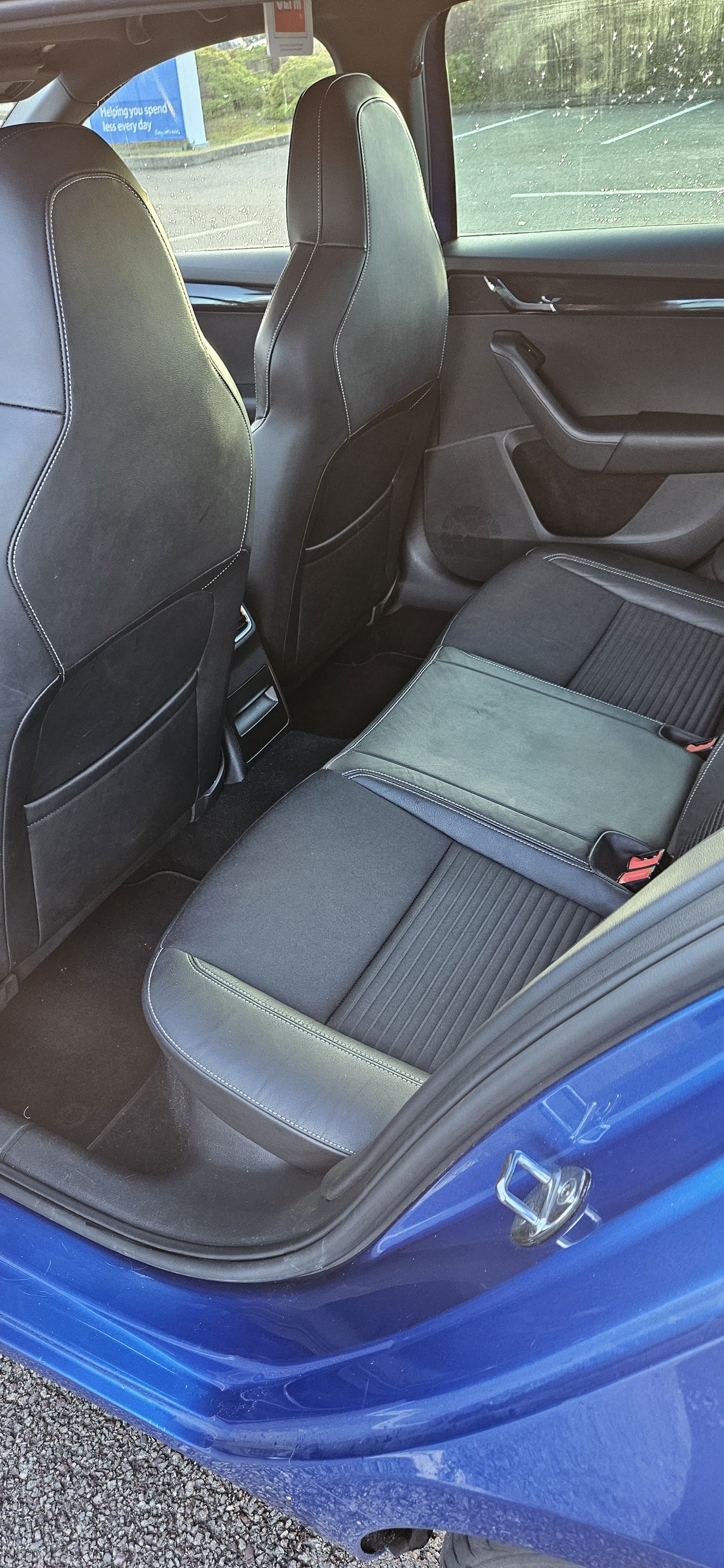
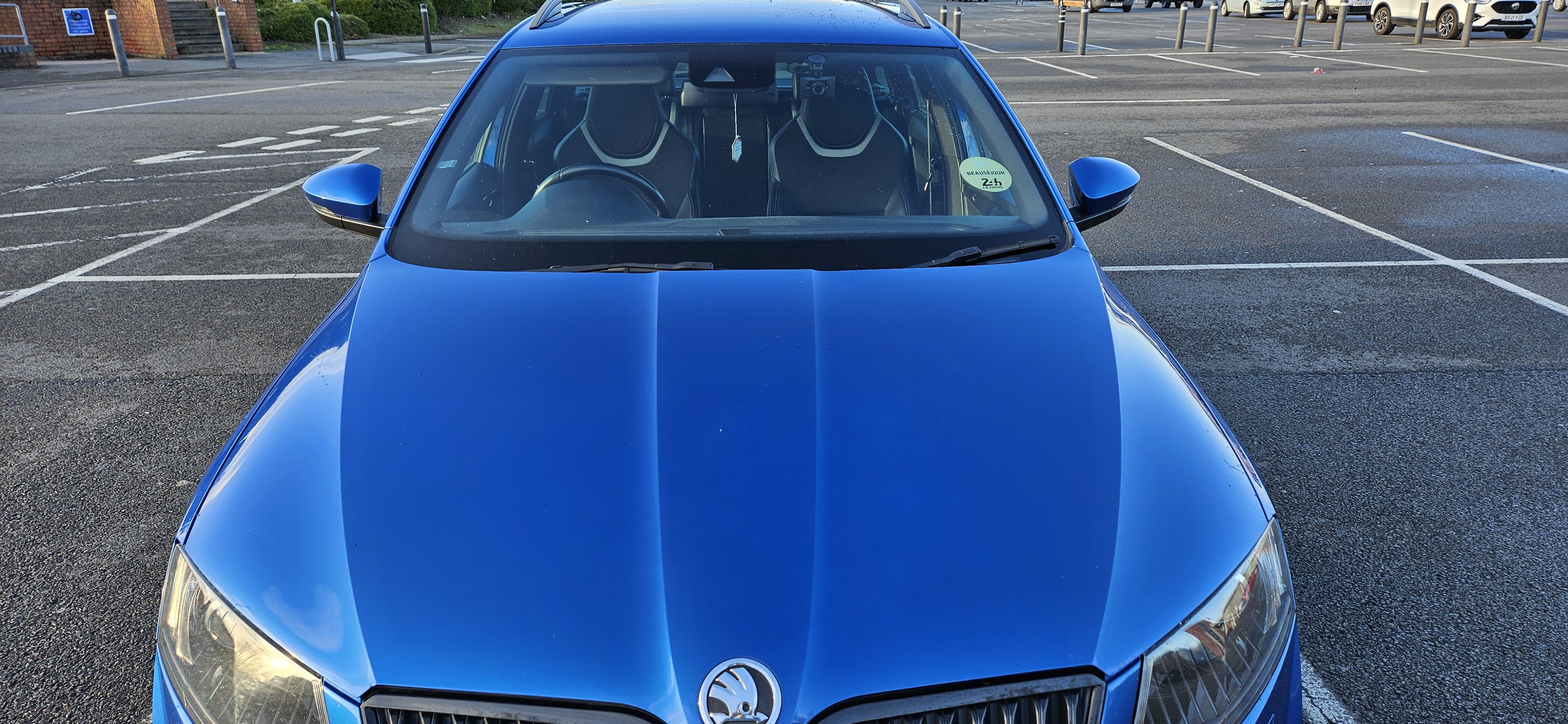
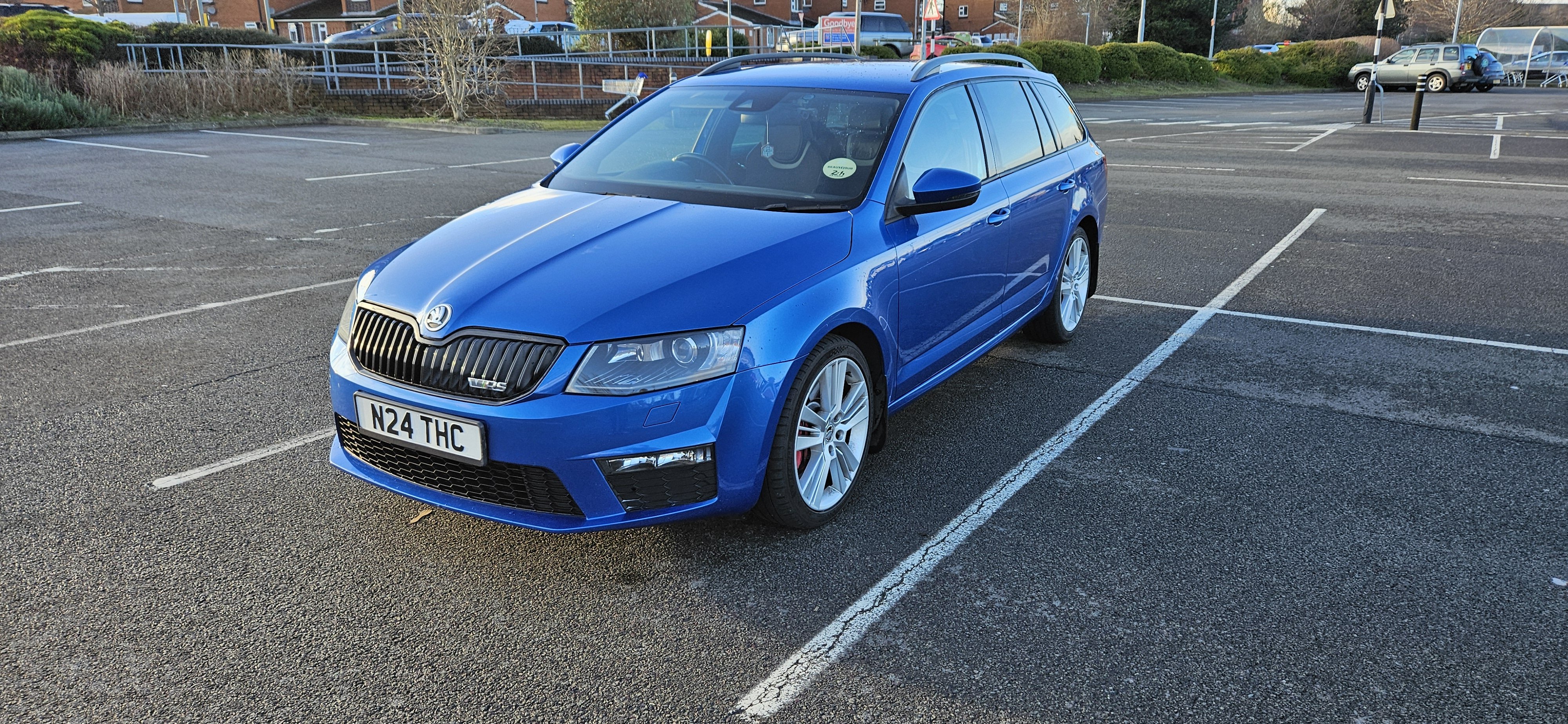
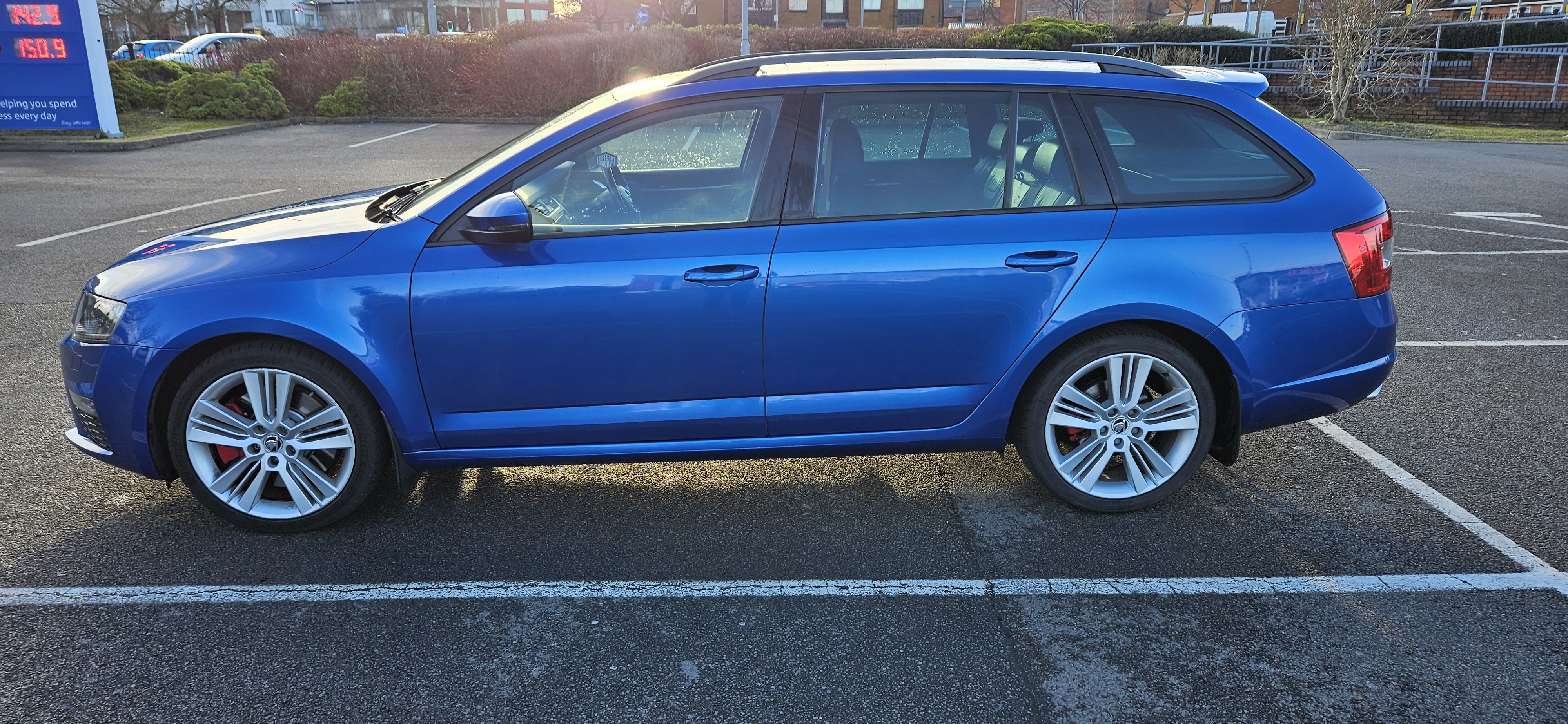
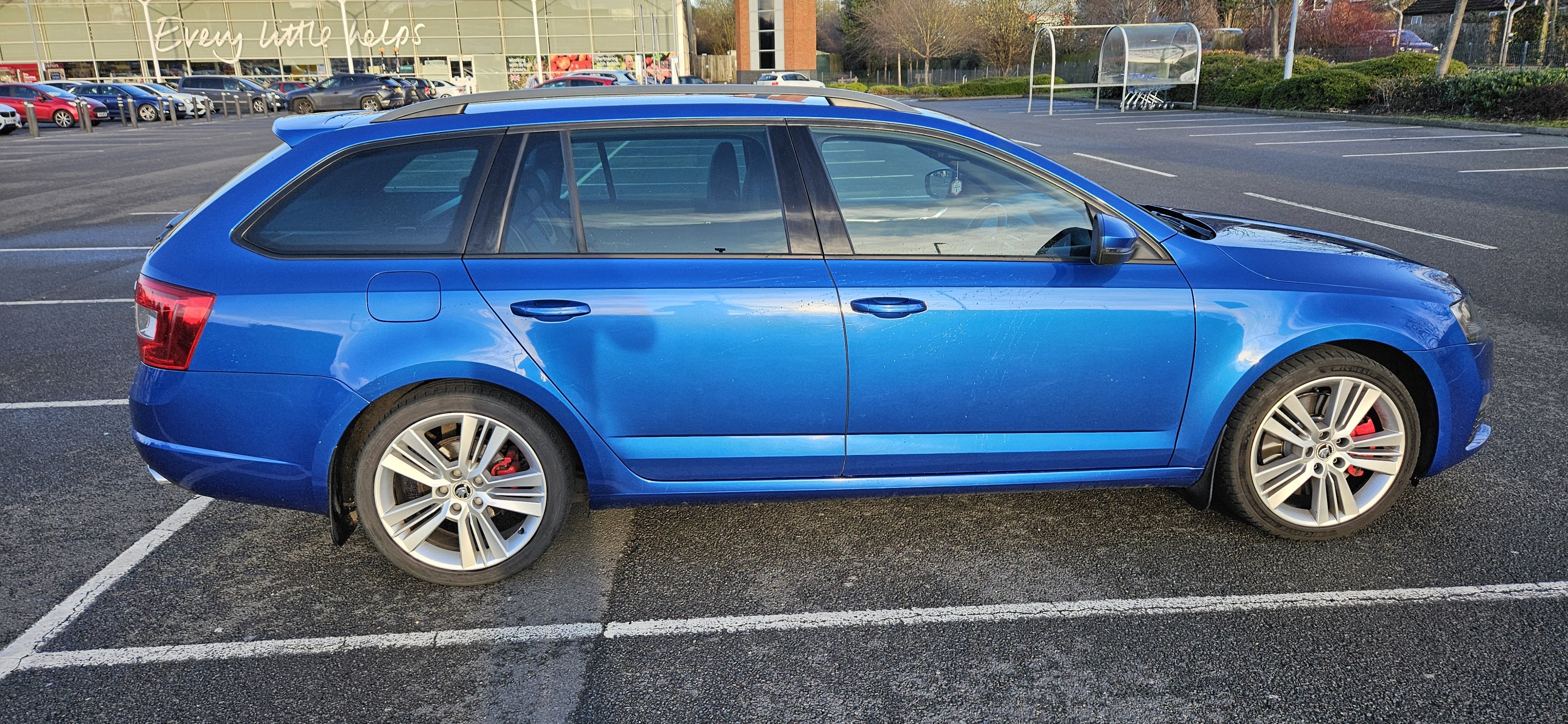
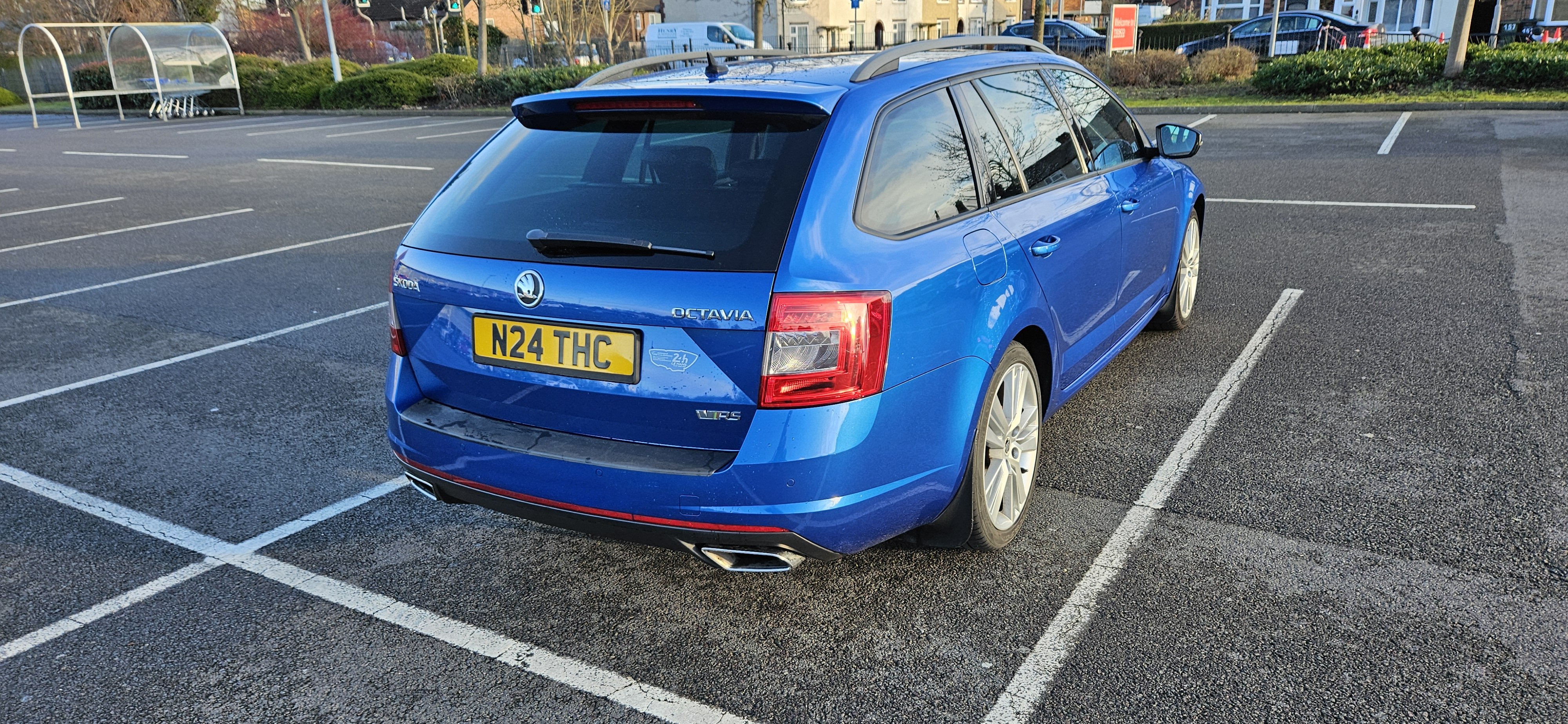
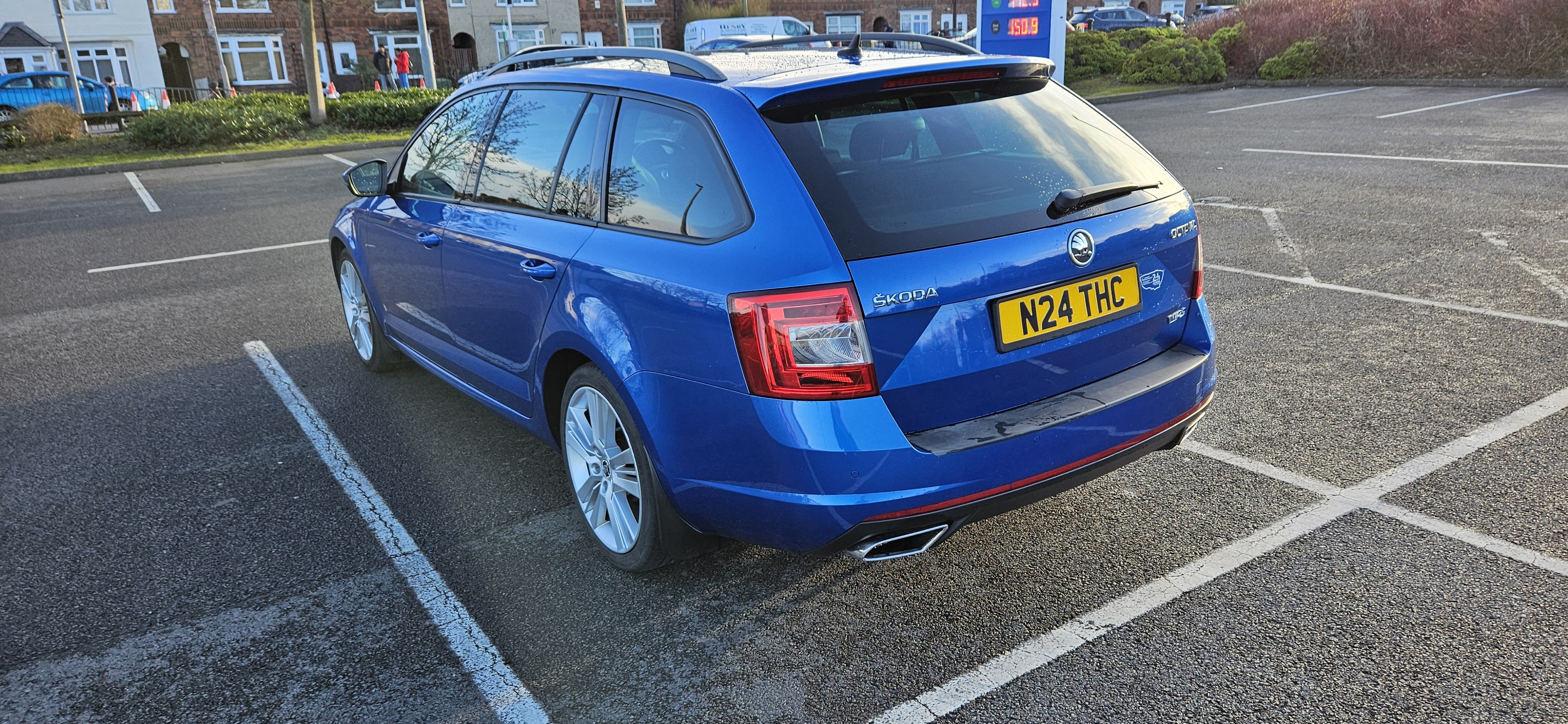
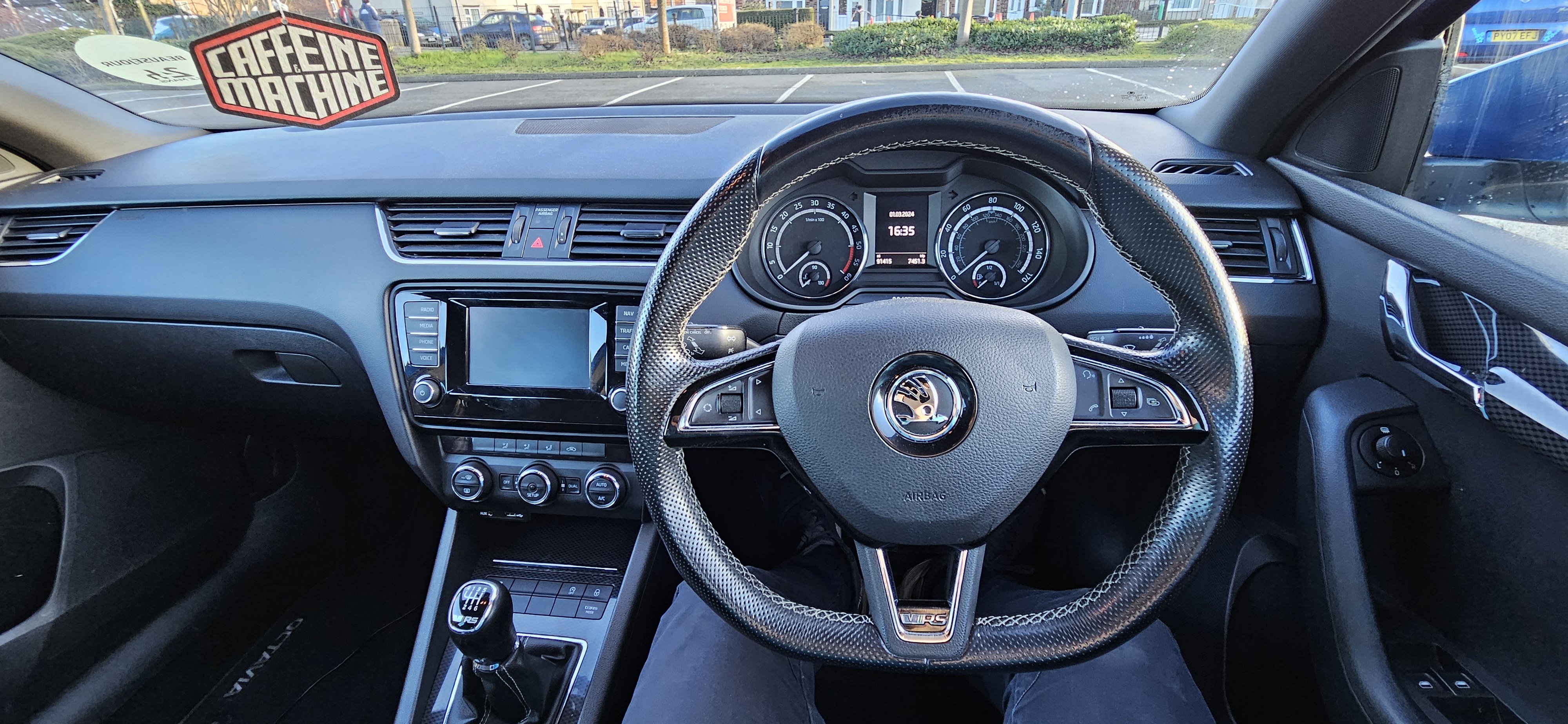
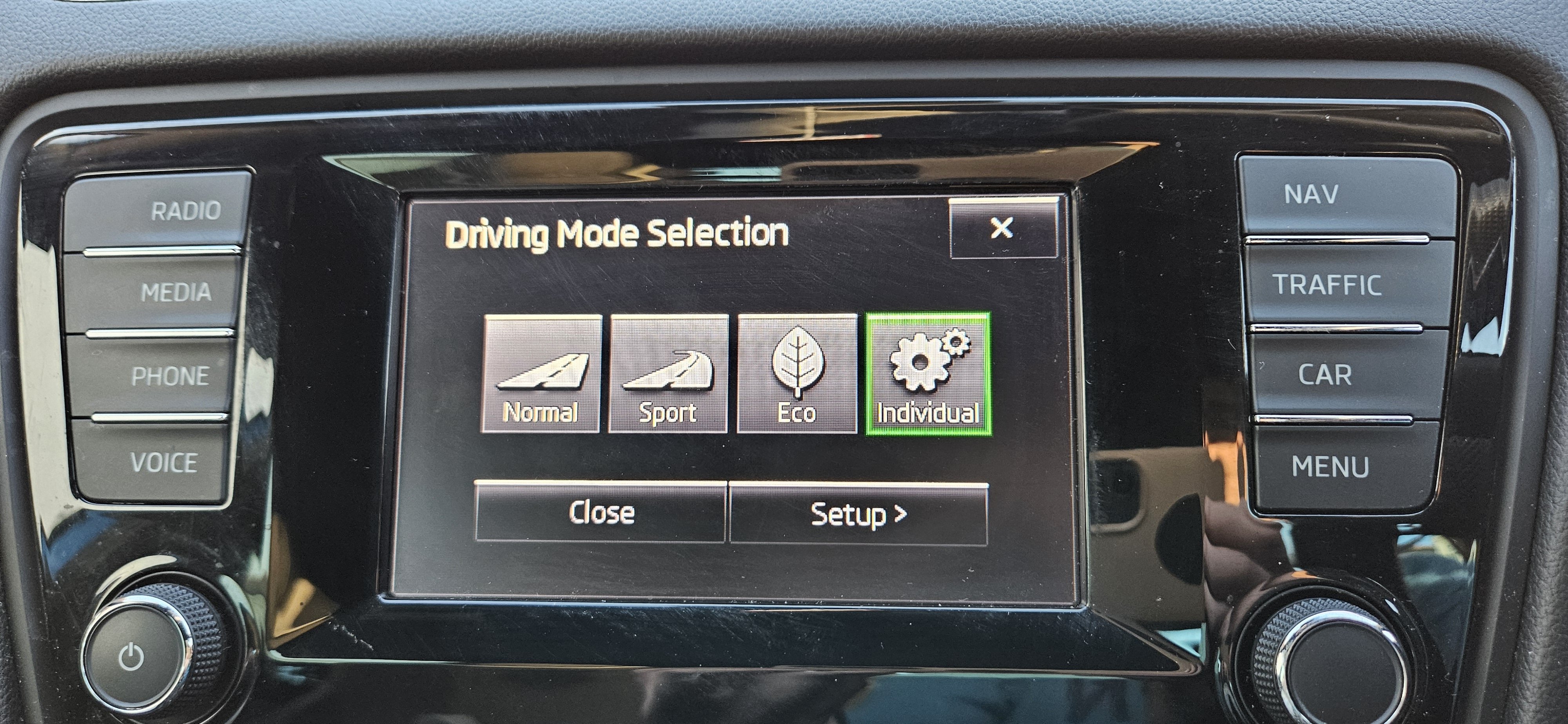
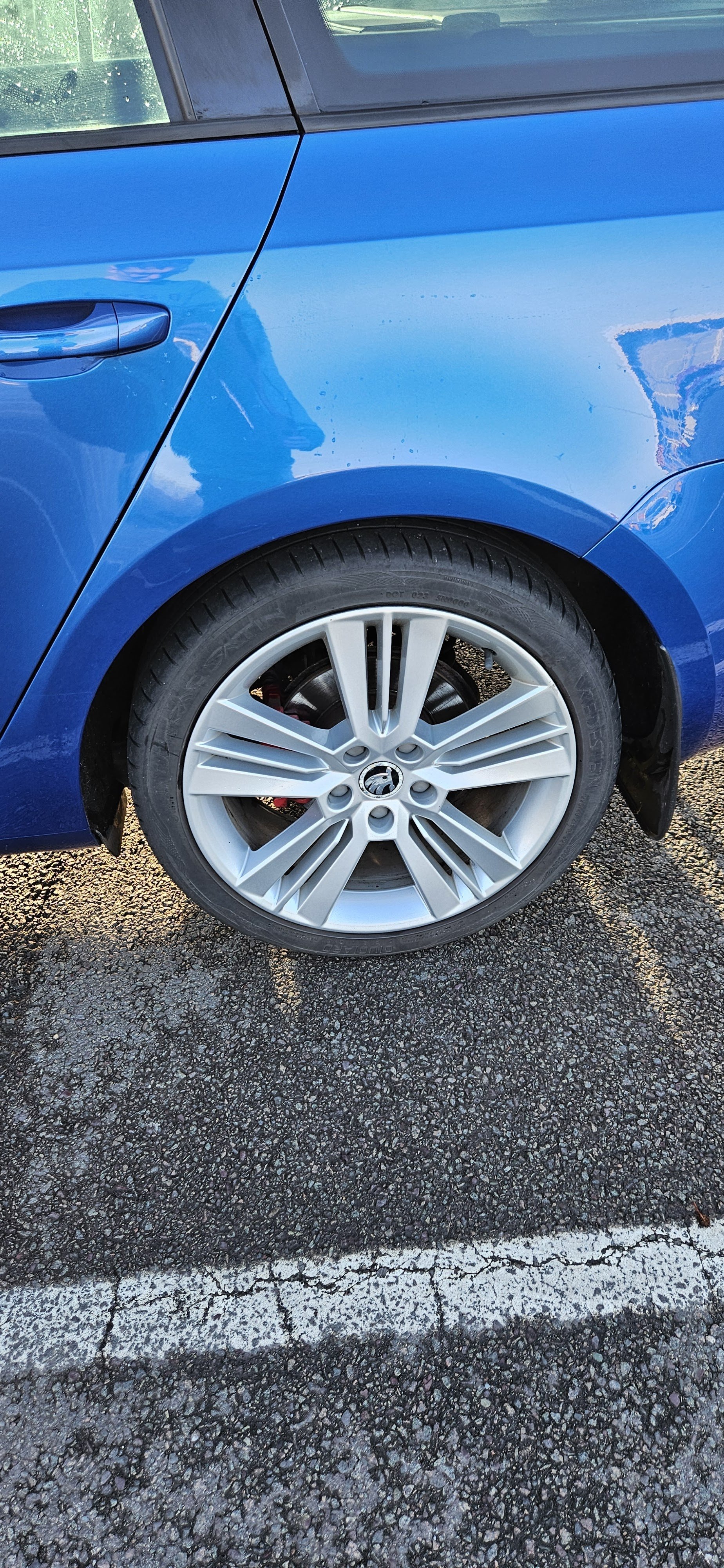
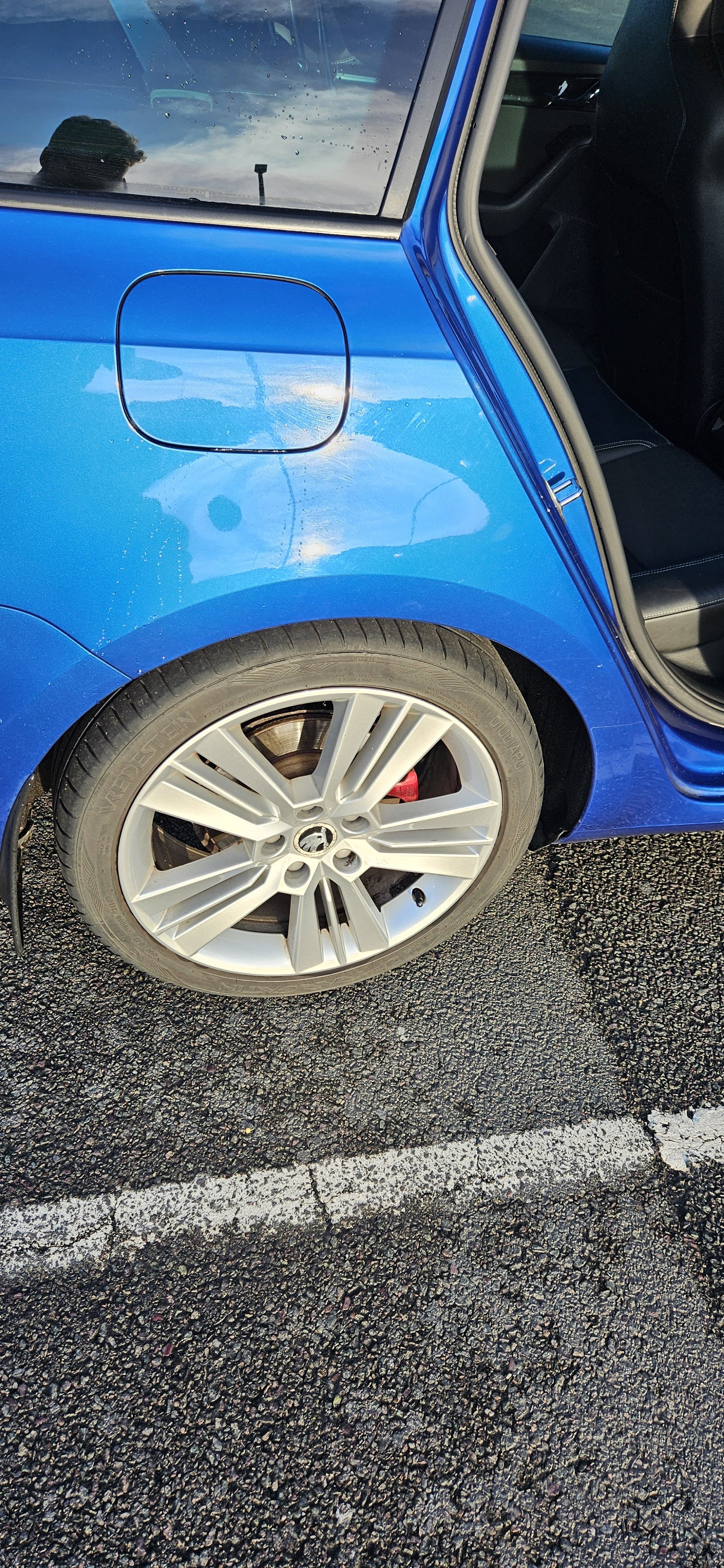
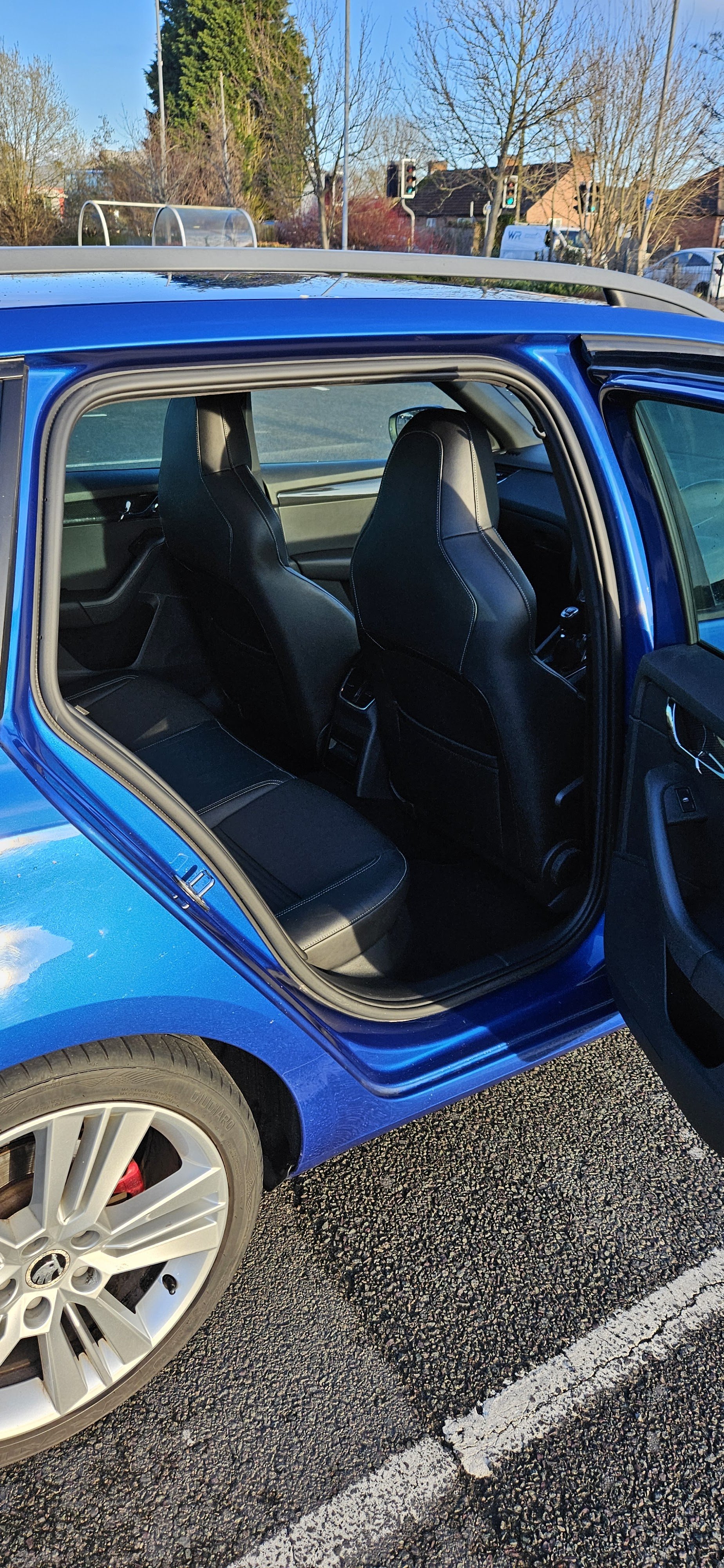
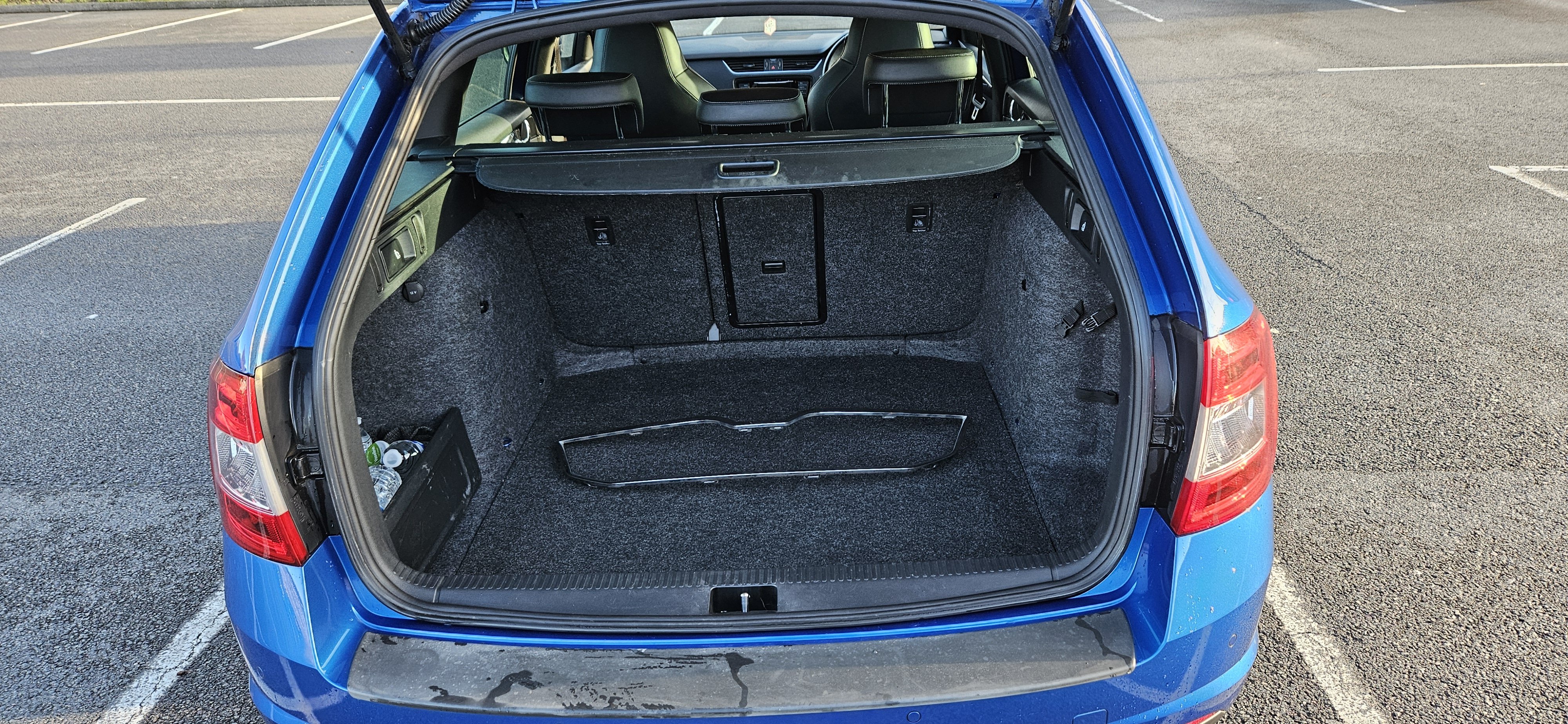
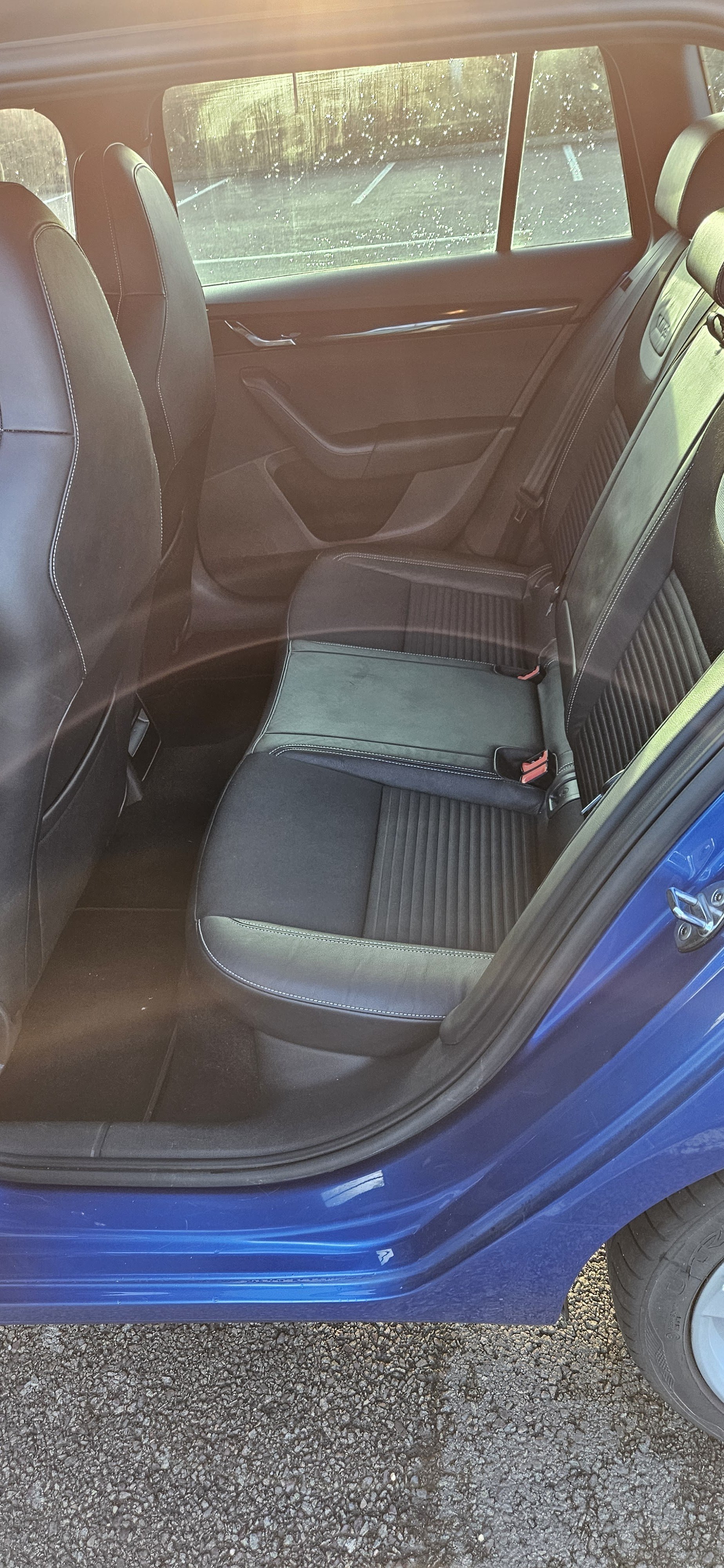
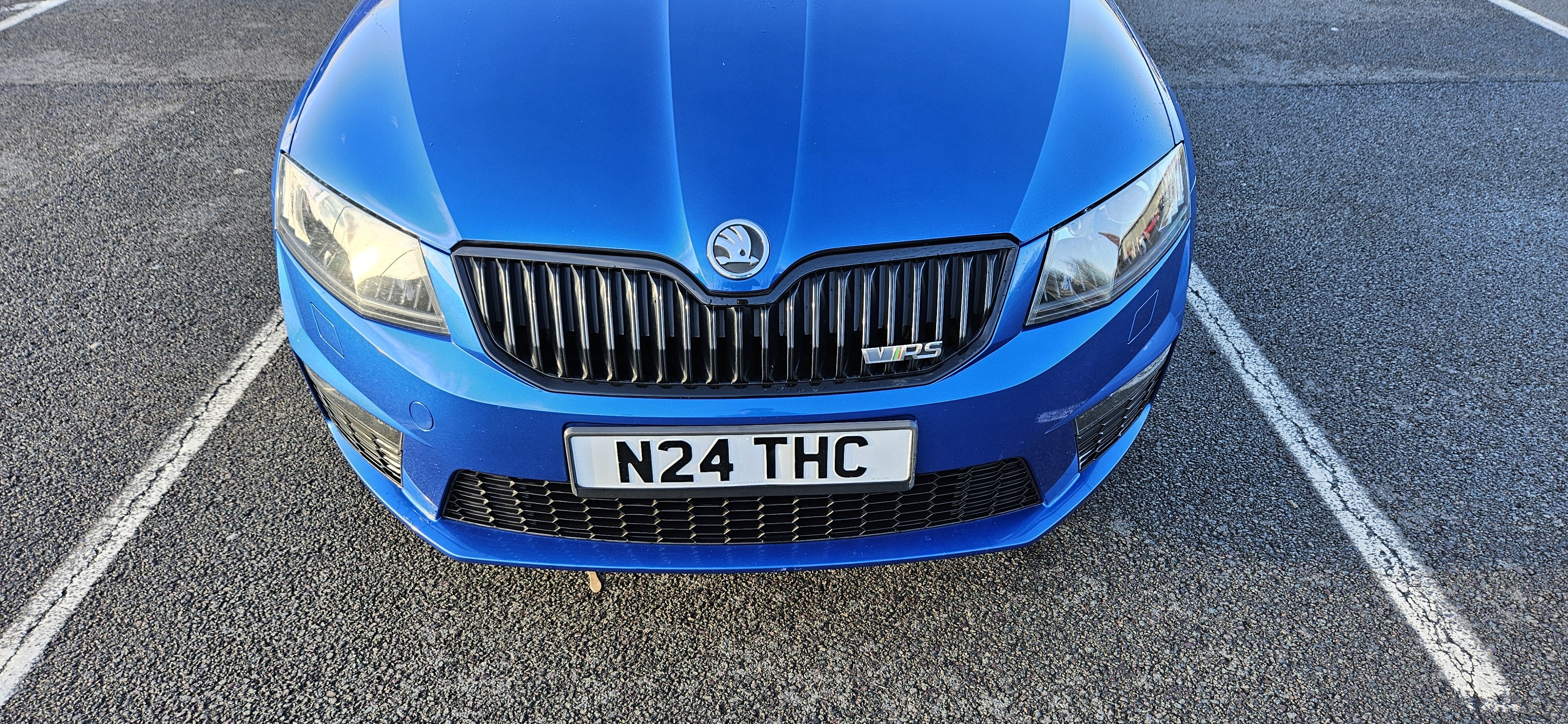
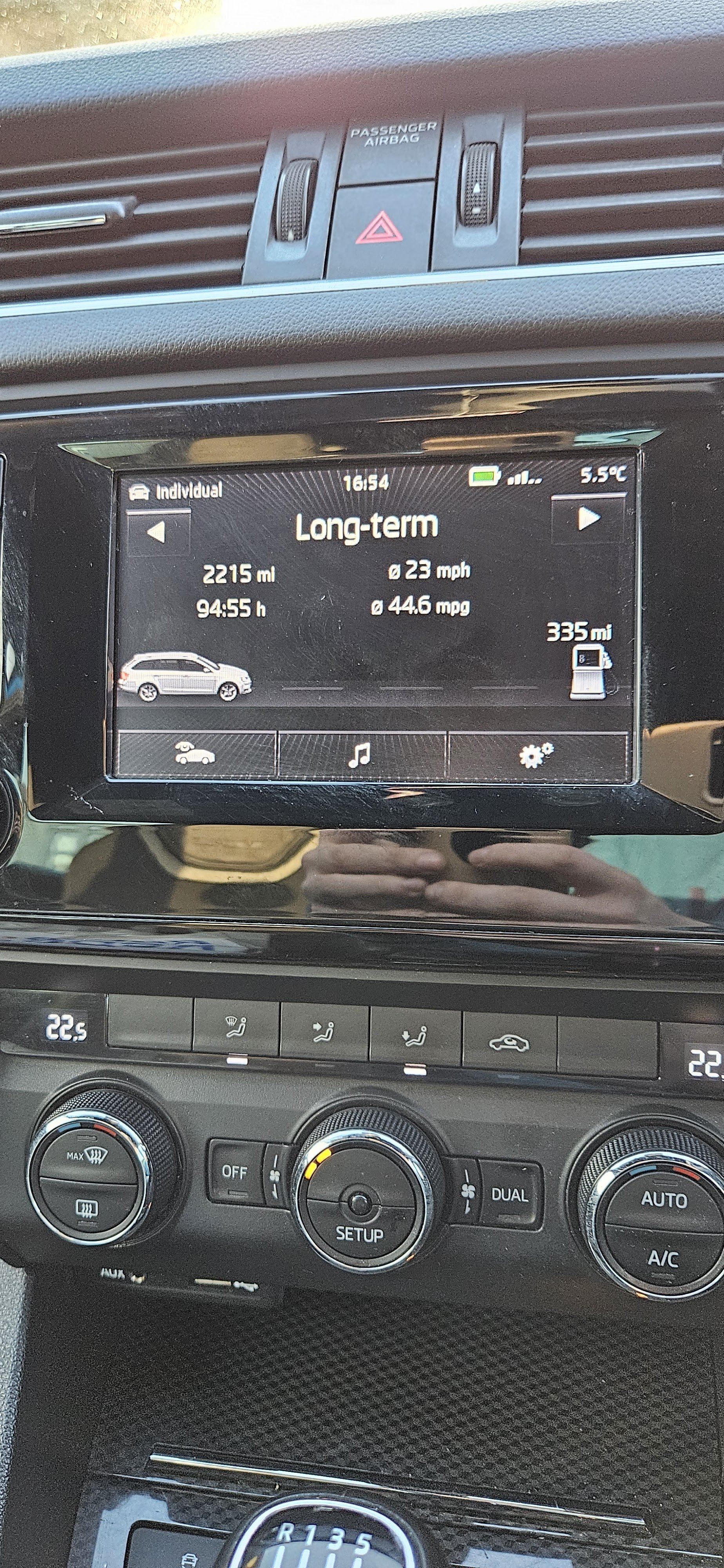
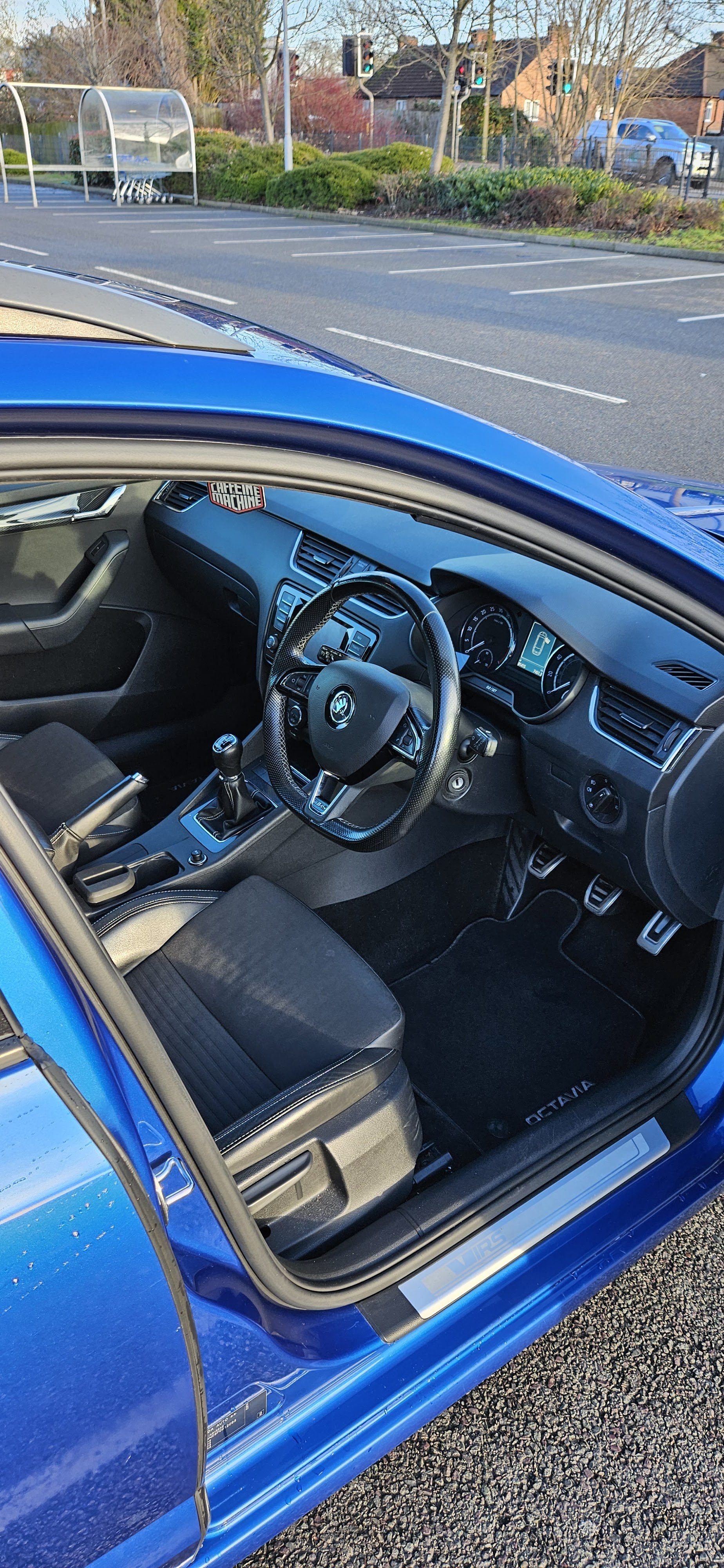
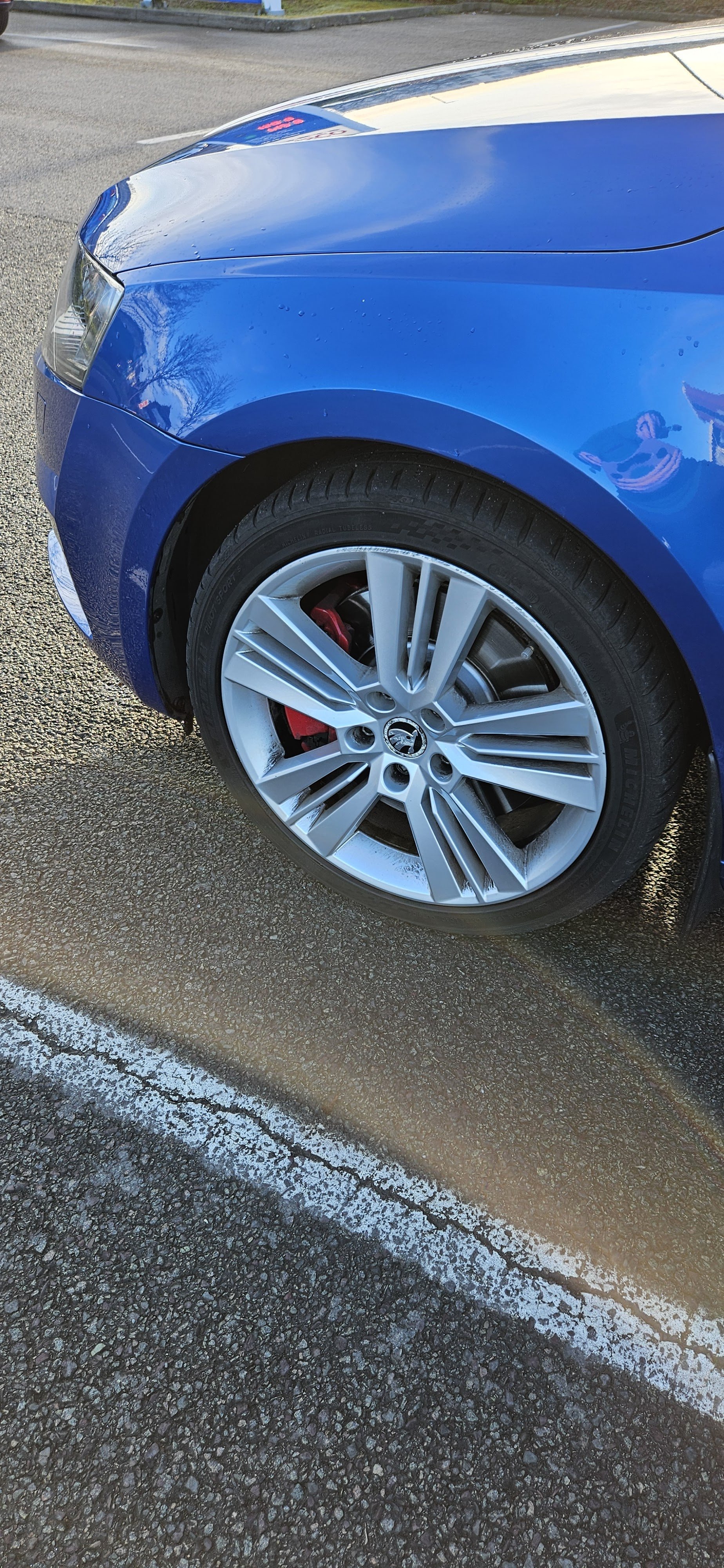
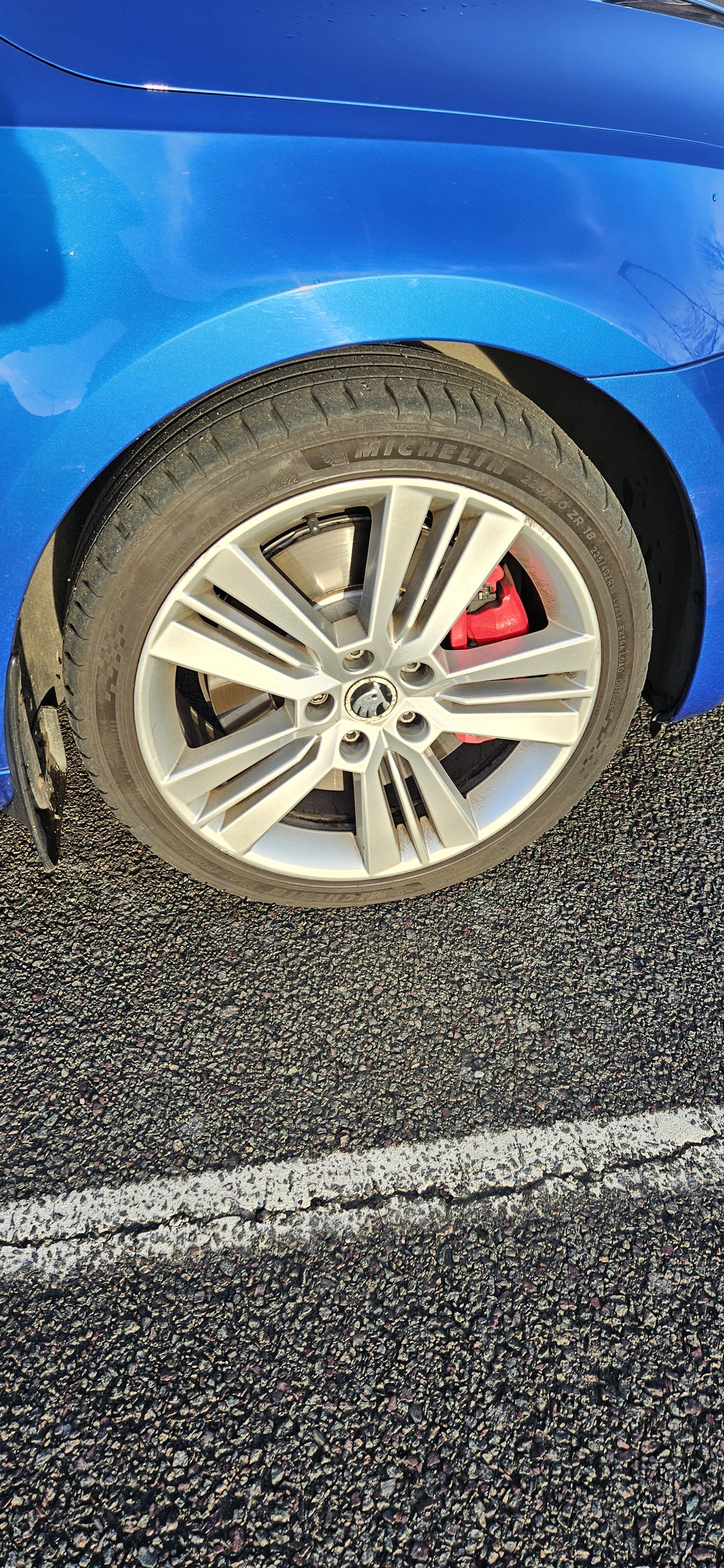
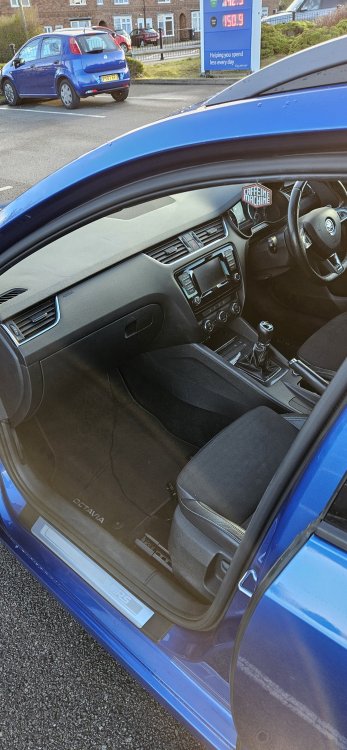
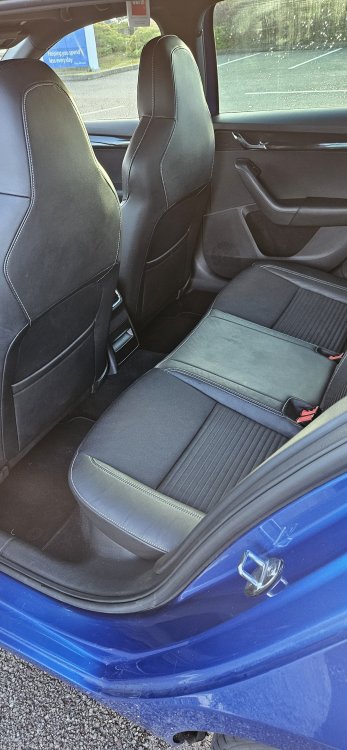
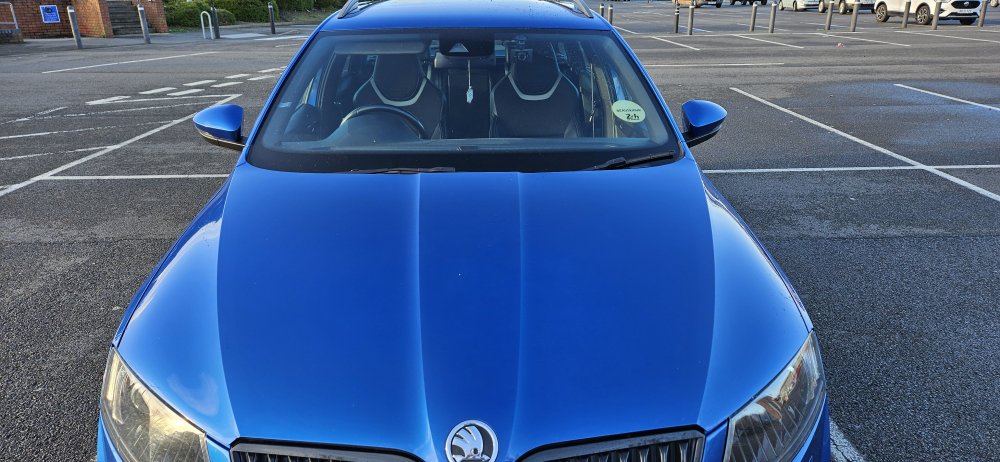
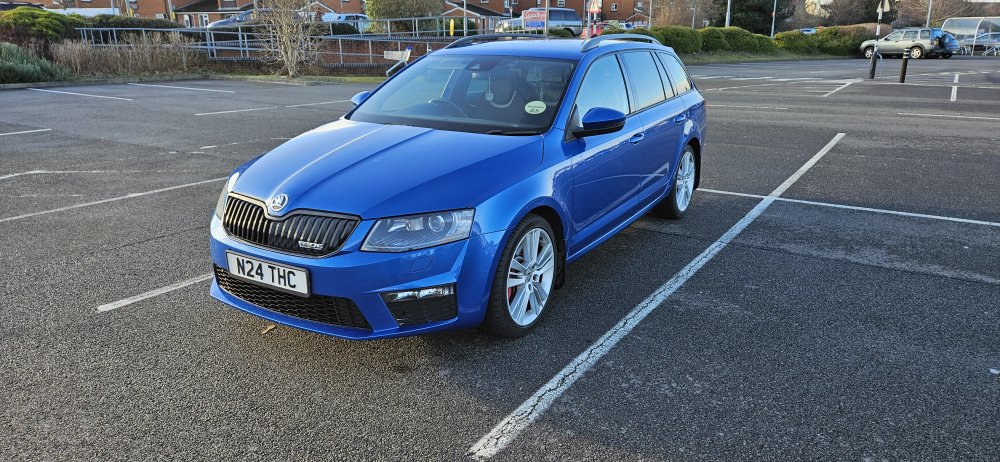
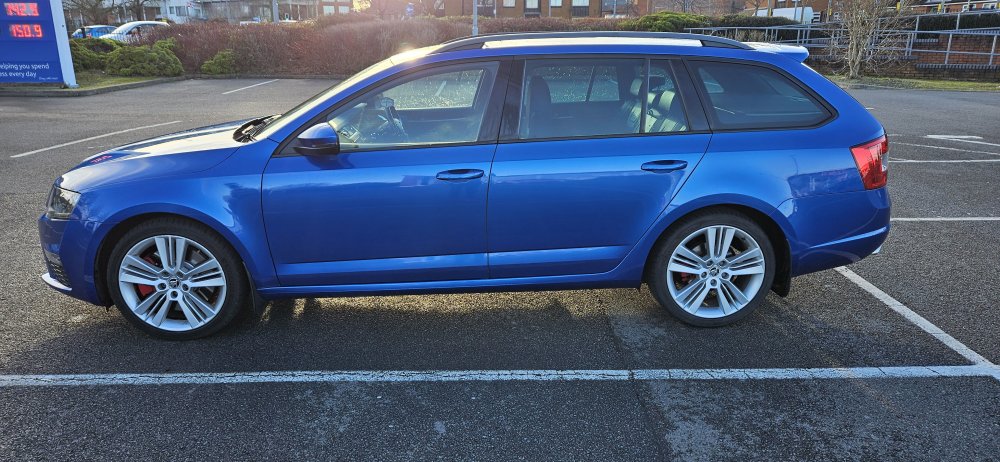
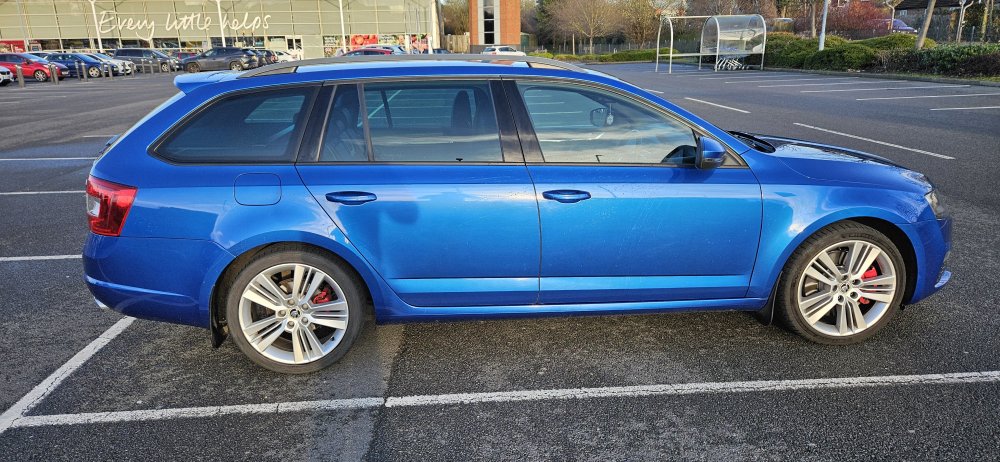
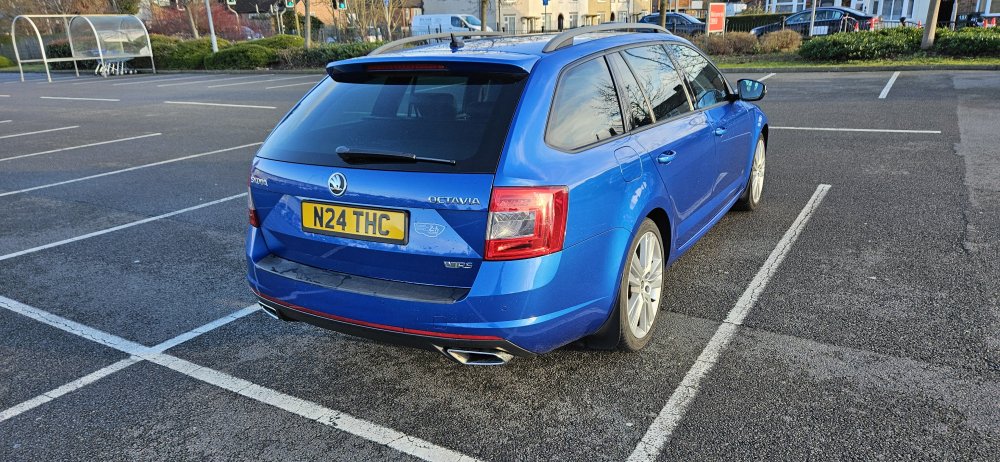
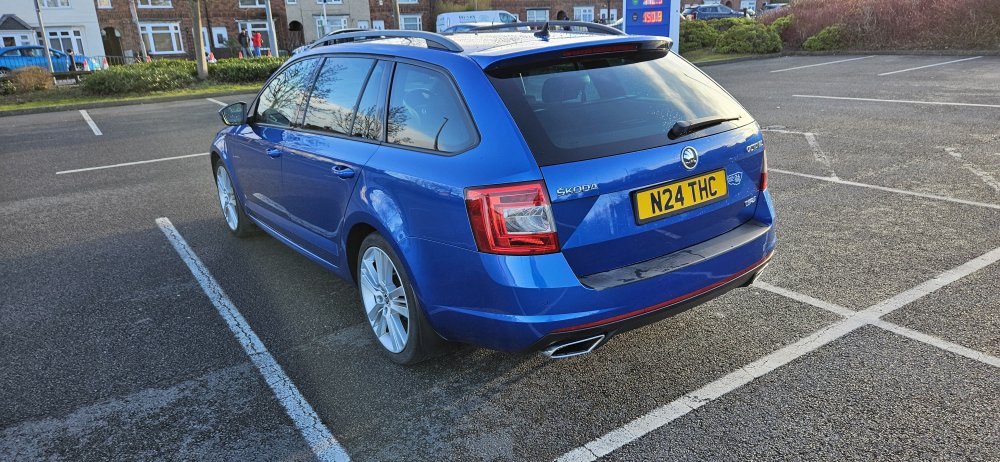
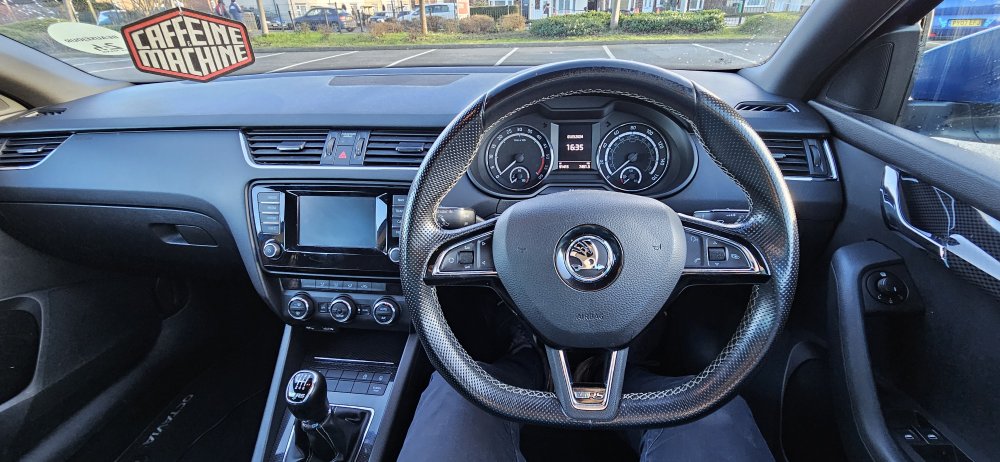
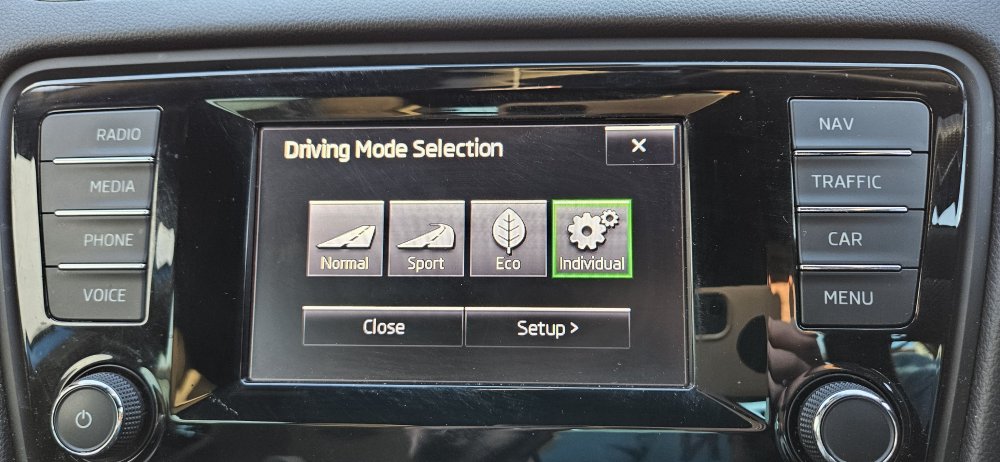
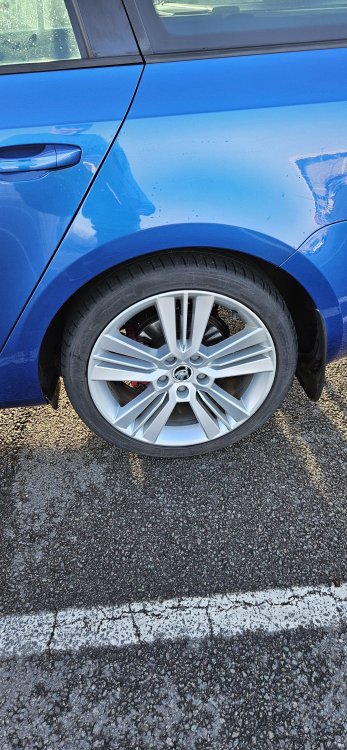
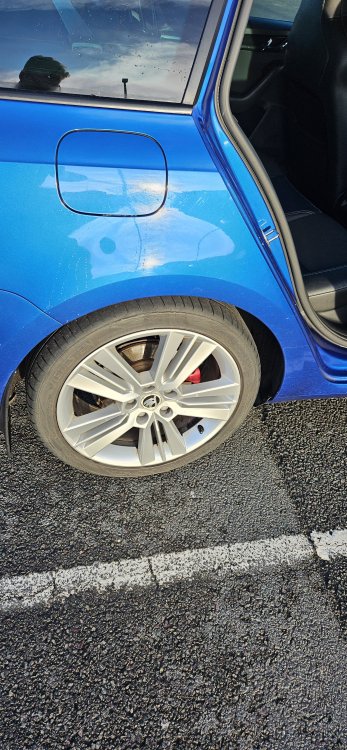
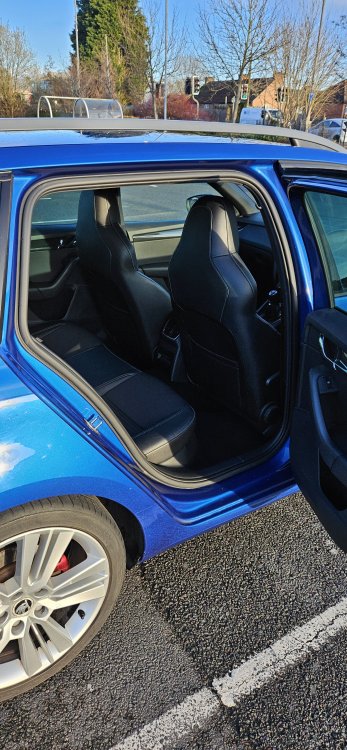
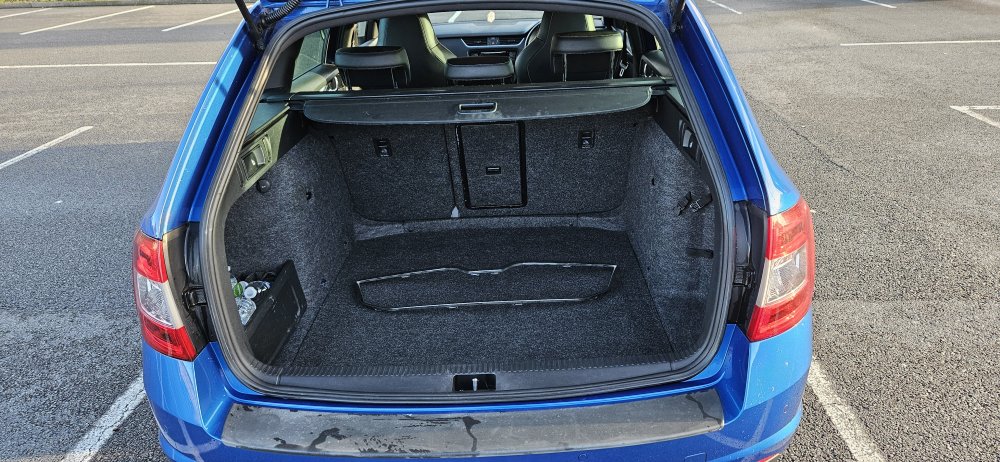
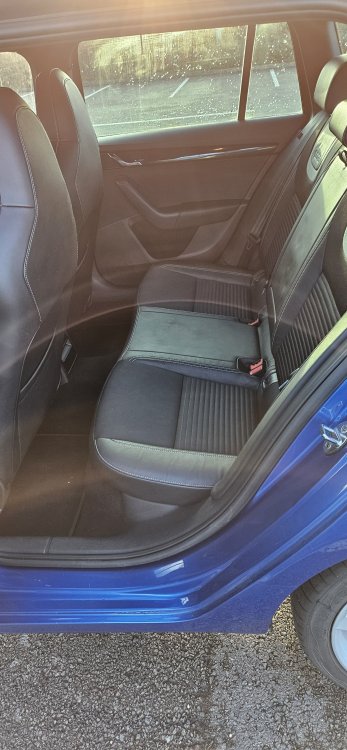
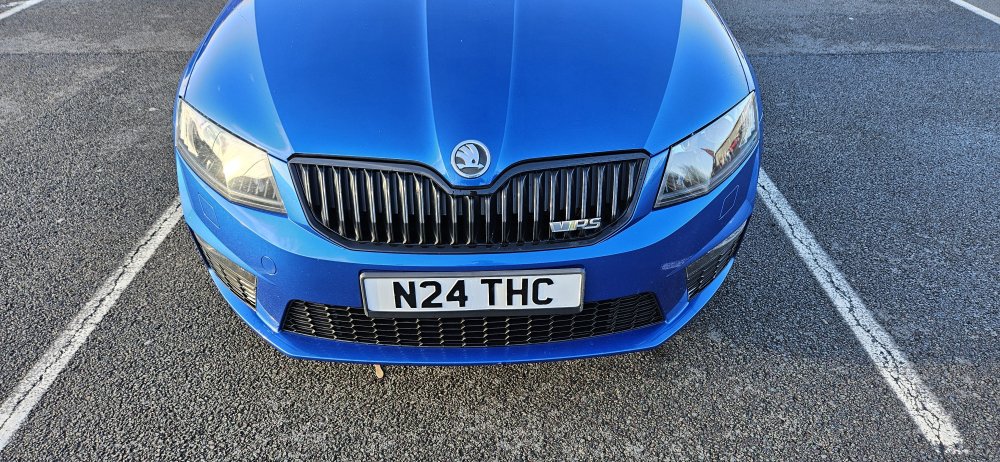
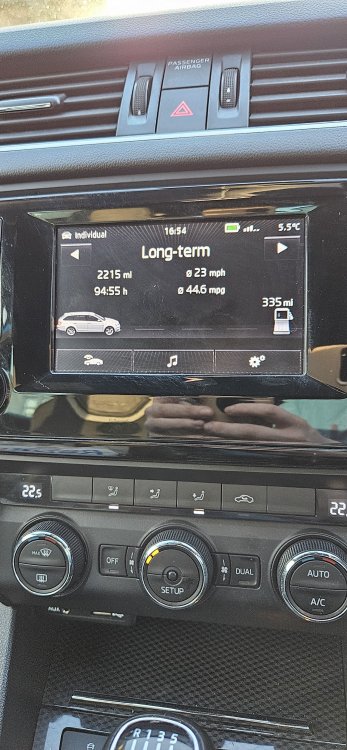
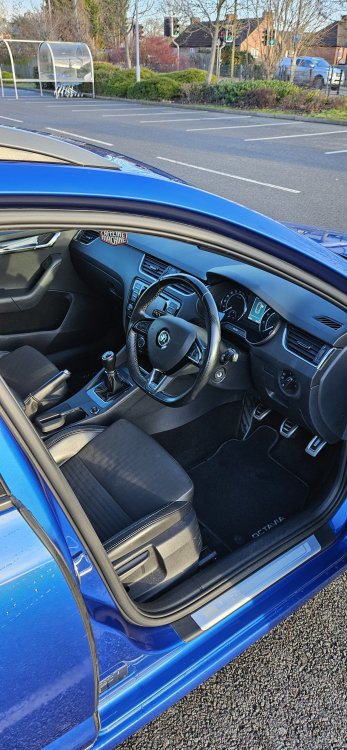
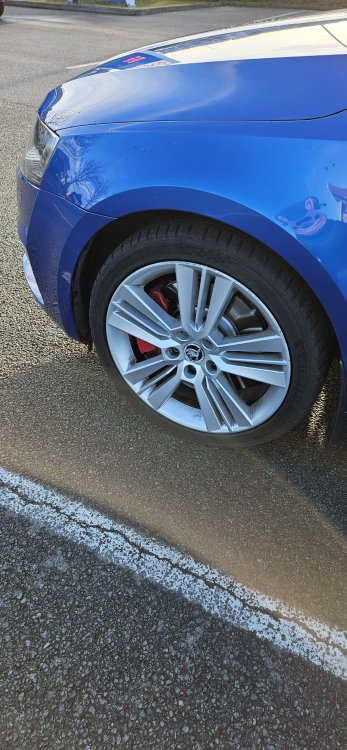
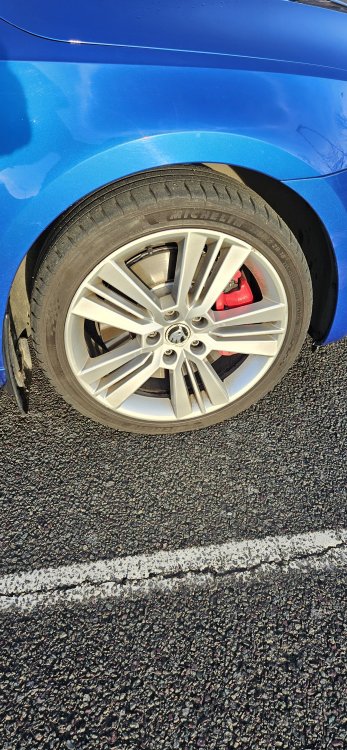
Make & Model: Skoda Octavia VRS 2.0 TDI 2014 Colour: Blue Mileage: 92500 Price: £8500 or offers welcome. Any help on price would be appreciated. Condition: Car is in very good condition for a 10 year old car. A stunning blue colour. The car drives very well and smooth with no issues at all. Summary: Gloss Blue paintwork Carbon effect interior trim accents VRS trim with sports seats Cruise control 18 inch alloys Red brake calipers Auto dim rear view mirror Auto lighting with LED Daytime running lights Auto climate control with left and right zones Tinted rear glass remote central locking with 2 keys Built in touch screen display adjustable centre armrest with storage Auto rain wipers 2 keys FSH incl cambelt and waterpump in 2019 £30 a year road tax Negative - 2 of the alloys have scratches on the wheels. Luckily not too noticeable due to the silver colour. Original plate is back on the car AX14 ACF. Any questions or requests for more photos welcome. Service History/Receipts/Recent Service work: MOT until 26th June 2024. 92500 miles with last service in June 2023. No service book as online service history. All prints out available due to full Skoda and Skoda sepcialist service history. Front brakes changed in Jan 2024. Collection: Leicester, 1 minute walk from South Wigston train station. Pictures:
-
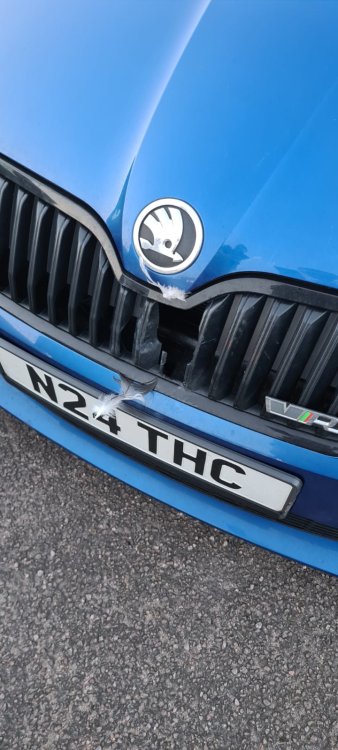
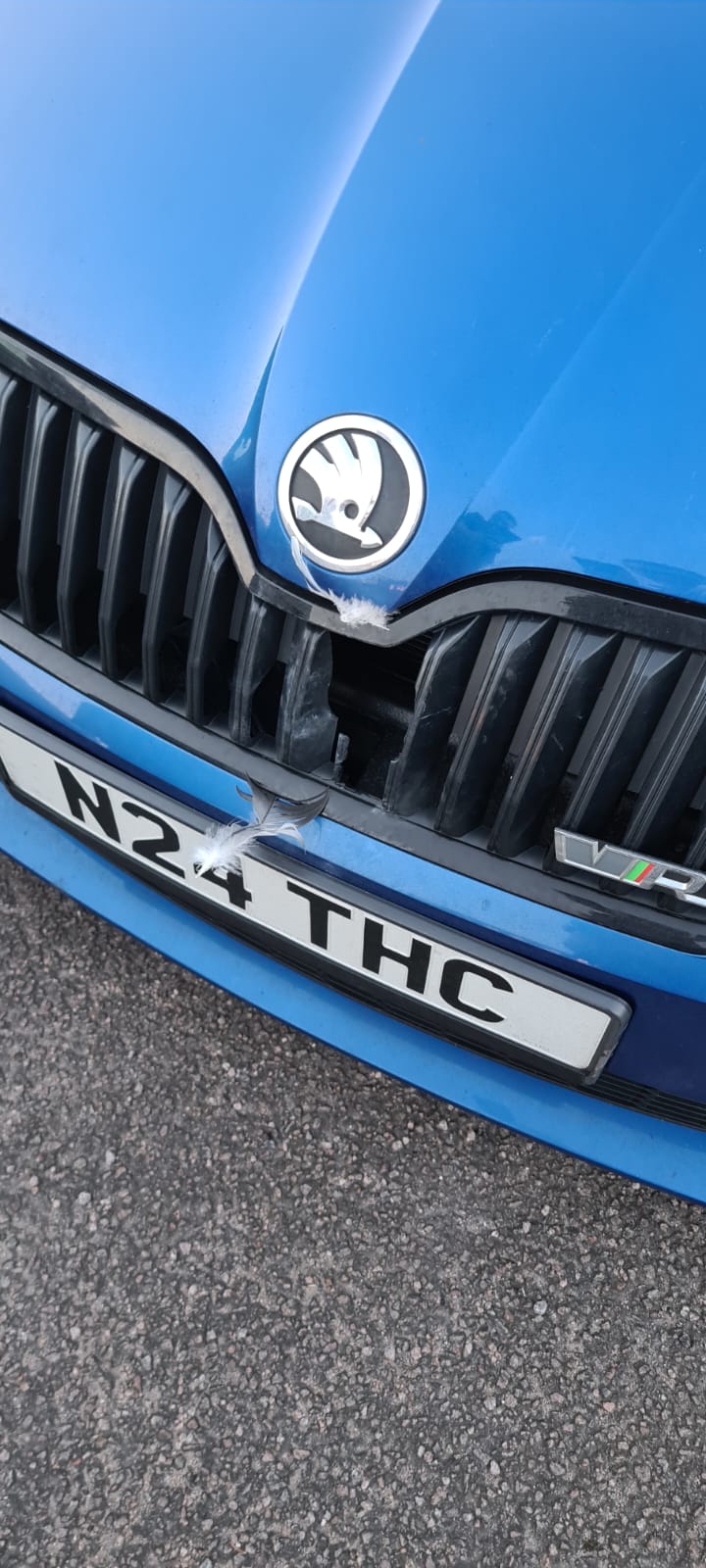
Hi all, I have a 2014 octavia Vrs. Unfortunately I hit a pigeon and now have a hole in my front grill. I am trying to source a new one, does anyone know where I can find one with a VRS badge attached? I can only find standard ones on ebay and it doesn't seem like the vrs badge can come off, unless someone knows how? Thanks