




Bogdan82
Finding my way
-
Joined
-
Last visited
-
All sorted, found a local garage who took 10min, a diff diagnostic tool than VCDS,sorry didn't get the name of it, anyway he's managed to switch my Right fog light on, so all sorted, thanks to everyone who offered some advice, much appreciated
-
His computer, his cable actually
-
Ok, thanks not my cable so I'd maybe just suggest to the guy re the update.
-
So no i wasn't locked out or anything like that, login code worked OK and as I said did follow the forum thread re VCDS, just thought someone might have come across this before.
-
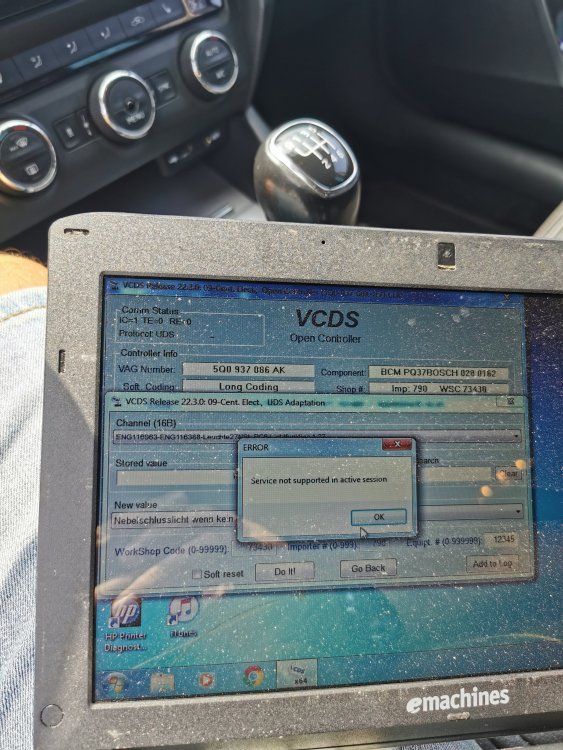
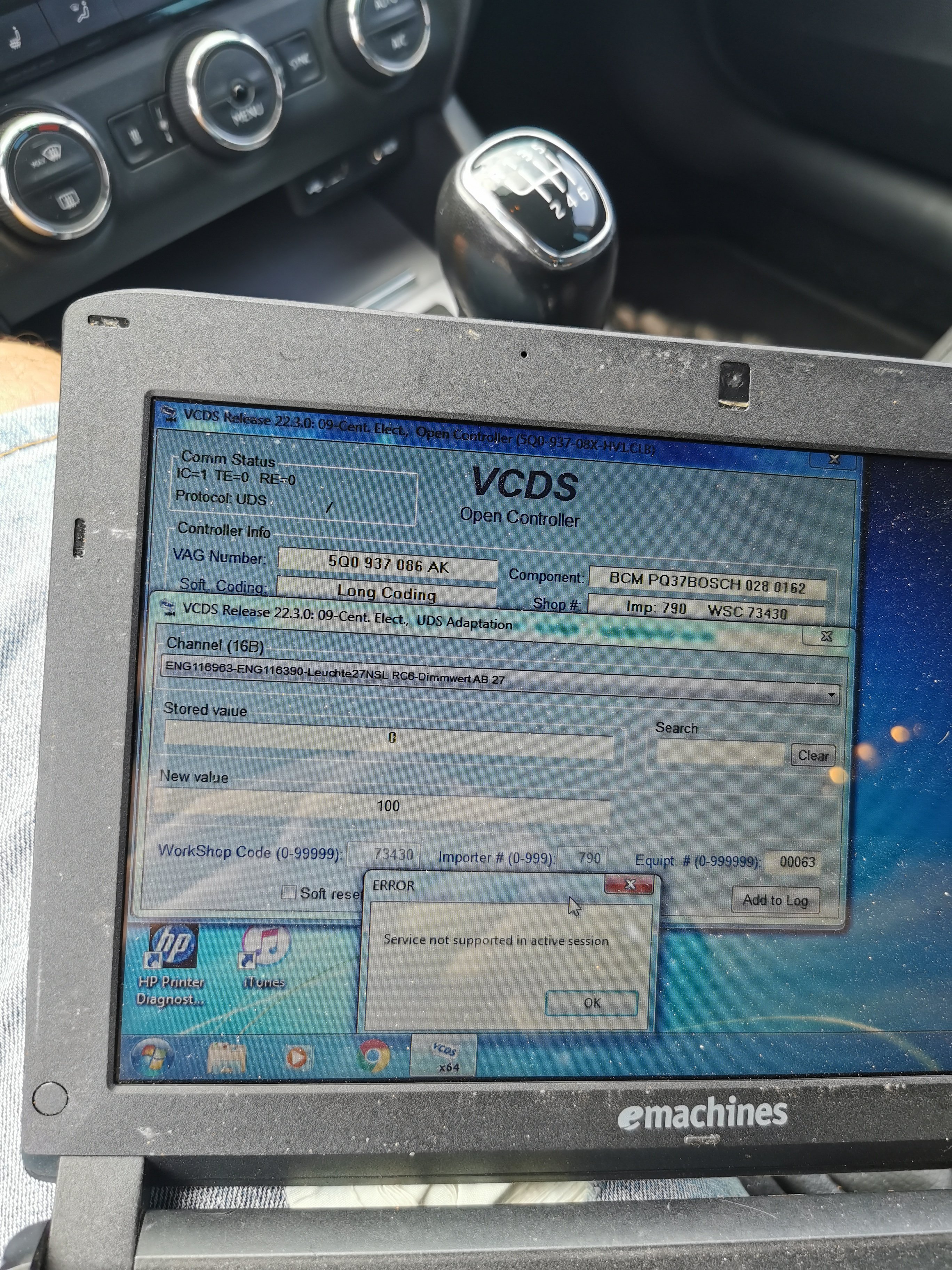
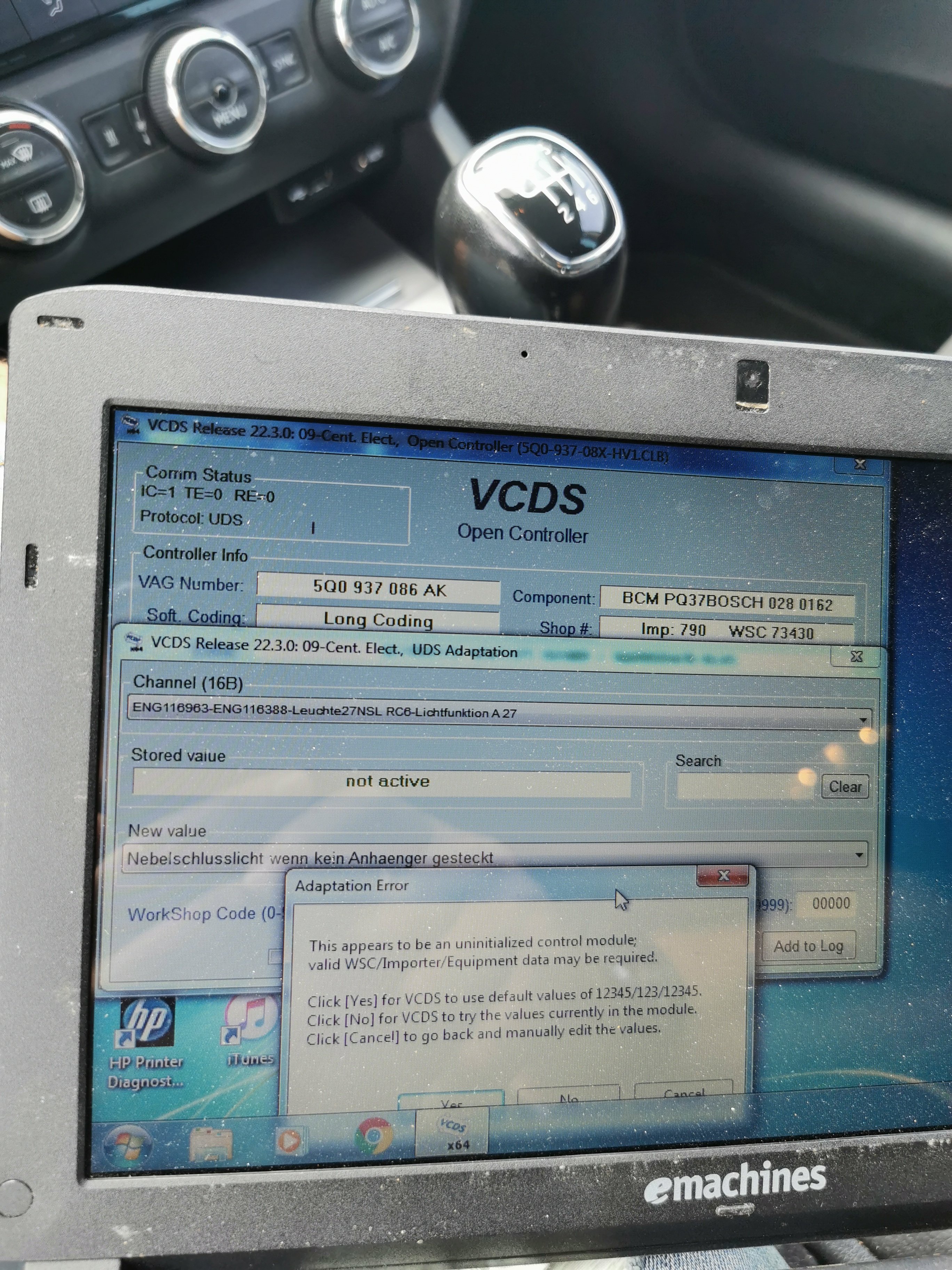
Hi varooom yes very new to VCDS so taking baby steps. I've actually did the 12345 as per the photos attached in the forum thread about VCDS mods - fog lights, unfortunately that didn't change anything
-
Thanks roottoot that's exactly the steps I've followed too but didn't work. Local dealer quoted 1h to do it worth £102 with taxes, problem is without sorting the fog lights, can't register the car here
-
Thanks, hmm that would be very strange as I've only had the VCDS on for maybe 4-5 min until I tried to make the changes. I will try and see if there is any other reason especially i with the 1st error, not my cable just a guy who I found online so I bothered him twice already lol
-
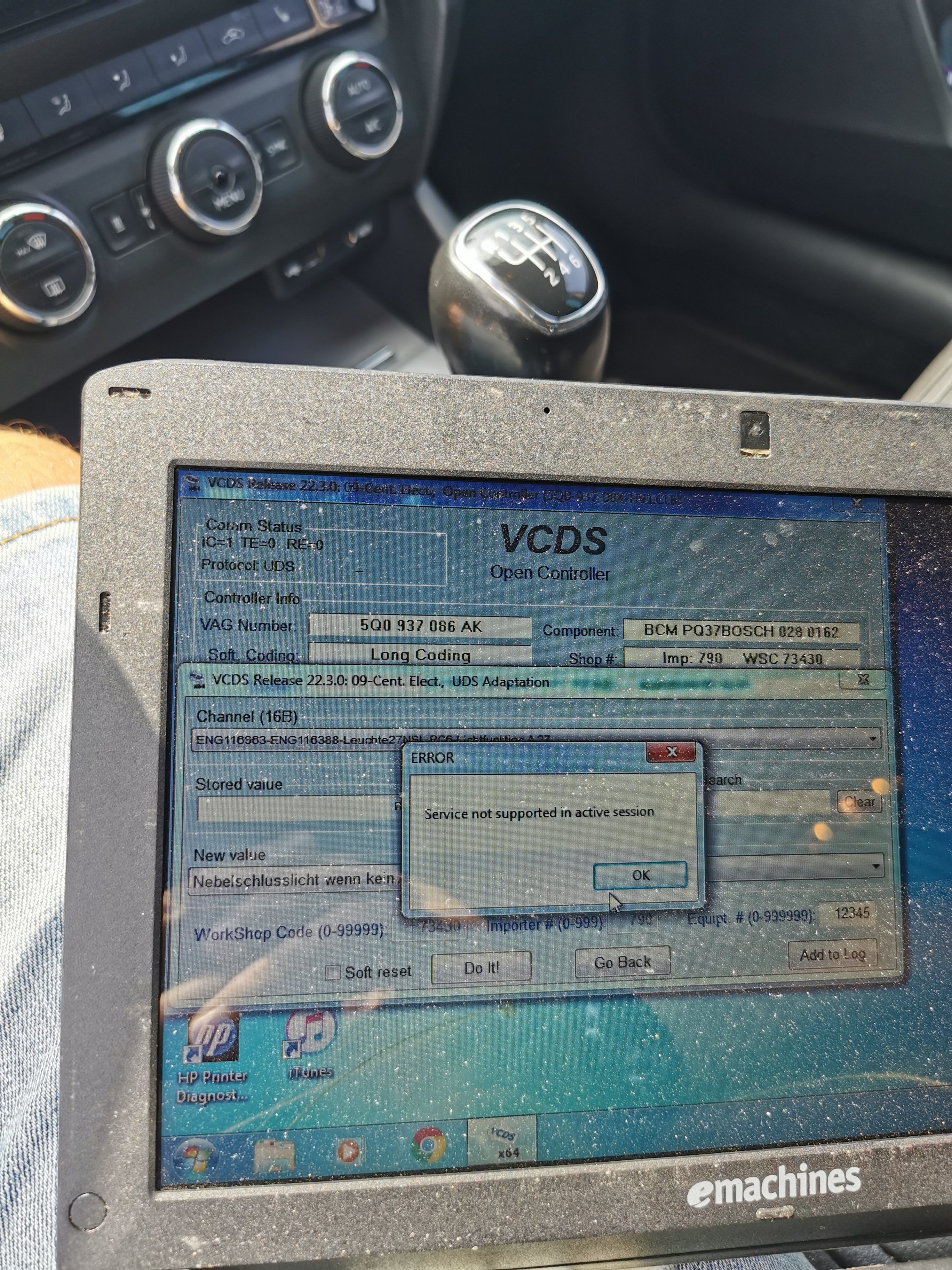
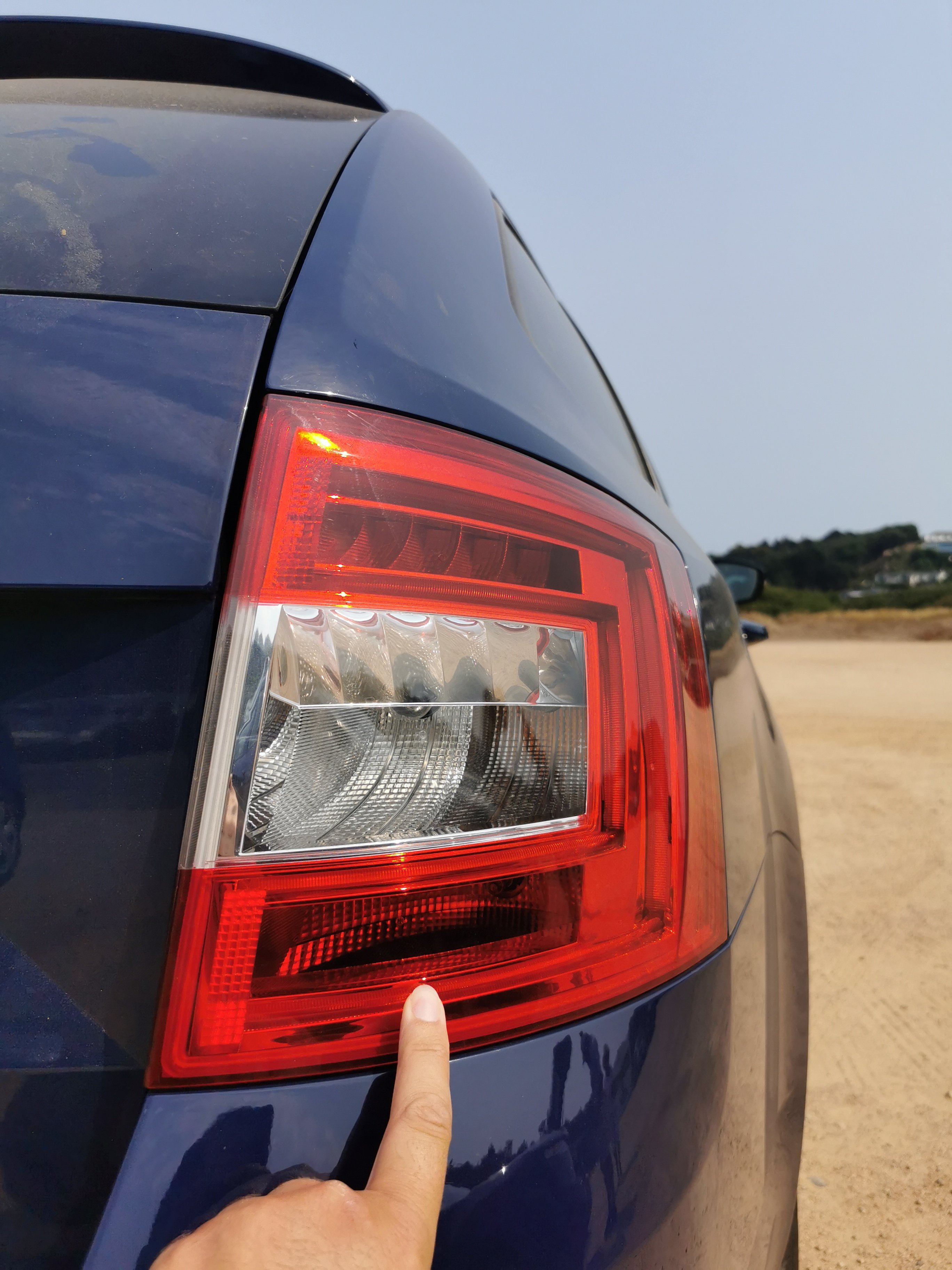
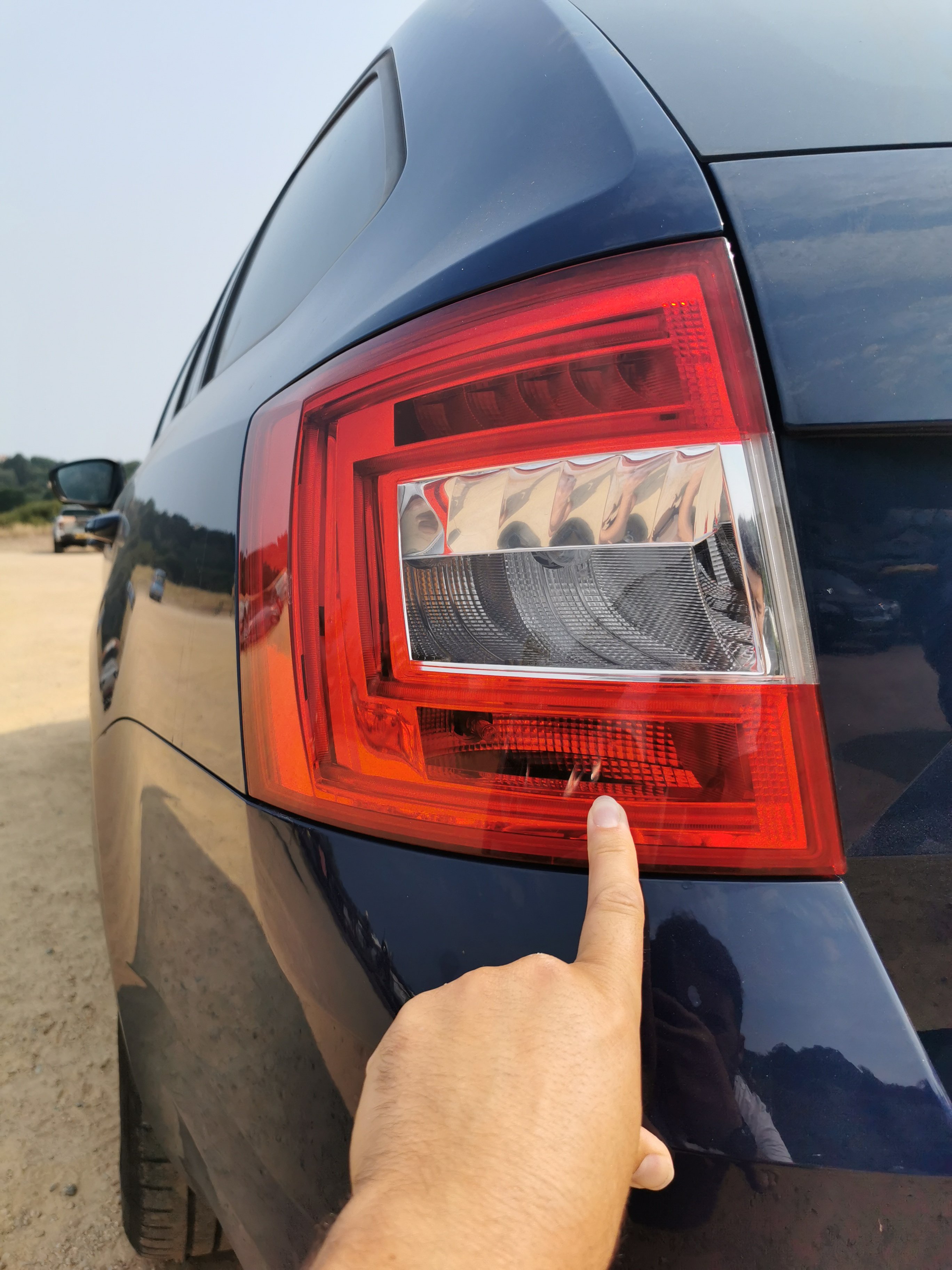
Yes both slides have bulbs inHi there everyone, I could do with some advice pls. So I've tried enabling both rear fog lights on my Octavia Estate 2016 Left drive using the steps detailed here on the forum, but I get these errors and not sure what I'm doing wrong. BTW I need to have both lights on in order to register the car with DVS in Jersey, Channel Islands, its a requirement. So if anyone can advise, I would really appreciate. Ta
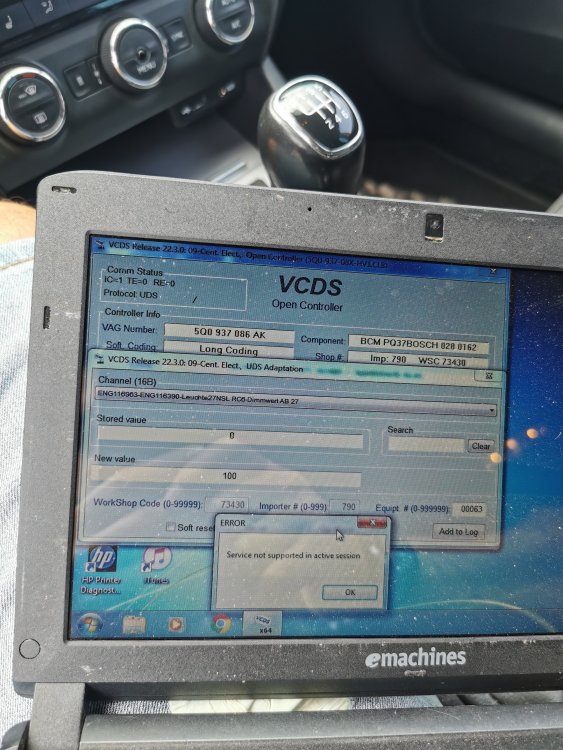
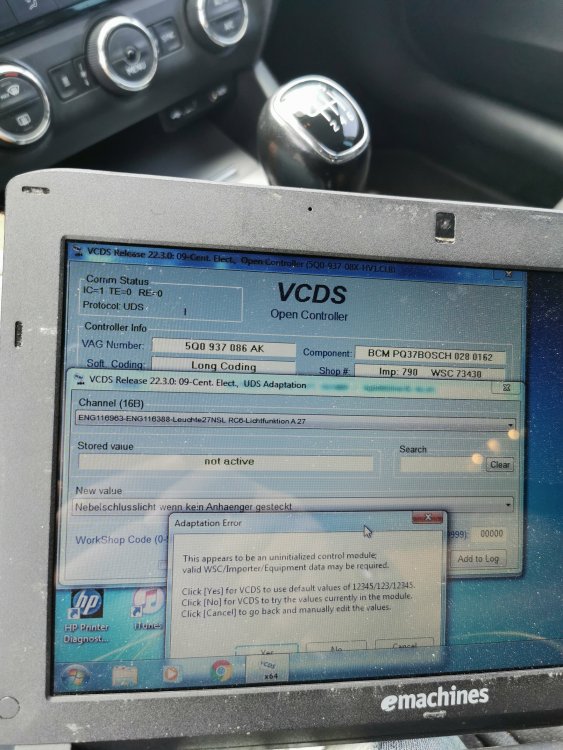 Anyone in Jersey with a VCDS cable, need to have both fog lights on in order to register it here, car is a 2016 Octavia left hand drive, thanks

Important Information
Welcome to BRISKODA. Please note the following important links Terms of Use. We have a comprehensive Privacy Policy. We have placed cookies on your device to help make this website better. You can adjust your cookie settings, otherwise we'll assume you're okay to continue.