PembrokeBoy
New here
-
Joined
-
Last visited
-
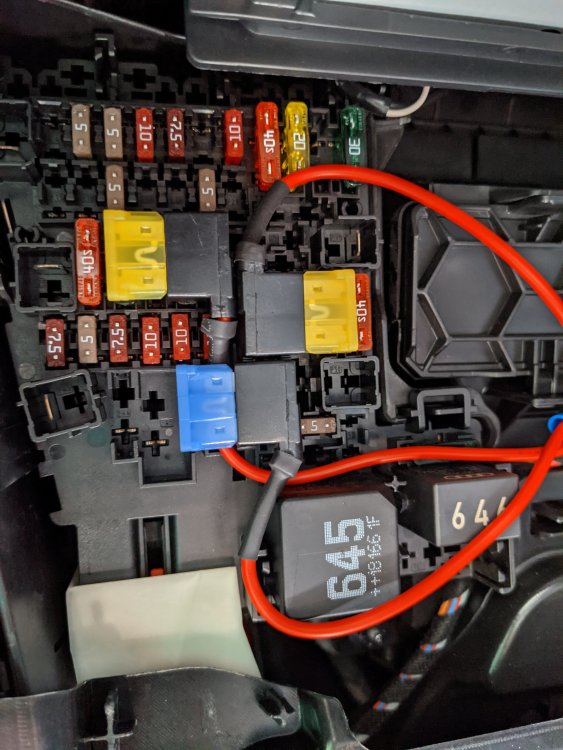
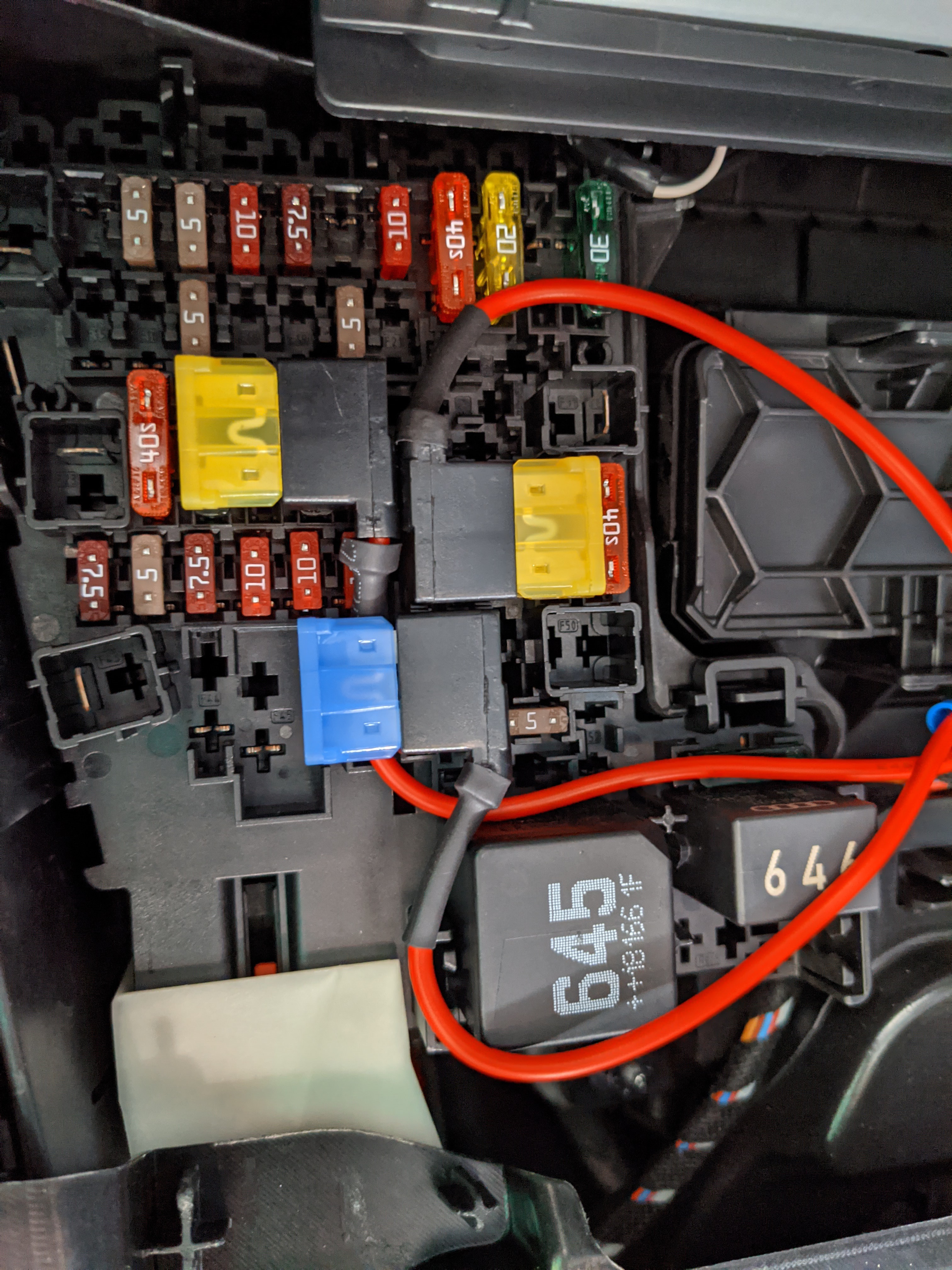
Thanks Varaderoguy. Understood. No micro usb in the headlining that I can see but there is a cable assembly coming down from the fuse box area that looks post manufacture. One cable has a small female connector, unsure what type. I’ll have another look tonight and take some more pictures. Thanks again for your help.
-
Thanks for the feedback guys. Tow bar is a good spot! Yes, it has a removable tow hitch, so power for the lights on that. Any ideas which of the 3 is best to use for dash cam power? Thank you!
-
Hi guys. First post, so hello all! New owner of Octavia VRS petrol 2018. Loving it so far, such a great solid machine. I have a quick question on dash cam wiring. Looked on the forum and there are many posts, so apologies for adding another, but auto electrics are not my strong point….. Looking at the attached picture of my fuse box, it looks as if it’s already been tapped for hardwired dash cam? I’m looking to tap directly in or probably easier(?) switch the 12v cigarette lighter to a switched connection rather than always on. Would you agree it looks tapped already and I can use the feed running off this tap? Thanks all.