Mr_Bob
New here
-
Joined
-
Last visited
-
Mind it i ask what device you got?
-
this is what i've got in the root folder of the SD card:


-
If the above situation is confirmed, I’d also be interested to know if an older version is available like ROW2019 that’s within in mapcare date range and may work.
-
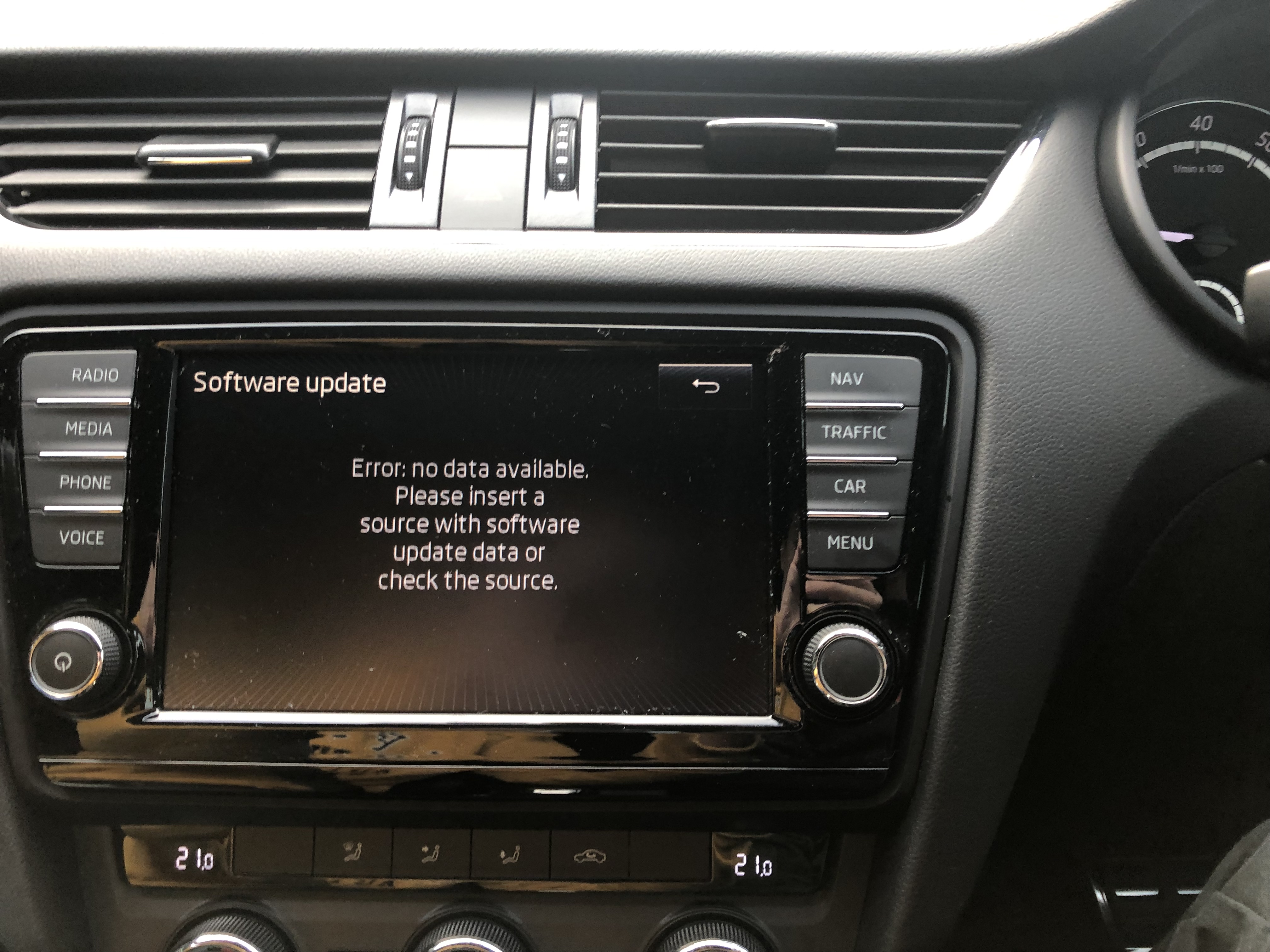
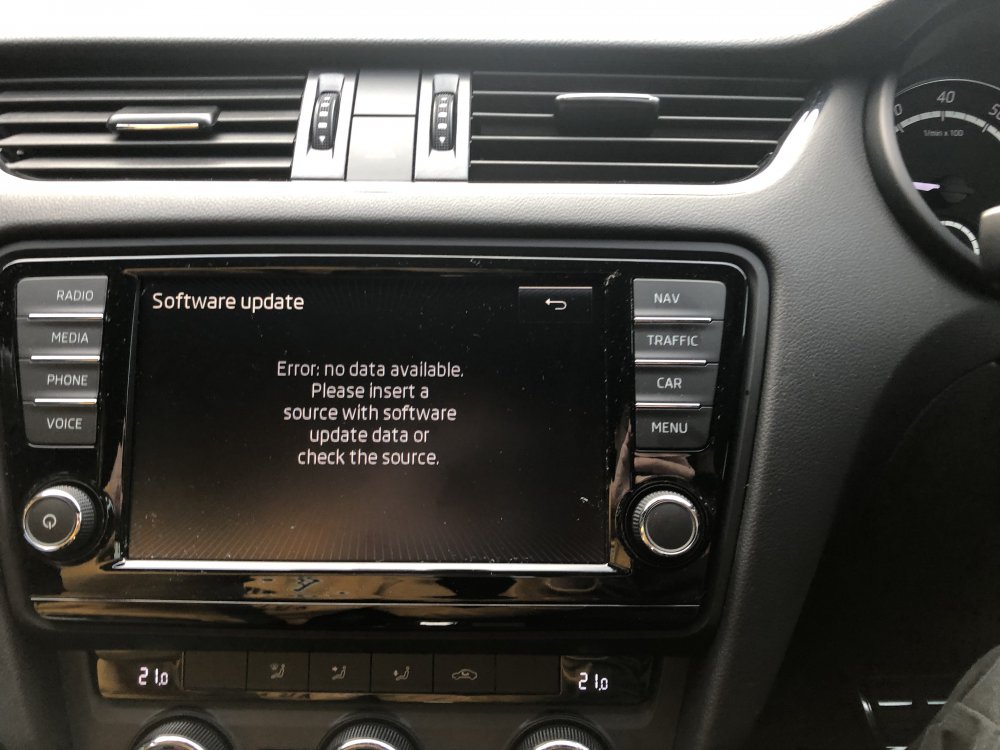
From memory, the card has the metinfo.txt file and 2 folders, MIB1 and MIB2 in the root folder. if i need to copy the contents of mib1 into the root folder that might explain it, but that doesn’t seem to align with the instructions? got a pic of the error message on the unit and hopefully a good enough shot to confirm it’s a columbus mib1
-
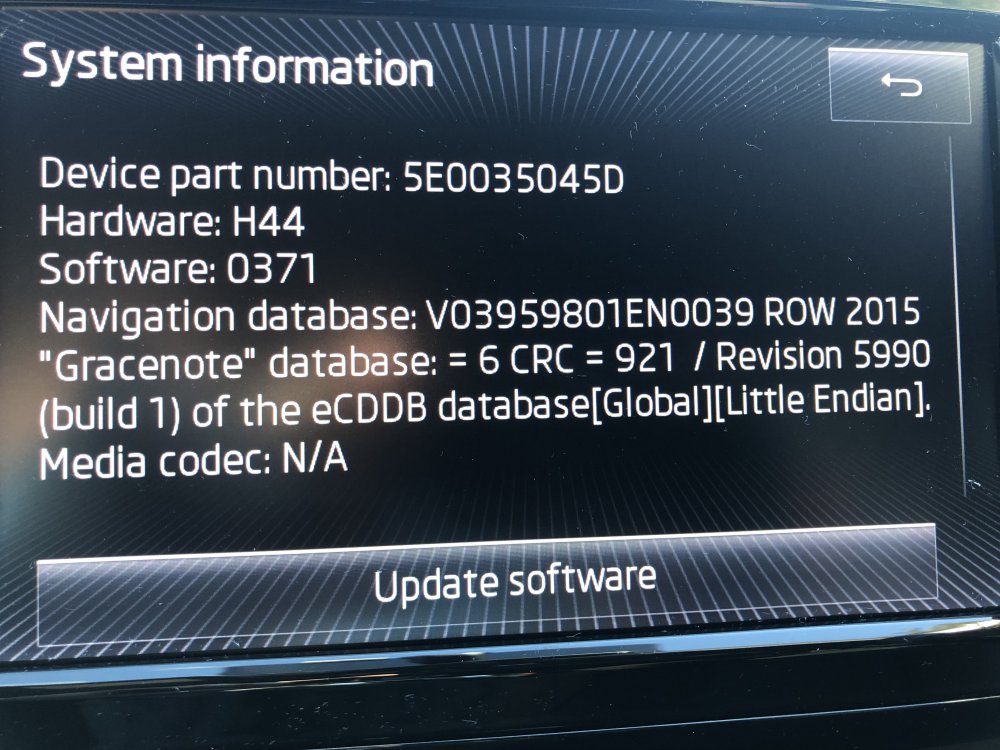
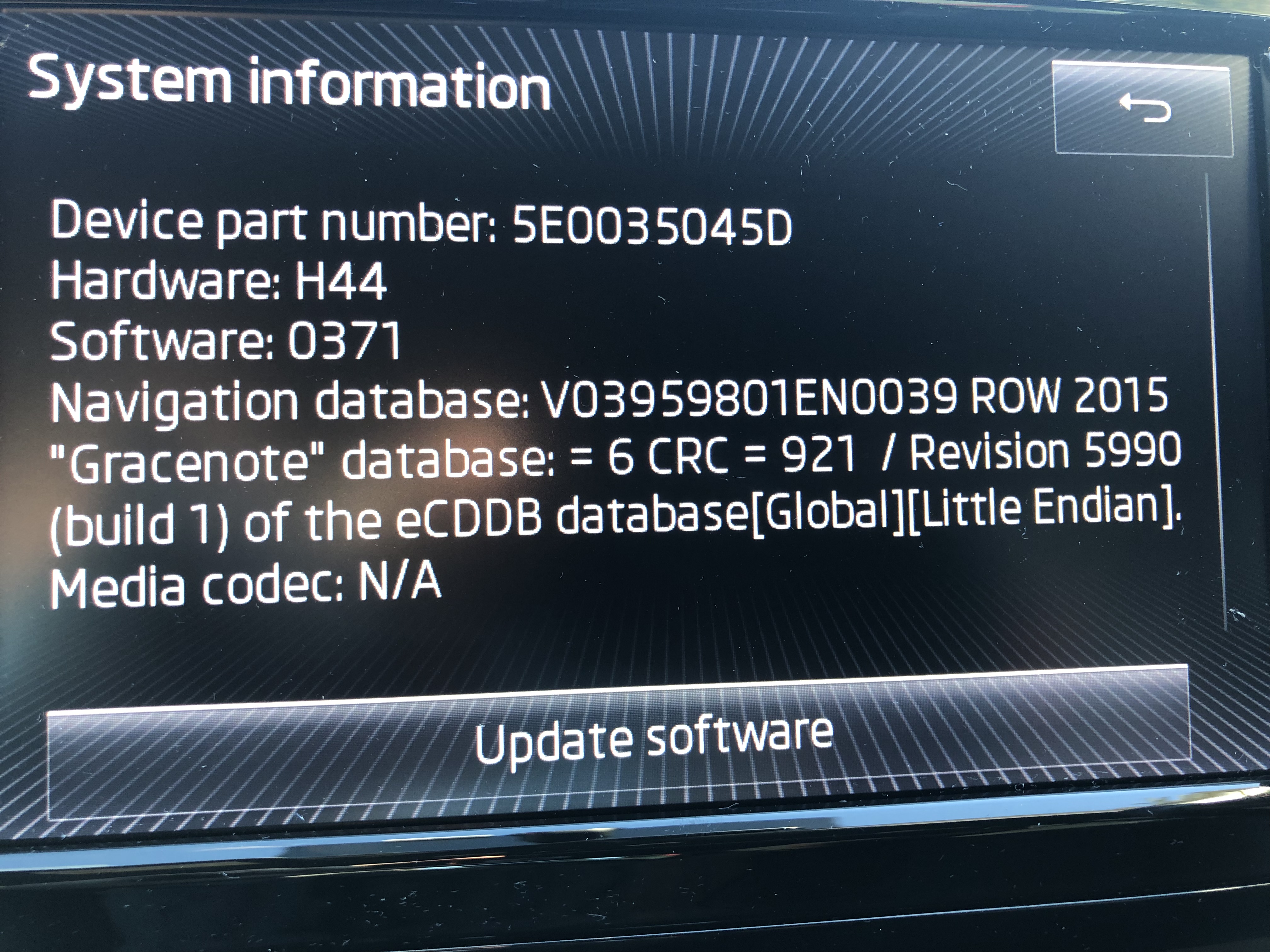
Hi everyone! i must’ve read every infotainment thread here but can’t seem to find the answer to my issue. i believe i have an MIB1 Columbus, but can’t find my code listed to verify. i have an MY15 VRs, CD slot and 2 SD slots in the glovebox, no SD card provided with the car. details of the unit attached below. downloaded the latest maps, extracted to a freshly FAT32 formatted 32gb class10 card, (copied extracted file and also tried directly extracting to the SD) but keep getting an error that it doesn’t recognise the data. am i missing something?