




Jonnoh79
Finding my way
-
Joined
-
Last visited
-
There are two lists. One supported which has no codes listed and one installed which has several codes listed
-
Checked it and nothing saying it’s not enabled, loads of codes listed
-
Where in the menu is this option?
-
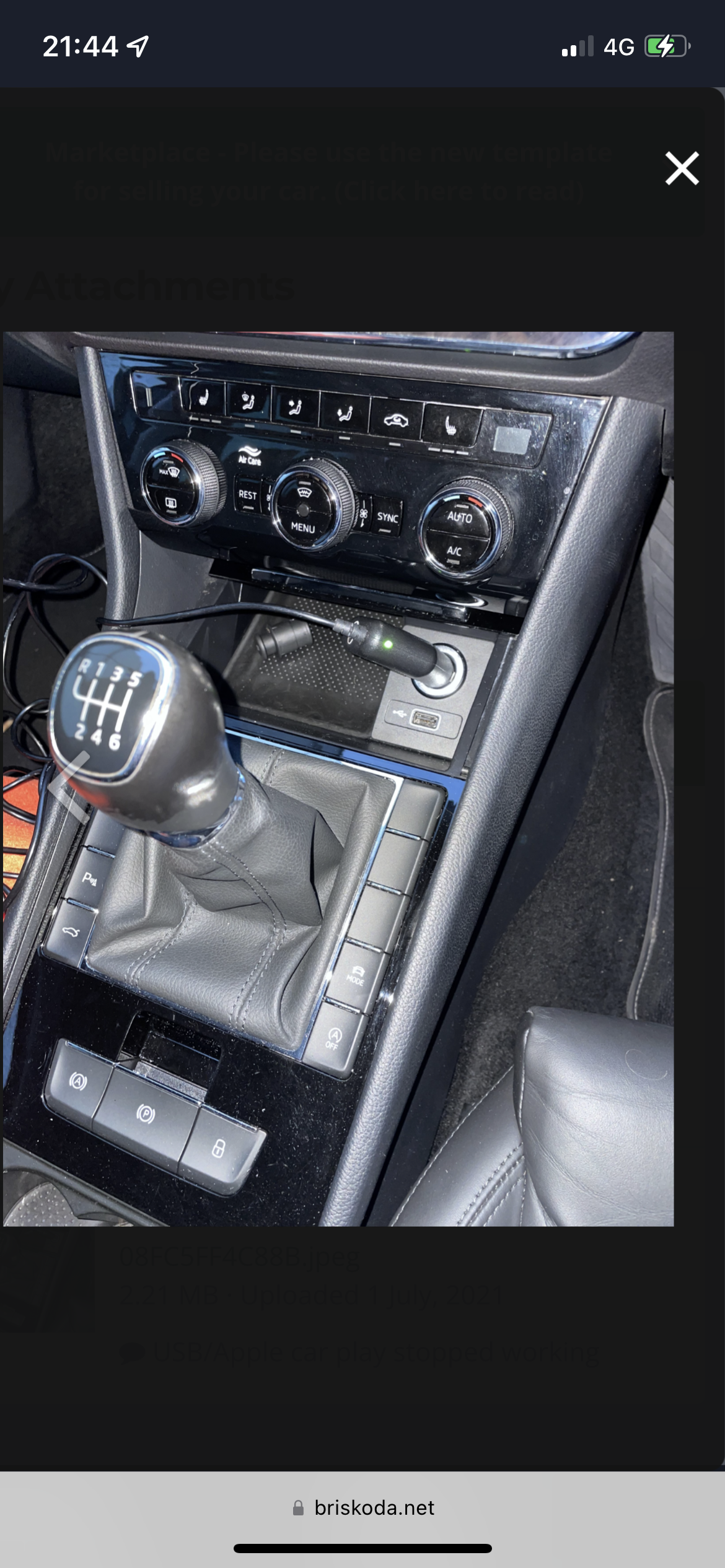
Is it not just a pop out and replace job?Yep, tried several different leads all the same.Yes I presume it has as was working then just stopped working intermittently then stopped completely.Hi, How easy is it to replace a USB port on a 2018 superb? Apple car play doesn’t work via usb phone will only charge. Have tried everything else that has been suggested so am guessing either USB port needs replacing or will a update for the info system work? cheers jon👍 Cars booked in the garage tomorrow so see what they say. Warranty ran out two weeks ago 🙄 1.6 tdi green line, like you say will have to keep an eye on it 👍👍 Cars booked in the garage tomorrow so see what they say. Warranty ran out two weeks ago 🙄 Update cars been in the garage they said they can’t find any faults on it and have test drove it and can’t get it to over heat. Said it could have been an air lock . Stuck as what to do now.👍 Cars booked in the garage tomorrow so see what they say. Warranty ran out two weeks ago 🙄Tonight on my way home from work engine suddenly overheated then dropped back down to normal temp, not had this issue before and did a couple of long drives over the summer. Checked coolant level an that’s as it should be and can’t see and leaks. Anyone had this issue before or any idea what it could be? thanks in advanceHi has any one had any issue’s with a fixed swan neck tow bar on a superb estate with parking sensors and setting them off. About too get a tow bar fitted but don’t want to spend the extra on a removable one if a fixed one is ok. regardsJust tried that and no luck 😞I will give that a go 👍
Important Information
Welcome to BRISKODA. Please note the following important links Terms of Use. We have a comprehensive Privacy Policy. We have placed cookies on your device to help make this website better. You can adjust your cookie settings, otherwise we'll assume you're okay to continue.