Shhkoda
New here
-
Joined
-
Last visited
Everything posted by Shhkoda
-
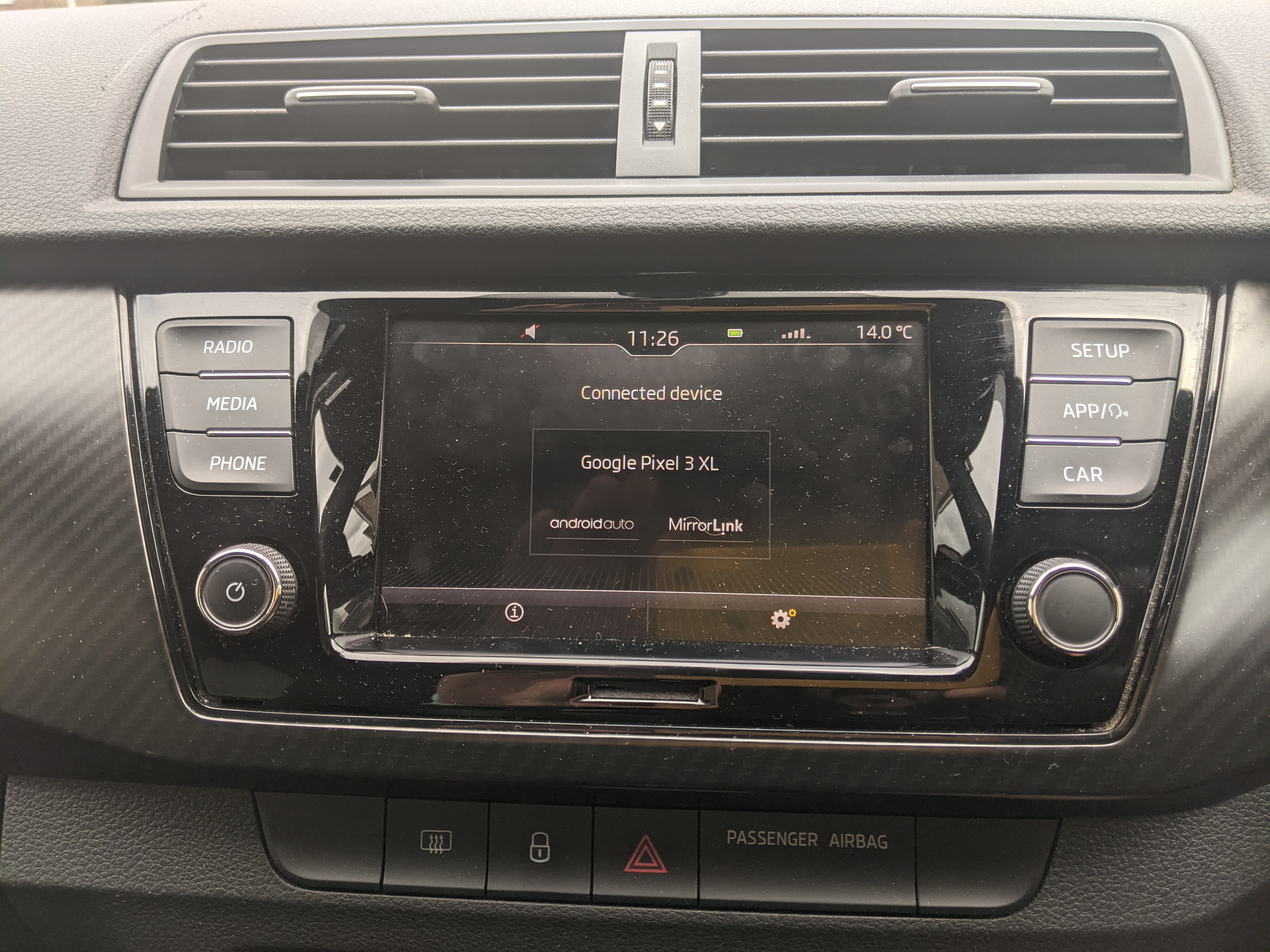
Thanks all! I couldn't follow your steps AG Falco as there is no 'Menu' button on my headunit - it's exactly what I have been struggling with watching all tutorials; I'm unsure whether mine is a new version of the headunit (as the car is late 2019), but there are only 3x buttons on each side (see photo) whereas all tutorials have 4, including a physical 'Menu' button where you can select Android Auto from. Anyway, will leave this as a legacy post for any future people struggling as I have eventually found the answer - Steevs I followed your steps and still no Android Auto was appearing on the screen, in truth at that stage I got a little frustrated and ended up tapping everywhere on the screen - much to my amazement you have to touch the Android Auto logo (see photo) after pressing the 'app' physical button, and voila - Android Auto connects and the user interface changes .... Feel pretty stupid, but I would argue it's not clear at all that you have to touch the unassuming AA logo, particularly when an iPhone connects automatically on plugging in the USB. Anway, thanks for the help guys - all works fine now.
-
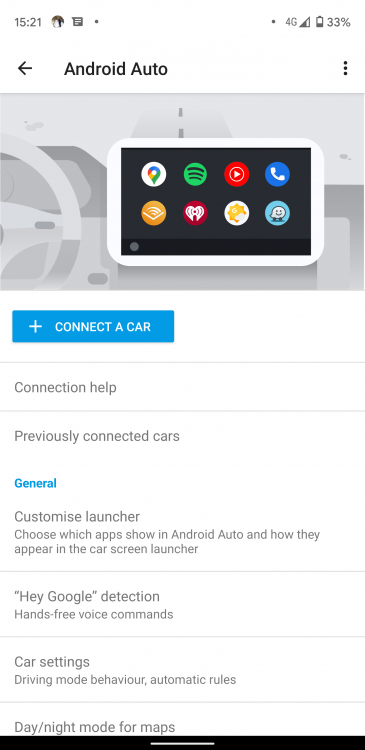
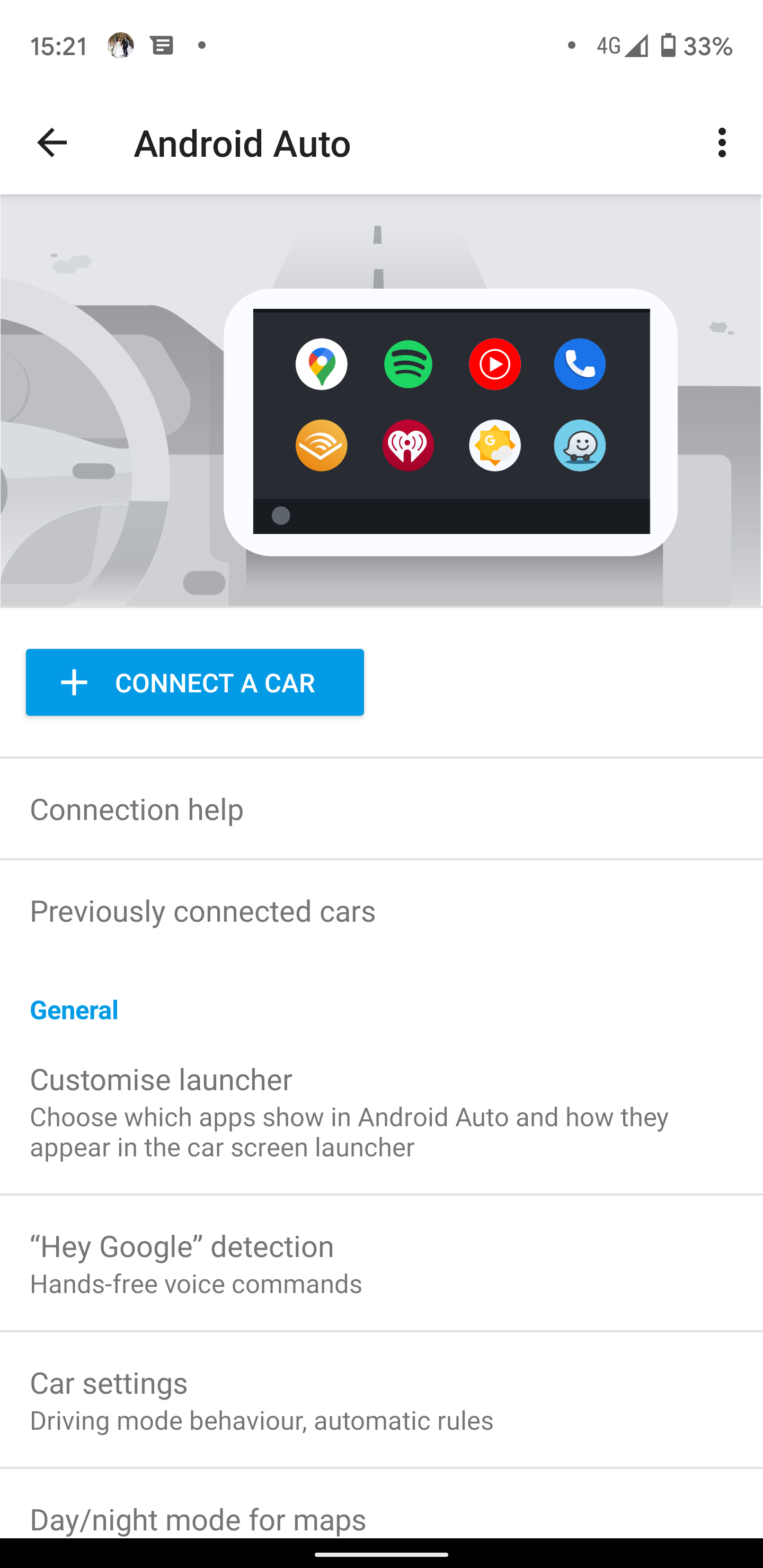
Have picked up a 2019 Skoda Fabia MKIII (estate) second hand from a Skoda dealer - one of the biggest selling points for me was Android Auto on the head unit (standard Skoda head unit) though I can't for the life of me get it to work with my Pixel 3XL! I have read a few forums which suggests it could be the cable - I've gone through about 6 USB-C cables including the one that came from Google with the phone itself - my phone connects with all of them, starts charging, on my phone I can tap a USB notification and select "use USB for File Transfer / Android Auto", then ... nothing! I have the Android Auto app downloaded on my phone, that doesn't appear to help; my phone is updated to the latest OS version as are all apps; I even went into the Android Auto phone app and chose the 'connect a car' function (picture attached) which tells me to 'connect via USB to an AA device to continue' - but obviously I already am ... my phone is connected, I can play music files over the USB cable and when I click the 'App' button on the head unit itself, it's shows the "Android Auto" logo next to "Mirror Link", but the head unit itself has not changed user interface at all. Does anyone have any suggestions? I'm quite tech-savvy but this has absolutely stumped me. All forums suggest AA should work with my head unit and my phone. For further context - a friend plugged his iPhone XR in - immediately Apple CarPlay sprung on the screen as I would have expected Android Auto to, so I know the head unit works ...