



Skip to content

tetyo

New here
  • Joined

  • Last visited

Everything posted by tetyo

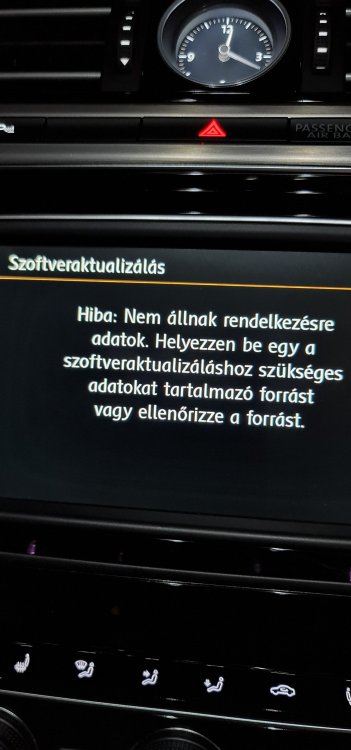
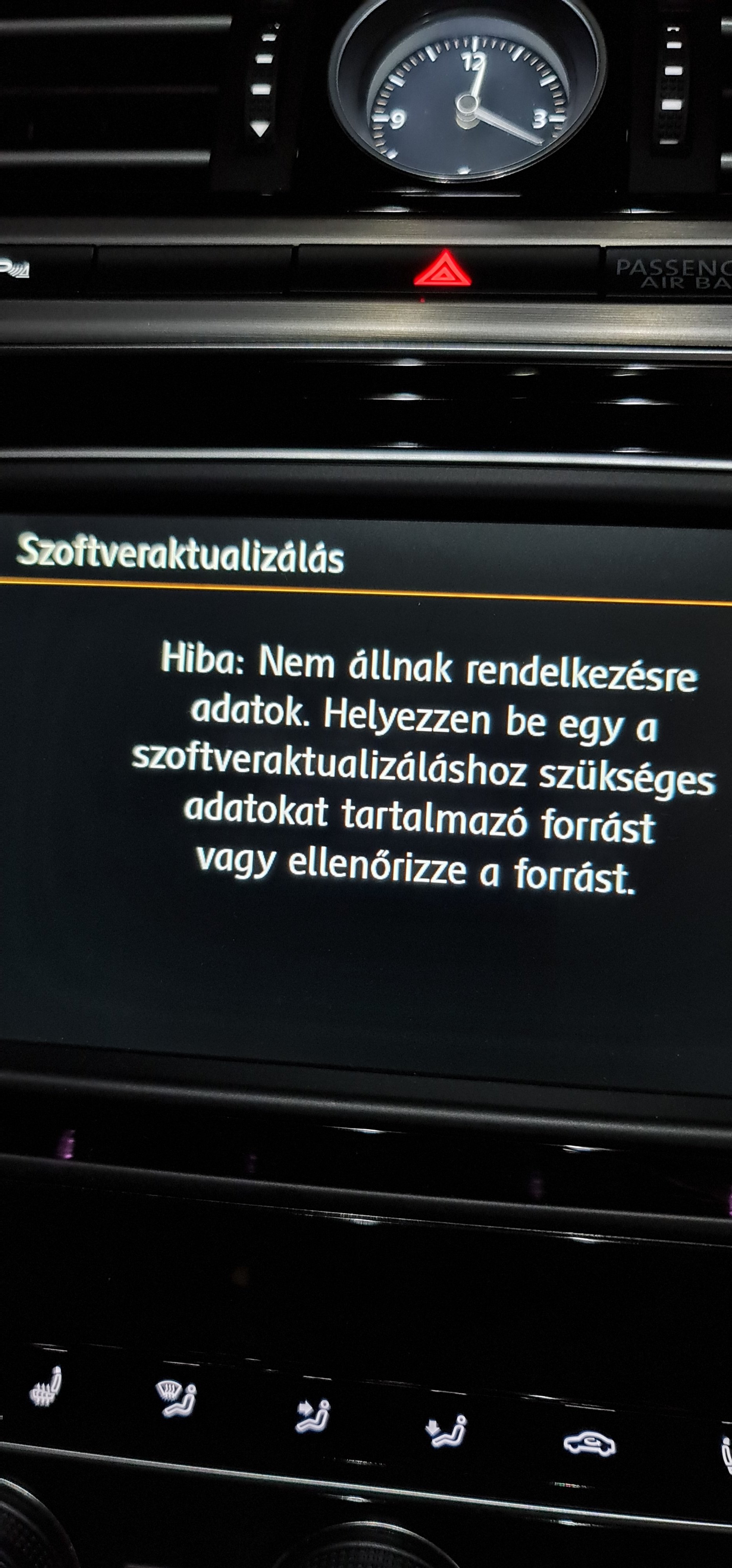
  1. Hello guys I tried the whole process as it was described by bigade1 (unzipped to sd card with the folder+text file on it) ive inserted into the sd card slot. Here is the result Error: no available data. Pls insert insert correct media source what is suitable for sw update....etc Pls help Thanks
Important Information

Welcome to BRISKODA. Please note the following important links Terms of Use. We have a comprehensive Privacy Policy. We have placed cookies on your device to help make this website better. You can adjust your cookie settings, otherwise we'll assume you're okay to continue.

Account

Navigation

Configure browser push notifications

Chrome (Android)
  1. Tap the lock icon next to the address bar.
  2. Tap Permissions → Notifications.
  3. Adjust your preference.
Chrome (Desktop)
  1. Click the padlock icon in the address bar.
  2. Select Site settings.
  3. Find Notifications and adjust your preference.