IlieFlaviu
New here
-
Joined
-
Last visited
-
I'm using a Samsung Galaxy S20. When I'm connected to the car it says "only calls". Deleted the pairing just on the phone and started from scratch. Not sure how to delete from the car.
-
I've seen the same model of head unit on youtube videos and they could do that. But as I said. I don't know much about this so it might be right. Thanks for the help.
-
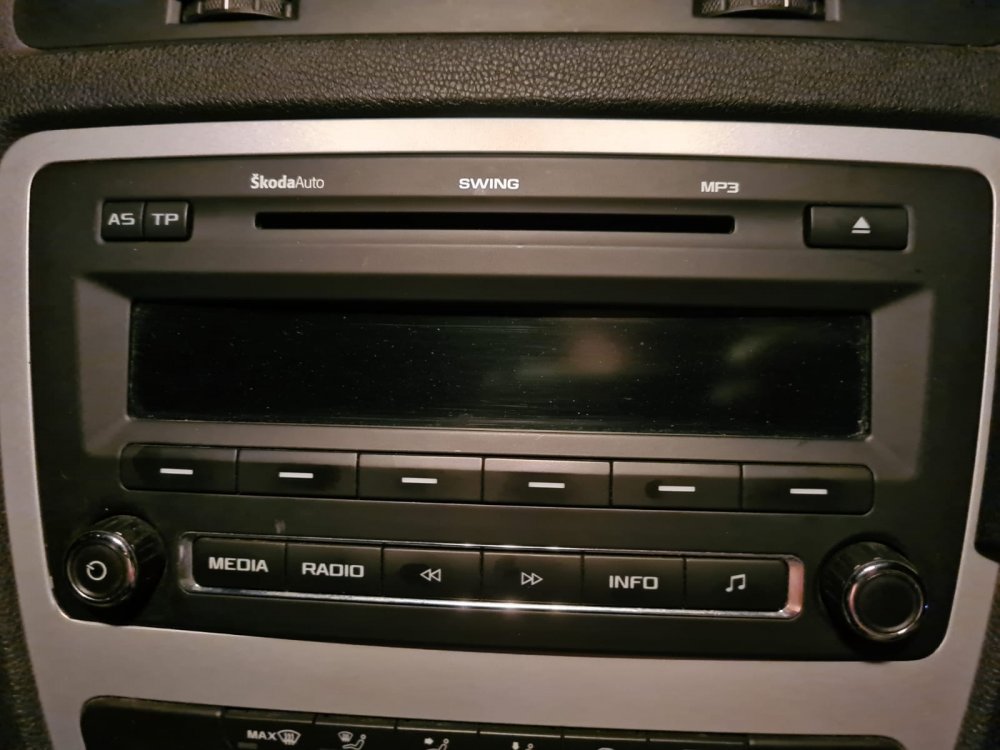
1Z0 035 161 F
-
Yeah. Couldn't find anything under the seat. I might just not have one installed. But I still don't get how can I still connect my phone and use it for calls and not have it? I'm a newbie I could say but still, don't see any logic behind this
-
Just tried that, doesn't work. I waited for the phone to connect. Then switched the media to BT-Audio and after that tried to play music. The music started playing thru my phone speakers. The thing I noticed is that my bluetooth connection is saying "calls only". I have a Samsung S20 btw if that helps in any way.
-
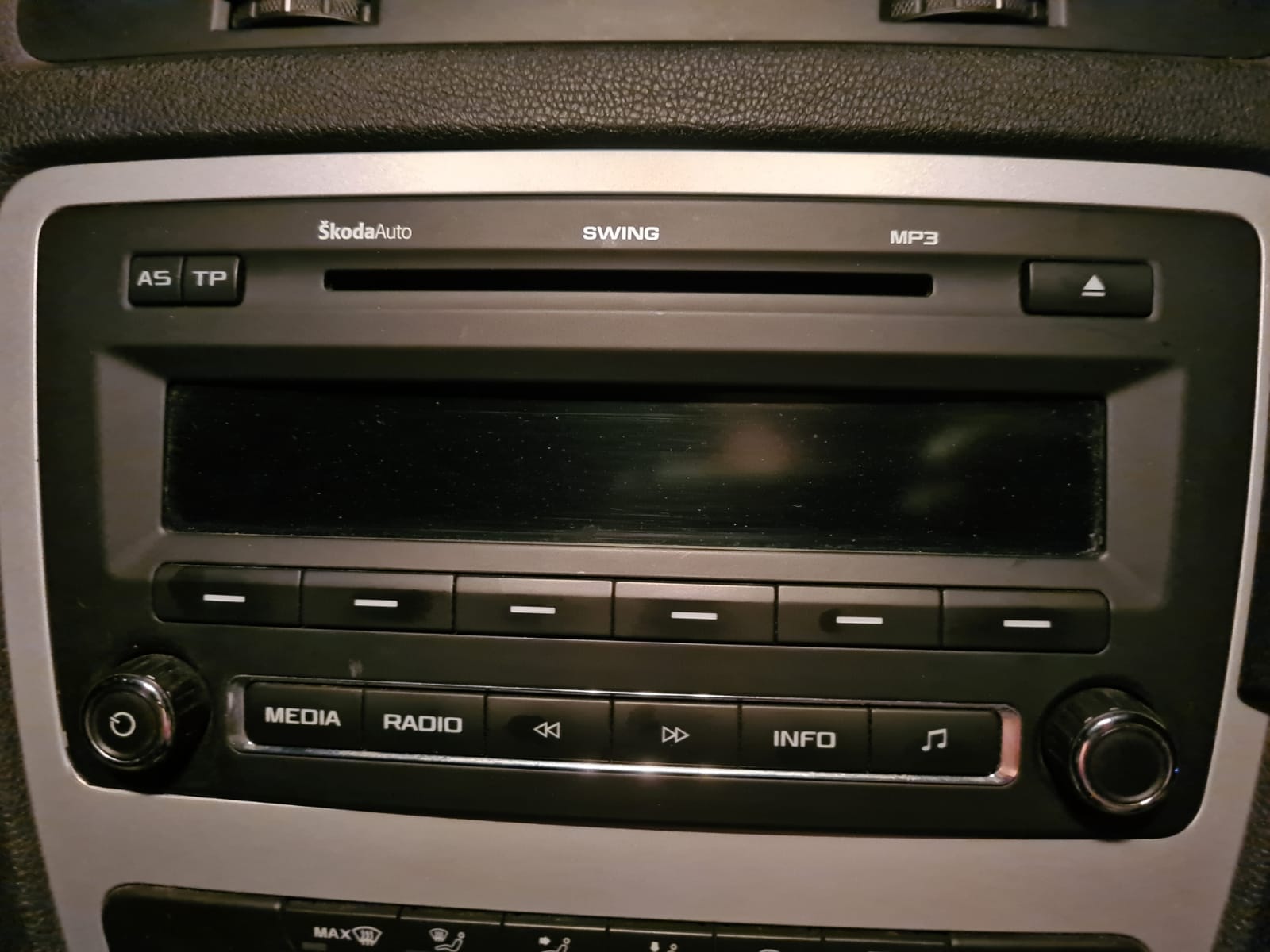
So, I was able to pair my phone with my Skoda Octavia 2 VRS from 2009, I can answer phone calls , search in my contacts list and make a call. But when I'm trying to stream music from my phone, it just won't work. I did select the BT-Audio after pressing the Media button. Then tried to play something on my phone but it won't stream to the car. Do someone know what it might be? or how can I solve it?