brosh
Finding my way
-
Joined
-
Last visited
-
Thanks There are several reasons why I want the Plus Sounds better Linux instead of WinCE And most importantly - it supports Android Auto
-
@chimaera https://www.briskoda.net/forums/topic/436410-rcd-330-fitting/
-
Are you sure? From my understanding the RCD330 Plus is a direct swap - even same connector.
-
Hi all, Need your help please. 1. Can't seem to find the Skoda name/model for the OEM RCD330 Plus (I want the Skoda green lighting). 2. Where can I buy the OEM one? All I find is these noname options.. For me this is great combination of sound quality, Android Auto, OEM smooth look, price and plug&play ability. Would appreciate the help! Thanks 🙂
-
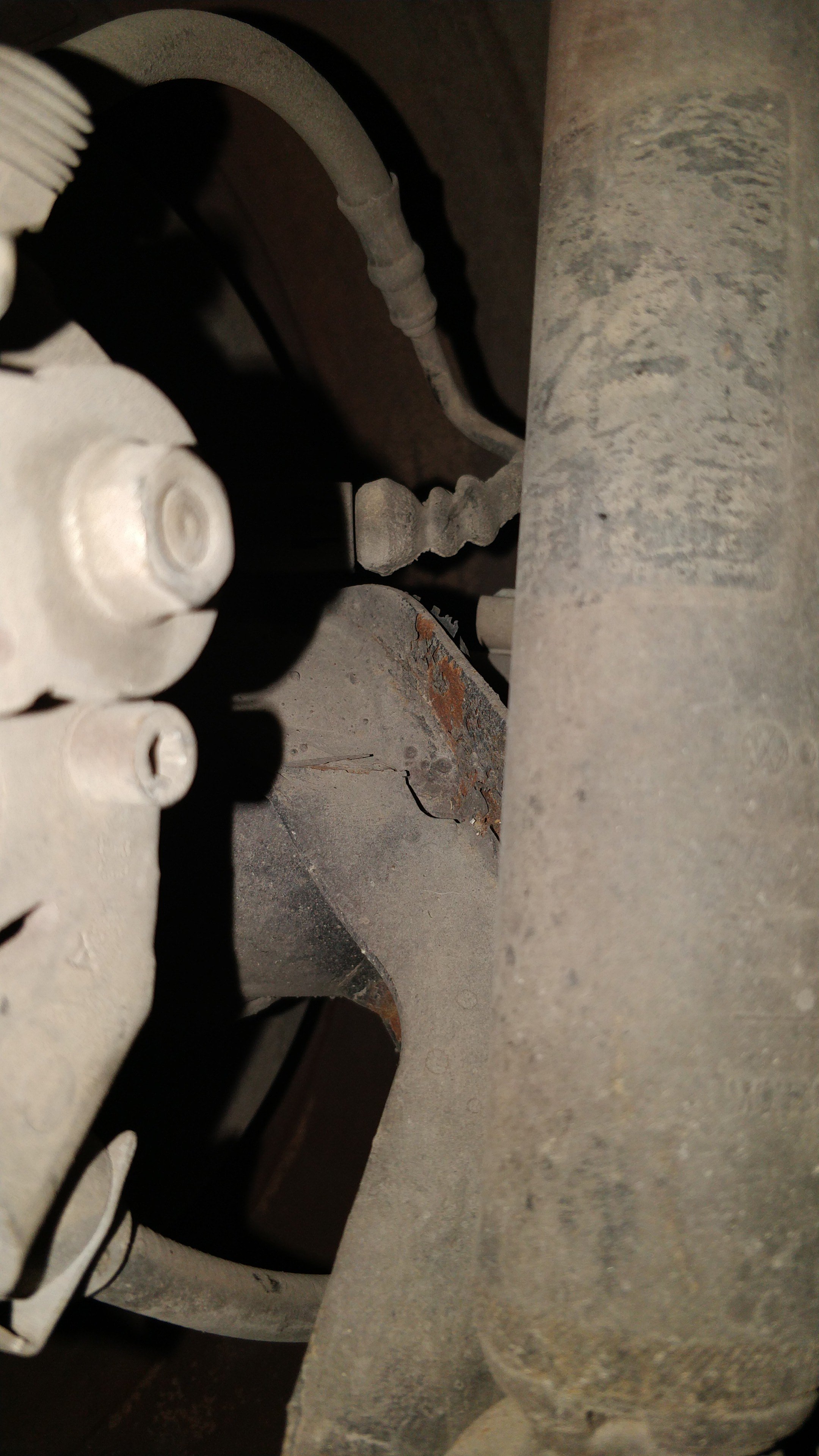
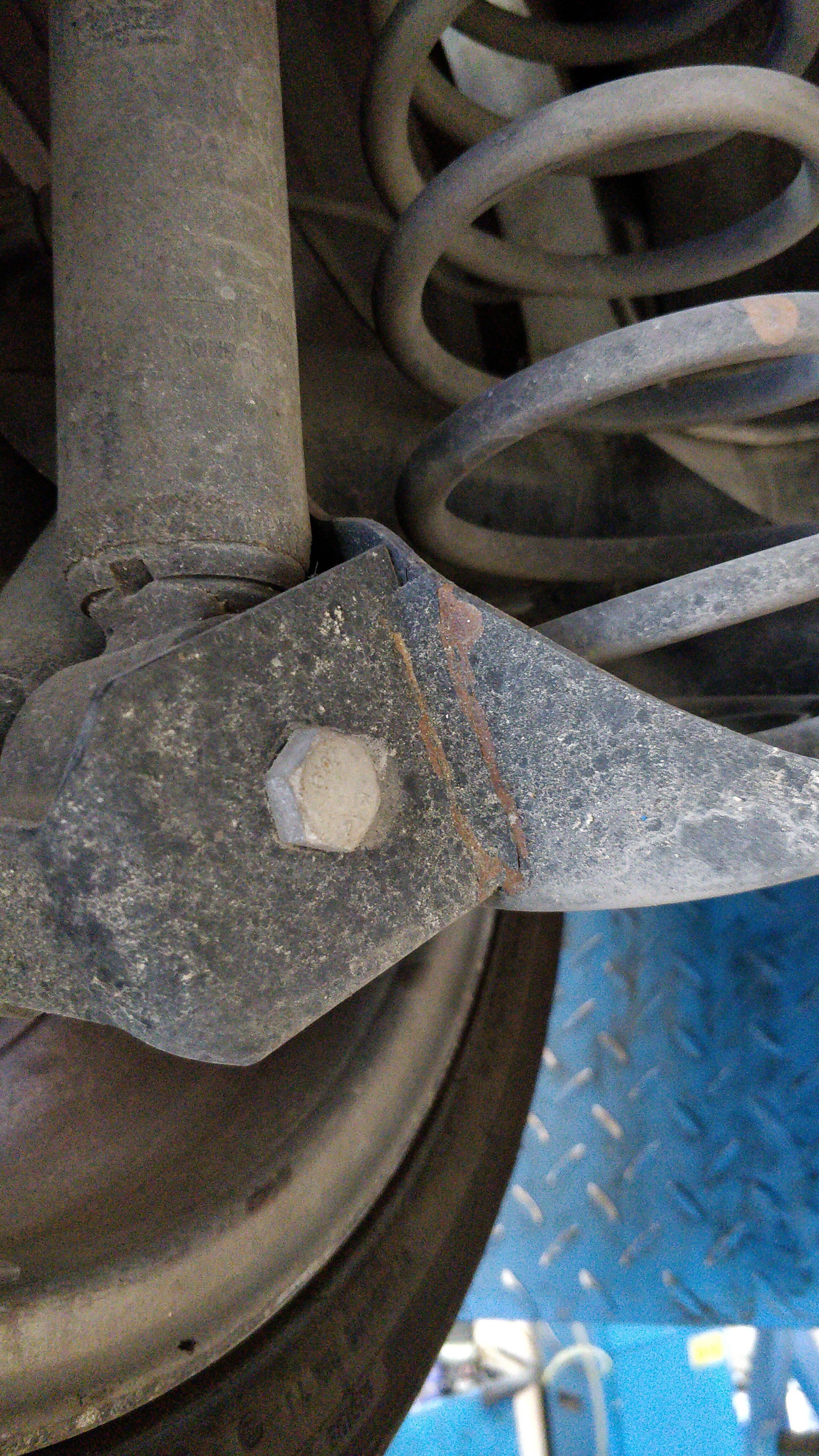
Previous owner had talent, no idea how but I have a 1 degree difference on the left side
-
Thanks for the info. Already have discs on mine
-
Hi all, I need to replace my rear axle on my Skoda Fabia 2011 1.2 TSI (CBZ). There's an opportunity to get the rear axle of a 2008 Ibiza Cupra 5L for dirt cheap. Is it a direct fit to my Fabia? Would really appreciate the help! Thanks
-
Hi all, I've recently purchased a 2011 Fabia Mk2. It's a 1.2 TSI (CBZB), Manual. Basic maintenance was done to the car however nothing more than that, need your help what to immediately refresh. This is what I have so far, I'd love some more advice from your experience: All filters - Oil, air, cabin, fuel All liquids - Coolant, engine oil, brake (&clutch) oil, gearbox oil, power steering Throttle cleaning Spark plugs Ignition wires & coil look good, gonna buy both just in case but not replace for now. Both thermostats, should I replace them as a preventive measure or just wait for them to die? Did I miss anything? Any tips would be greatly appreciated Thanks!