




StuBear
New here
-
Joined
-
Last visited
Everything posted by StuBear
-
Hi, Hoping for some advise/experience. I've had a troll through and think I know what's what with the cruise control but not sure on steering wheel controls. I've got a 58plate vrs diesel. Currently she does have cruise control or steering wheel control. She has a newer version of a factory fit cd changing stereo but Bluetooth module isn't there. My overall plan is to fit a Android head unit with camera etc which I'm fairly confident on. What would like to know is can I fit a steering wheel with controls straight in place. Doesn't need to be fancy and from what I can see MK2 did have steering wheels with controls so I'm guessing some scrappies must have them kicking about. I assume if I have the correct module? I don't know if I do it how to tell that it would still need coding? Anyone around Peterborough able to do this? Any help or advise is greatly appreciated. Also I don't want to be spending a lot as she's a £1500-£2000 car at the end of the day. Plan on running her for 2-3 years though so would like some of the creature comforts thanks, stu
-
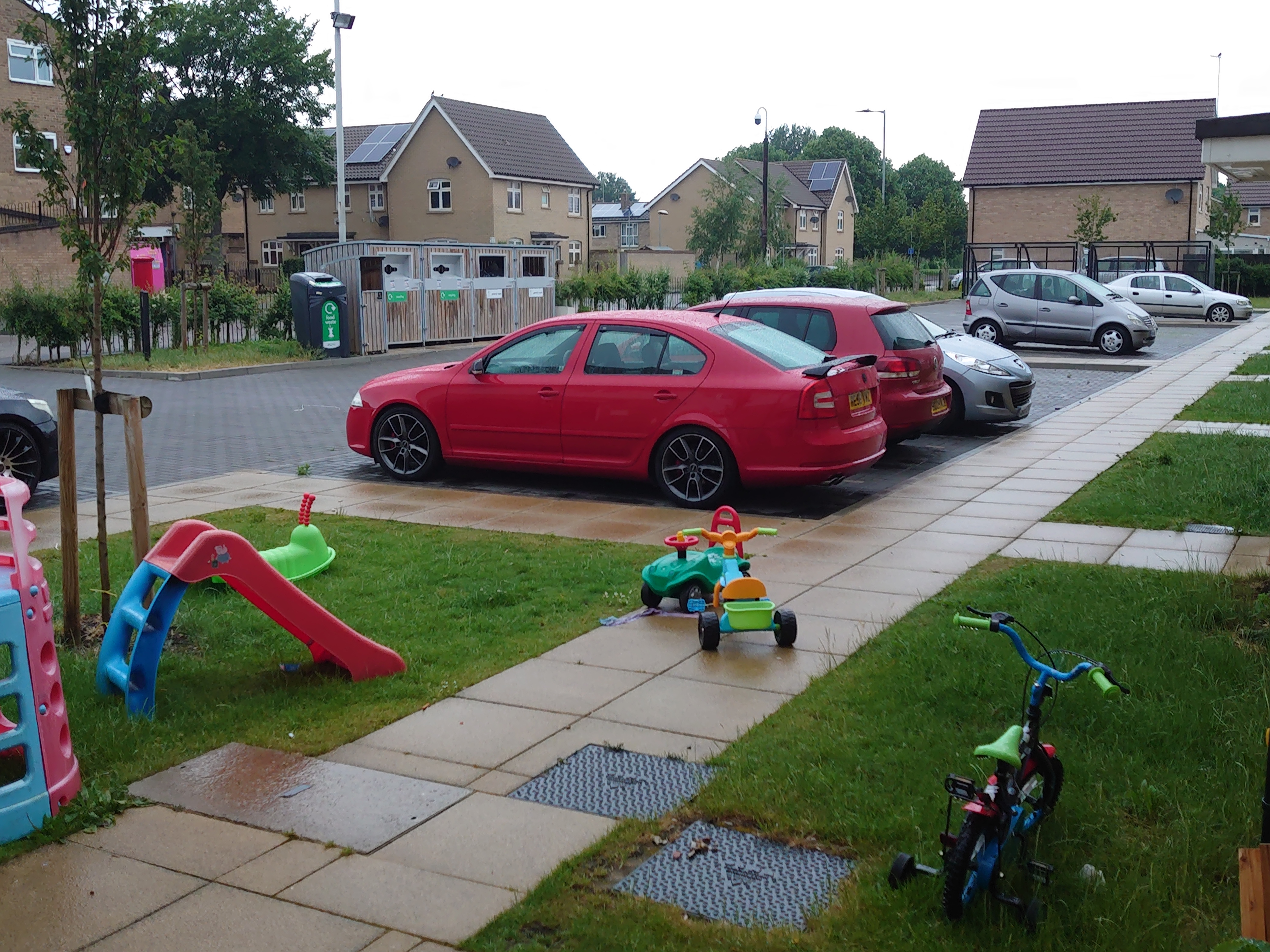
Hi all, I'm Stuart from Peterborough. Recently bought a second Octavia VRS MK2 diesel on a 58 plate. Red in colour and lowered 50ml on Audi S3 rims. Some black parts added. She's the ,170 bhp model with 168k on the clock. Runs sweet as a nut. New to Skoda and to be honest any from the manacturing group. Always had ford or Vauxhall's typically ( bar a has s type. Don't buy an old one of these) Came here looking for advise and to see what practical upgrades and tips for maintaing and improving. Thanks, Stu
Important Information
Welcome to BRISKODA. Please note the following important links Terms of Use. We have a comprehensive Privacy Policy. We have placed cookies on your device to help make this website better. You can adjust your cookie settings, otherwise we'll assume you're okay to continue.