Barkered
Finding my way
-
Joined
-
Last visited
-
-
-
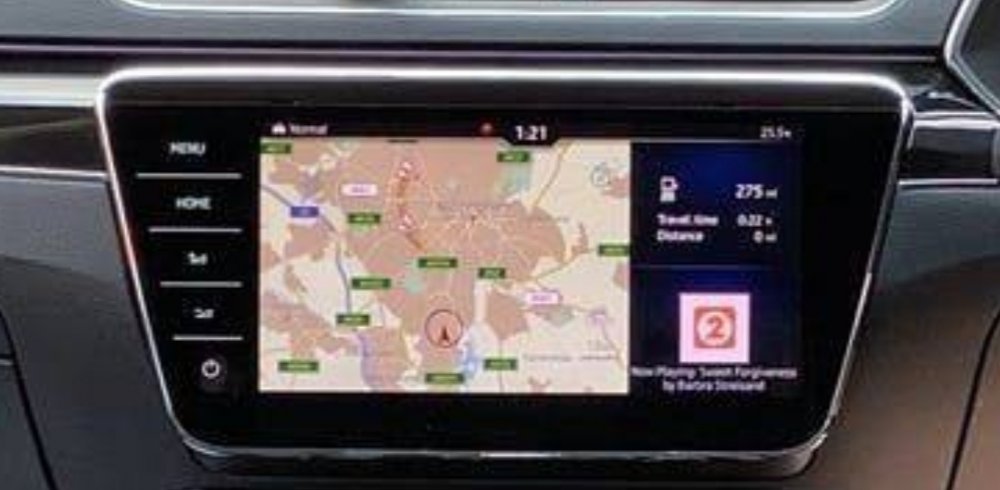
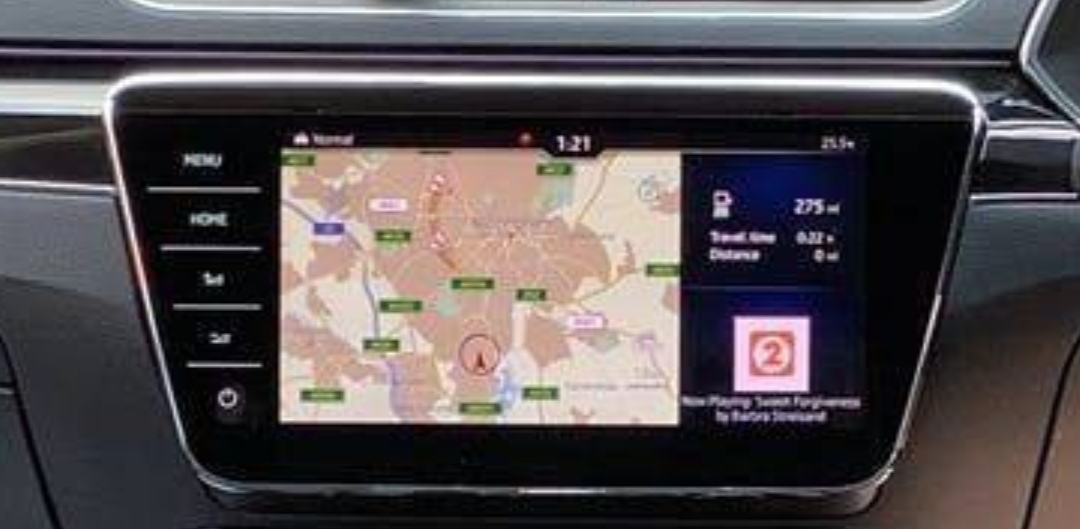
Hello! I bought a lovely 2019 Skoda Superb and just when I was getting comfortable with it....3 lines appeared on the screen. I know others have experienced this...Just wondering if there's a guide somewhere detailing how to remove it. I googled and found some but for the wrong model / mib type. Also...Can I just replace the screen without any need to worry about codes etc? Cheers in advance.
-
Cool. Cheers
-
Really, really helpful. Thanks a lot. Any ideas on whether the 2.5 is much better than version 2?
-
Awesome. Thank you. Just what I needed. These upgrades are all tempting. 😁 Is the MIB3 unit compatible with a 2017 superb?
-
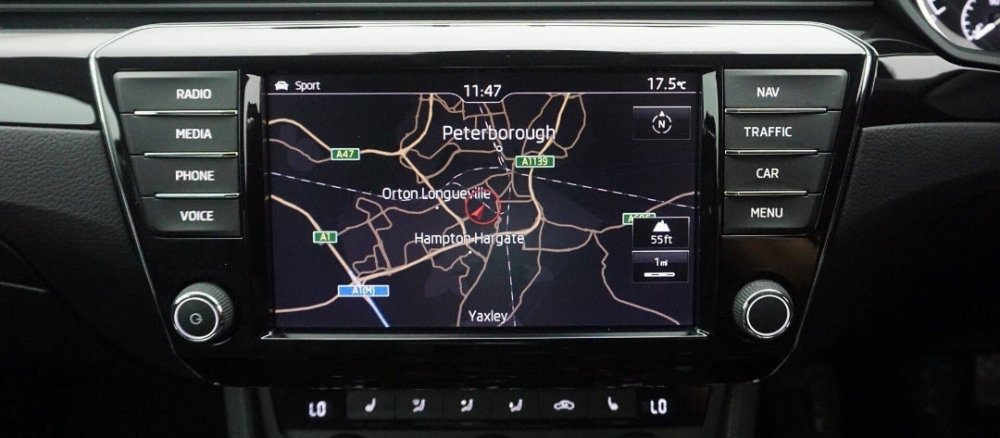
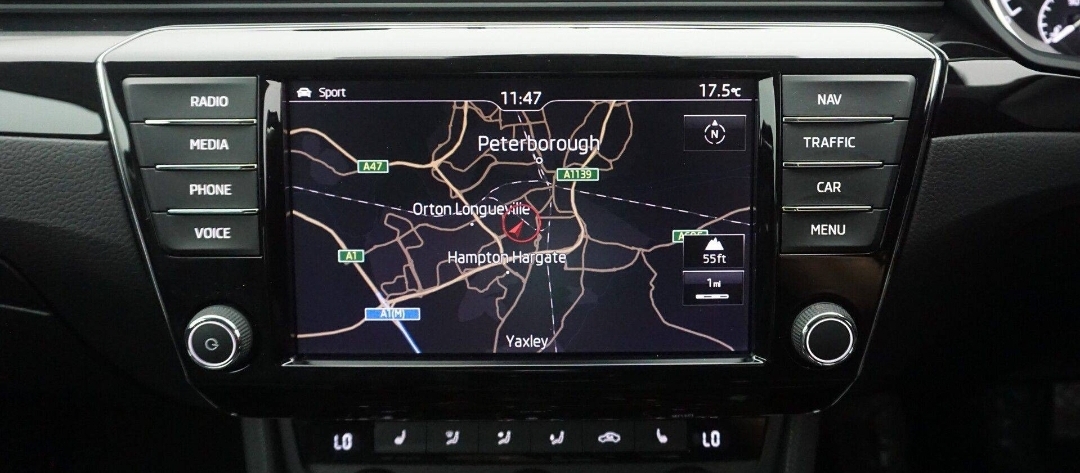
Hi, I am looking to buy a Skoda Superb 2017 and I believe it is equipped with an older 2016 infotainment system. (See attached). I am wondering how feasible is it to upgrade to the late 2017 / 2018 (onwards) system/screen? Many thanks in advance. :)