Jonny74
New here
-
Joined
-
Last visited
Everything posted by Jonny74
-
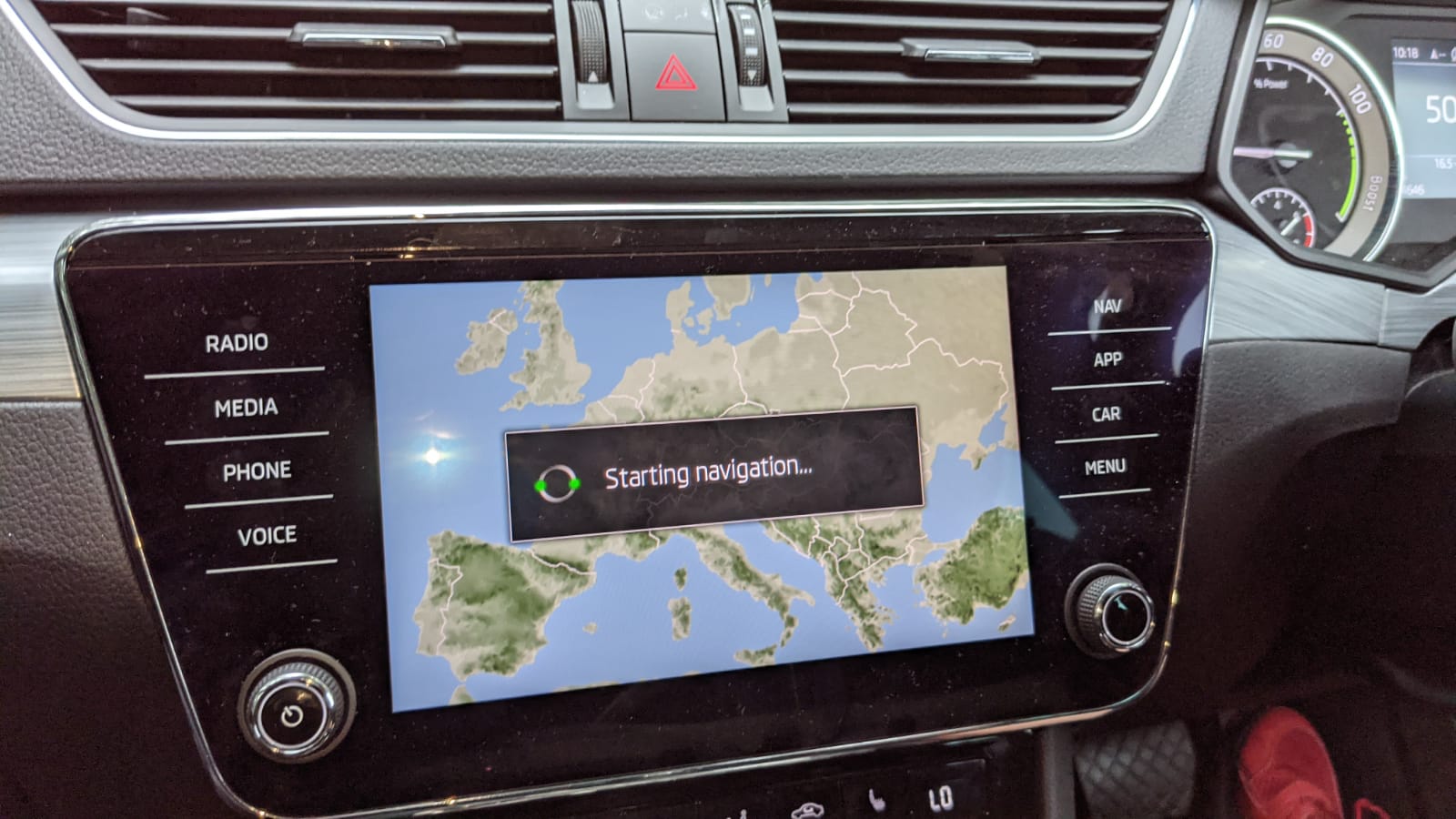
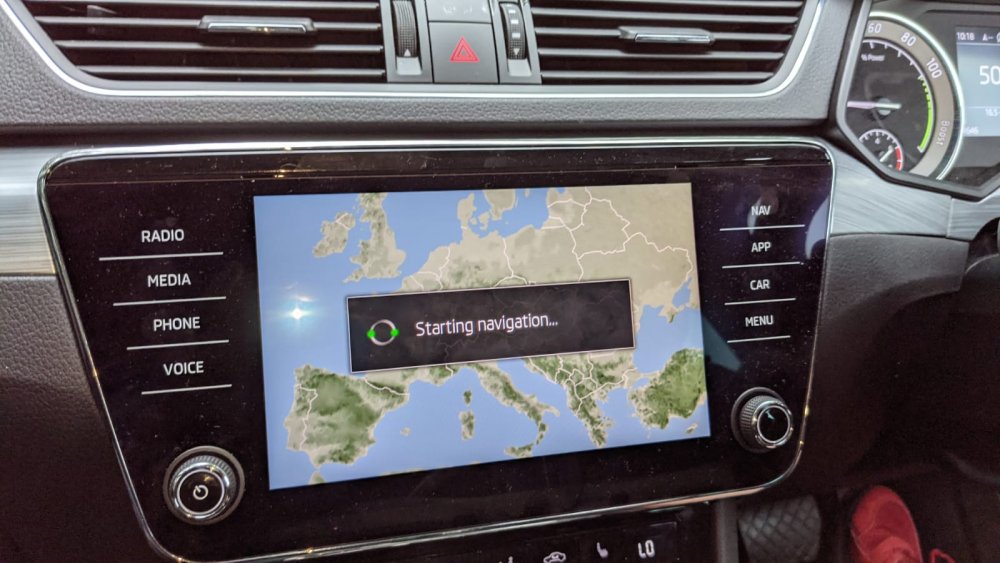
Yep defo a 21 plate car. Got delivered in April this year. Still having lag issues with it. Never had any issues like this with my 2015 Passat. Does still take a minute or two some times to fire up the sat nav, but most times it works and loads up within about 30 seconds. Passat used to be straight away. Also now likes to turn itself off from time to time, and then reboot. Not good when I need to know directions. Always seems to happen when approaching a junction. Other than that I program in where I want to go, then it gives you 15 seconds to pick which route you would like (why 15 seconds) pointless feature. At times it is still thinking about showing me the routes available after the 15 seconds have ran out. So just picks a route for me. It's a poor sat nav in my books. Skoda told me to take it to a dealer, but there's no software update for it yet. So don't see the point in taking it in yet.
-
Hardware. H22. Software. 0270. Nav database. 20.3
-
Anybody else having sat nav delay in starting up. My 2021 superb sometimes takes 10 minutes to start up. Last week it took 26 minutes, by which time I got to where I wanted using my phone. Turned car off and on still not loading. Left for a few hours and came back and it worked fine. Also sometimes turns off completely for a few seconds before loading back up when using radio, media, sat nav etc.