
Shinigami666
New here
-
Joined
-
Last visited
-
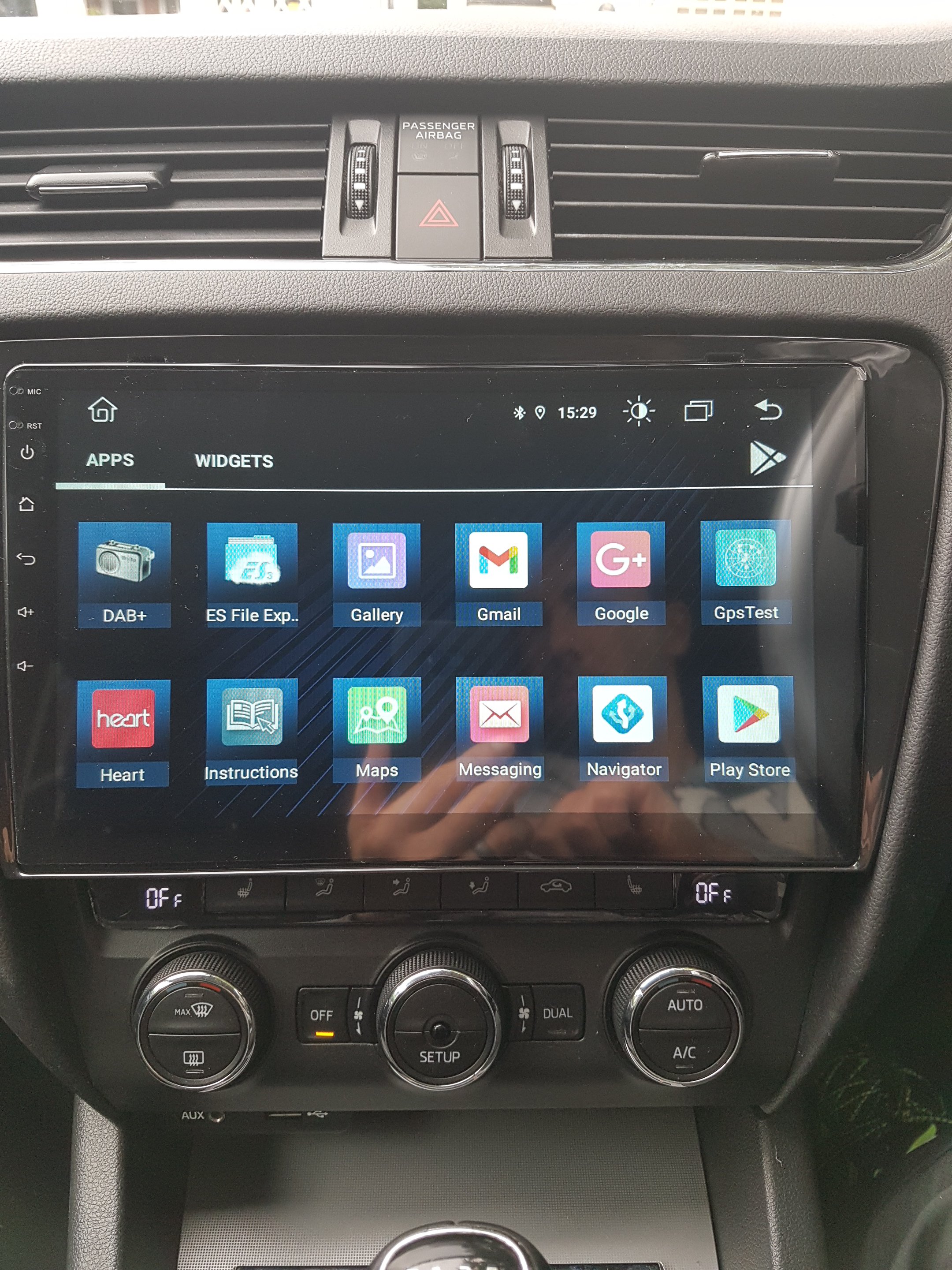
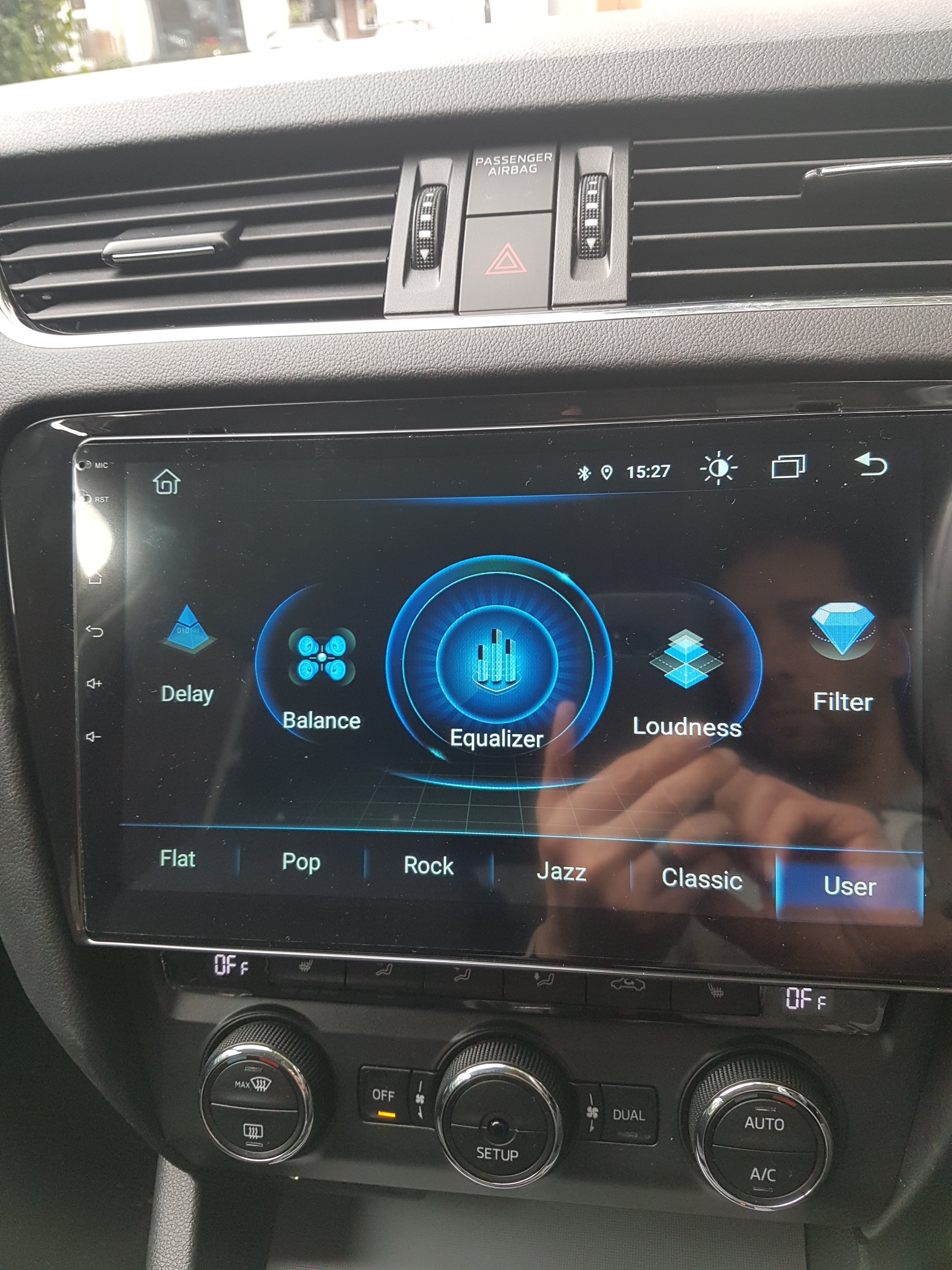
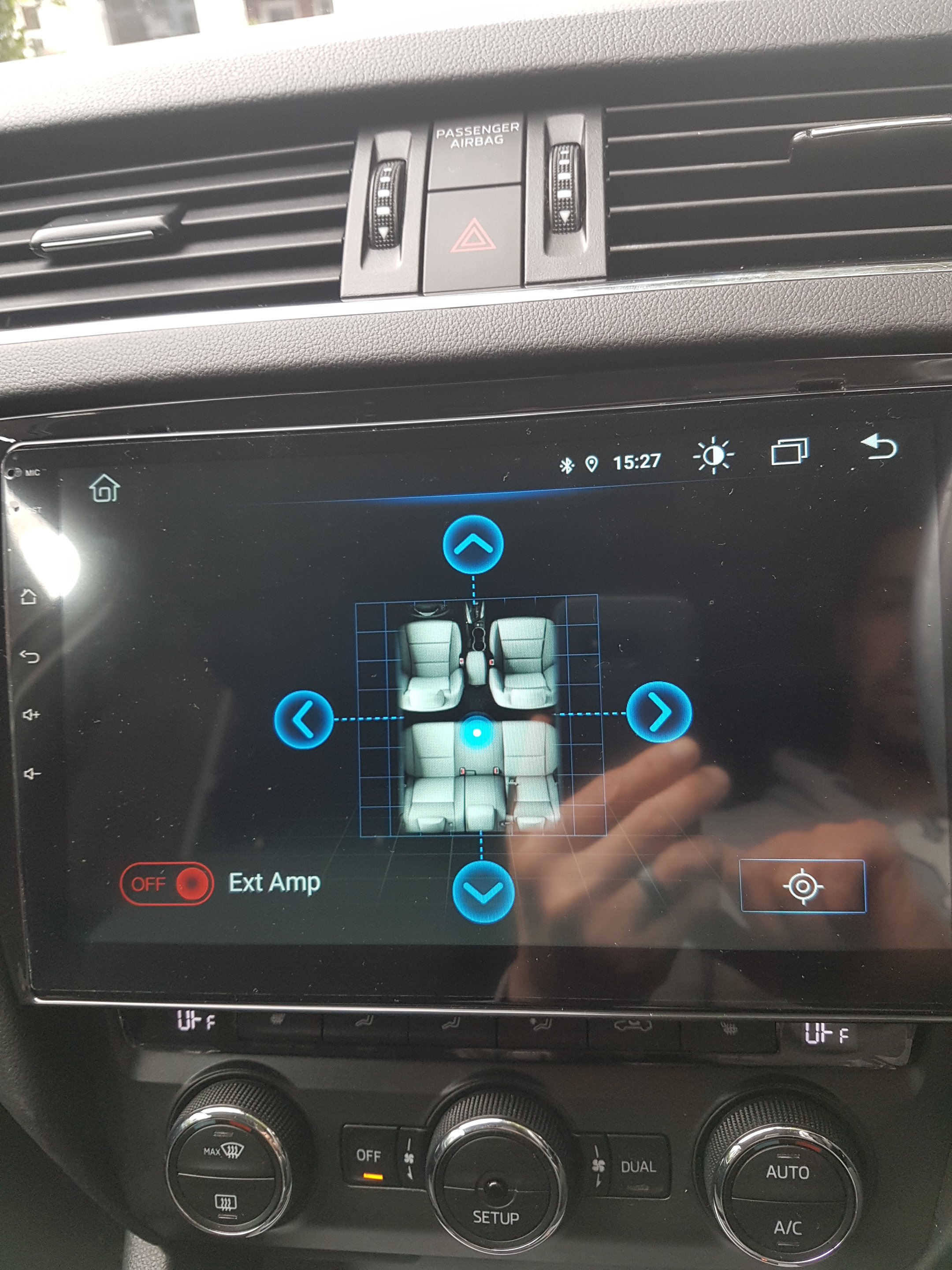
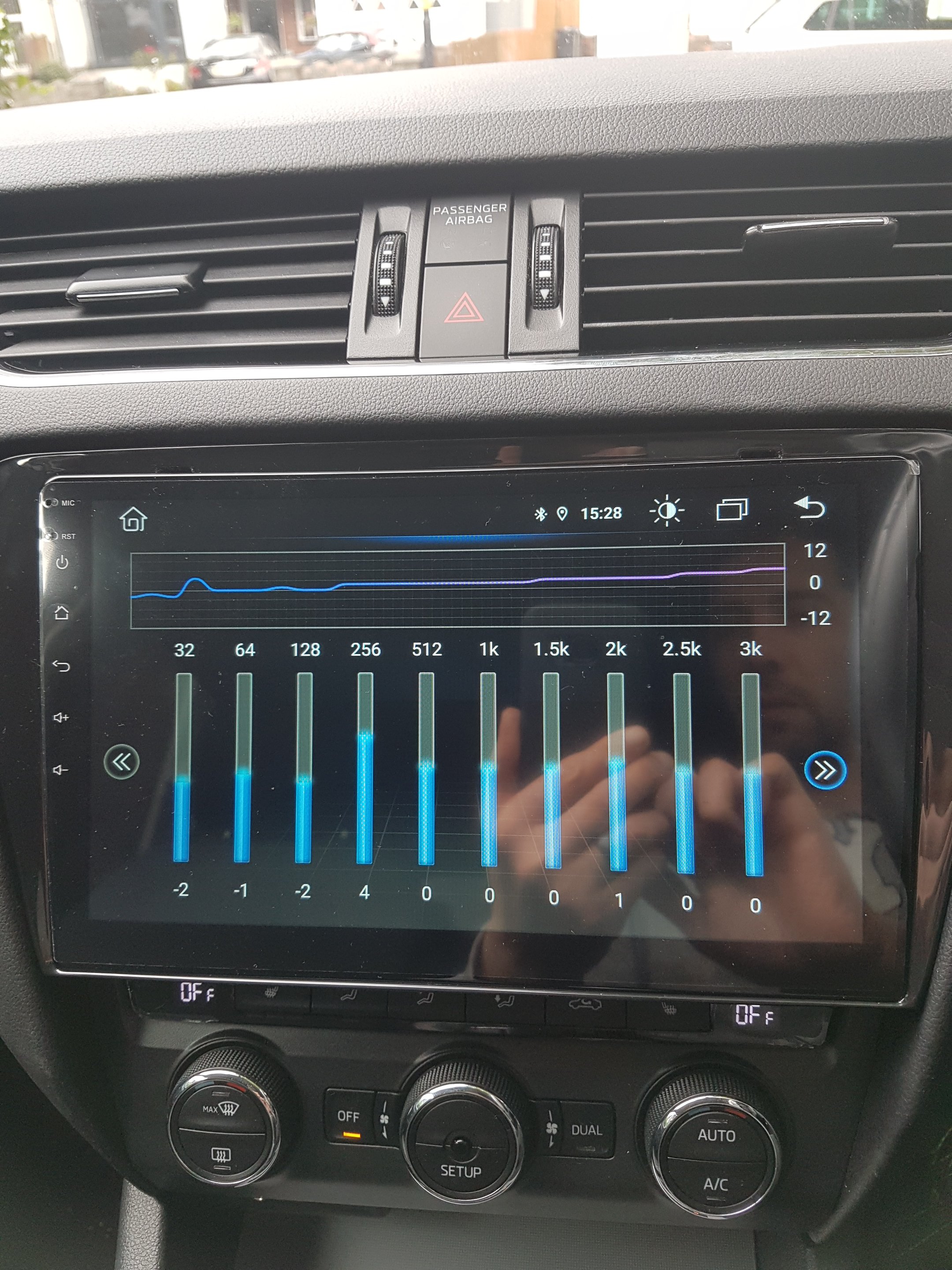
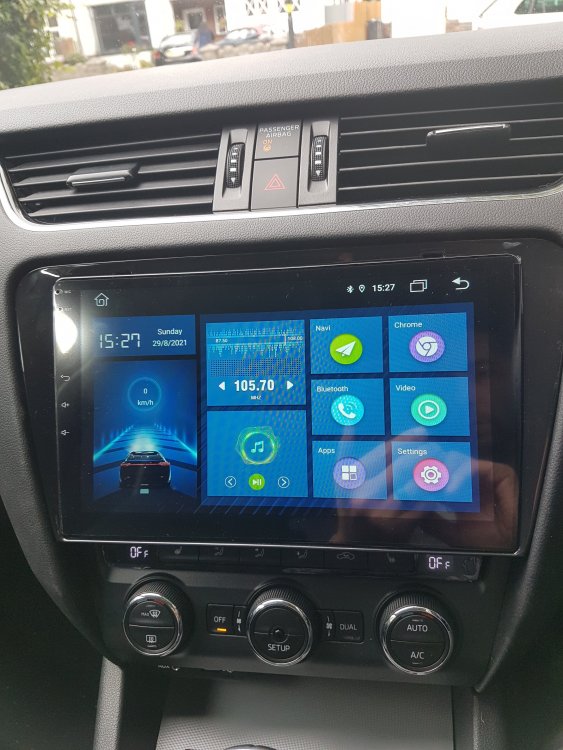
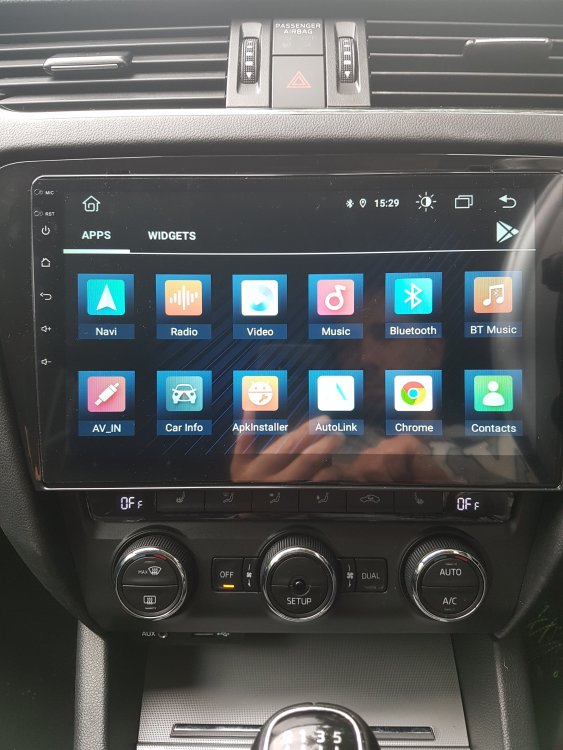
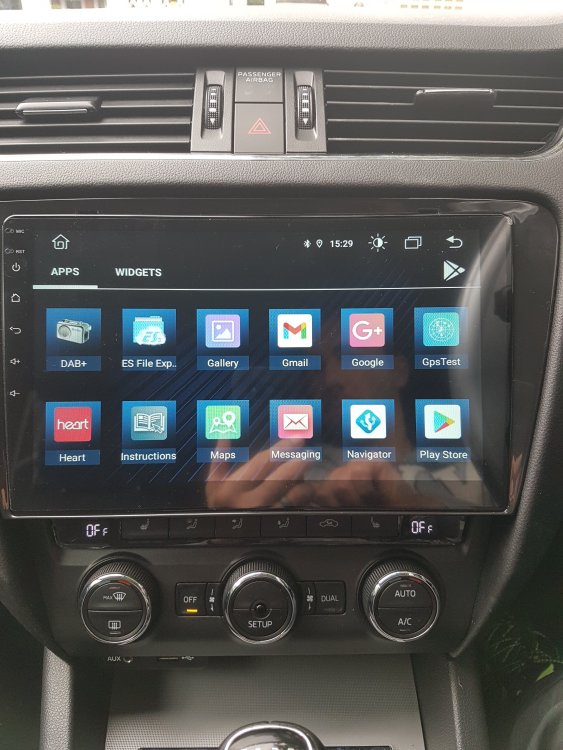
Few more pics
-
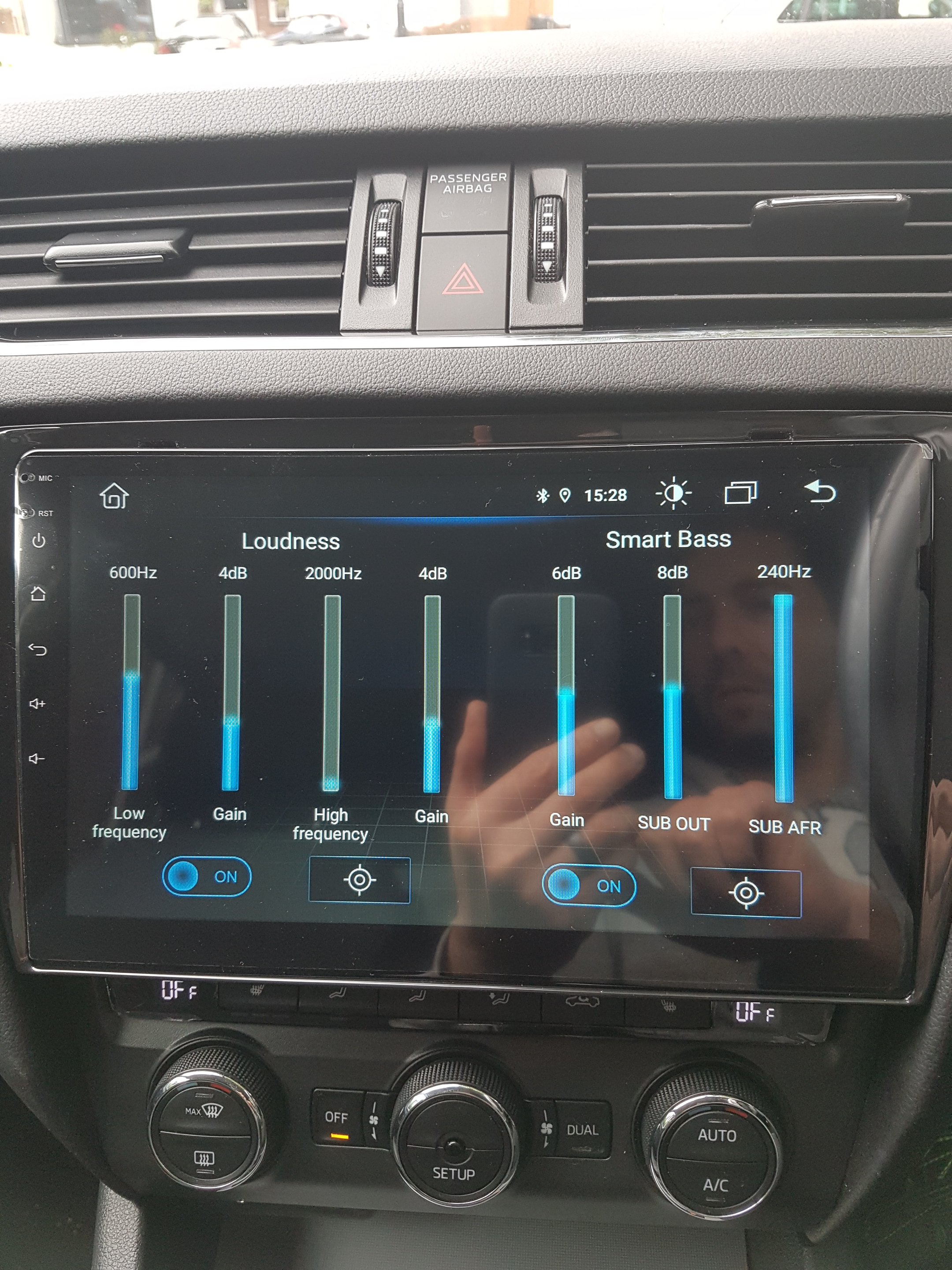
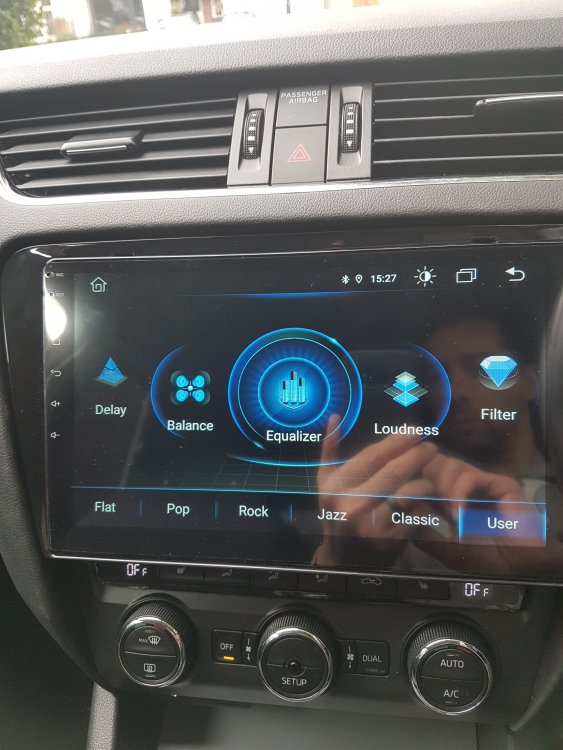
Hi Varaderoguy, to be honest..I have only had this car for 2 weeks I had no clue about this Skoda Surround and Virtual Base functions you mentioned but after tweaking the audio on the Android unit a bit I got a very good sound out of it. Basically, the sound settings no longer include Bass, Mid and Treble only controls but everything from multiband eq, loudness and even high and low pass filters for the speakers in the front and in the rear!!! I've attached few pics of it but it sounds pretty similar to those functions you described
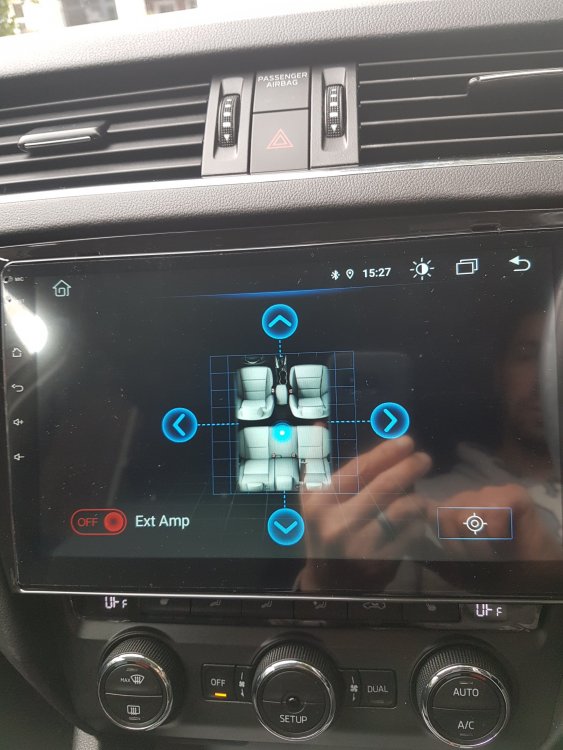
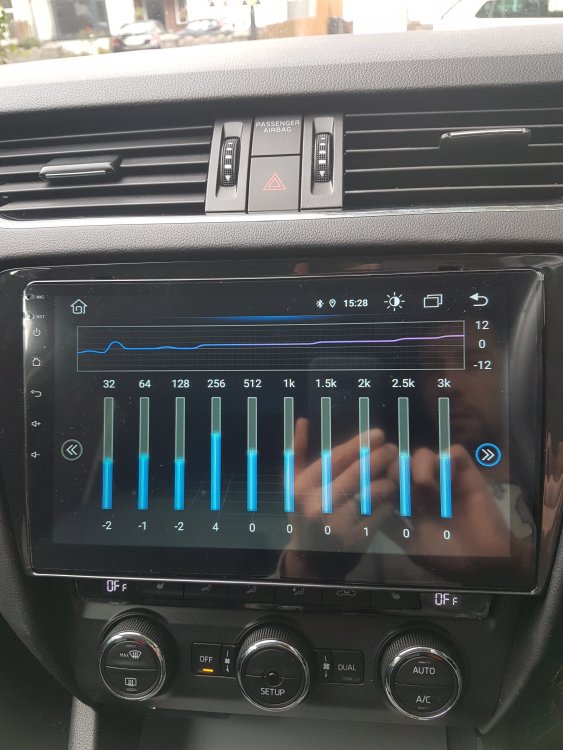
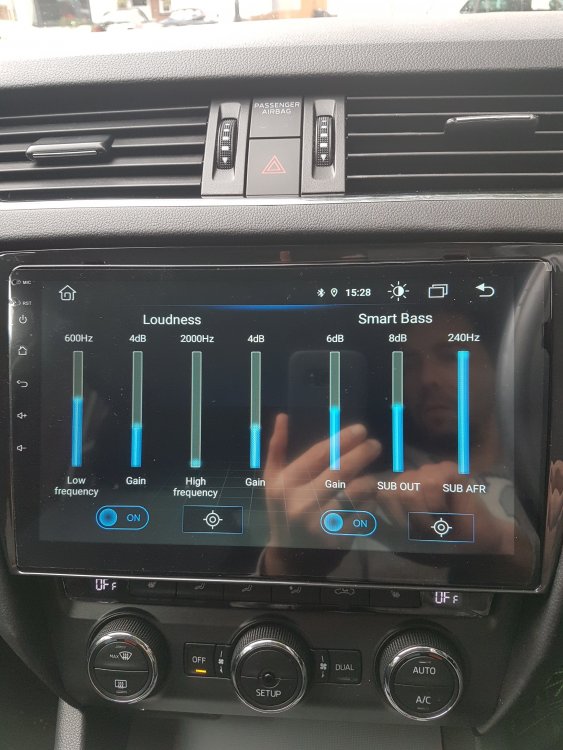
-
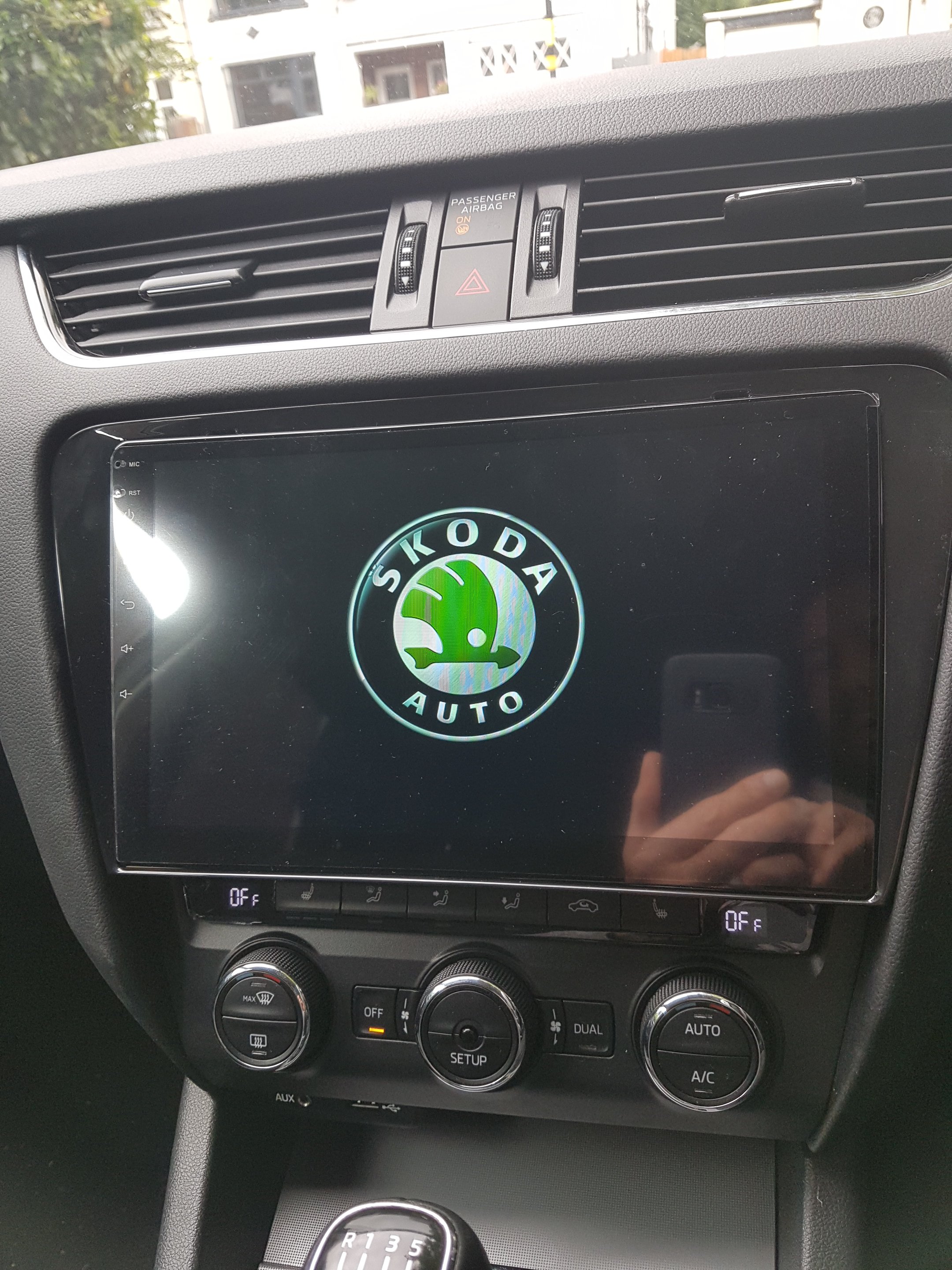
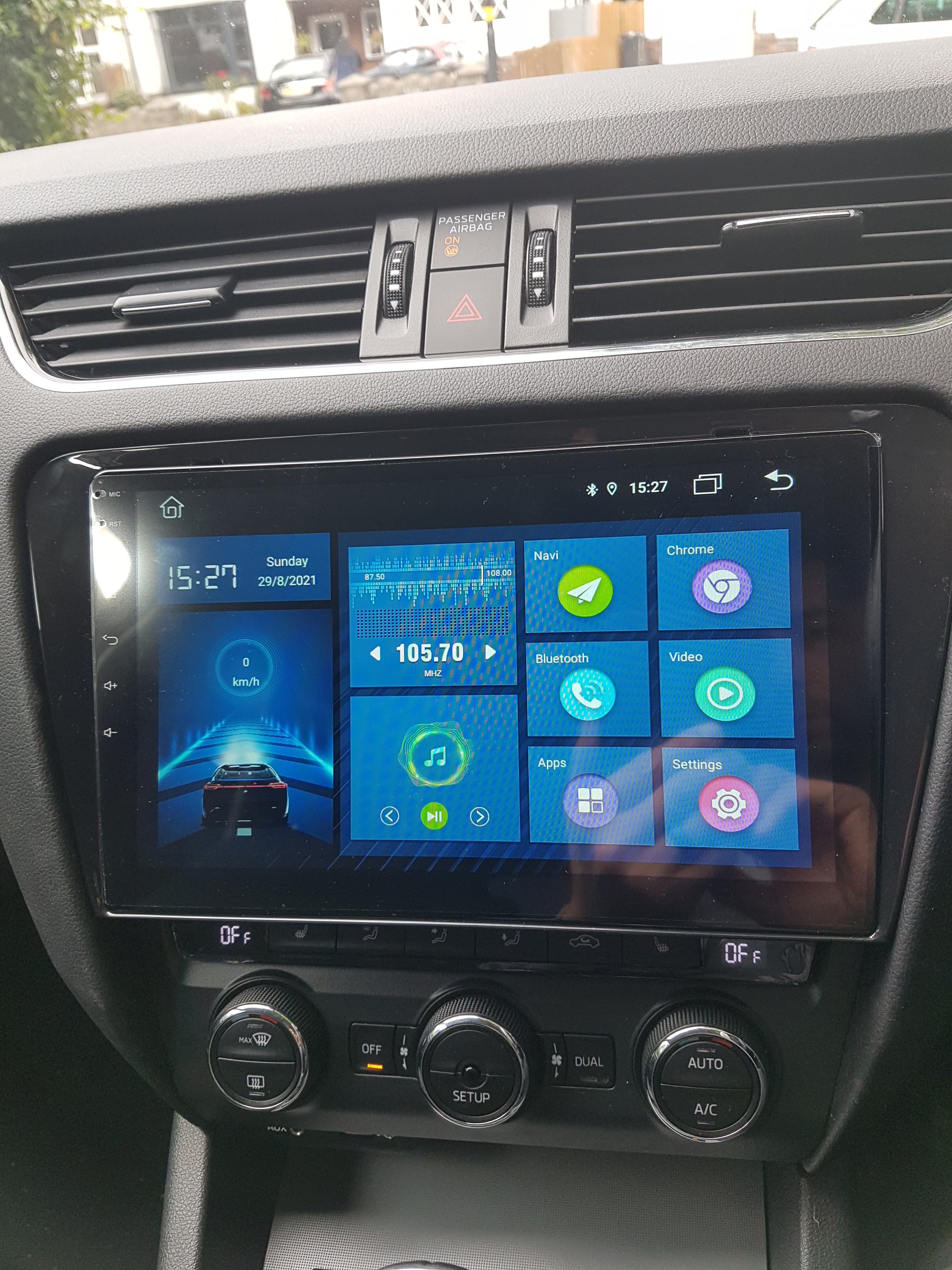
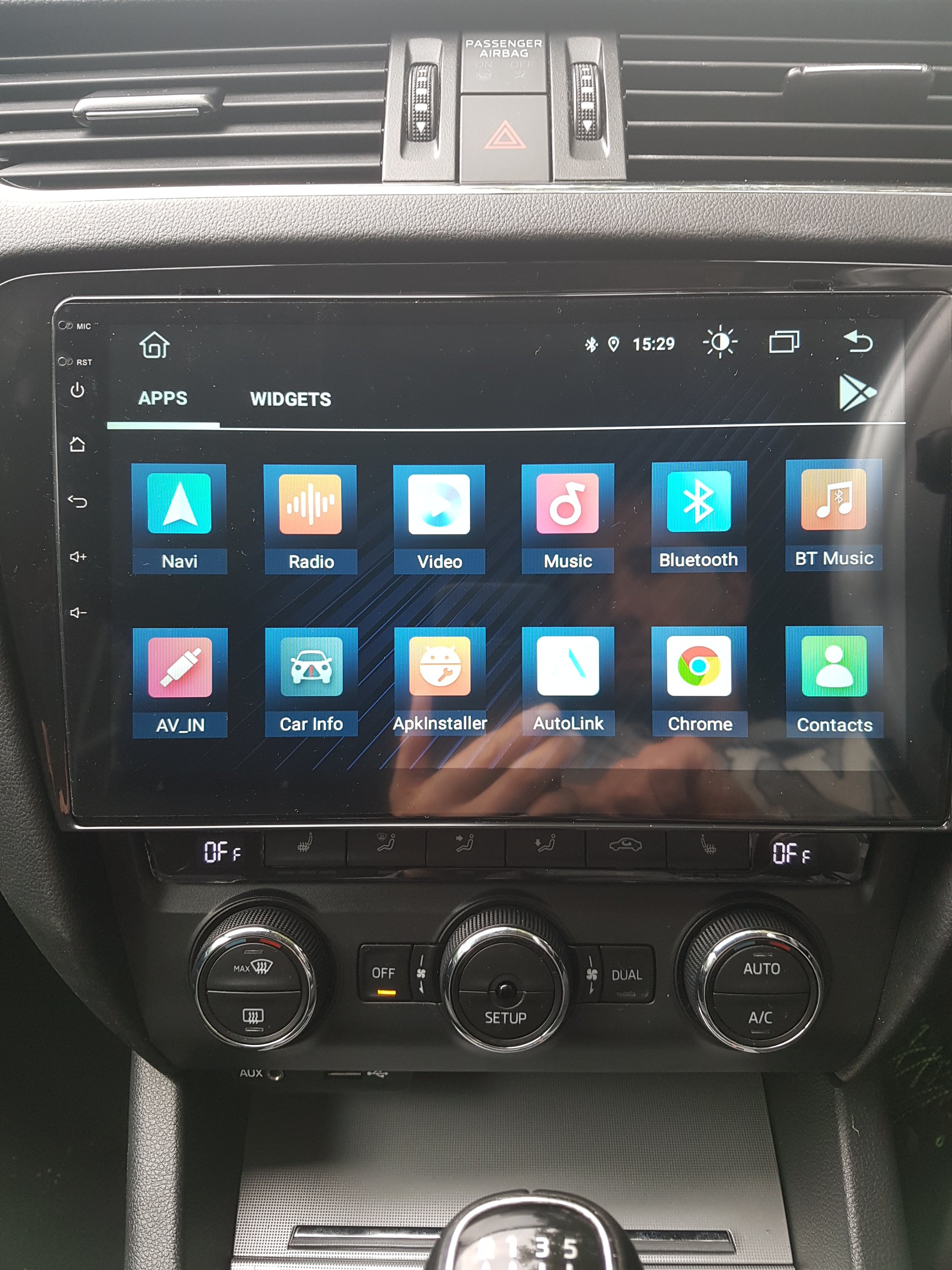
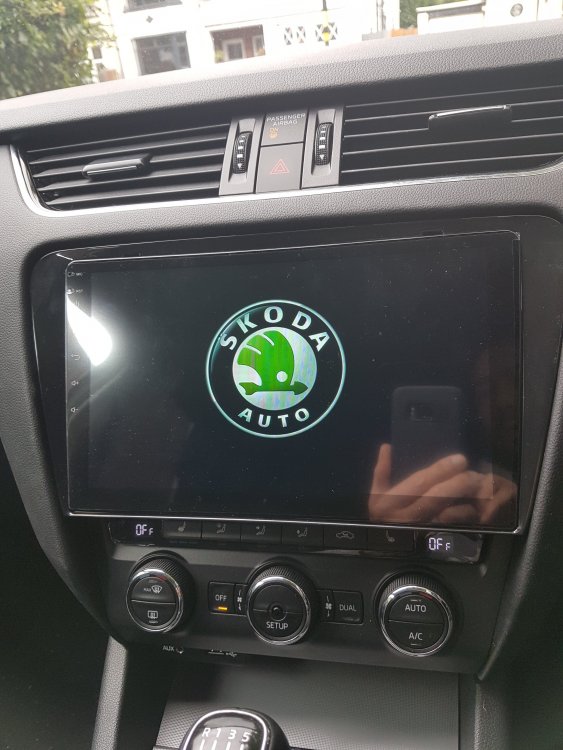
Hi Langers, thanks a lot for the technical assistance I have fitted the 10-inch Android unit this morning and I only used the power plug and the radio connector. The android unit came with 2 USB ports and an adaptor for the existing USB port but it did not work, hence, I moved the 2 USB ports in the glove box compartment. I tried to remove the existing USB port from under the controls but even after removing the plastic trim surrounding the controls I could not take the USB slot out of where it is 😞 Everything works fine (the audio is not the best but even the Bolero was pretty poor sounding to be fair) so the only thing I need to do is finding some kind of off-line navigation app to install when my phone's battery runs low and I cannot use it as a hotspot. There is a slot to insert a sim card within the Android unit but I do not want to spend £8-10 / month just to have the fancy in-car internet option ahah As soon as I have some more time I may sort the rear camera which came with the unit although after watching few videos it looks like little bit harder to fit bur never say never! I'll add some pictures later. Thanks again for your help
-
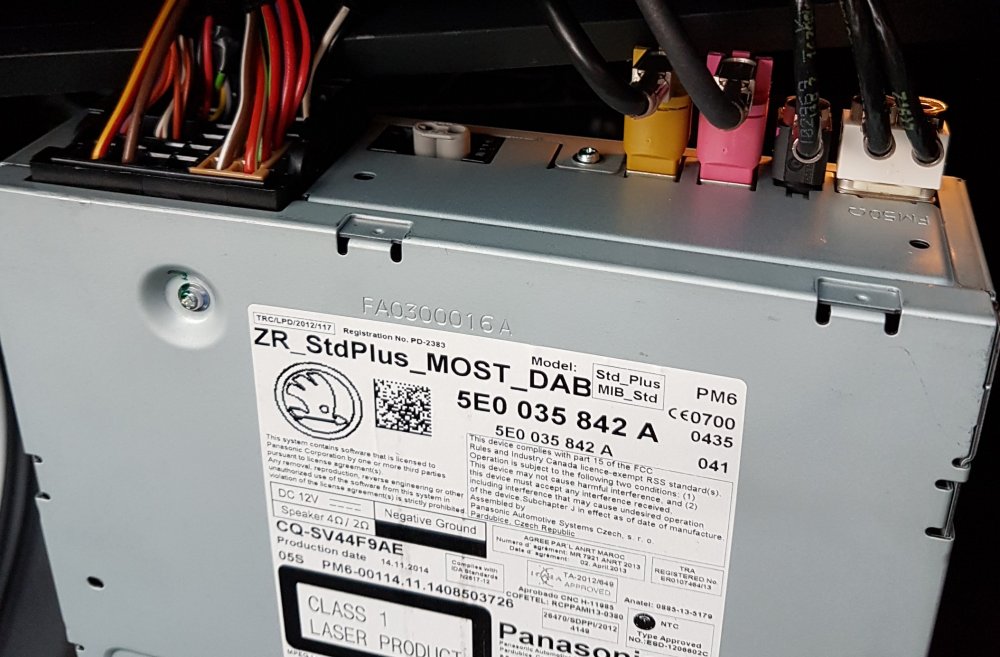
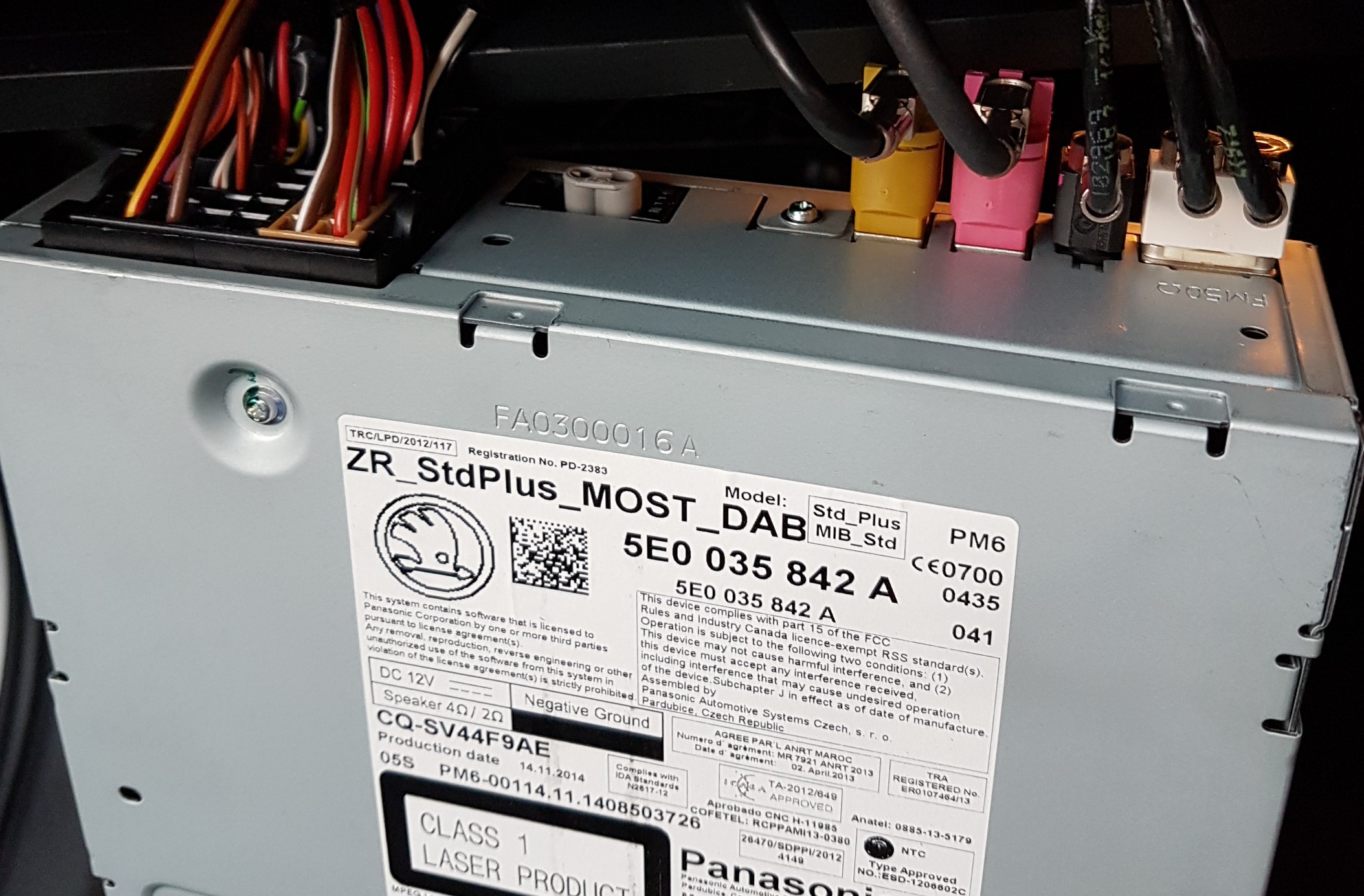
I'm afraid that if they are somewhat important once I take the power plug off the cd drive to power the android unit I might have issues if those connectors are somehow important
-
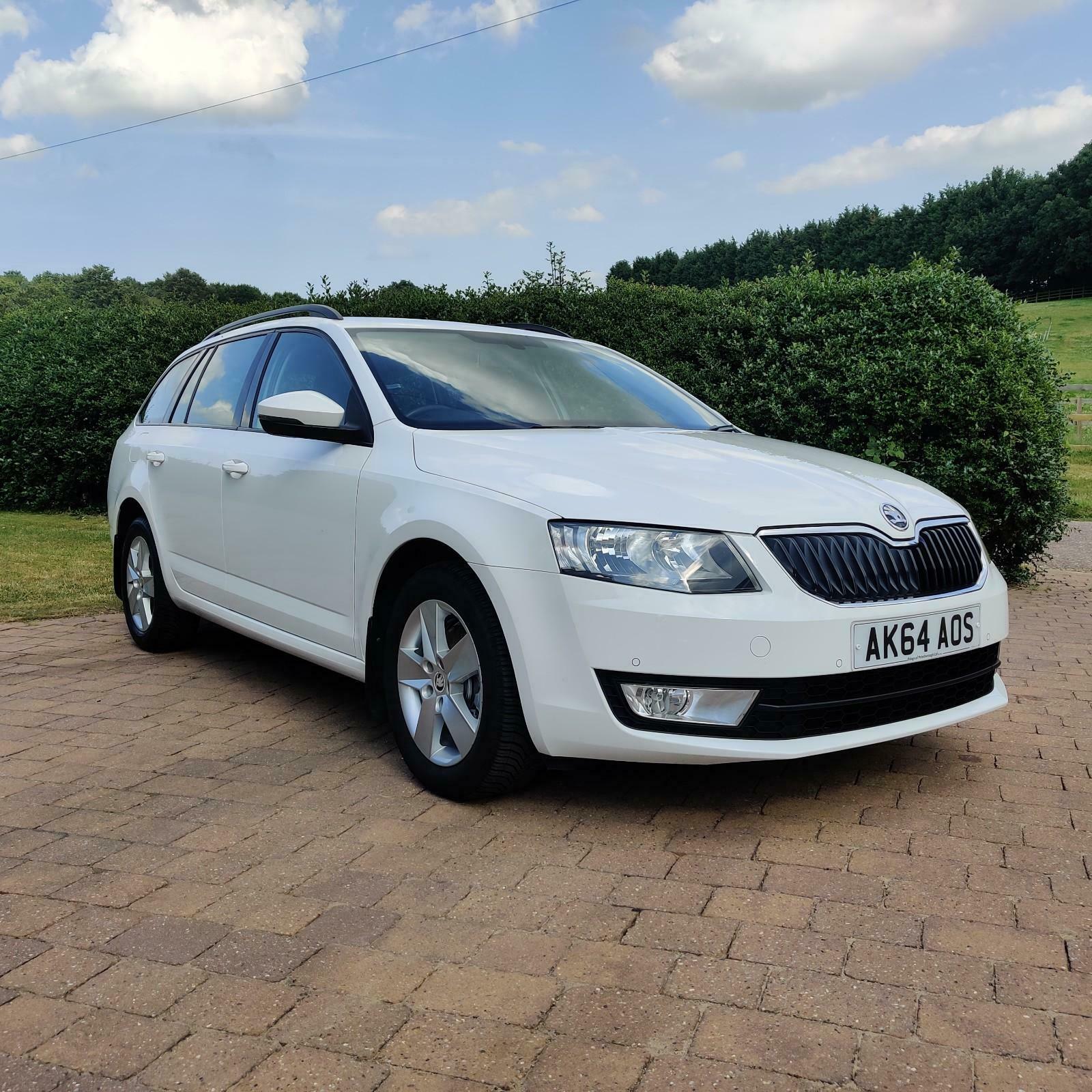
Hi guys, I hope you are well and safe. I am trying to replace the Bolero unit in my 64 plate Octavia SE by fitting a 10-inch Android unit but I need to take the power from the CD drive because it's located there instead of behind the Bolero screen itself. Anyway, that is not a problem. However, I was wondering if someone could enlighten me by telling what all the other connectors are for. The big one is of course the power whilst the one at the opposite side is the radio antenna but what about the mustard, the pink and the small black connectors? I guess one is for the standard USB but I have no idea which is which... I have attached a picture for reference. Thank you in advance and have a nice weekend. Luca