p6steve
New here
-
Joined
-
Last visited
-
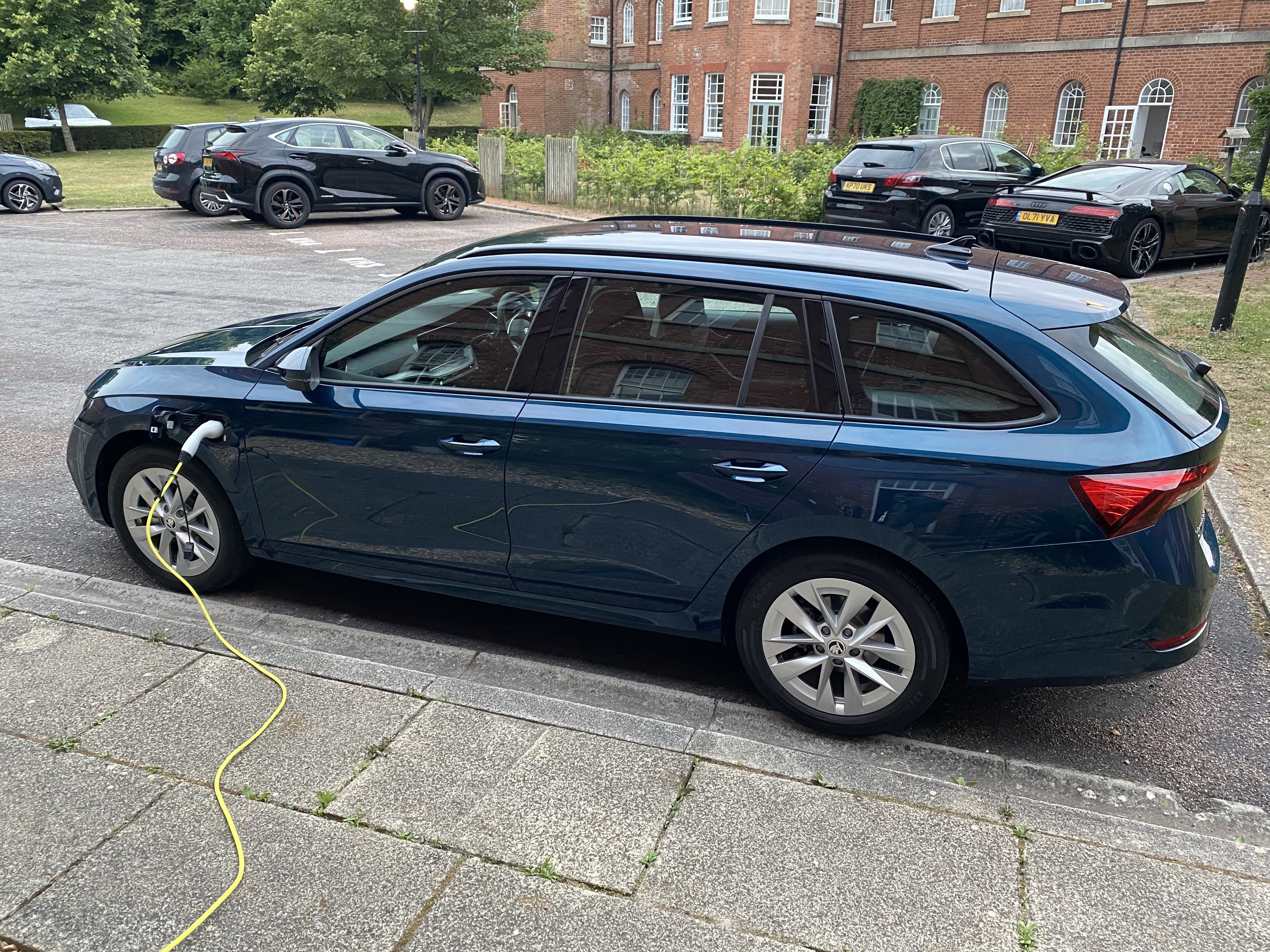
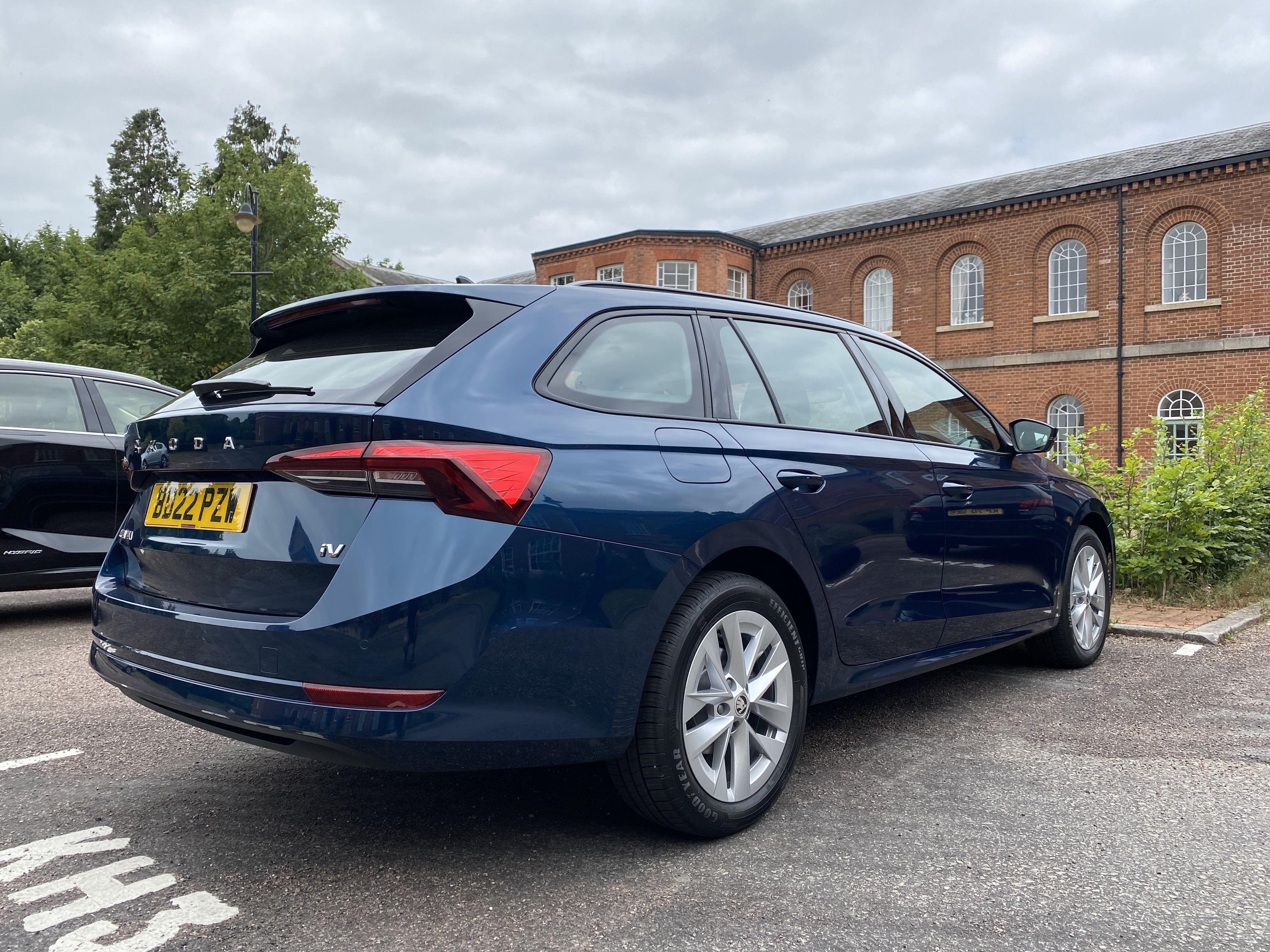
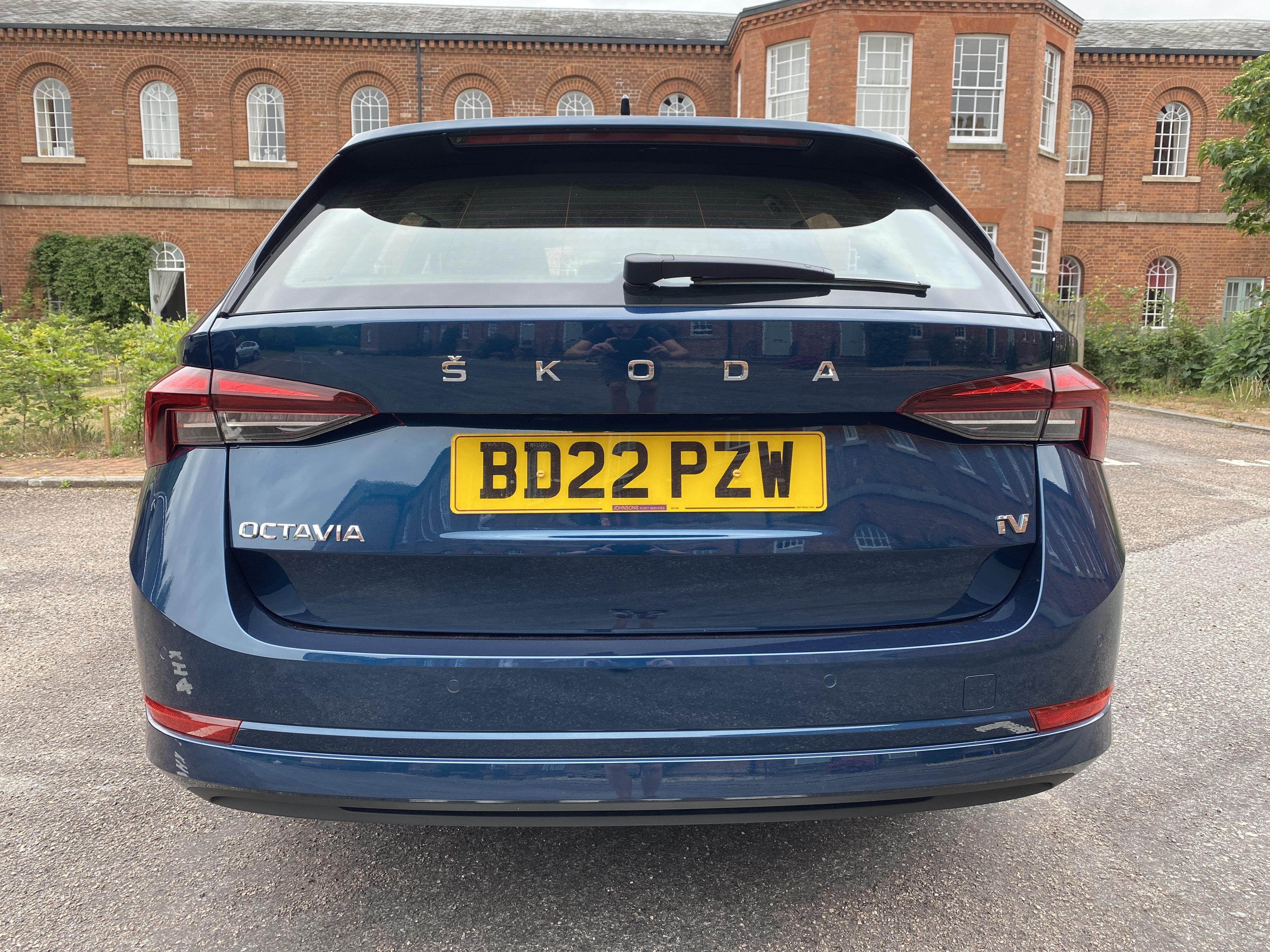
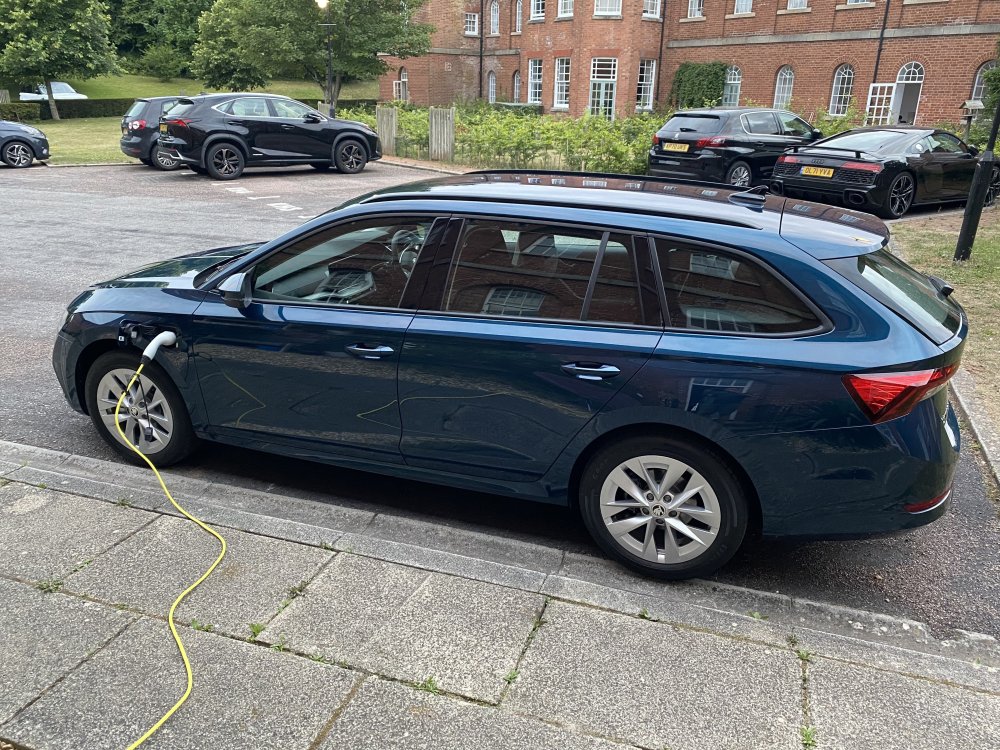
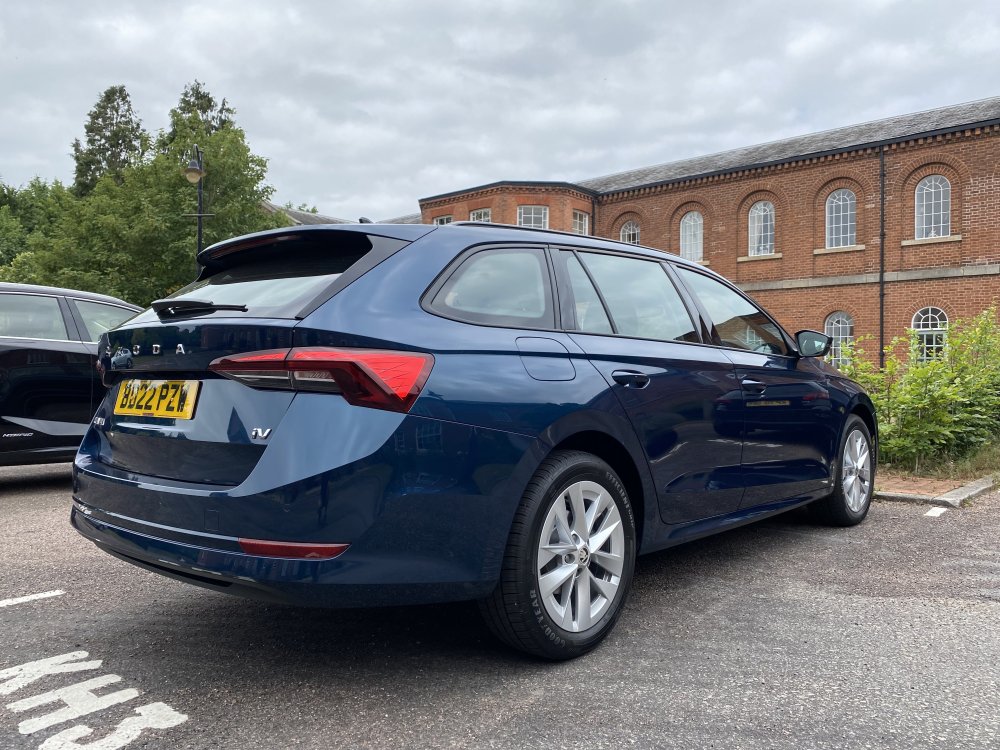
More of ‘Big dog’ as the kids have named it!!
-
So after a 14 month wait she’s finally here! Absolutely lovely to drive, comfortable, quiet and roomy. Lots and lots to learn even for me who’s worked in IT for over 30 years, but getting there. Charged between 11pm and 5am this morning and a little over £2 got me 35 miles range. Much much nicer than I was expecting!!
-
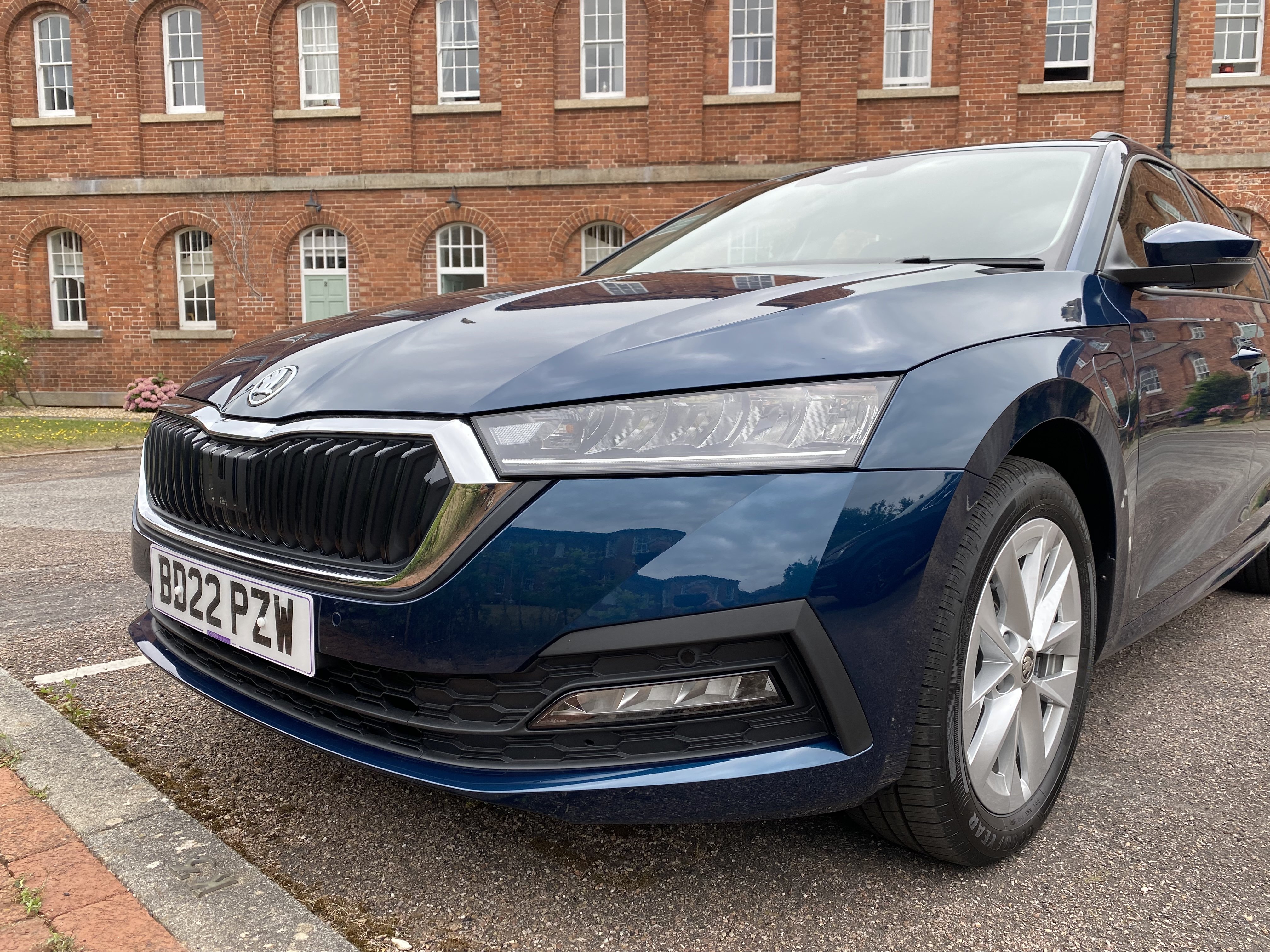
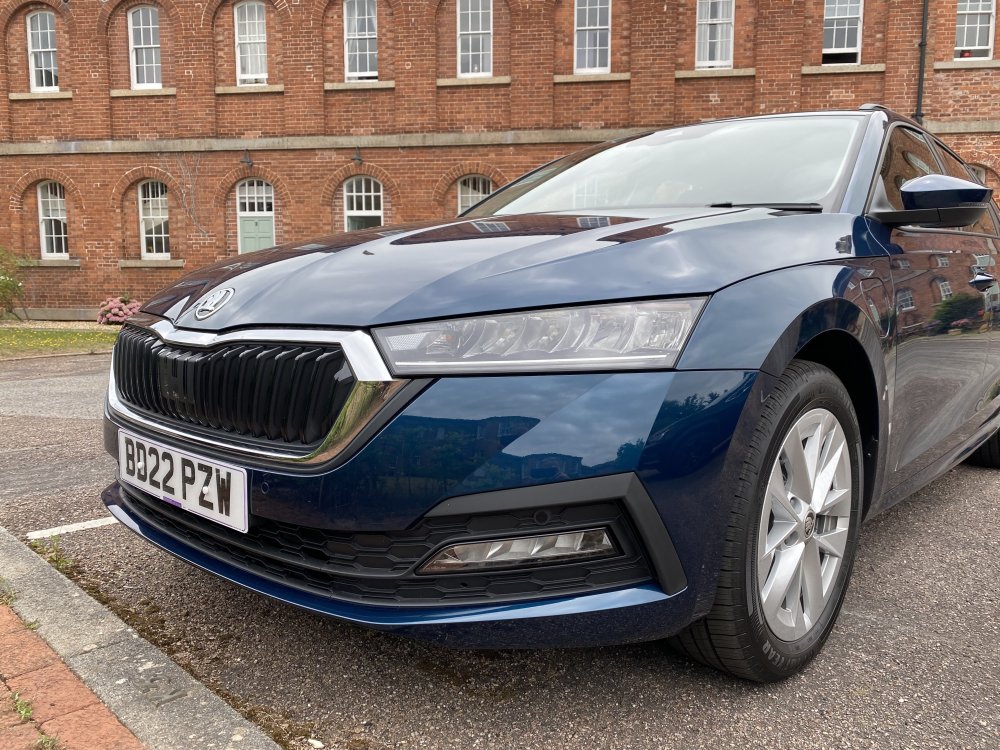
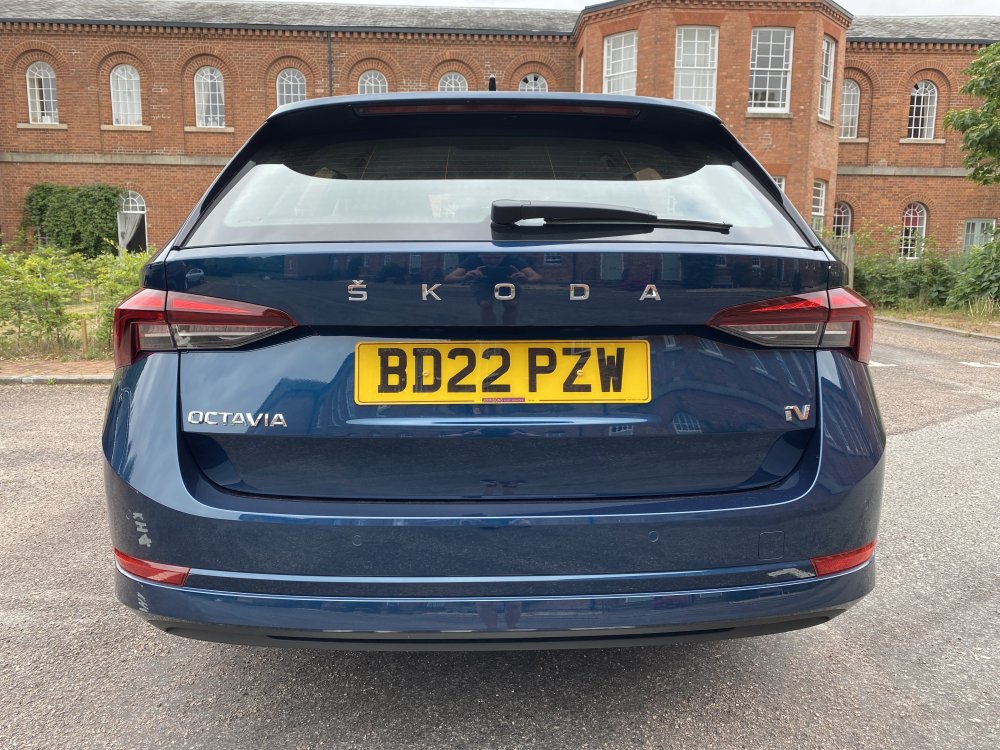
I’ll have one like this outside my house tomorrow. Are they 16” alloys? SE Technology or SEL?
-
Mine was registered on 30/6. Finally after almost a year, delivery is tomorrow 😀😀
-
So ordered my Octavia estate IV SE techno back in July 21 and I finally have a VIN and a registration number 😃 Things looking good for delivery in under two weeks! I’m leasing for a couple of years and just happened to order via leaseloco when prices were at their lowest. For exactly the same deal now with all the same criteria through the same lease company, the deposit has gone up to £3709 from £1600 and monthly payments to £605 from £270. To say I’m happy is an understatement!!
-
Hello all. I’m back after a 5 year Skoda break! Previous Skodas were a 2006 Fabia vRS and a 2008 Octavia Estate L&K but I’m now taking the plunge into the electric market with a new leased Octavia iV. So I’m a bit confused about the claimed power output from the motors individually and combined. I understand the concept of the hybrid setup it confused about this. The 1.4 petrol engine is claimed to output 148bhp, whilst the electric motor appears to be rated at 112bhp but combined they only produce just over 200. Am I reading this correctly? Not that I’m a spread freak but are started performance figures for both working in conjunction? What happens when the battery is depleted? Presumably acceleration is down on the stated figure? I can’t find any performance figures for the car in pure electric mode either. Any help greatly appreciated. cheers.