




bainesthomas
New here
-
Joined
-
Last visited
Everything posted by bainesthomas
-
-
-
-
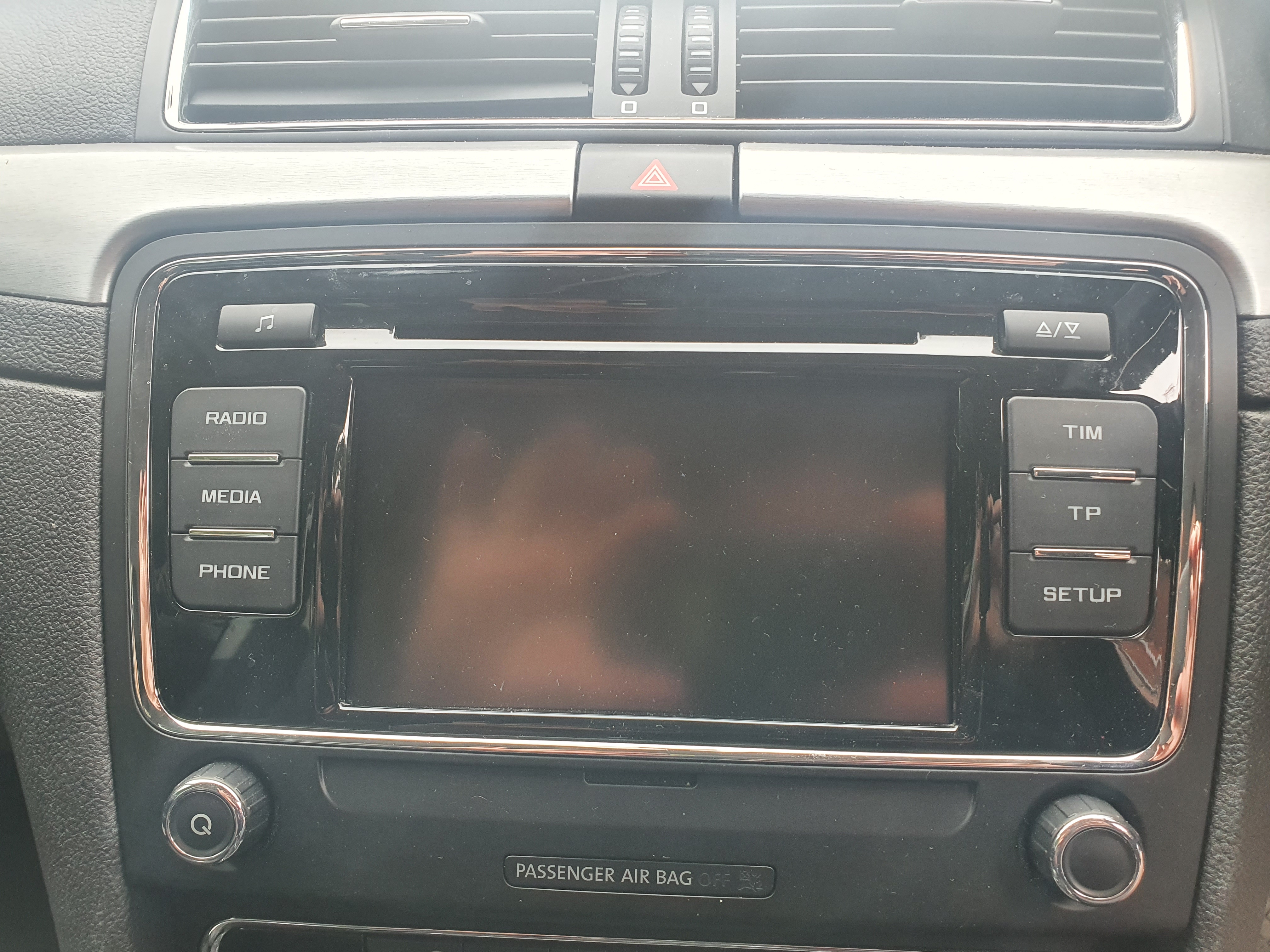
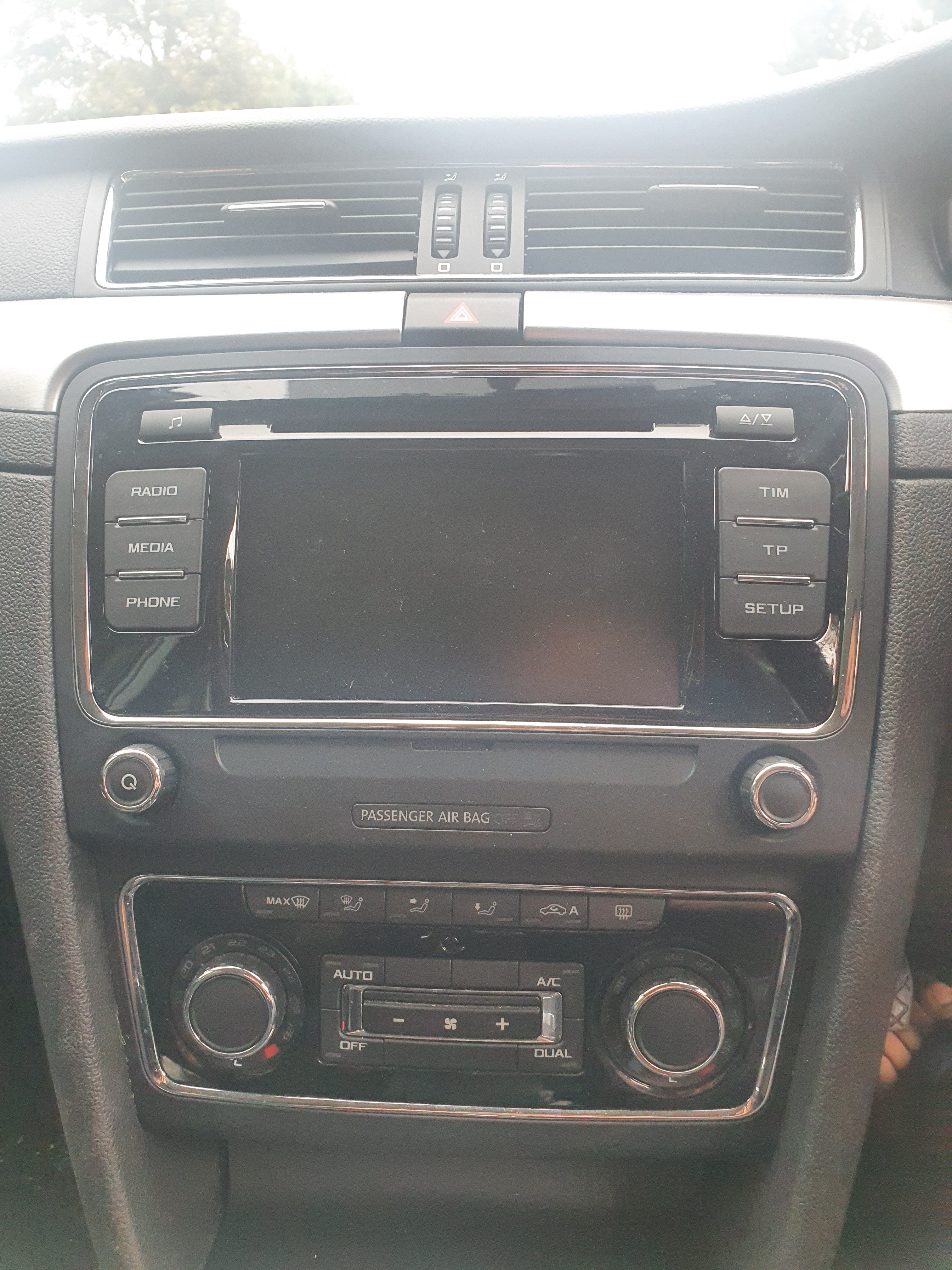
Hi, My Skoda Superb radio has stopped working. The CD player stopped working a couple of years ago and now the thing will not power on at all. The details of the radio are in the photo below. Could anyone tell me if the below radio listed on ebay would be a straight swap for my old one? https://www.ebay.co.uk/itm/SKODA-SUPERB-2010-2015-SAT-NAV-CD-HEAD-UNIT-WITH-CODE-/114809050373?mkcid=16&mkevt=1&_trksid=p2349624.m46890.l49286&mkrid=710-127635-2958-0 Any advice will be greatly appreciated. Cheers Bri
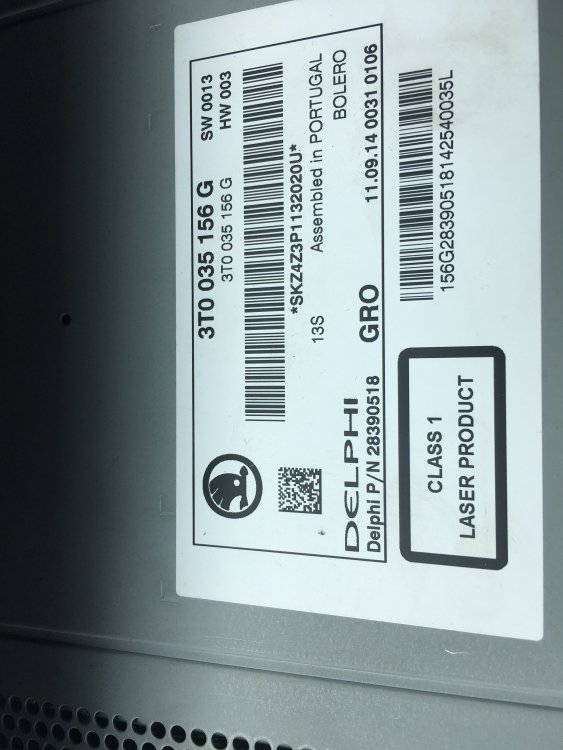 Hi, My Skoda Superb radio has stopped working. The CD player stopped working a couple of years ago and now the thing will not power on at all. The details of the radio are in the photo below. Could anyone tell me if the below radio listed on ebay would be a straight swap for my old one? https://www.ebay.co.uk/itm/SKODA-SUPERB-2010-2015-SAT-NAV-CD-HEAD-UNIT-WITH-CODE-/114809050373?mkcid=16&mkevt=1&_trksid=p2349624.m46890.l49286&mkrid=710-127635-2958-0 Cheers Bri

Important Information
Welcome to BRISKODA. Please note the following important links Terms of Use. We have a comprehensive Privacy Policy. We have placed cookies on your device to help make this website better. You can adjust your cookie settings, otherwise we'll assume you're okay to continue.