Richrad
Finding my way
-
Joined
-
Last visited
Everything posted by Richrad
-
I wasn't aware of that option, but certainly worth investigating. Thanks for the suggestion.
-
I fear you're probably right, Steve. And yet my cheap old Hyundai i10 handles it perfectly!
-
The Canton music system on my 2022 Superb defaults to playing tracks from my phone in alphabetical order whenever I stop/re-start the car - regardless of where I've got to in a playlist. Does anyone know how I can re-set it so it just carries on playing from where it's left off?
-
OK. Thanks very much for letting me know. Manual re-entry it is, then!
-
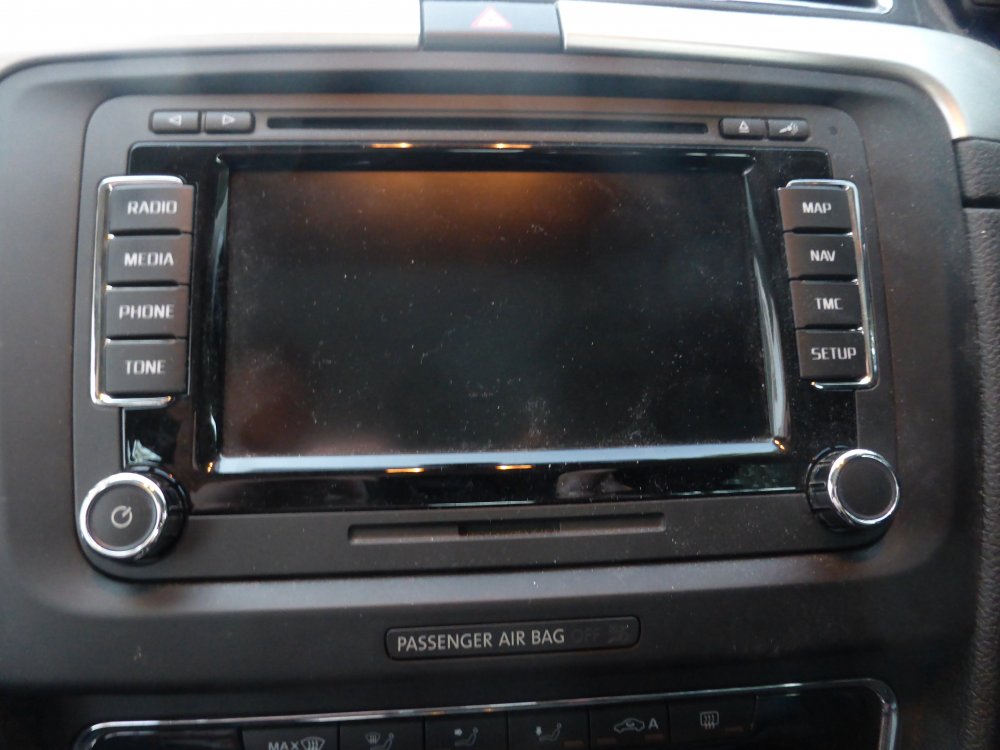
I don't have a photo of the new one, because I haven't yet got the car - it's apparently still in a field in Czechia, missing a few chips. But the old one looks like this:
-
Sorry - couldn’t find any model number anywhere, but it’s an August 2014 unit that has the data on it and the new unit is an August 2021 version. Hope that helps….
-
Thanks, mac11irl. Still finding my way around! I’ve re-posted my question as you suggest. All the best.
-
Hi. Can anyone tell me if it’s possible to transfer POIs from one Columbus to another? According to my instruction book, it’s possible to download POIs from an SD card, but I can’t find anything about how to get the POIs onto the SD card in the first place. Thanks!
-
Hi. I want to transfer stored POIs from one Columbus unit to another. I believe it’s possible to load the data from an SD card onto the unit, but I can’t find any info about transferring the data onto the SD card. Does anyone know if that’s possible? Thanks.