MrMysakovich
New here
-
Joined
-
Last visited
Everything posted by MrMysakovich
-
Hi, had same problem with ECE 2022 unzipping HIGH12_P195_EU_202145.zip. On Mac it doesn’t worked, then tried Unarchiver, it was unzipped, in car it showed update data available after plugging card in slot, but when I pressed update software, nothing happened. Then I download it again on windows, tried winzip - error with unzipping. So then I tried default unarchiver from windows and directly copied it to SD Card and now when I press update software it shows NavDB 2022 continue so I am going to do it today 🙂 BTW question to all who use Columbus. When I am in information about version, press update online it shows me License is not available, but that’s not true because I have all paid, locking unlocking everything works except this update online function. Also maps update online doesn’t show new updates, I must do it by USB.
-
OK, going for Modus or Pegasus 18” for winter 🙂
-
Hi, sorry for reopening this. But which is for you better in winter? 18” or 19” wheels?
-
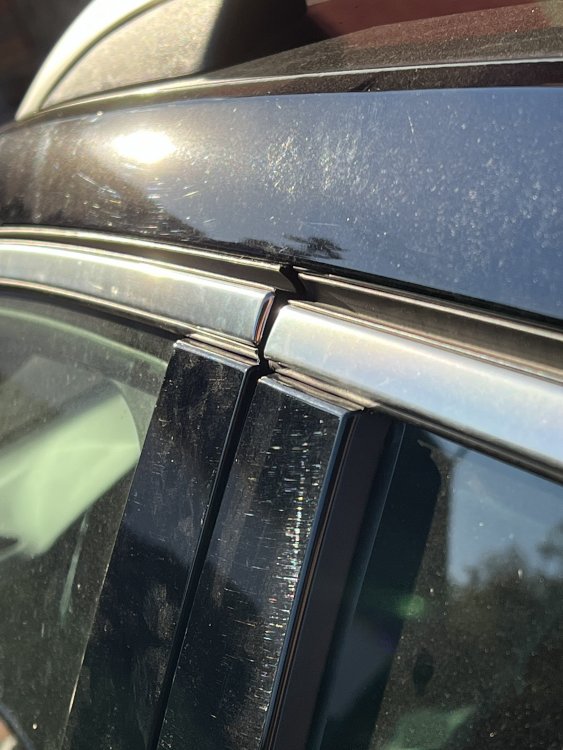
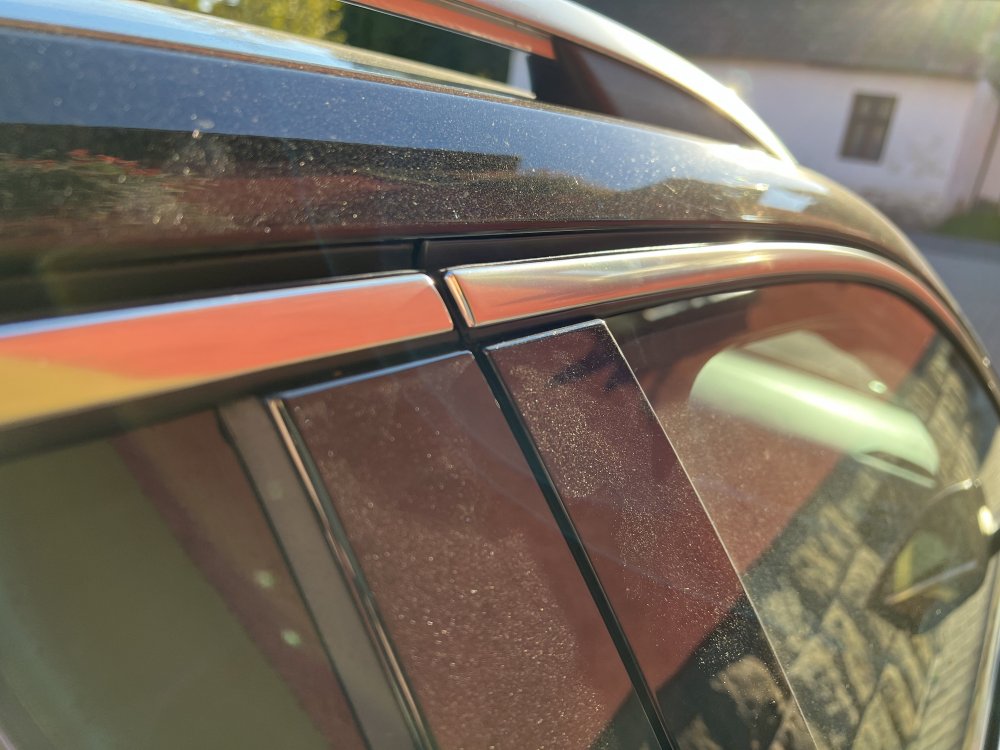
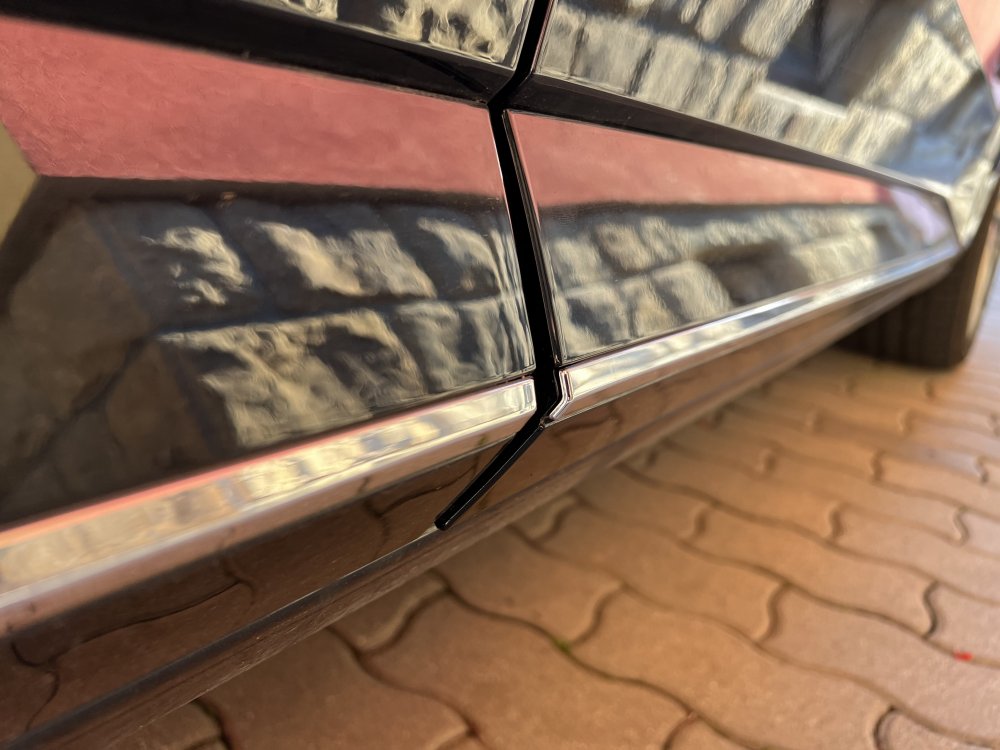
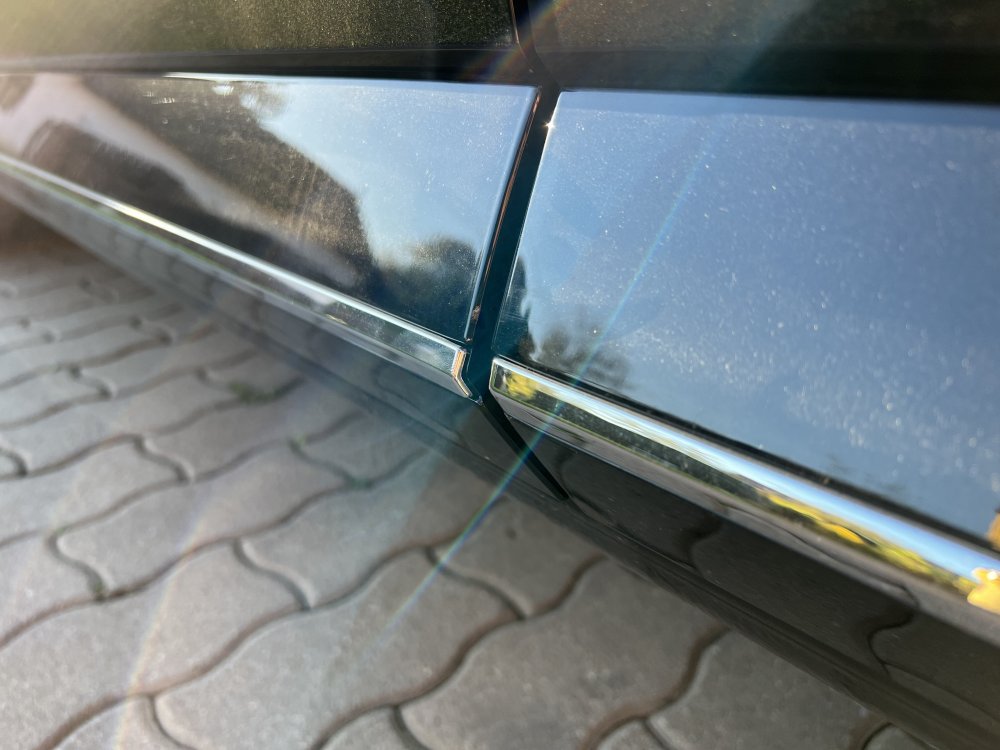
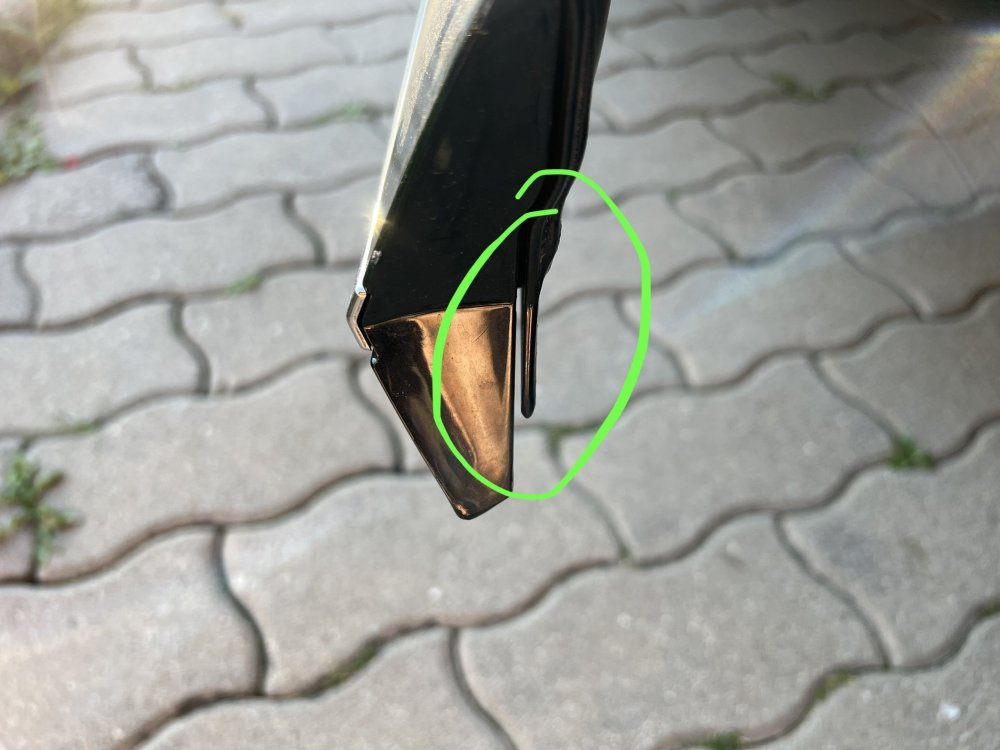
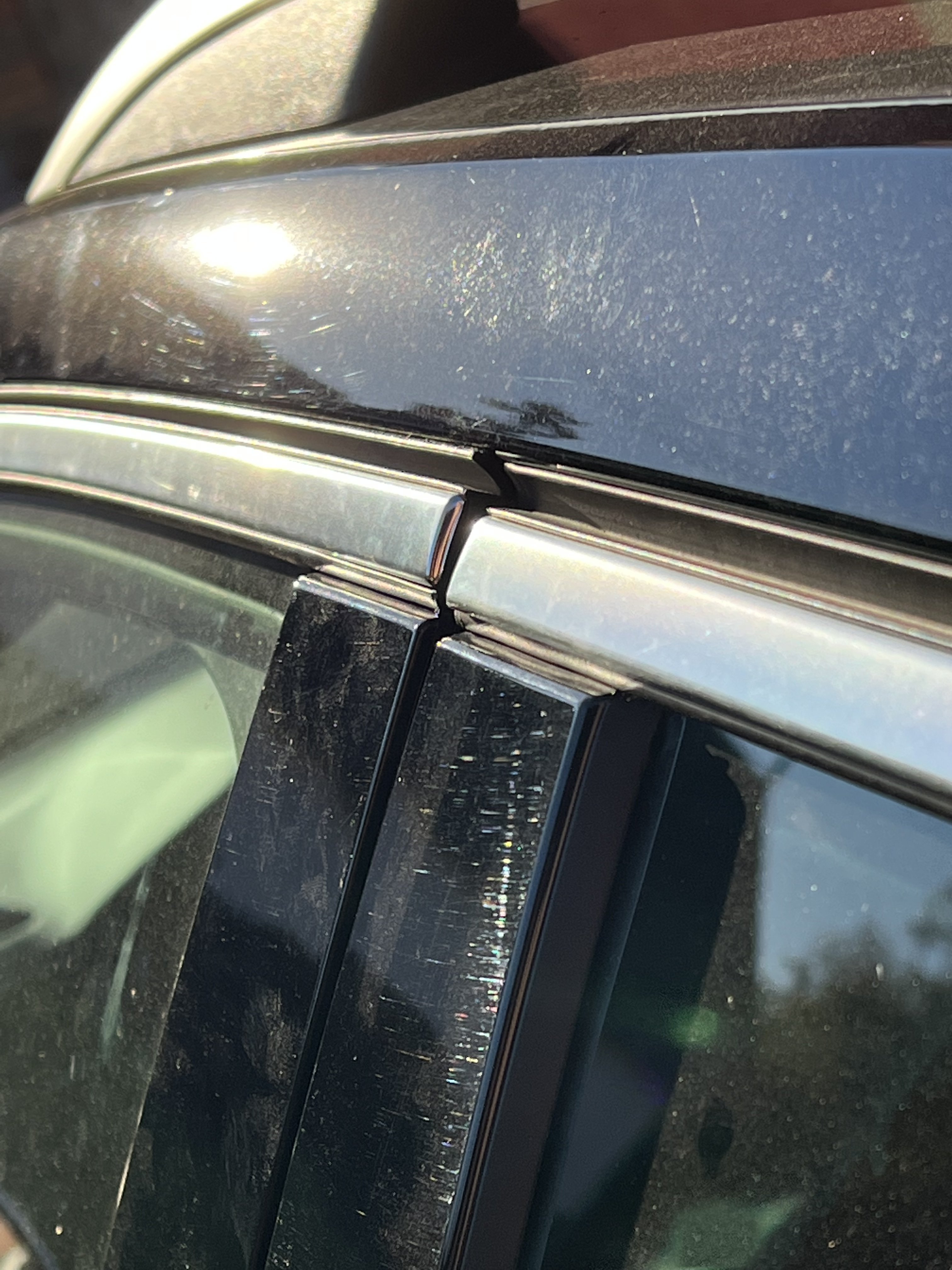
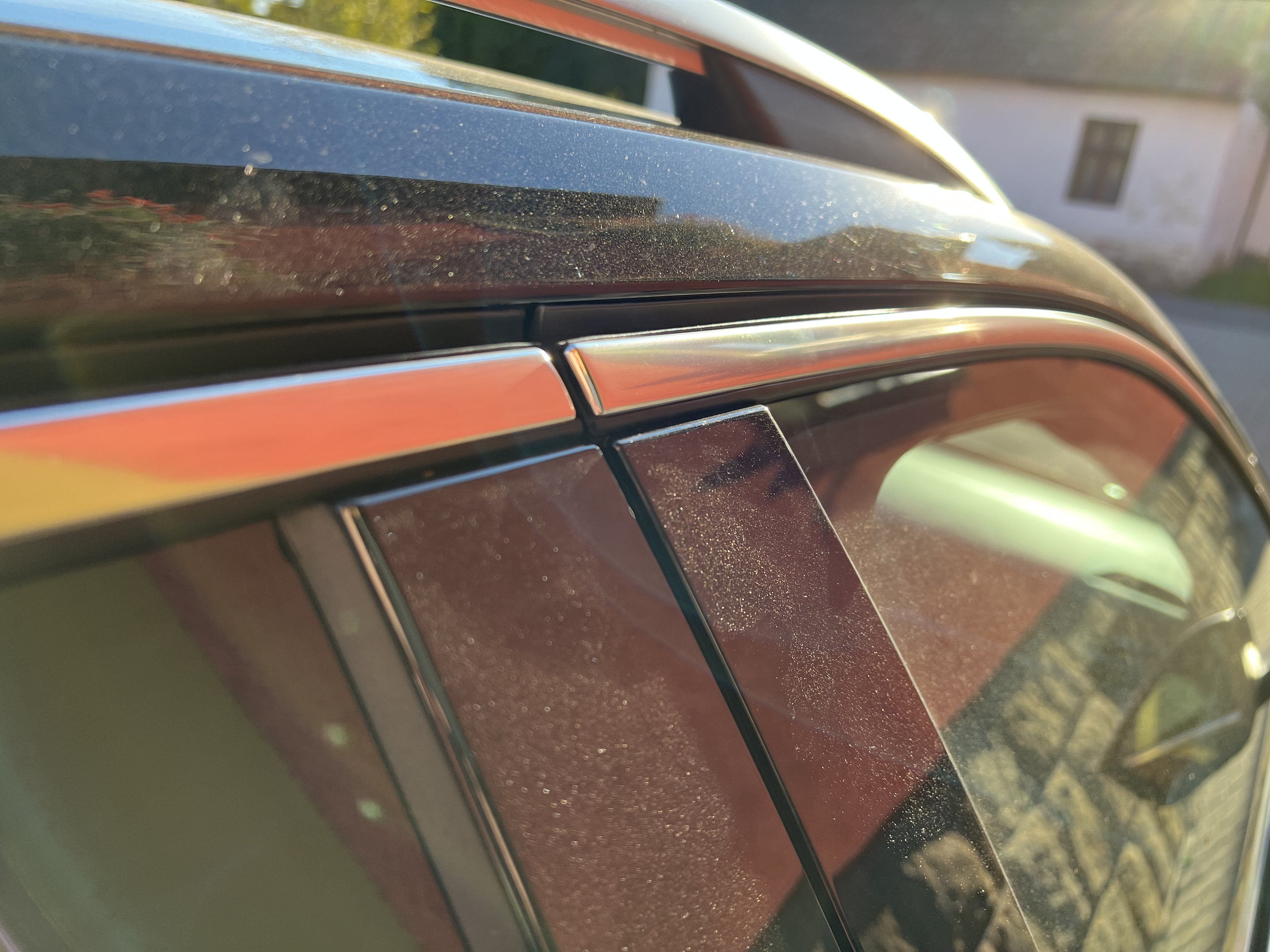
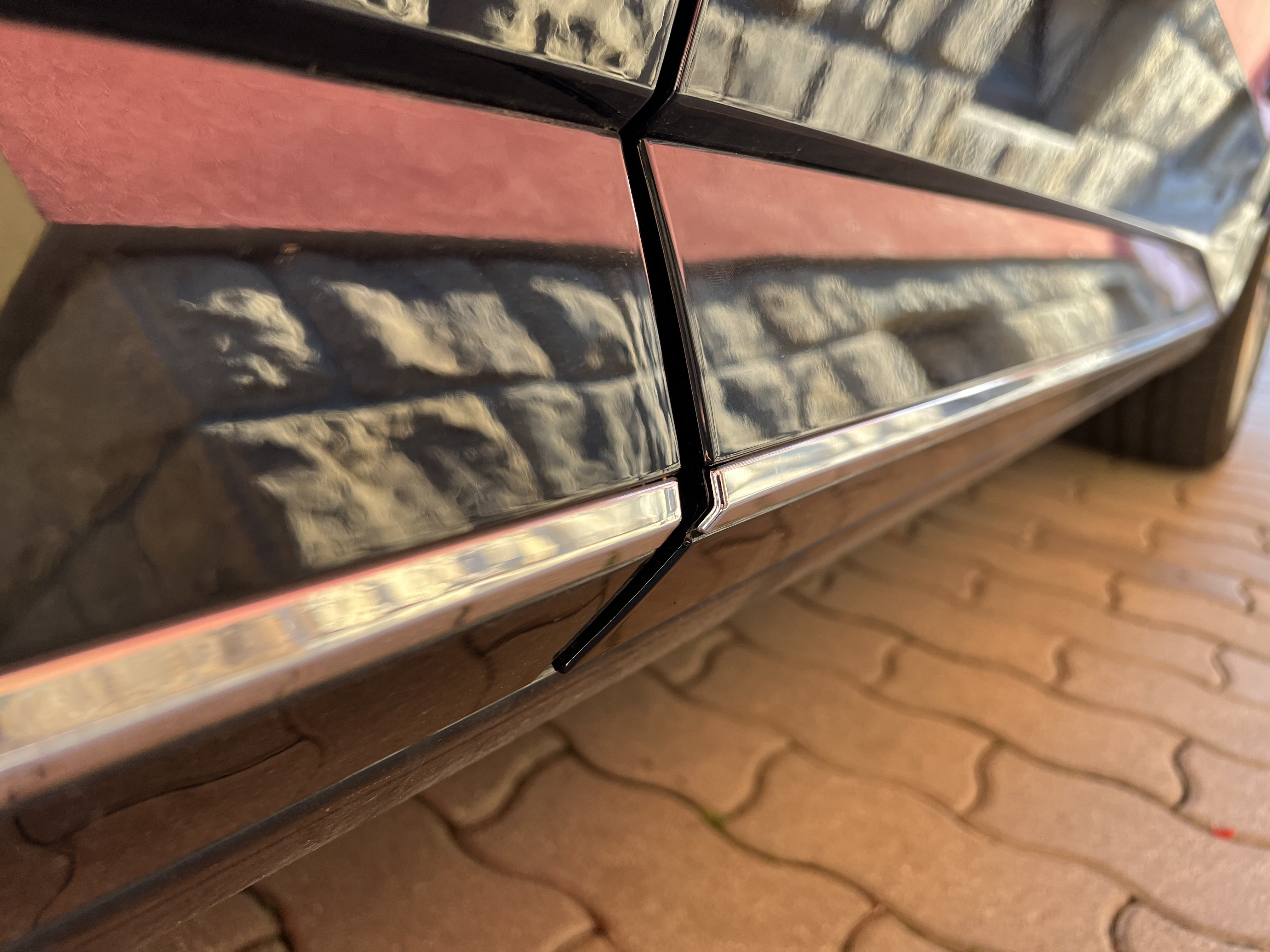
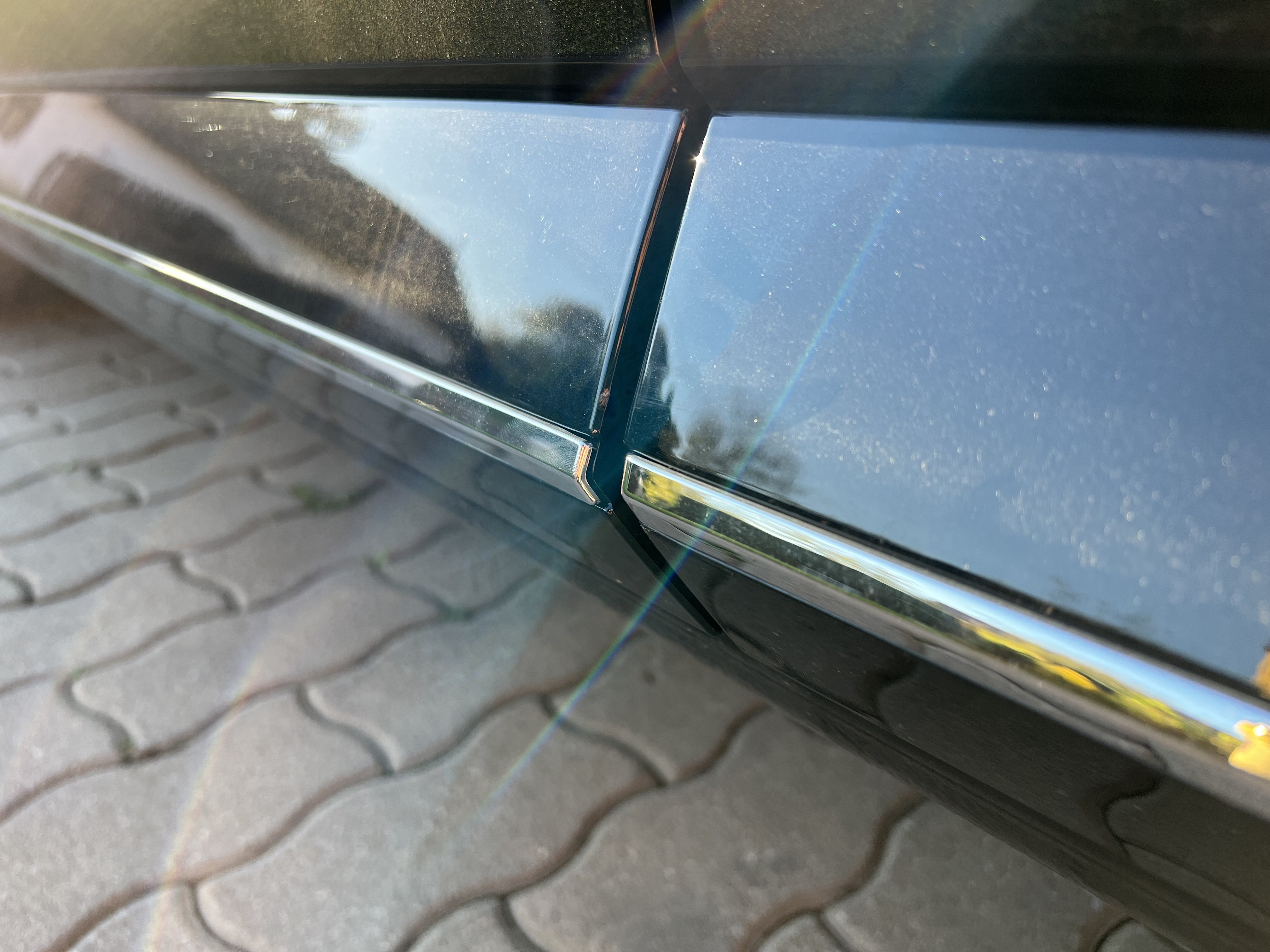
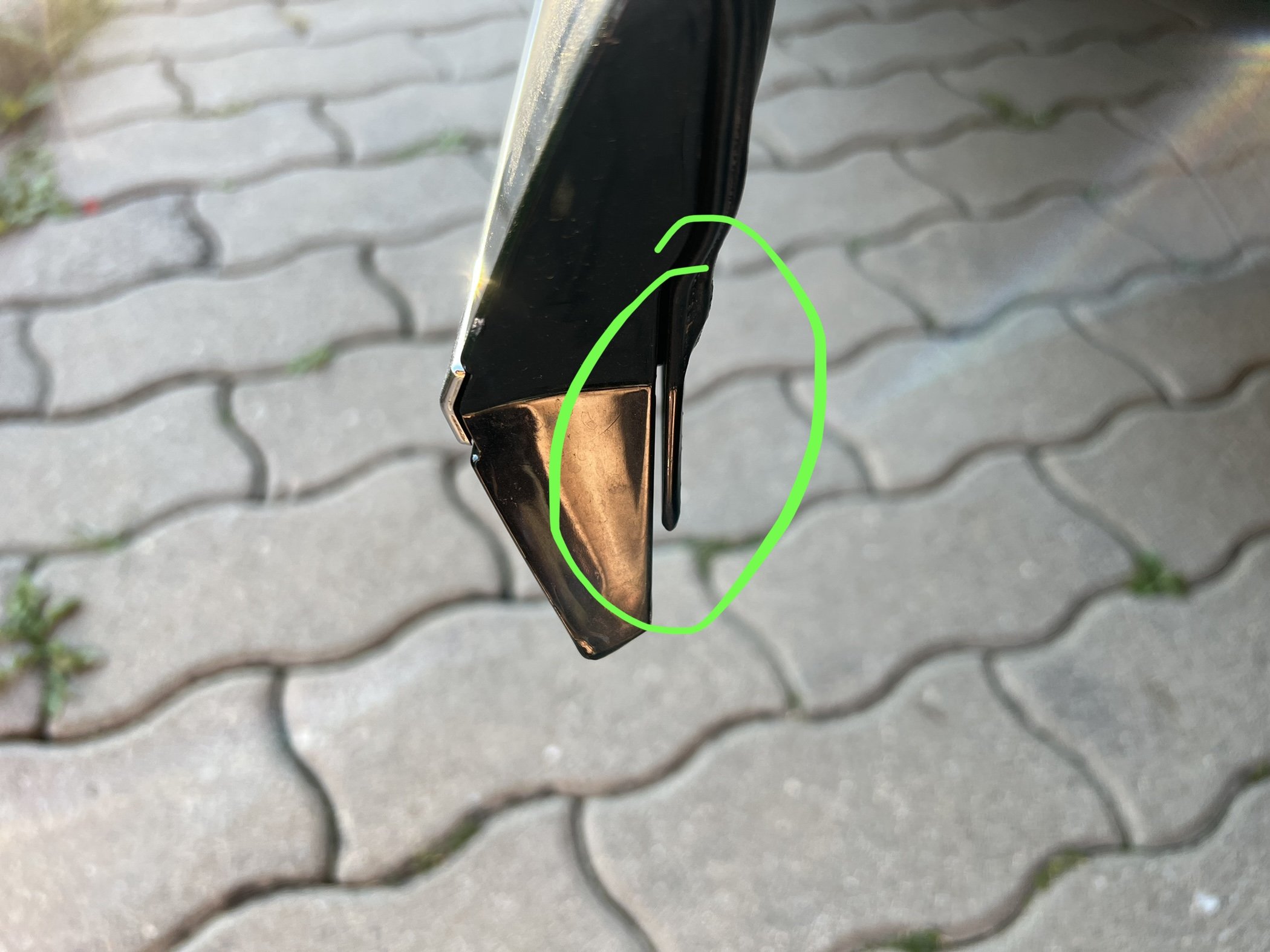
Hi, what are you saying about this on Superb III Combi 2020 L&K? Is it in tolerance of factory, or it is definitely bad fitted front doors? Look at this rubber and bad alignment and this which is aligned correctly: And what about this in the bottom? It is not in same level, front doors are little bit to the outer side. Car was bought as new (~8000km) and seller told that it is accident-free. Your thoughts and your photos please. Thank you