VladimirOrlovschi
New here
-
Joined
-
Last visited
-
Hi, Did you solve the high temp problem?
-
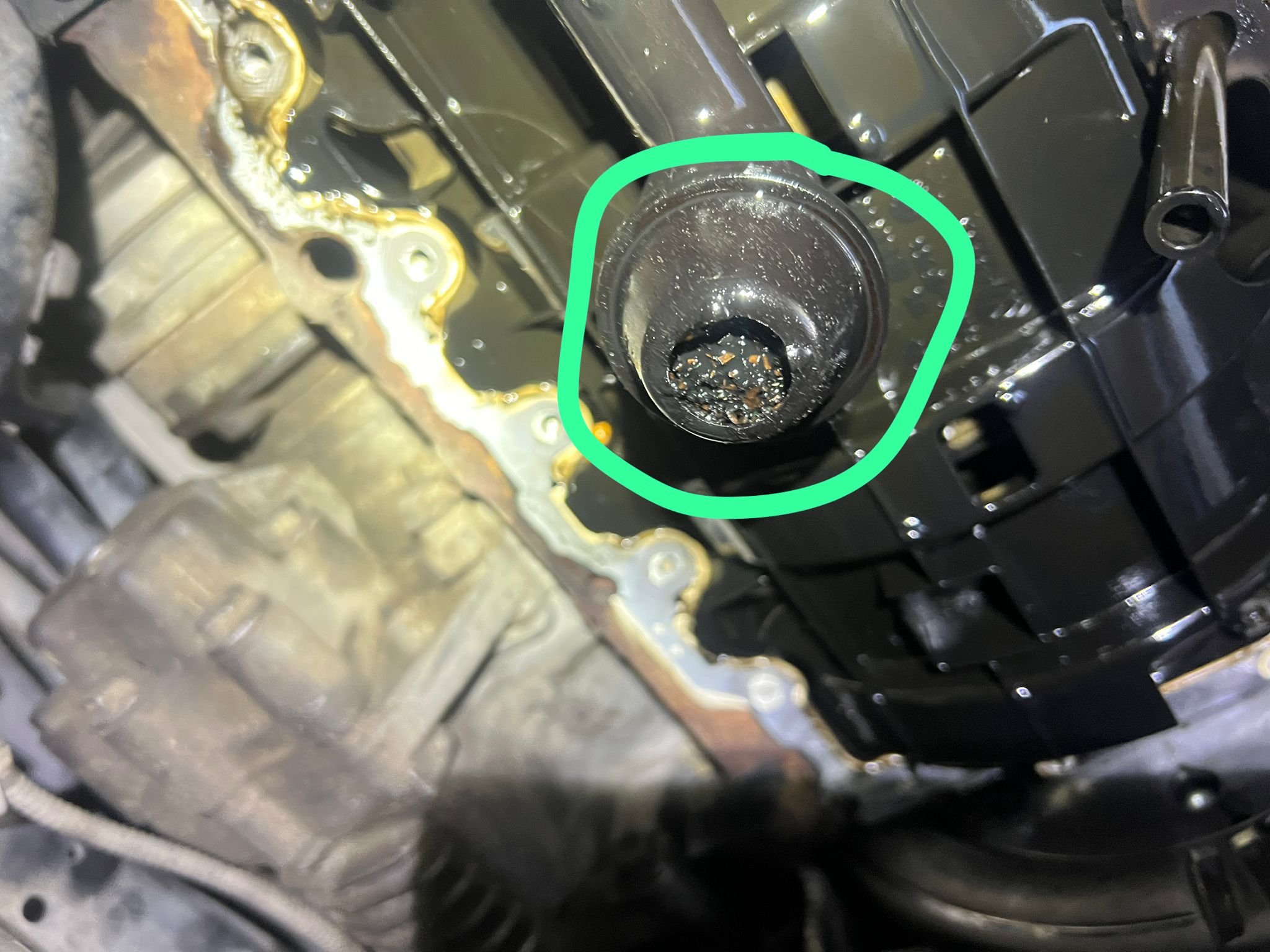
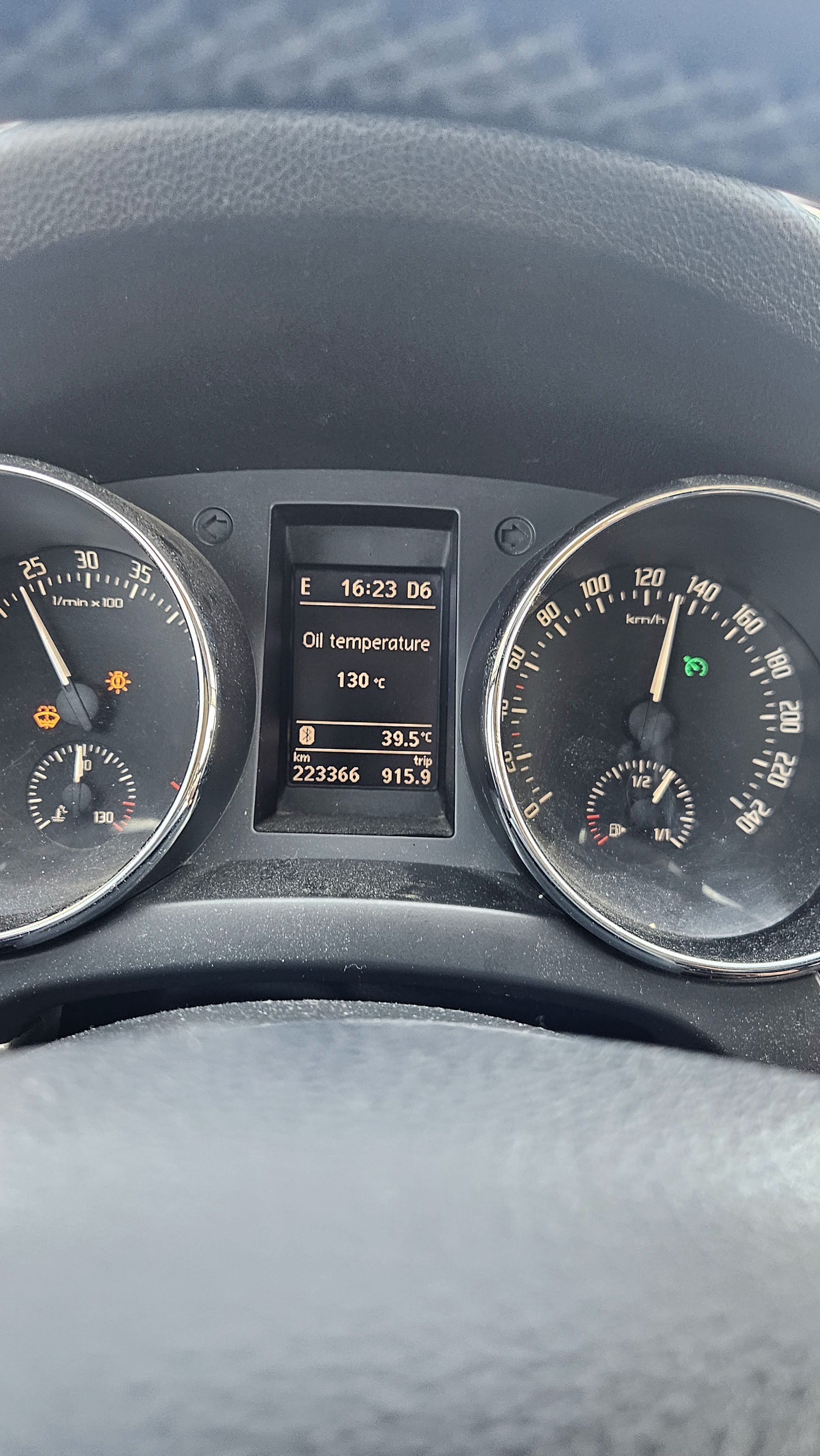
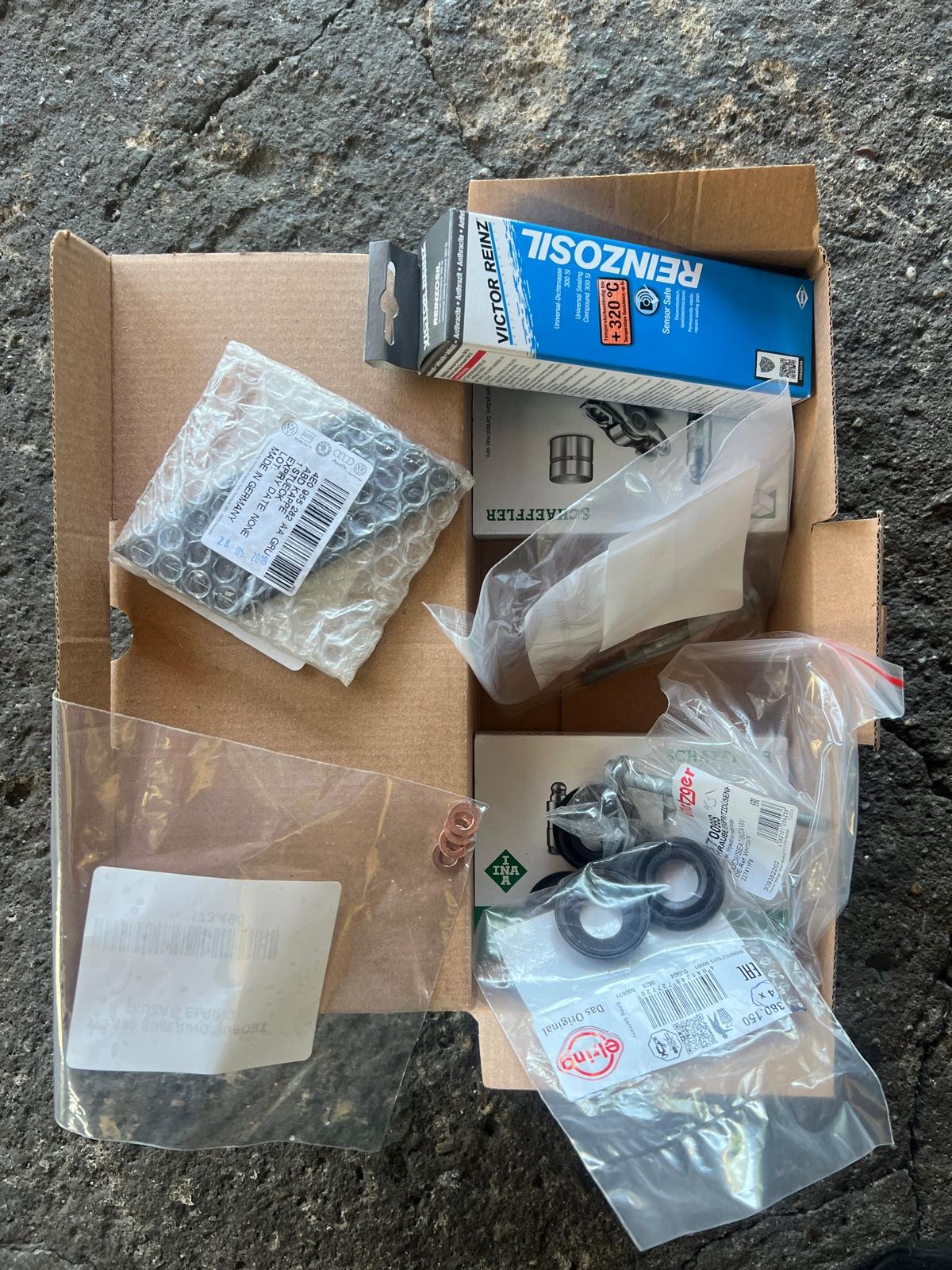
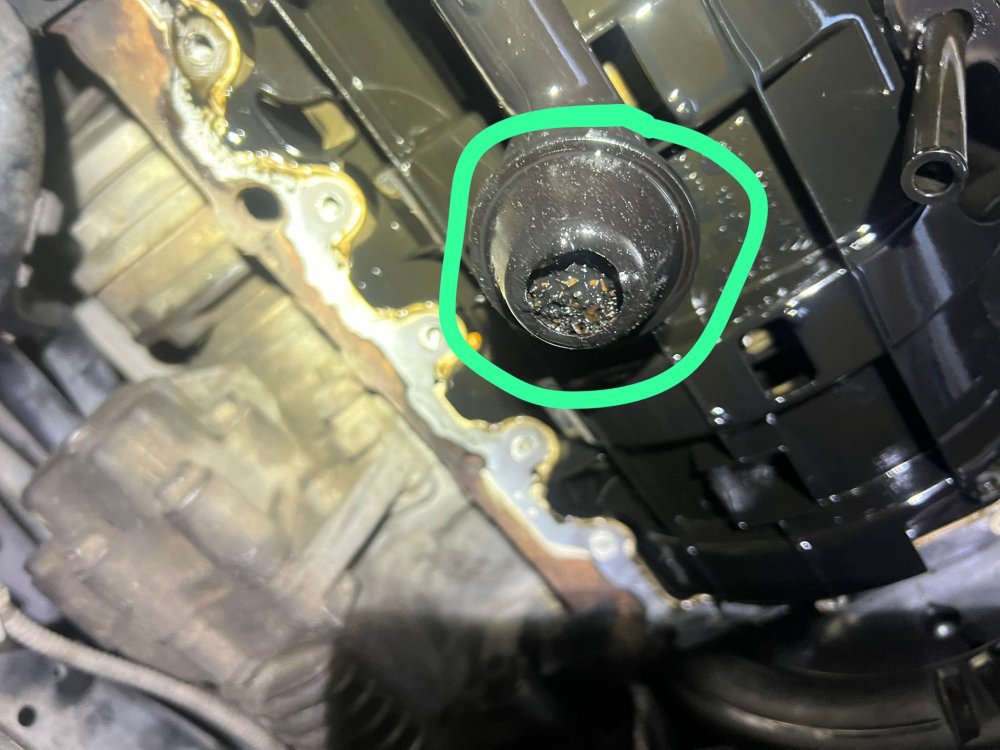
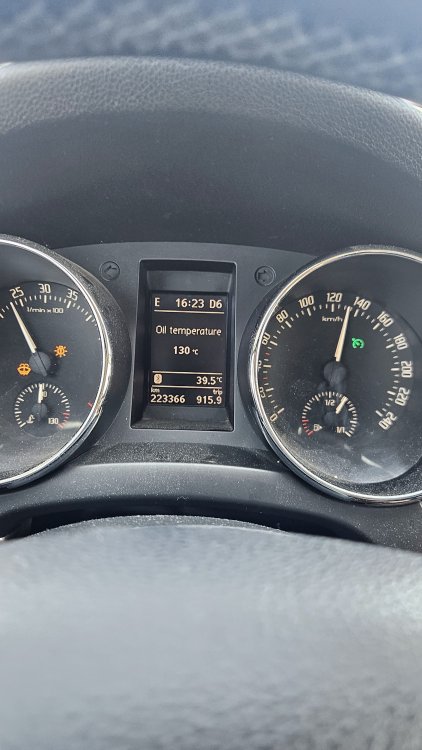
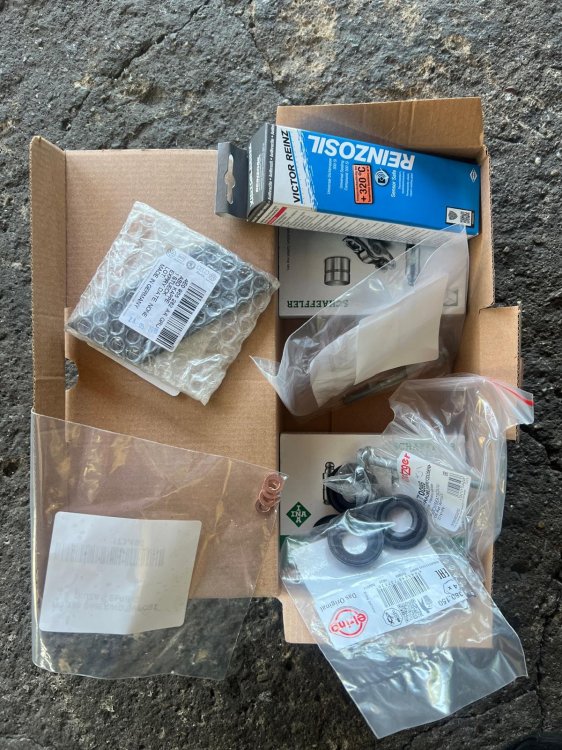
Hi all! Meanwhile the problem with the oil pressure message was solved. At the first we tried with another oil cooler (Nissens was on the engine and replaced with a used oem) but no change on the pressure error or high oil temperatures. The service guy,after digging more inside the motor, found that the oil sump was clogged and because of that some finger follower set ( https://vehiclelifetimesolutions.schaeffler.com/en/catalog/auto-parts/engine/engine-timing/rocker-arm-finger-follower/accessory-kit-finger-follower/p-TA-3320-4230076100) was worn, so he replaced this set together with some seals and stuff around the upper part of the engine & injectors...but he said the main cause for the oil pressure error was the clogged oil sump.Tested the car few times on high way on hot whether and no error appeared but I observed that the oil temperature is rising to 130 Celsius on long highway trips at 130-140 km/h.The service guy said that this is normal...What do you think?
-
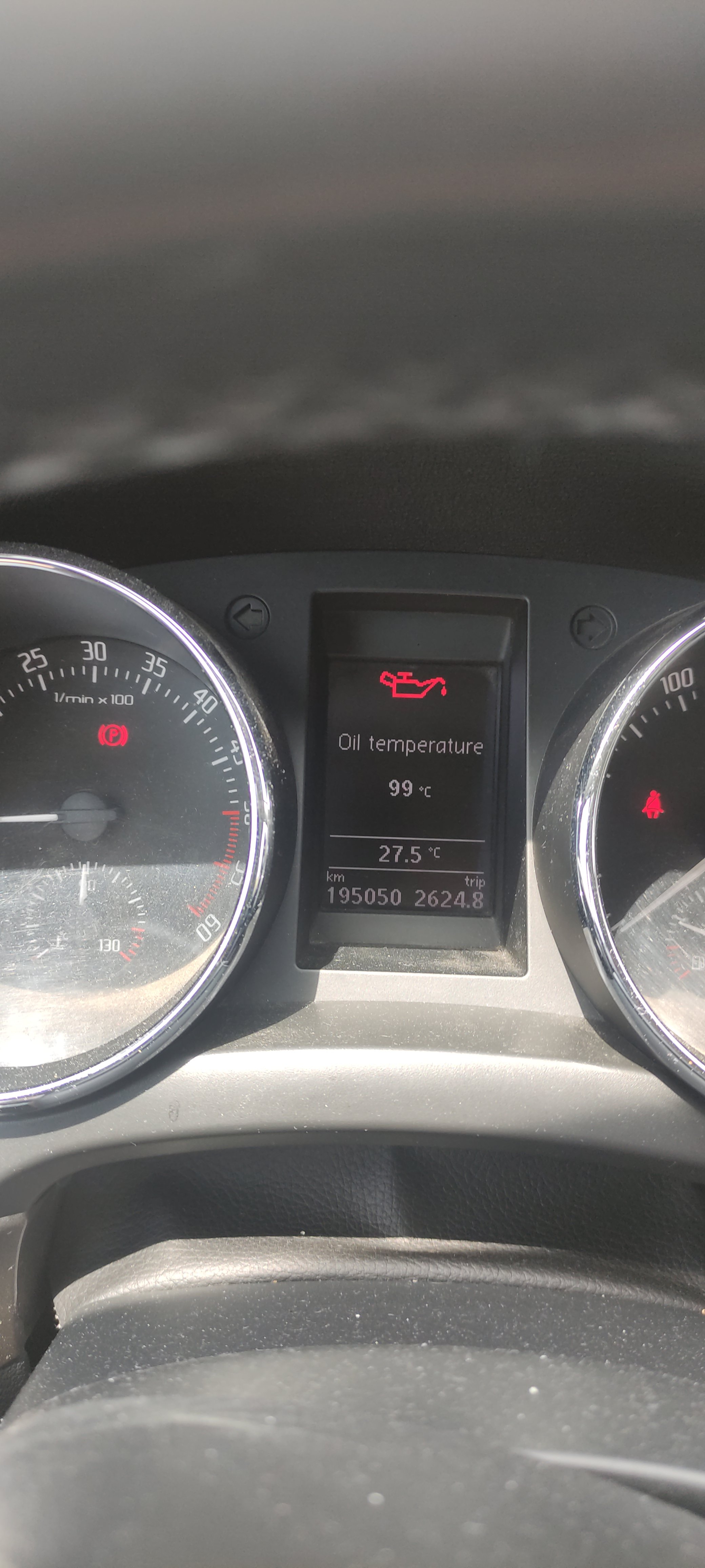
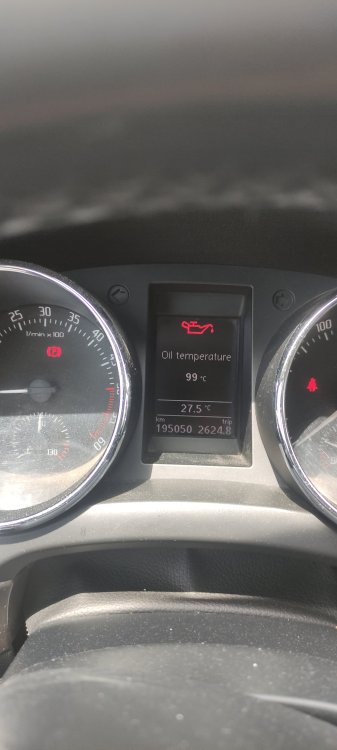
Good morning! I have the same problem with my Yeti 2.0 tdi since 4 years ago,but the problem appears only in the summer time after running on highway at 130-140 km/h. Often it is ended with a "turn off engine "error in the display ,see the att. photo. Now I'm trying to solve it...How did you fixed yours please?
-
Not solved yet! At the end of the month i'll go to the service to check it! I'll let you know how they fix it!
-
Hi folks! I need a little bit of help: The DRL leds suddenly lost the intensity!From a very bright light ,it became fainted ,with a green/yellow color! Have you met this problem or you know how can I fix it? Thanks!