manuellllllll
New here
-
Joined
-
Last visited
-
Hello Agree with DPF problem many posts about it at all group VAG engines. Low city kilometers... solution -- make a forced DPF regeration ------SERVICE REGERATION OF PARTICULATE WHILE DRIVING ( IDE01637) Just try to help somebody in future. Cheap and good. my car Octavia 1.6 TDI 2018 (20k km year, small daily km) 165.000 KM Re used cable REAL V2 chip ST32F429 ( clone purchased 2023 copy from ross-tech usa from aliexpress 32€ .New cable, another china 2026 chip for new models like skoda IV 2020 --75€) patch cable REAL V2 firmware with ---NEW VAG VAGCOM_EEWriteLang (aliexpress licensed 10€) When conect laptop to internet or antivirus block cable and software so try to use an old laptop) uninstall old version VCDS 23.. Install clean 26.3 + VCDS loader same folder USe this old computer with windows vista with no antivirus no firewall NO INTERNET. VCDS procedure: -OPTIONS-test -save values (k1 ok k2 ok CAN ok) cable conect to ECU with all protocol -enter at 01 ENGINE enter - 16 - SECURITY ACCESS log in ---S12345 27971 04 BASIC SETTINGS select---IDE01637 SERVICE REGERATION OF PARTICULATE WHILE DRIVING Also possible at garage .. 20 min drive at 4th gear 2000-2500rpm values at DPF lowed Repeat operation FORCED REGENERATION on demand. Good luck and patience
-
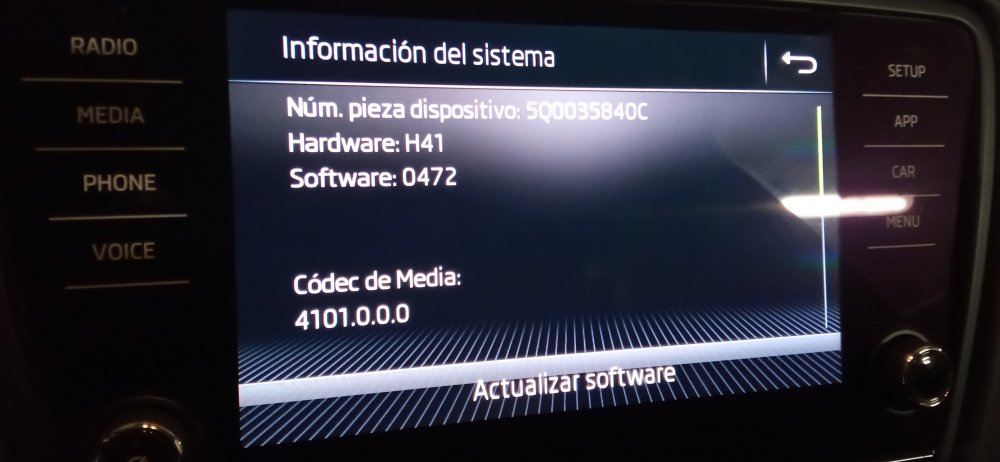
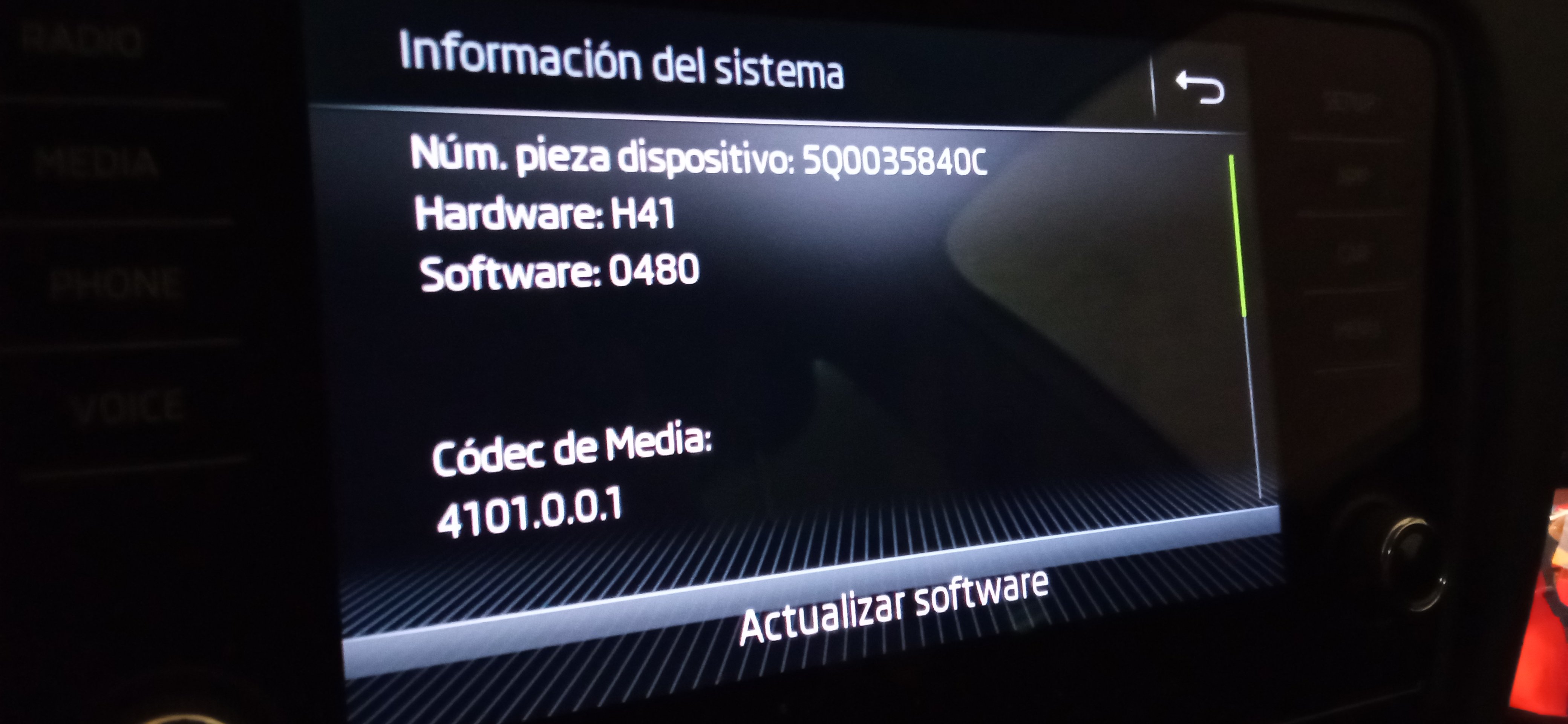
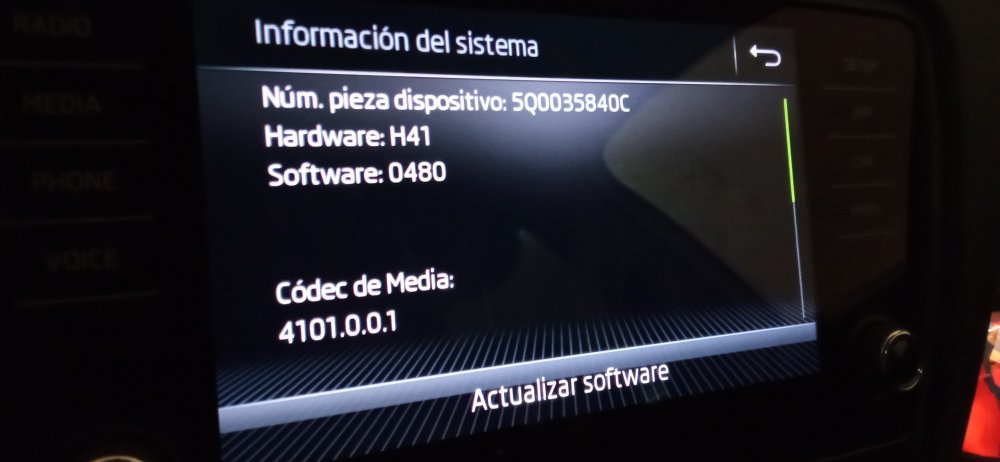
Hello everybody ! No problem firmware MST2_EU_SK_ZR_P0480T (octavia 3 -2019) downloaded from private server here. Still have SD card Any update for it ? device: 5Q0035840C HW: H41 SW: 0480 I went to official service and now cannot watch videos or mirroring screen like before 😵💫 Anyway very grateful after 4 years using it with cable and no issues. Not using any dongle wireless for android auto.Cable rocks ! Best regards Manuel
-
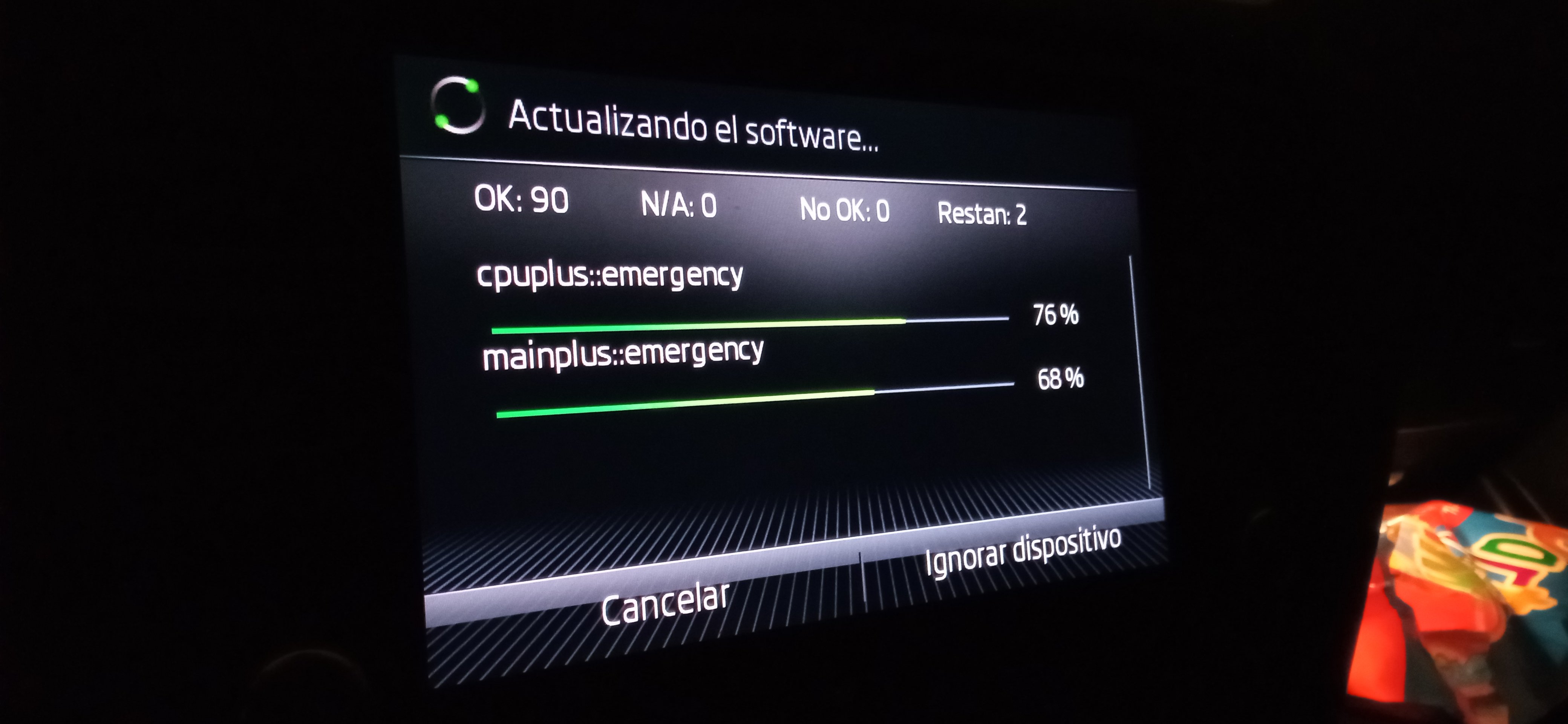
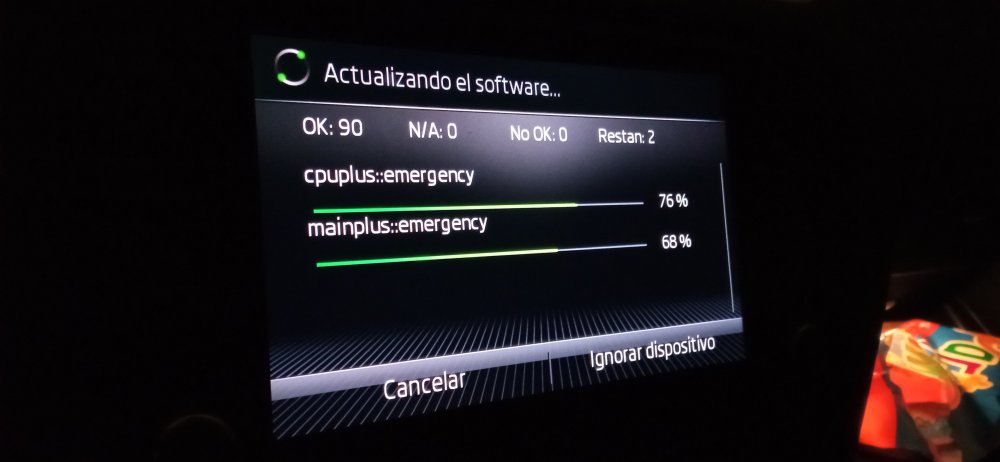
It worked fine, upgrade it from software 472 to 480. All you need is posted at this 1-45 pages, future upgrader... JUST READ !!
-
manuellllllll changed their profile photo
-
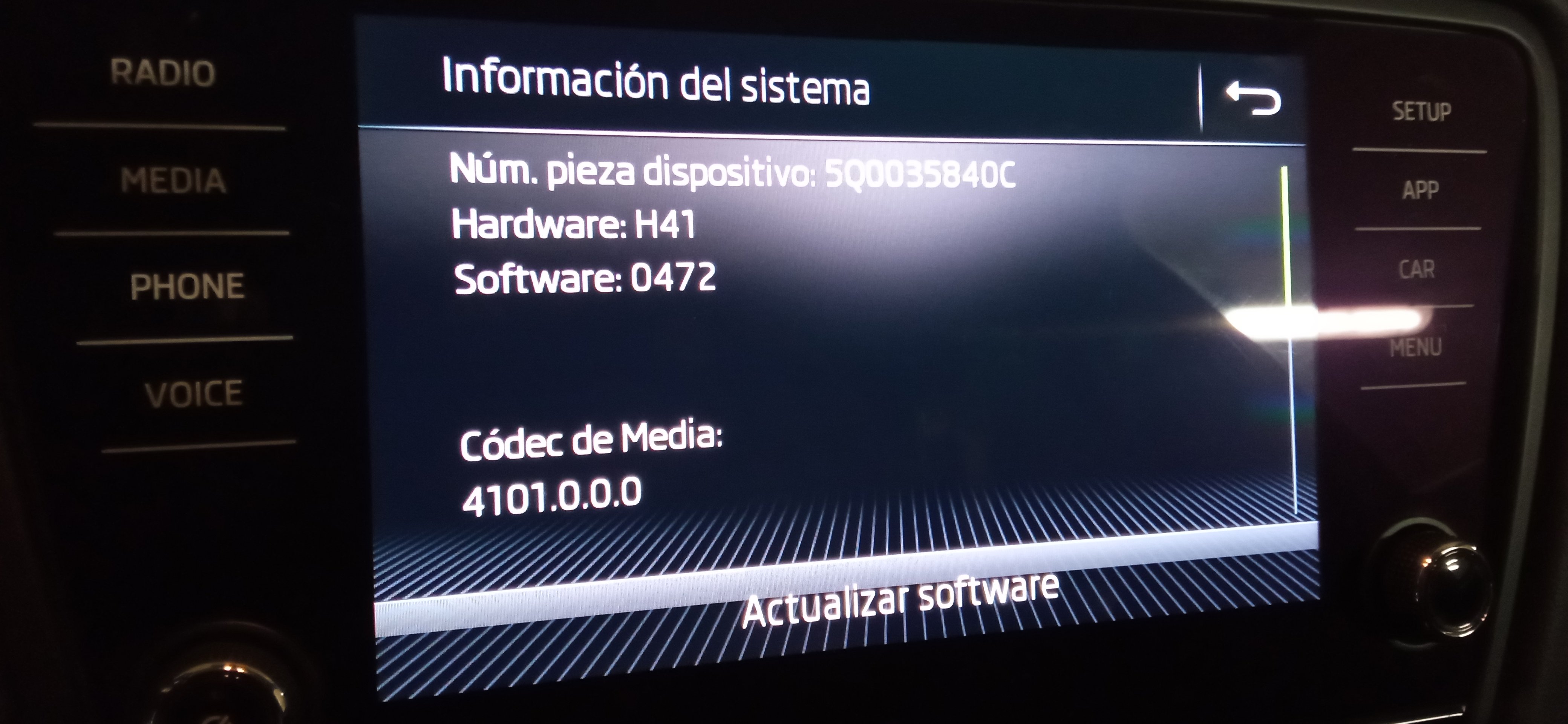
Hello everybody!! Could you send me newer firmware PATCH? Attached photo with current version on my octavia 2018. device: 5Q0035840C HW: H41 SW: 0472 Thank you very much.!!! Manuel