FrostyPhil
New here
-
Joined
-
Last visited
Everything posted by FrostyPhil
-
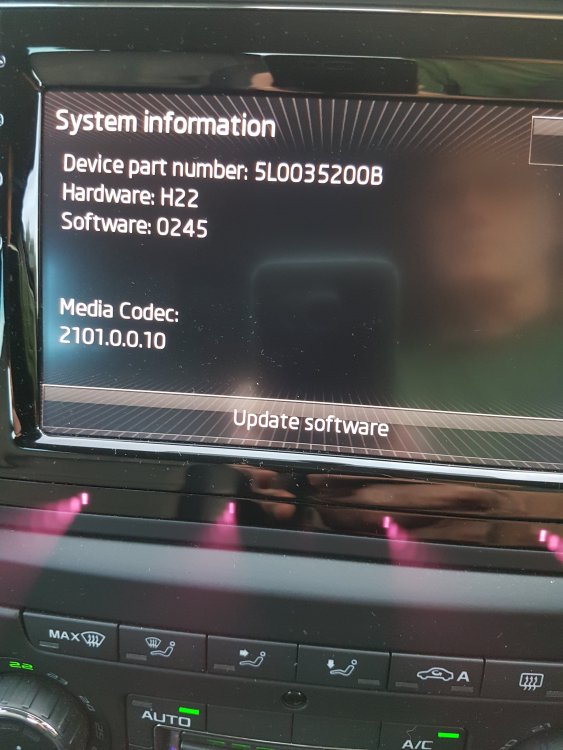
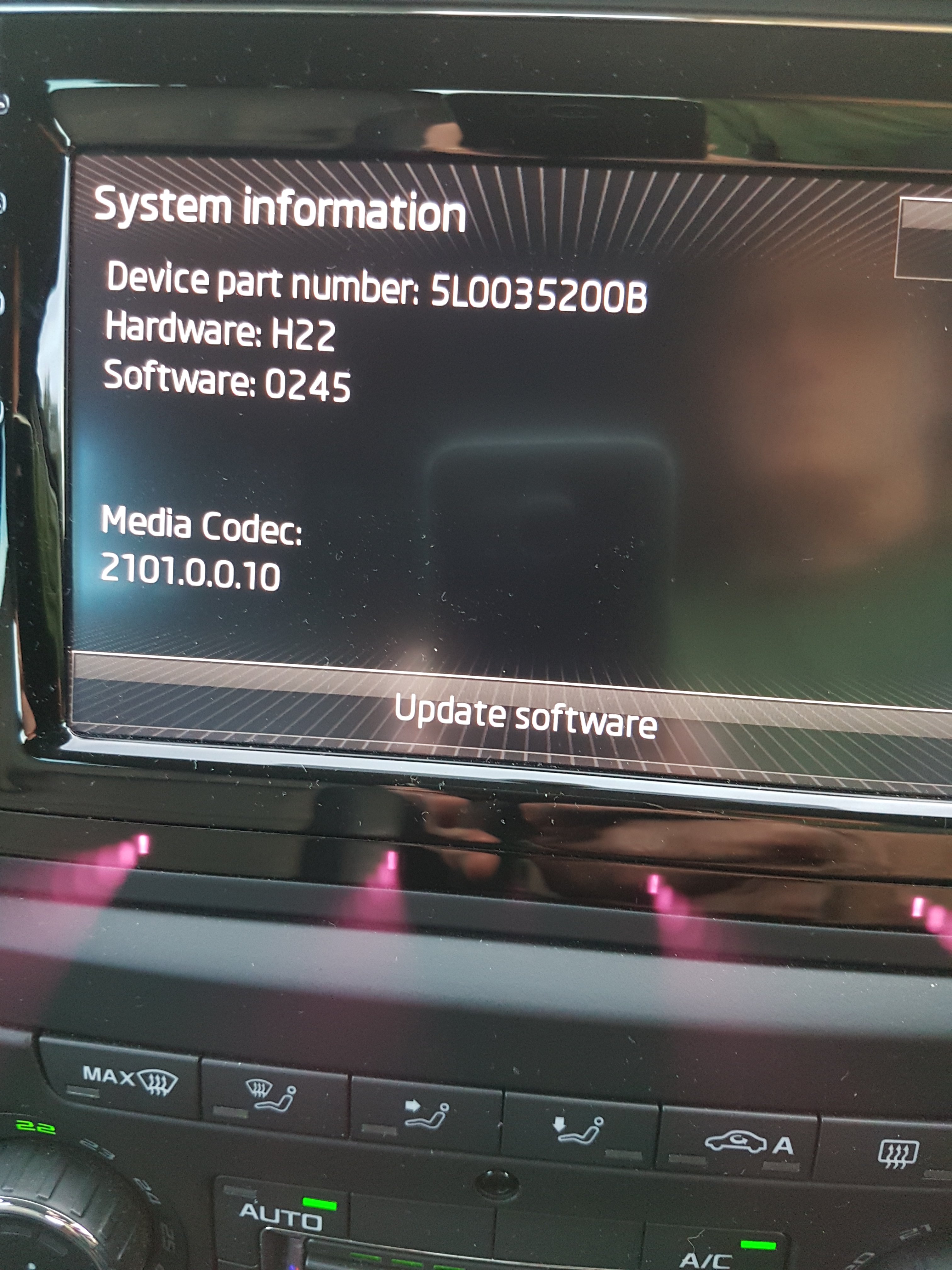
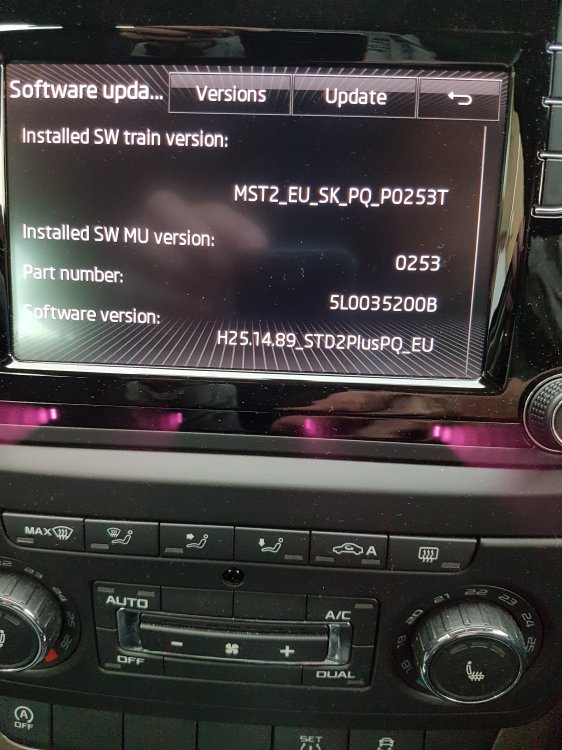
Hi Pab567 I have the version software shown in the photo. Is there a more recent version I can install. I ask because I have a Clock issue it's stuck at 00:00 and flips to 06:28 for a second, every minute.
-
Hi This a a great guide and gave me the confidence to tackle the barely working, right hand, rotary switch on my Yeti. When I had dismantled the switch I found that it was spotlessly clean and thought there would be nothing needing to be cleaned. I did however clean the U shaped optical switch with IPA on a cotton bud and removed the thumb wheel to check the little windmill on the end of the thumb wheel. This interrupts the optical switch when the thumb wheel is rotated. After re-assembly the switch has been working correctly for the last 4 weeks. I suspect that there is a component problem on the circuit board or may be a design issue, as just a wipe with a cotton bud shouldn't have made that much difference.
-
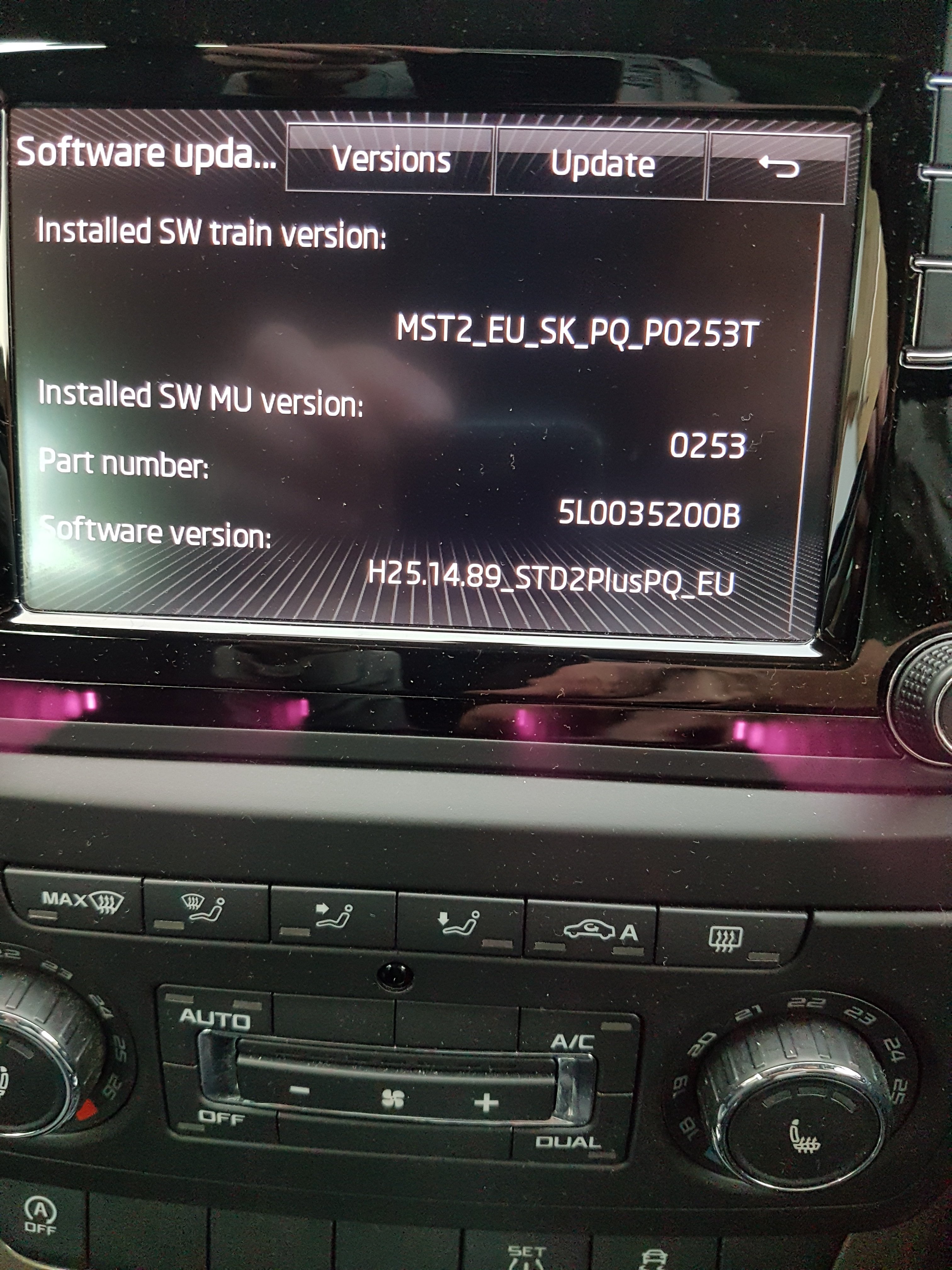
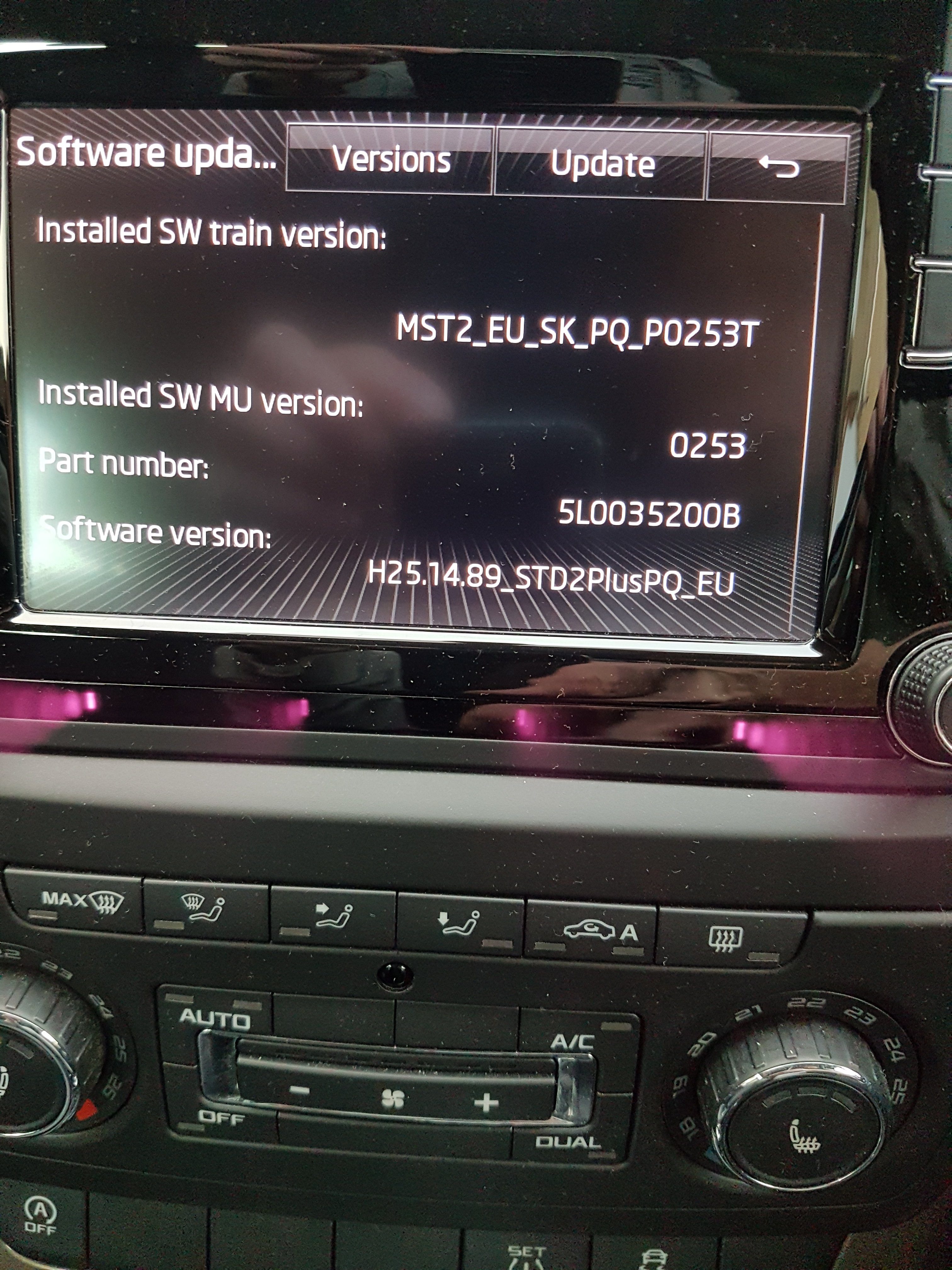
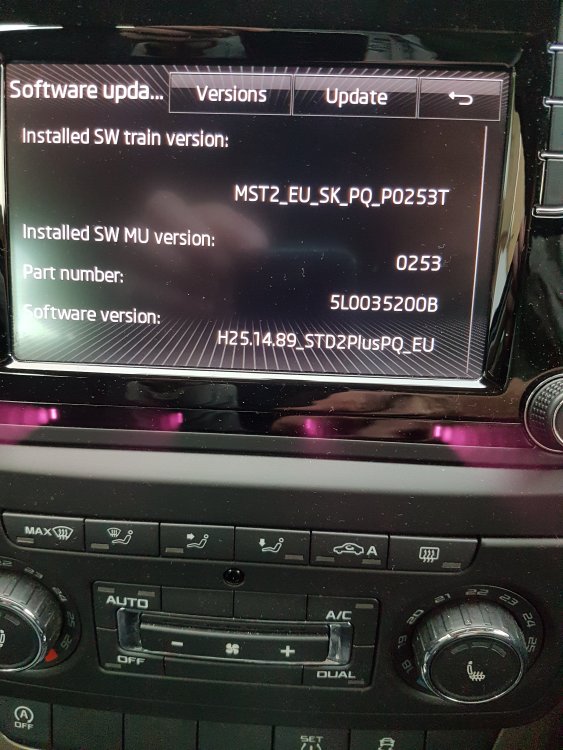
Hi pab567 many thanks for the software. It wouldent load from a usb stick but worked perfectly from a SD card. I hope that one of the bug fixes in the updated software will improve the operation of USB. Picture showing the update. Cheers.
-
Hi pab567, Do you have new software for this unit. It has been miss behaving and I hope a software update will fix things.