powwow1109
New here
-
Joined
-
Last visited
-
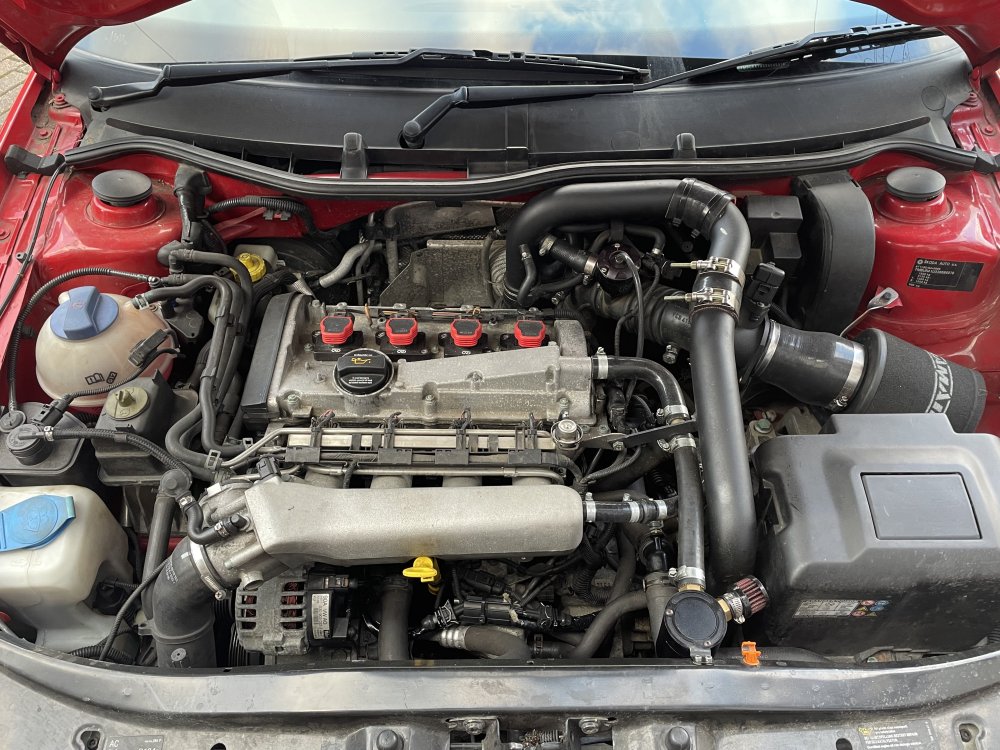
Nope no lights on the dash… typical VAG!! I can’t remember exact codes, but it mentioned advanced cam timing and the error in thermostat reading.. the cam timing could be down to it being remapped (as i know they advance the timing in the map) Yep have a fmic fitted.. there’s no issues with boosting, but no harm in borrowing my mates smoke machine. Temp is fine.. goes down to about 65c when fans kick in, havent noticed anything up or down hill (what would that mean anyway out of curious?) as far as im aware the standard map sensor is fitted, but i do have upgraded fuel pump and pressure regulator (aps265)
-
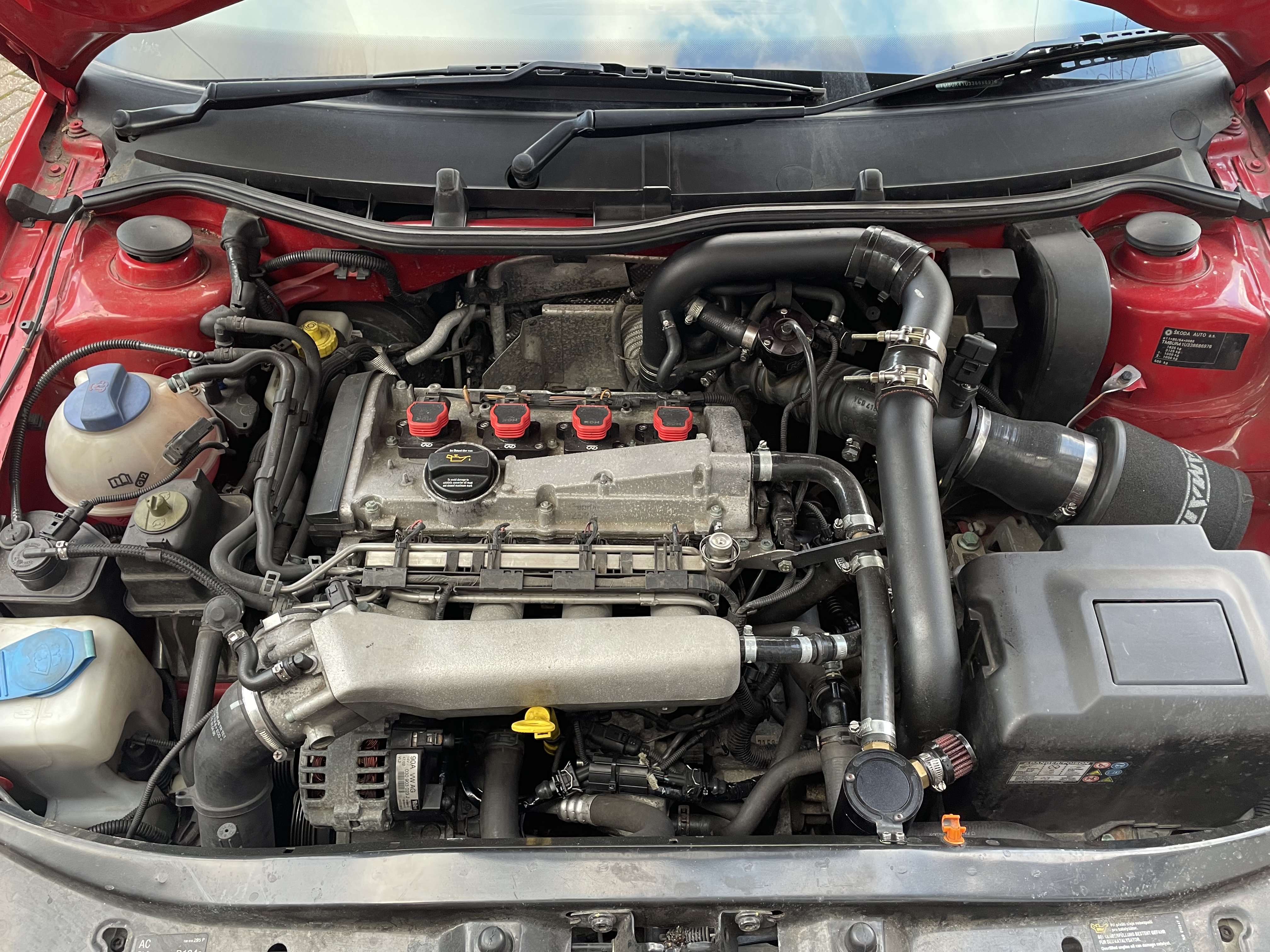
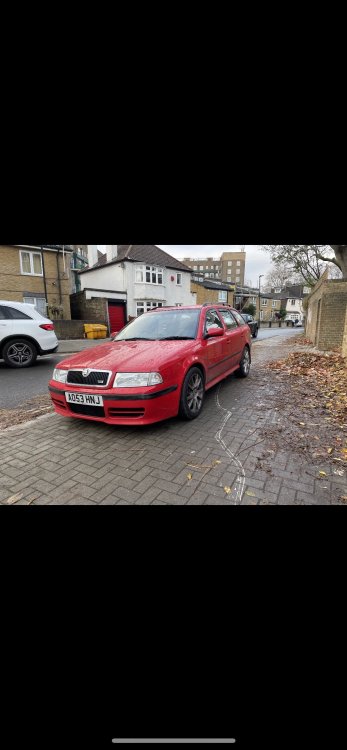
Hi guys, had the intermittent problem above, then it happened twice yesterday so thought id try get to the bottom of it! My mk1 vrs went into limp mode, so i turned her off and on again (which usually sorts the problem) but yesterday when I restarted it, the throttle was stuck at around 2k rpm and there was popping from the exhaust…I imagine from the extra fuel. in the past, my snap on tool has flagged up logged error codes around the thermostat and advance cam timing, so im thinking either faulty thermostat or cam sensor? any thoughts or advice welcome!!
-
Thanks boys and cheers for the pics Lyminton 👍🏼 I’ll check it out. One of the hooks is snapped so if missing will have to find a replacement… quick look on ebay and there’s a pair from the US for £40 delivered..Sounds a bit pricey to me
-
Thanks mate… just went out n checked but all sear belt tensioners working fine. Maybe was fixed by previous owner and old one left under the seat 🤷🏻♂️
-
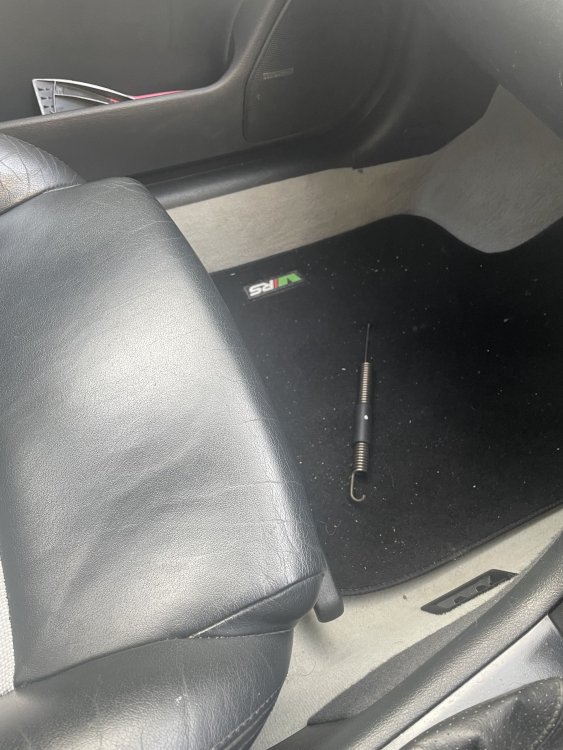
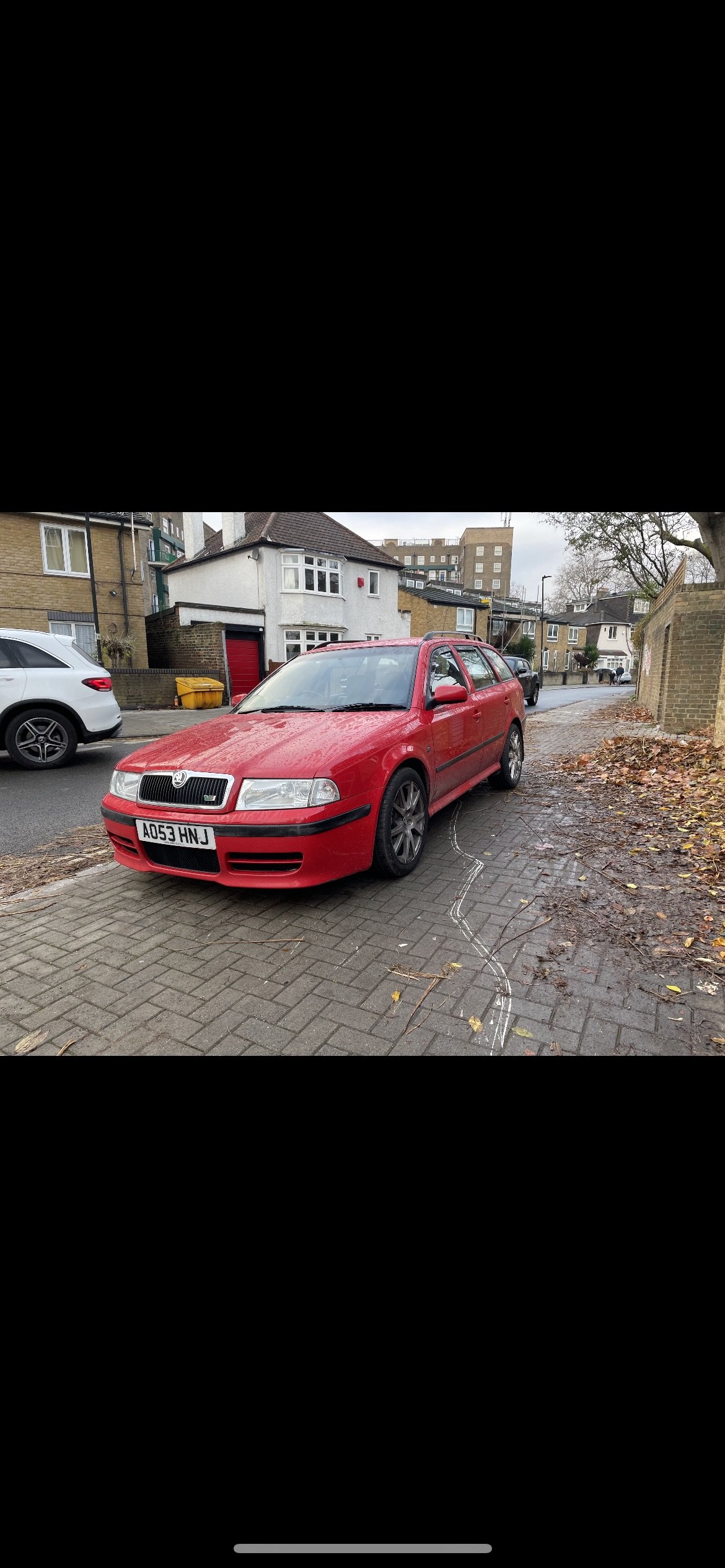
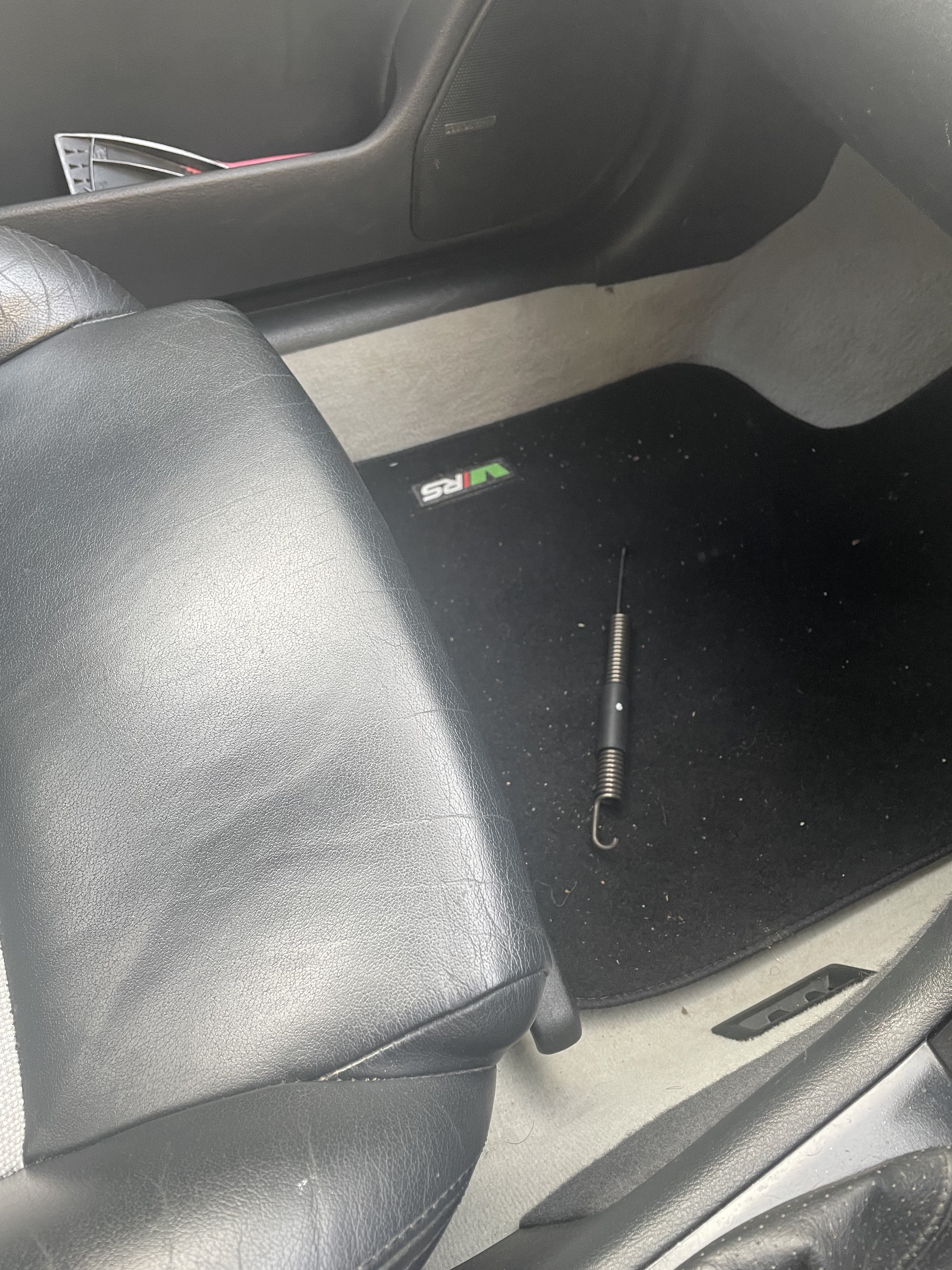
Hi guys, found a random spring this morning in the footwell of my Mk1 Octavia vrs! Seat still works fine and moves as normal in all directions and cant see this spring on the drivers side either!? any ideas would be appreciated! Cheers