




Dorro
Finding my way
-
Joined
-
Last visited
-
You have the same issue as myself Let us know if that improves it👍
-
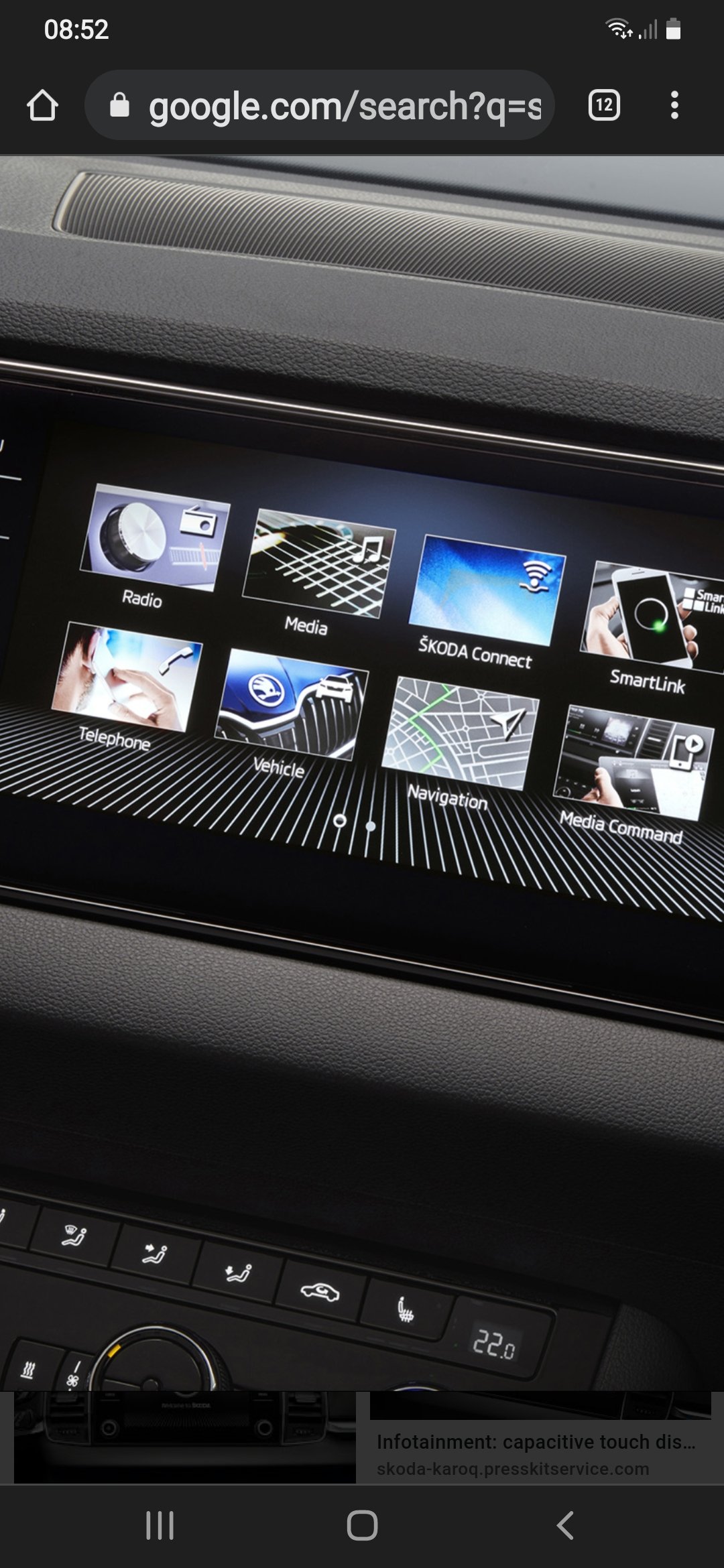
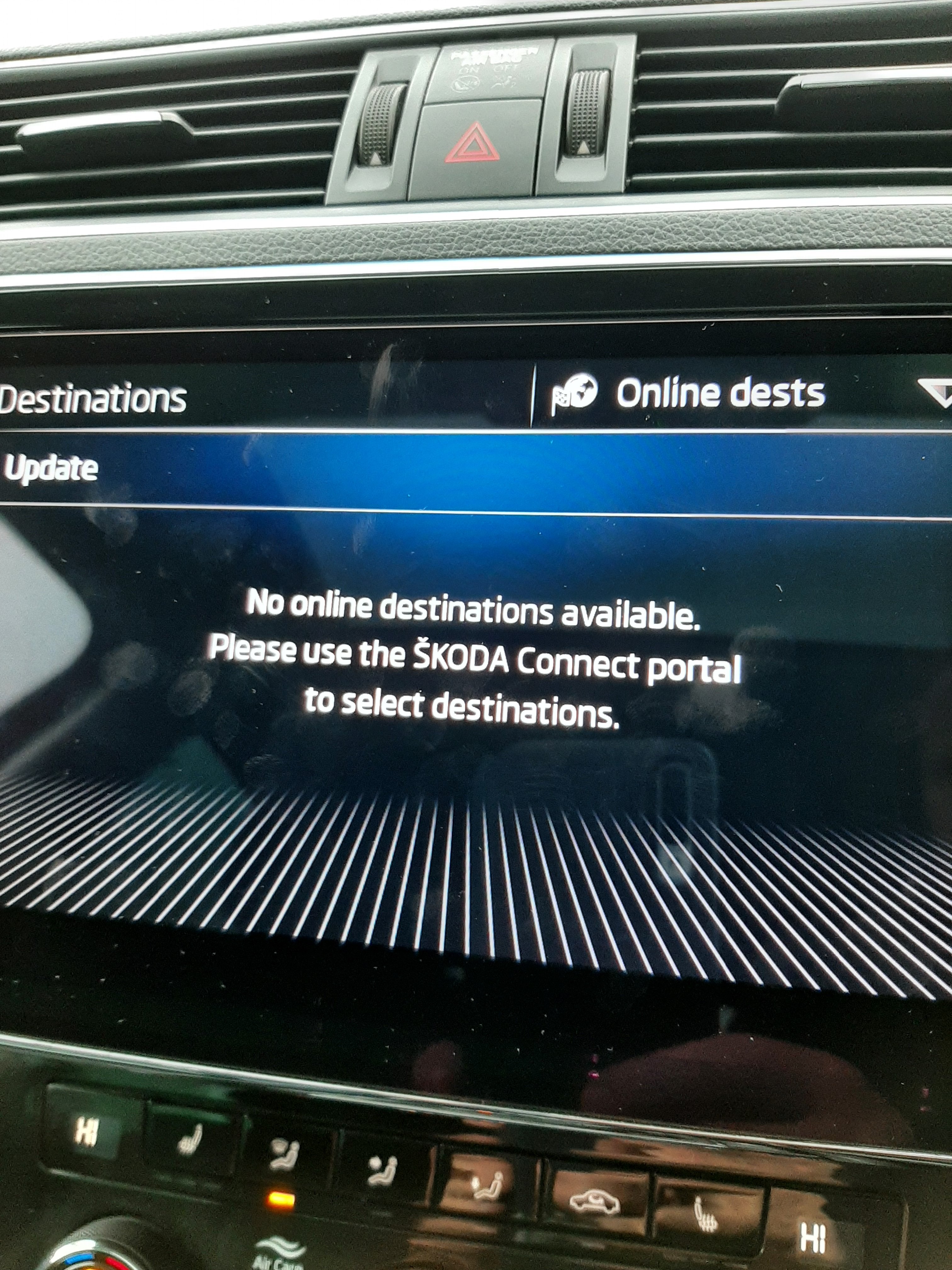
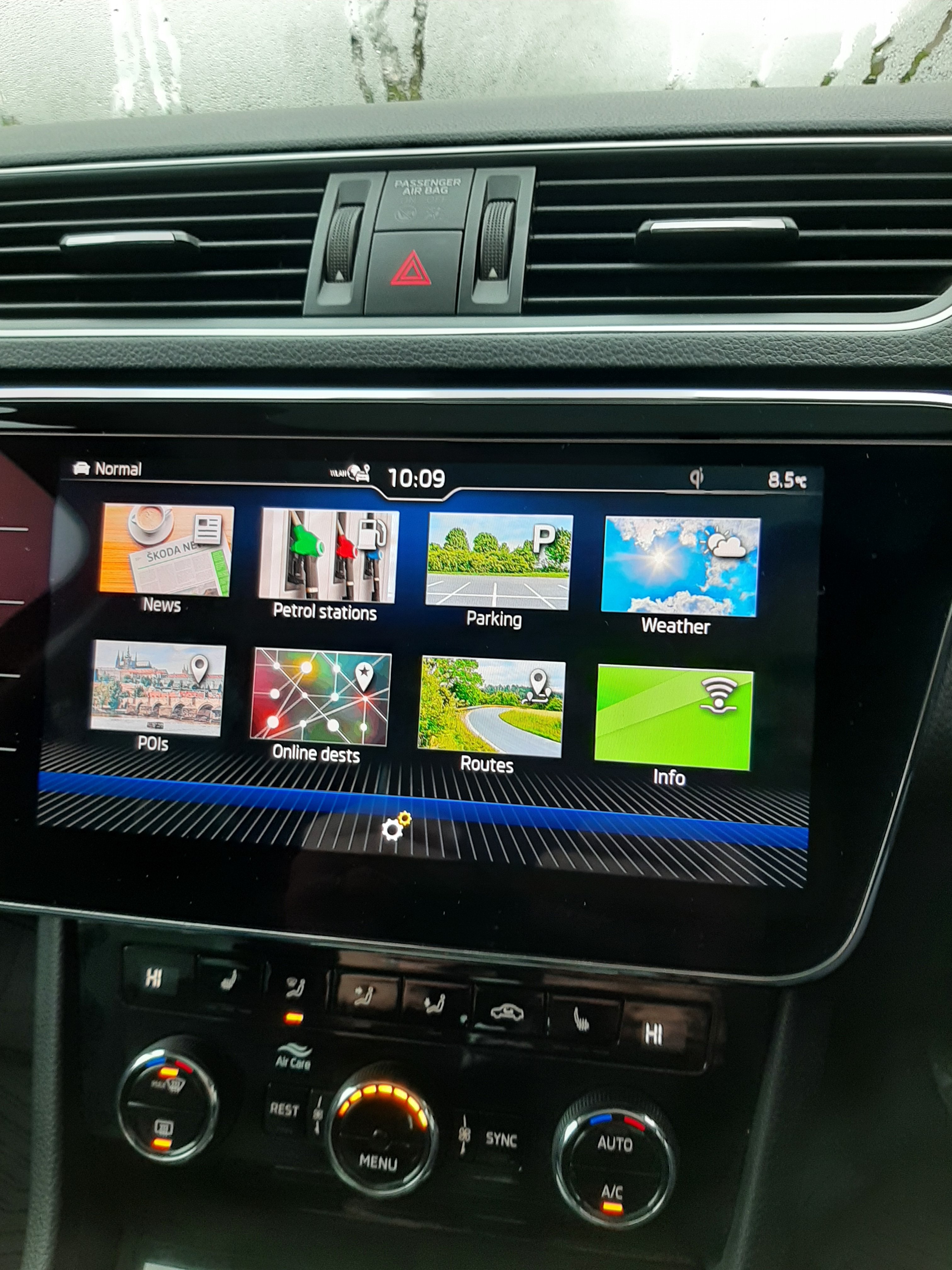
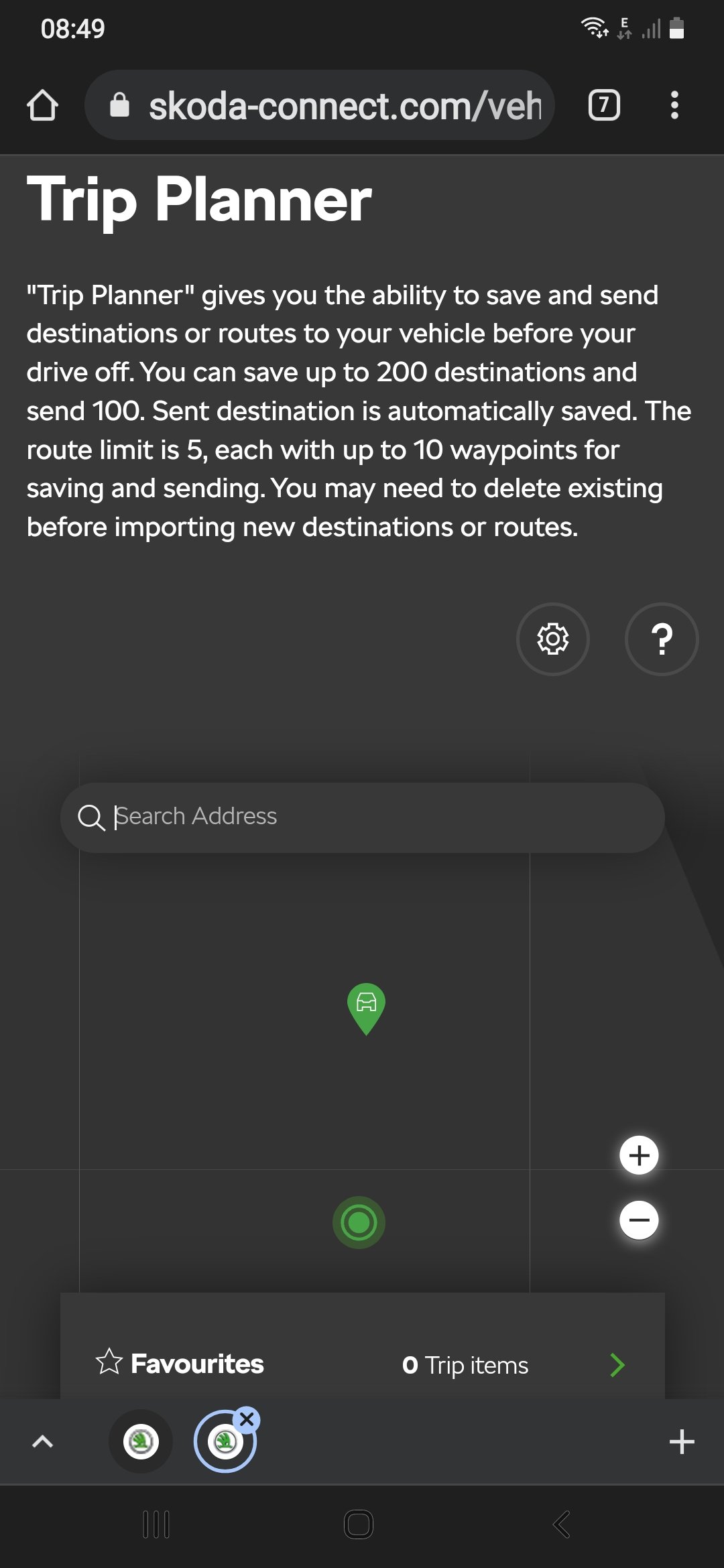
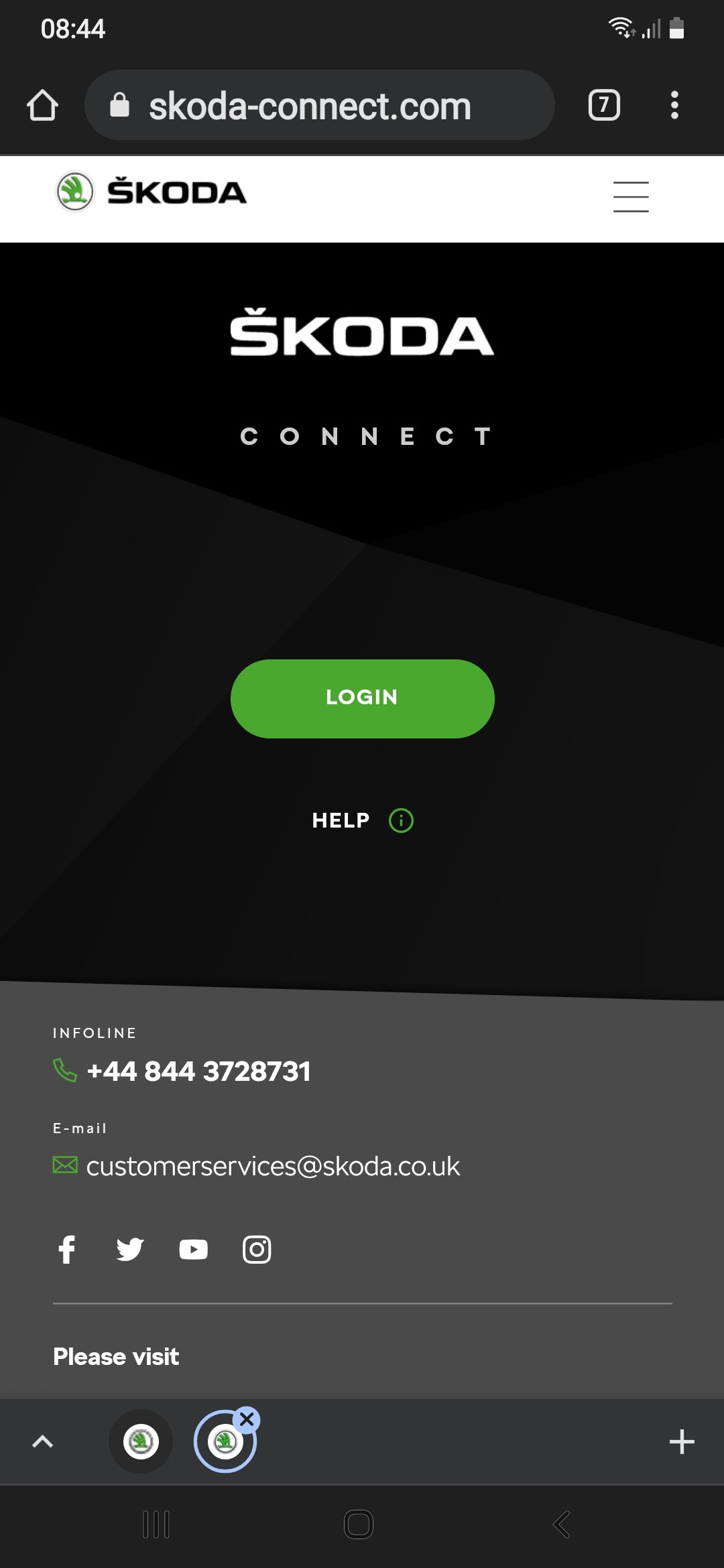
The cermatic coat looks brilliant does those just it easier to clean when it gets dirty and also protects from rain salts etc Great jobHit skoda connect If unable to connect to the Internet click OK go to settings scroll to wlan You should have 2 options wlan and mobile hotspot Click on wlan find your phone make sure hotspot is turned on in your phone settings If you are parked at your house try connect to home WiFi if you can't get it on your phone I had to change my phone to 2.5 gh would not work on 5 ghThis is what I'm saying if you go ro Google in your house will you be able to send ro the car maps routes etc and then see them on your car
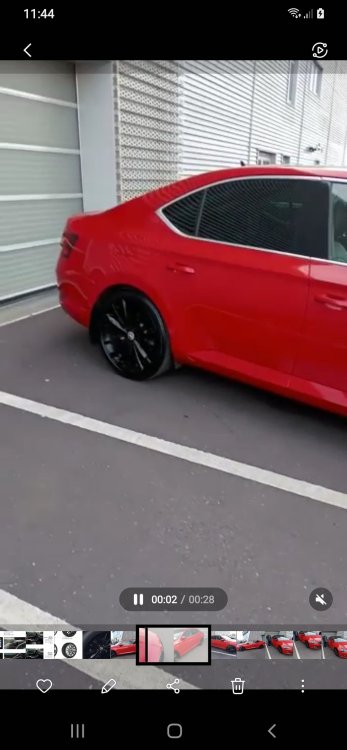
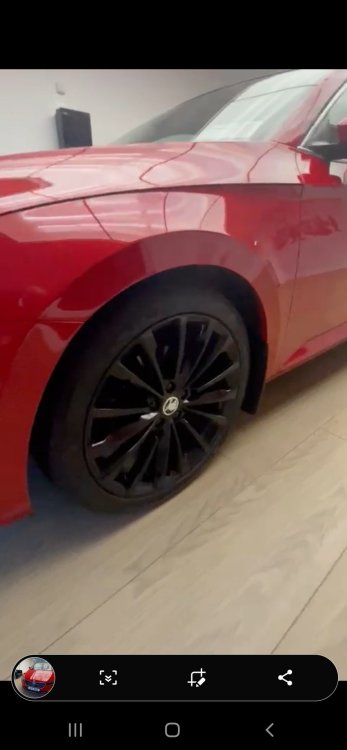
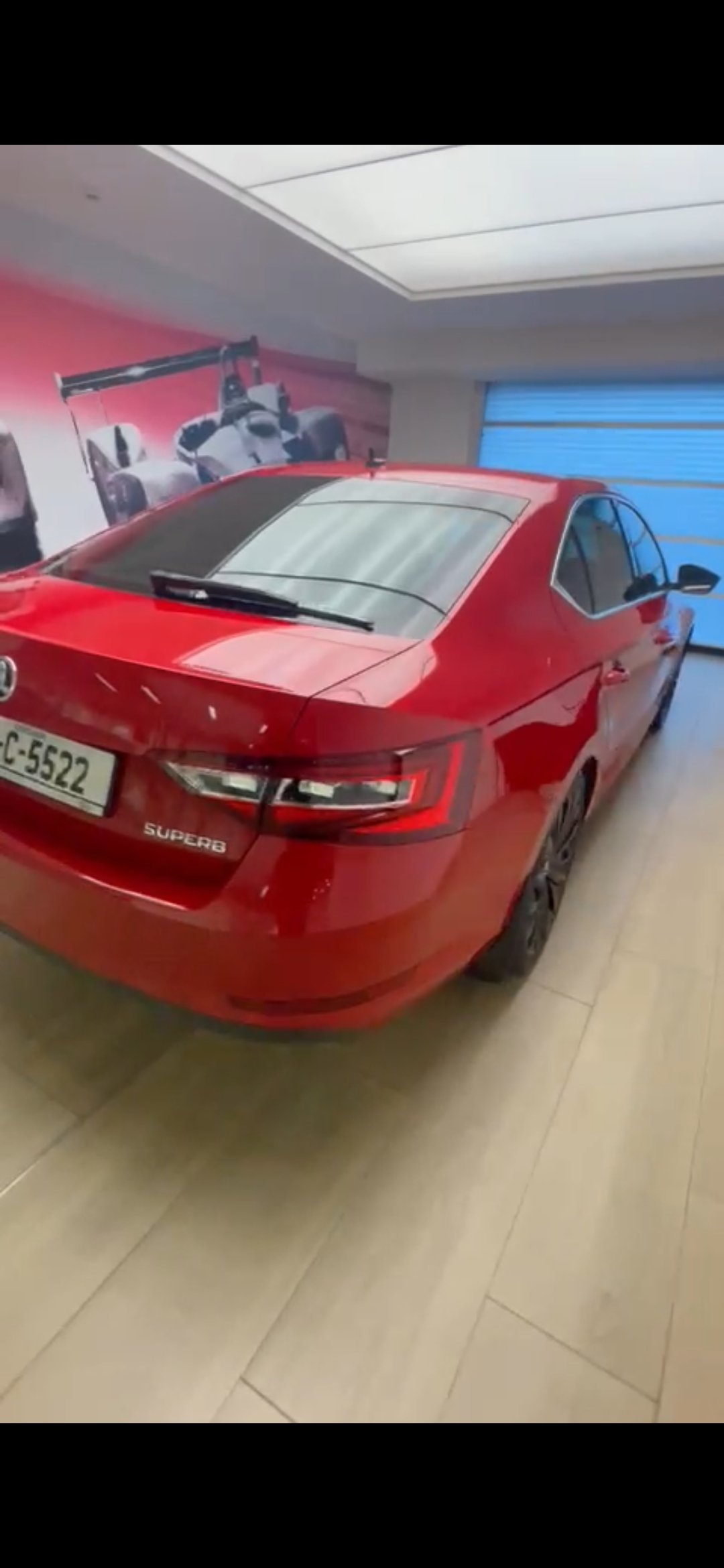
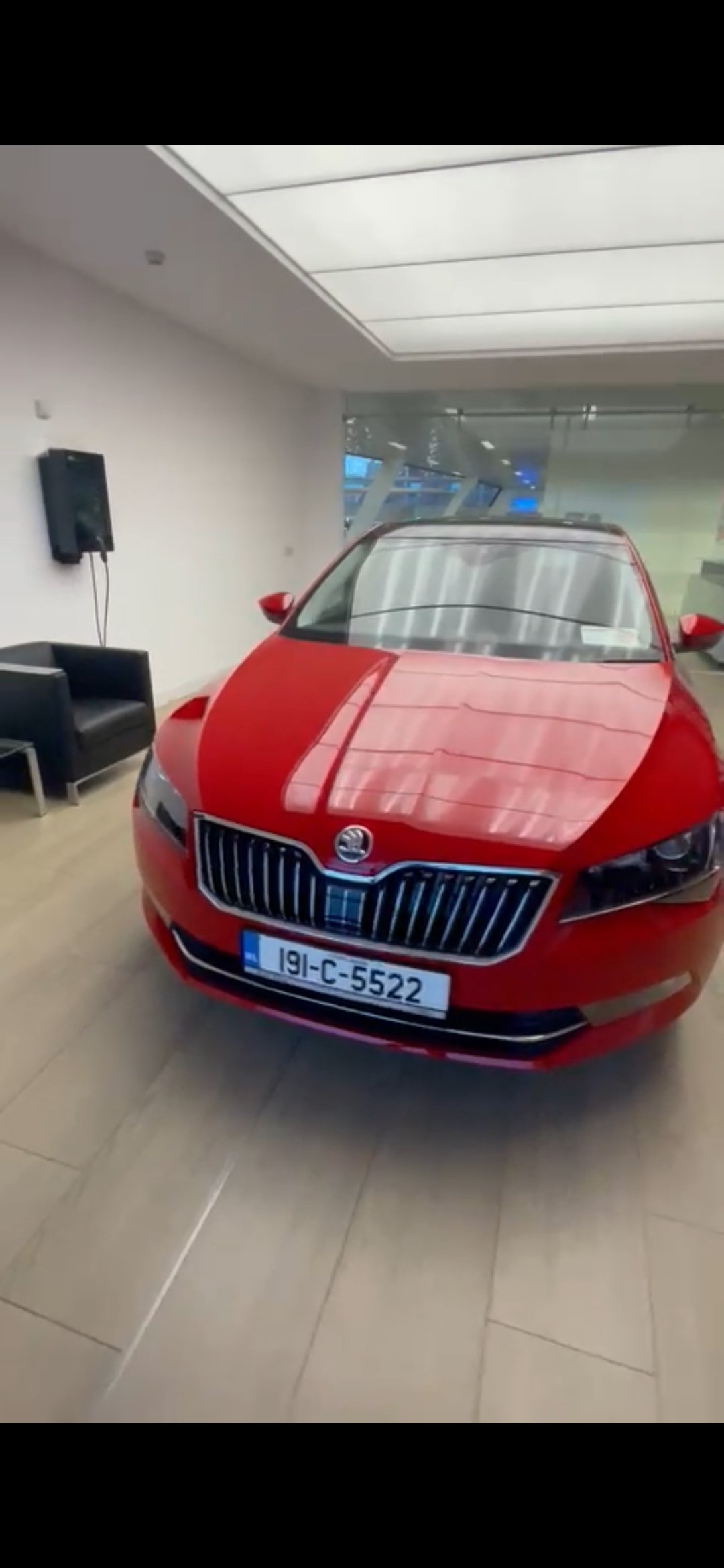
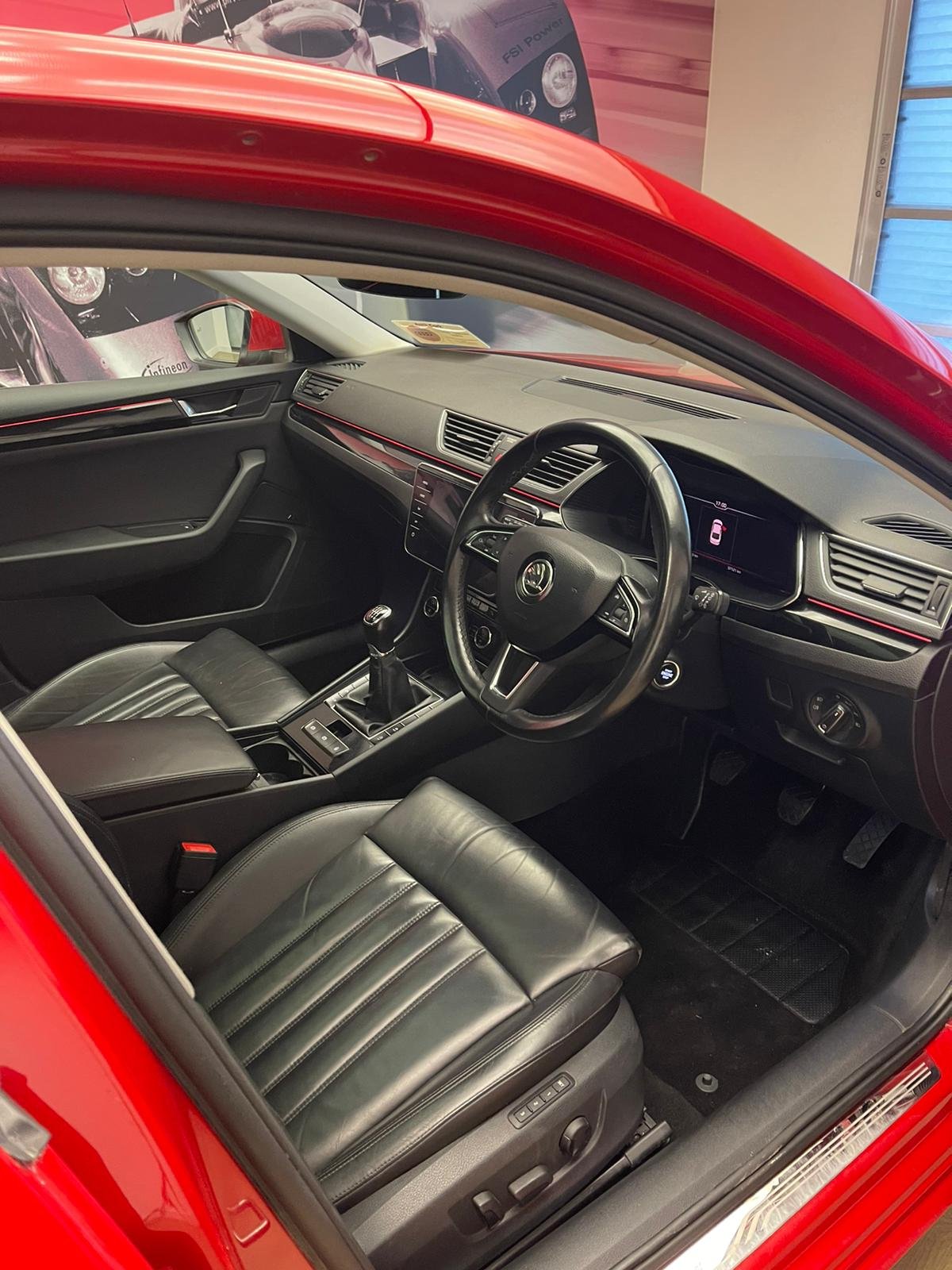
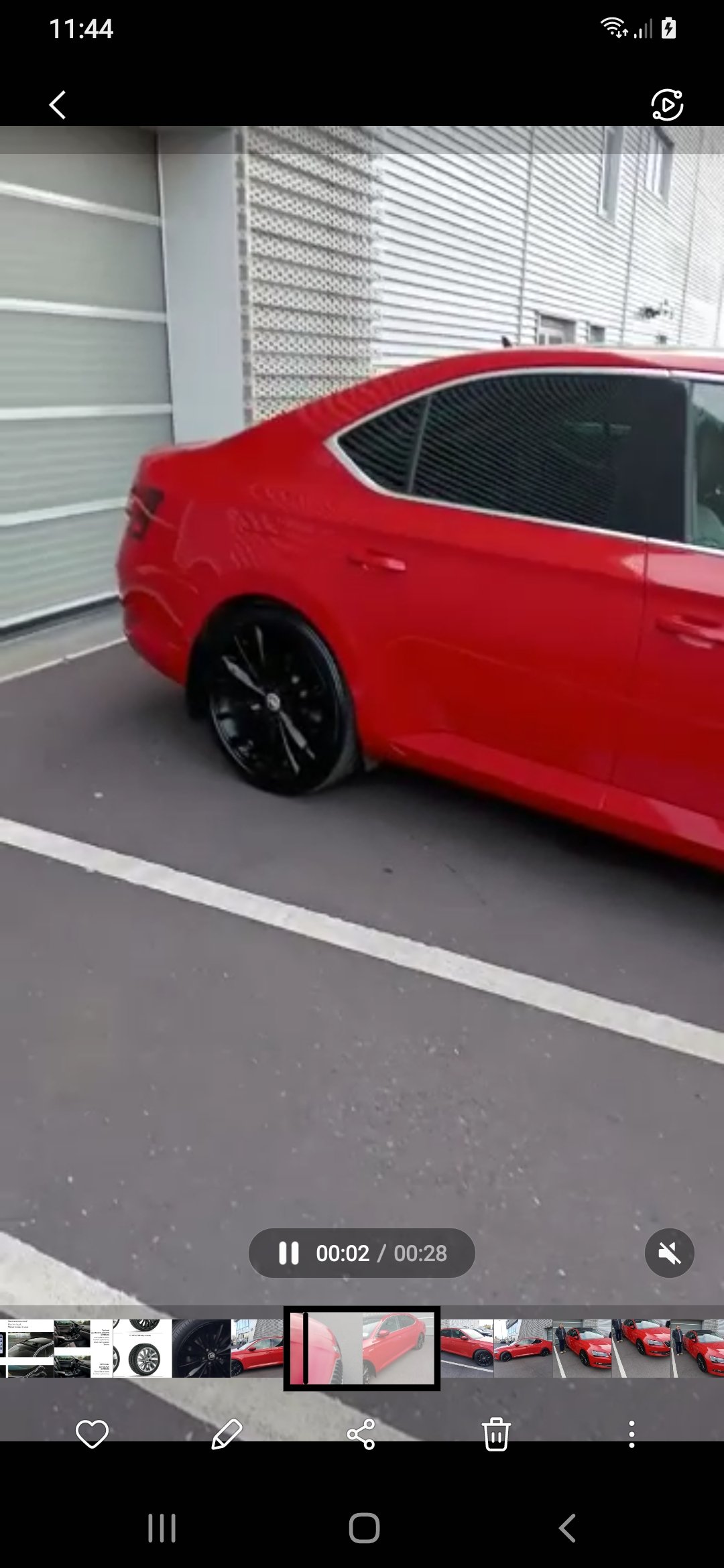
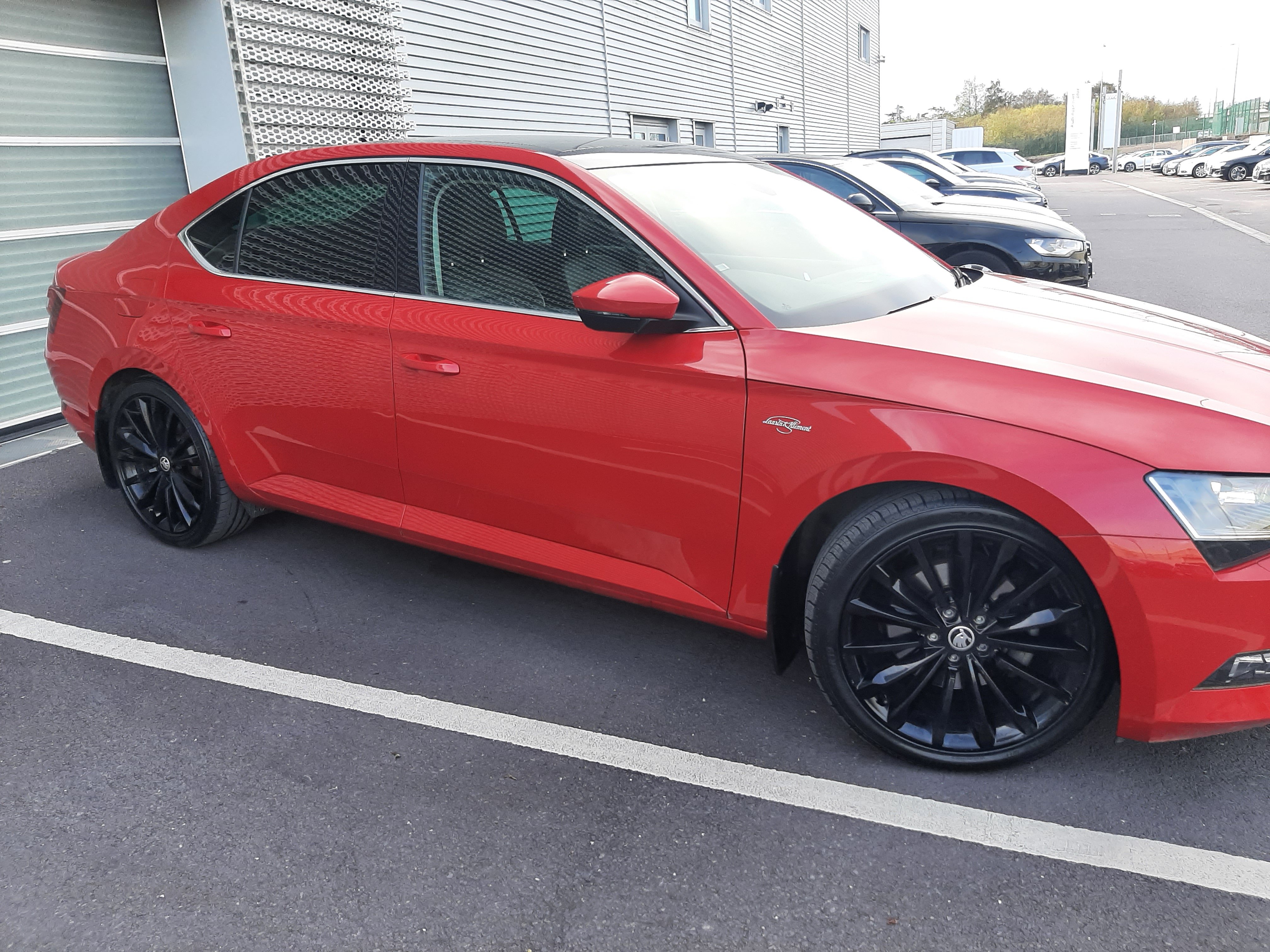
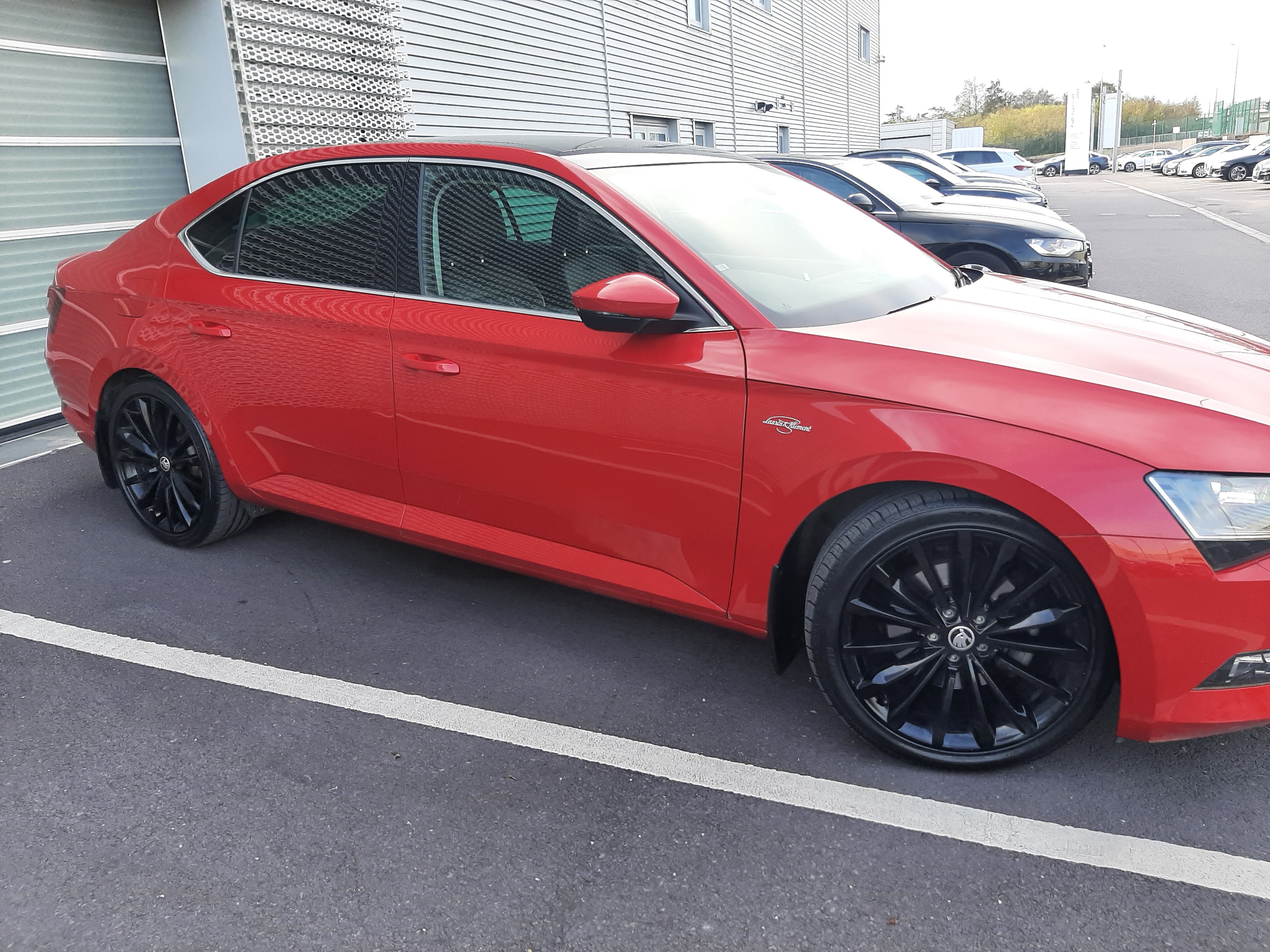
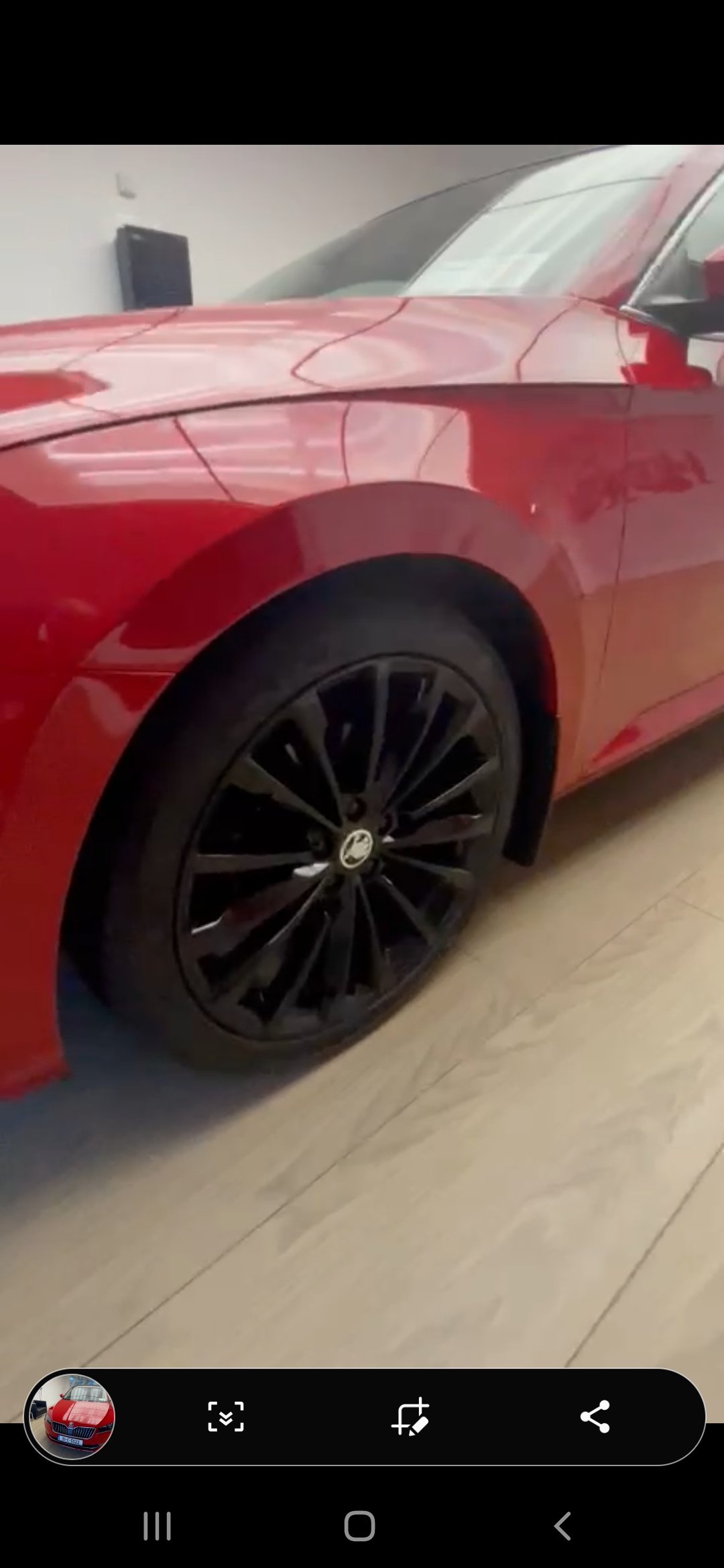
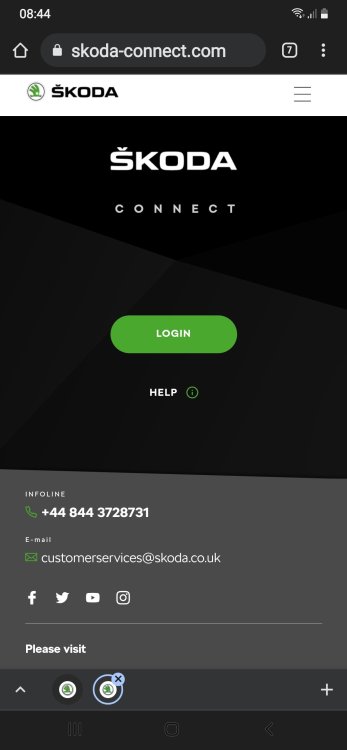 Hi do you not log into skoda portal ? Or go too google maps on phone and then send destination to the car then when you go into skoda connect in car your route will be there I had to set up the hotspot and wlan if I'm outside my front door it connects to that service ? Maybe someone can answer this better for usHi don't see many over here in that colour it's usually greys and blacks or blues I'm happy with the colour was thinking of getting a black spoiler fro the boot lid like the ones on a sportline ☺👍Did you set up hotspot in your car I have a Samsung a50 so had to set up hotspot might need to change hotspot to 2.5gh Should be able to connect to service read this and see does it help 1. On your phone enable the hotspot so that you are sharing it's wifi. I have an iPhone 6s Plus for reference. 2. In the car press menu on the physical buttons 3. Scroll to the settings icon and press it 4. Find wlan on the settings options and select it. 5. Select WLAN again and you will se a list of available networks. 6. Select your phone e.g. Craig's iPhone 6 Plus. 7. Now enter the password from your phones screen using the cars on screen keyboard. This essentially forms your outbound connection to the Internet via the wifi on your phone. You now have Internet connectivity for the car. 8. Connect another device that you want to share your cars outbound connection. I used a shield K1 android tablet which has no SIM card of its own for this. If you have not done so already enable the wifi hotspot as follows. 9. Select WLAN again and this time select mobile hotspot. Ensure that there is a tick in the mobile hotspot box. 10. Now select hotspot (WLAN) settings. 11. Select the security level: WPA2 provides the strongest security 12. Note the password in the network key (you can type your own if you wish but make it as hard to guess a possible and random chars are much better than words) 13. Now click store. 14. From another device e.g. My sons tablet connect to the Skoda hotspot. The name is displayed as SSID:Skoda_WLAN_xxxxxx where xxxxxx is a number. 15. Enter the password displayed under network key on the Skoda screen into the tablets wifi connection 16. Your tablet will now have an Internet connection bridged by the car through to your phone. 17. On the tablet Navigate to the bbc website (apparently there are also other sites available on the web ). It should pop up in all its glory and allow you to surf away to your hearts content.VID-20211210-WA0004.mp4My 2019 skoda superb L&k 37000km Velvet red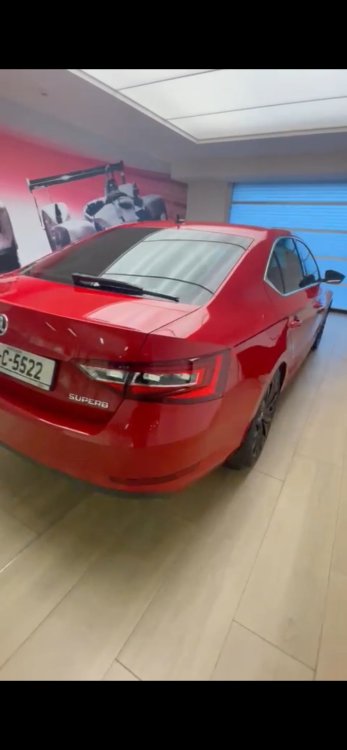
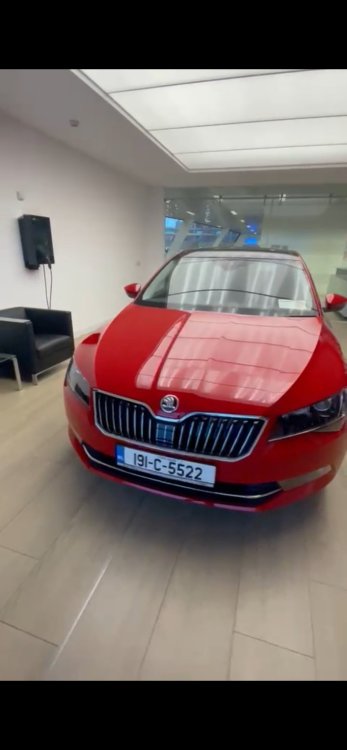
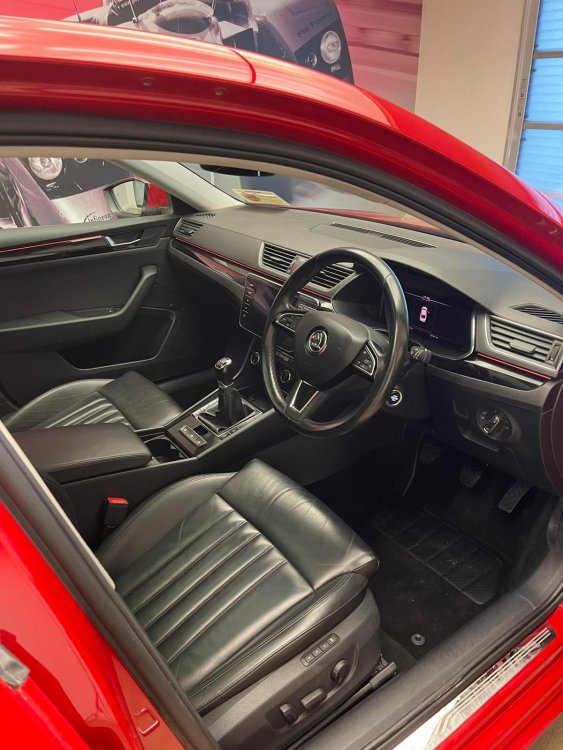
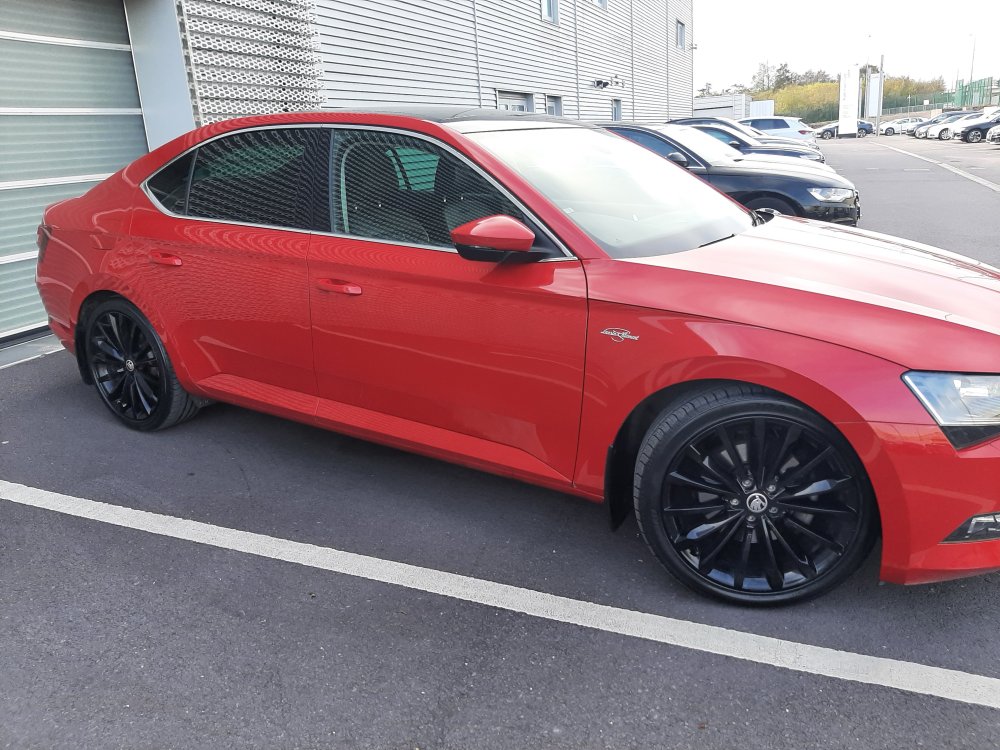
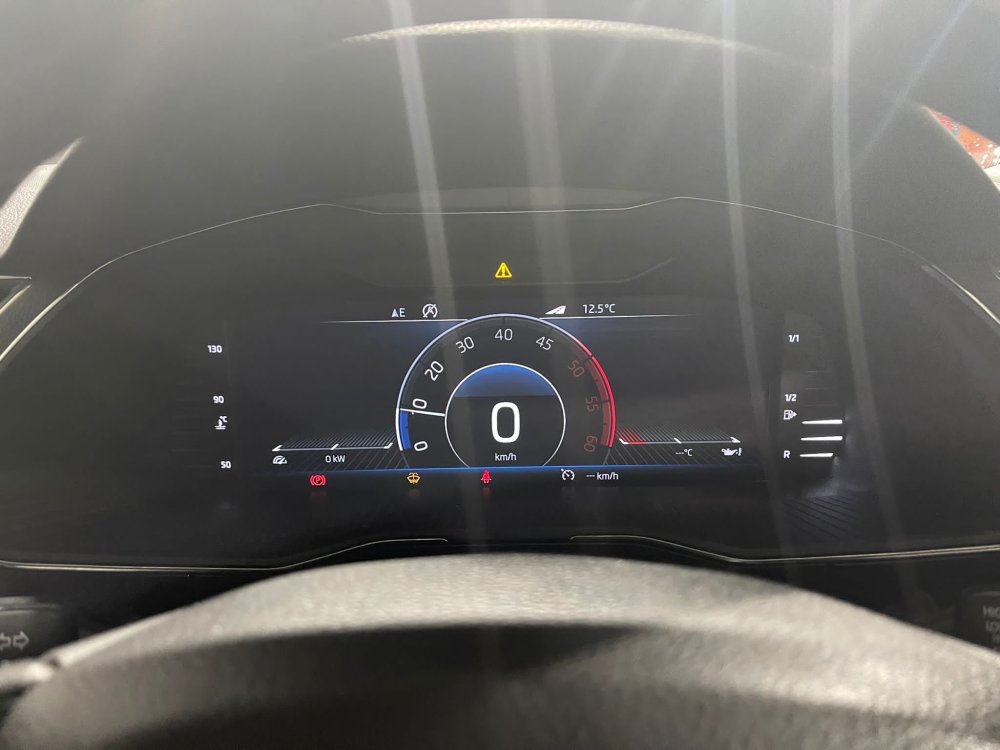
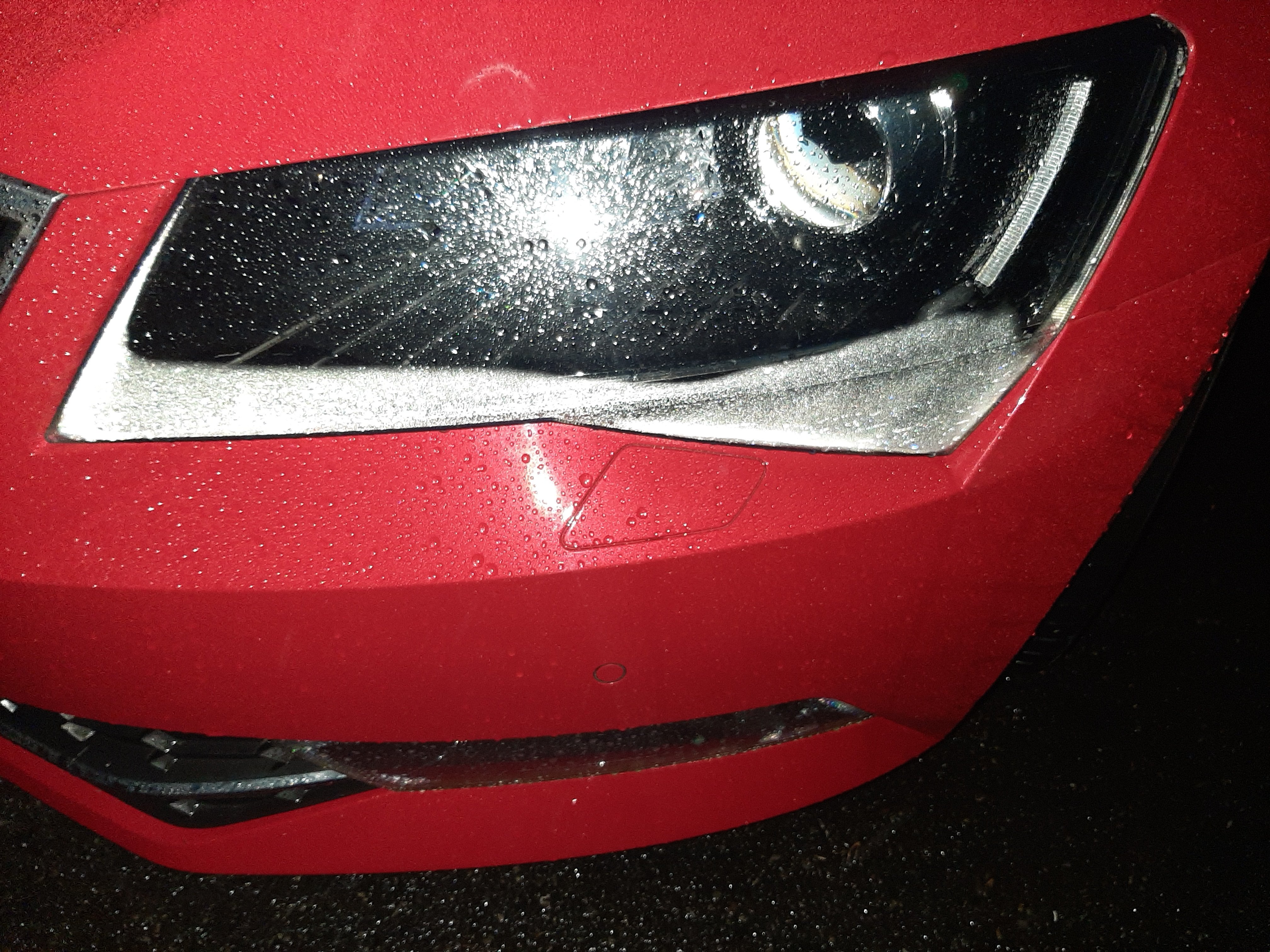
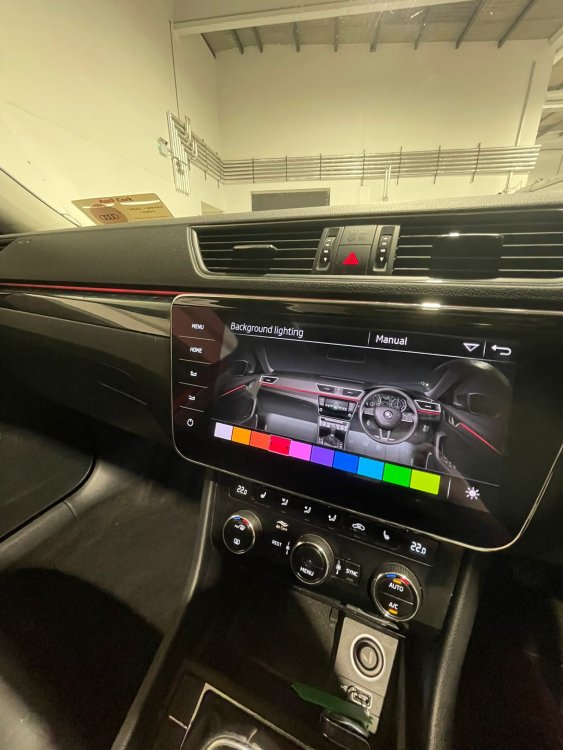 Hi thanks for the reply Hi will keep a eye on it and if it gets worse I will ring the dealer I bought it from Hi thanks for nice comment I think the 19in alloys and black sunroof set the velvet red only got it yesterday so a nice new toy for Christmas,, did notice inside headlights were foged up see a few people had the same issue seemed to happen when lights were on and raining and ideas is this regalurHi thanks for nice comment I think the 19in alloys and black sunroof set the velvet red only got it yesterday so a nice new toy for Christmas,, did notice inside headlights were foged up see a few people had the same issue seemed to happen when lights were on and raining and ideas is this regalur
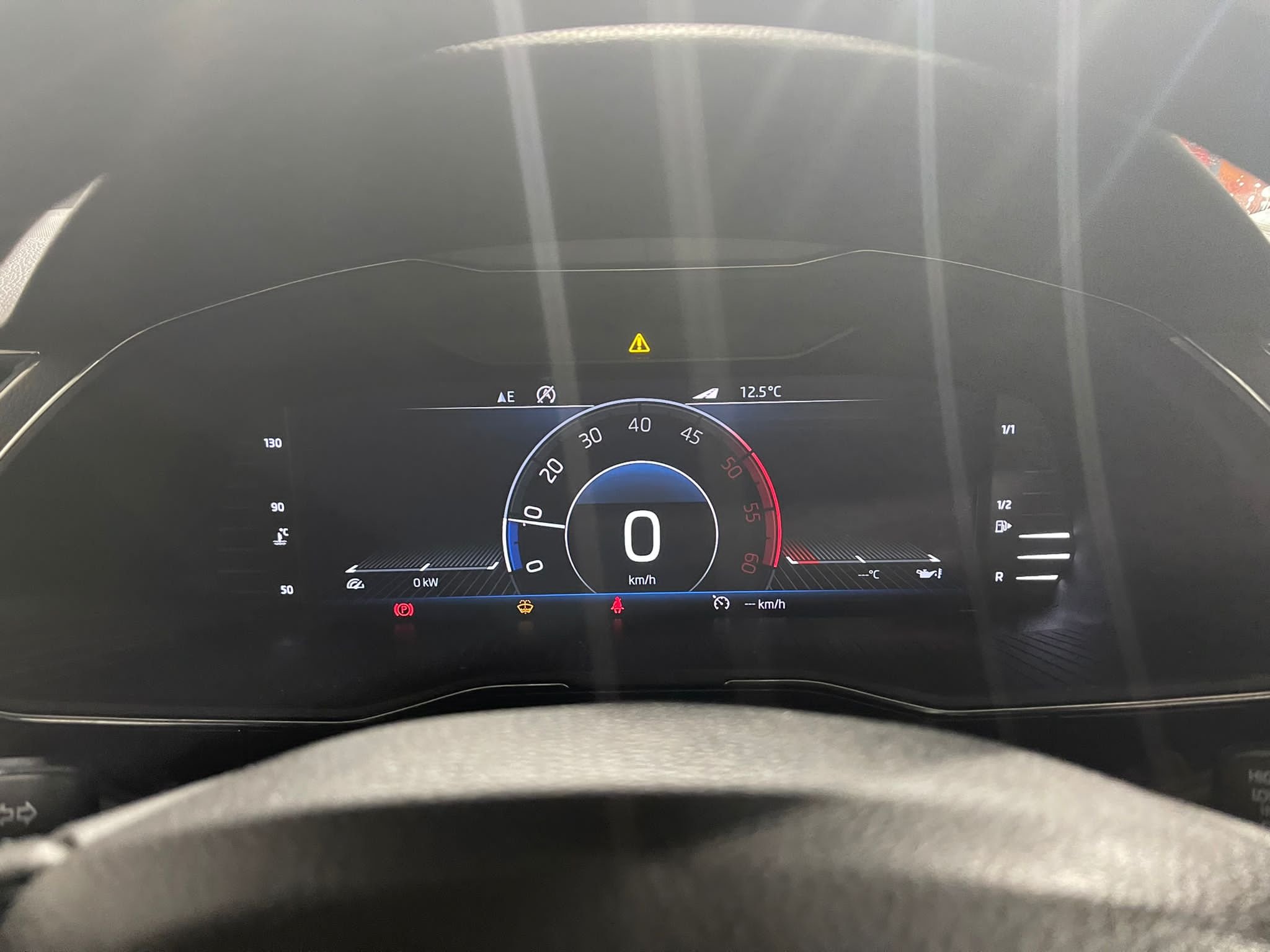
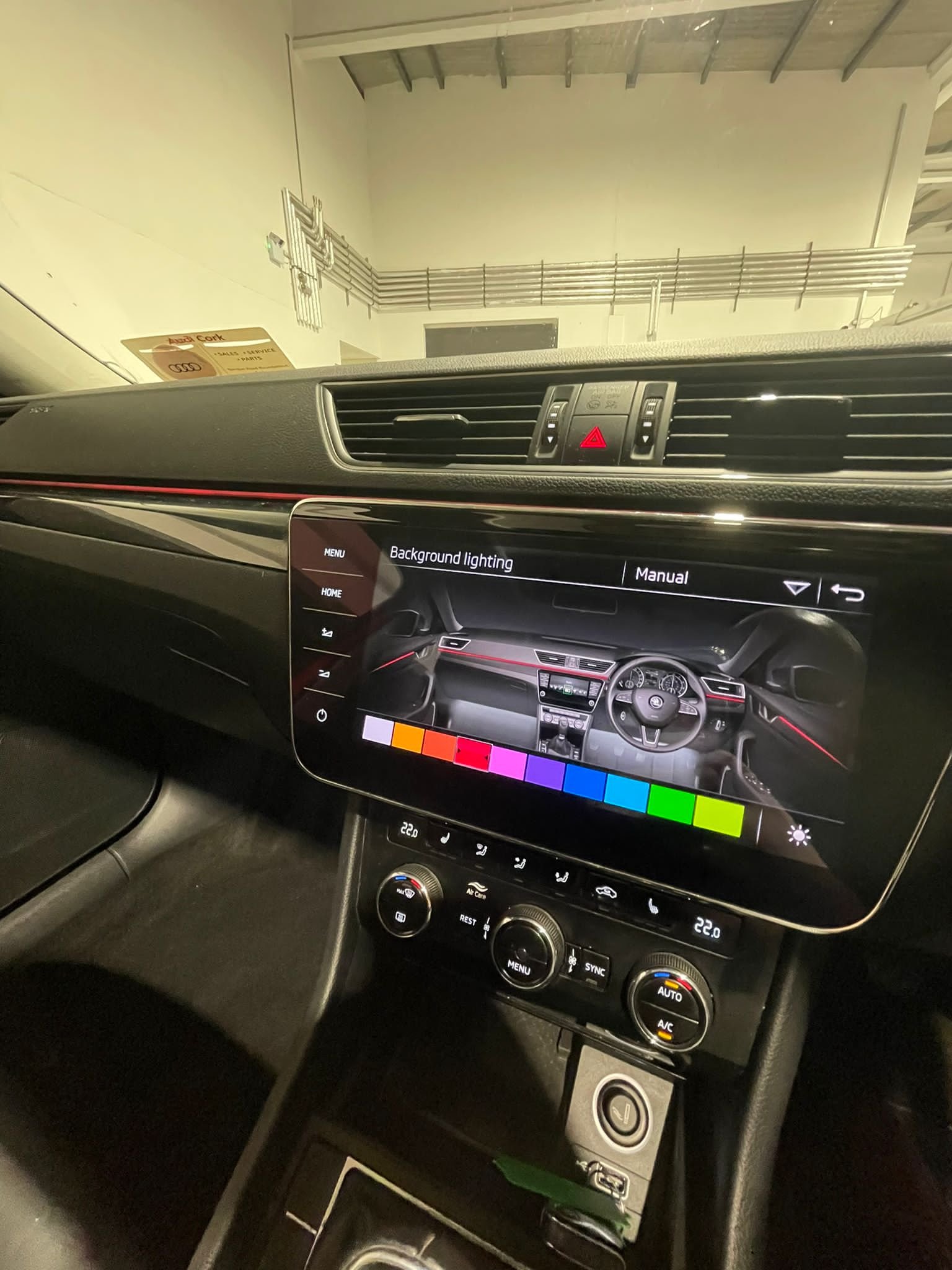
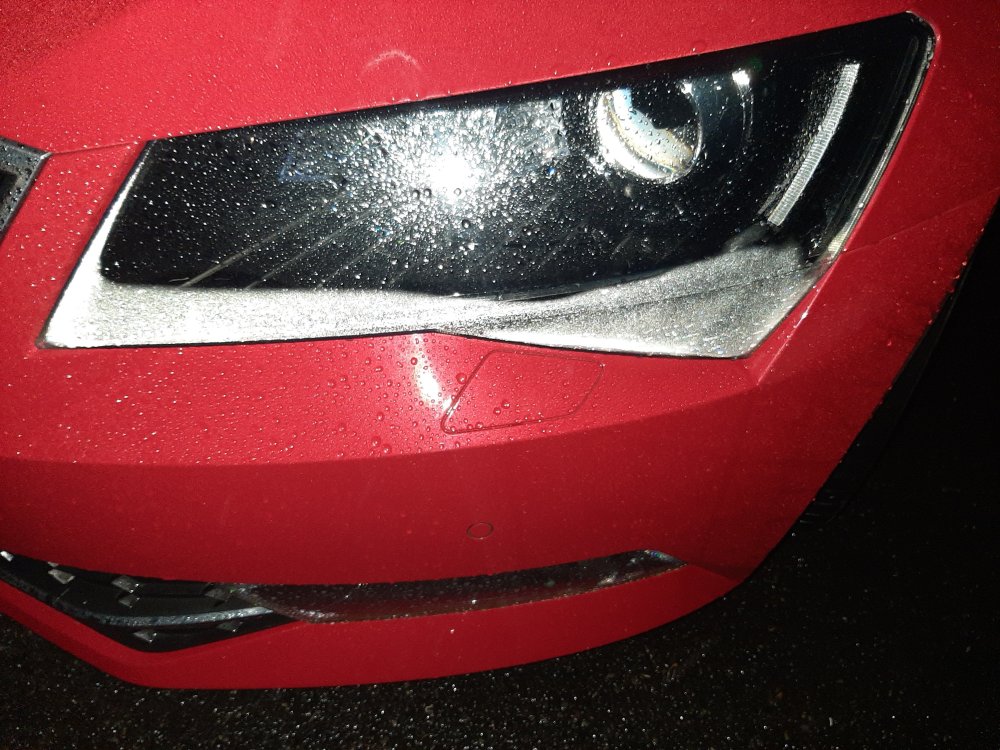 Hi this is my skoda superb Year:2019 Model: superb l&k CC: 150 manual Colour: velvet red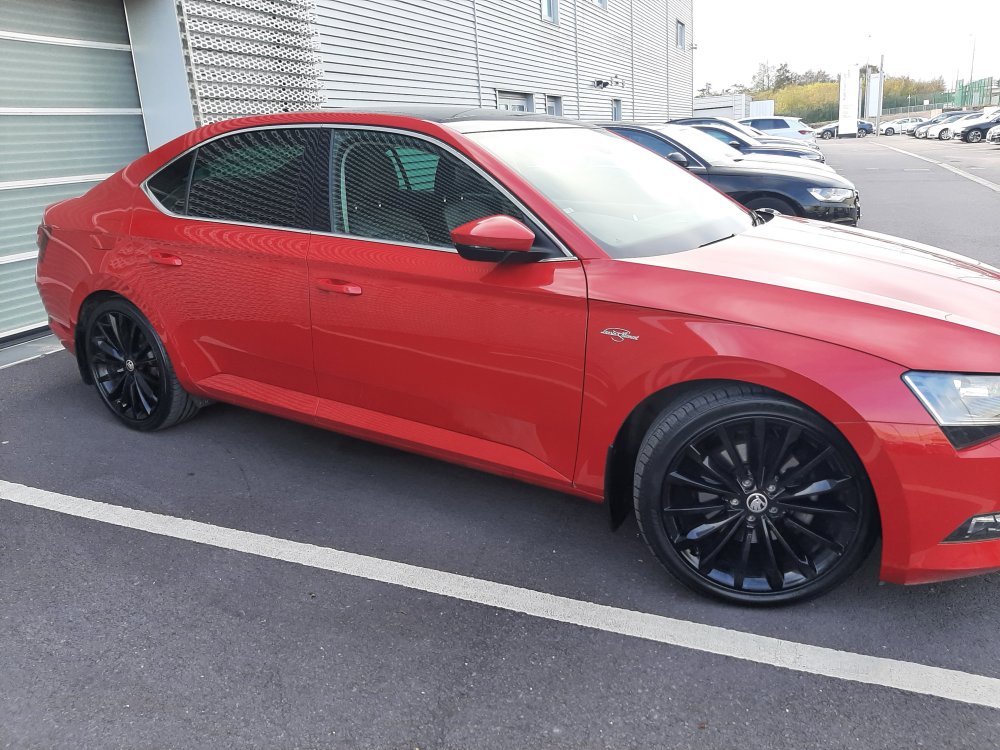



Important Information
Welcome to BRISKODA. Please note the following important links Terms of Use. We have a comprehensive Privacy Policy. We have placed cookies on your device to help make this website better. You can adjust your cookie settings, otherwise we'll assume you're okay to continue.
Account
Navigation
Configure browser push notifications
Chrome (Android)
- Tap the lock icon next to the address bar.
- Tap Permissions → Notifications.
- Adjust your preference.
Chrome (Desktop)
- Click the padlock icon in the address bar.
- Select Site settings.
- Find Notifications and adjust your preference.
Safari (iOS 16.4+)
- Ensure the site is installed via Add to Home Screen.
- Open Settings App → Notifications.
- Find your app name and adjust your preference.
Safari (macOS)
- Go to Safari → Preferences.
- Click the Websites tab.
- Select Notifications in the sidebar.
- Find this website and adjust your preference.
Edge (Android)
- Tap the lock icon next to the address bar.
- Tap Permissions.
- Find Notifications and adjust your preference.
Edge (Desktop)
- Click the padlock icon in the address bar.
- Click Permissions for this site.
- Find Notifications and adjust your preference.
Firefox (Android)
- Go to Settings → Site permissions.
- Tap Notifications.
- Find this site in the list and adjust your preference.
Firefox (Desktop)
- Open Firefox Settings.
- Search for Notifications.
- Find this site in the list and adjust your preference.