Entropyk
New here
-
Joined
-
Last visited
-
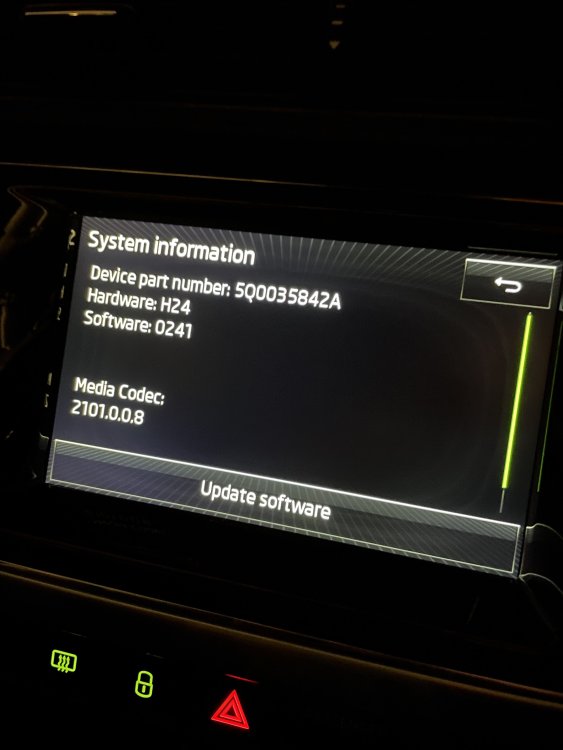
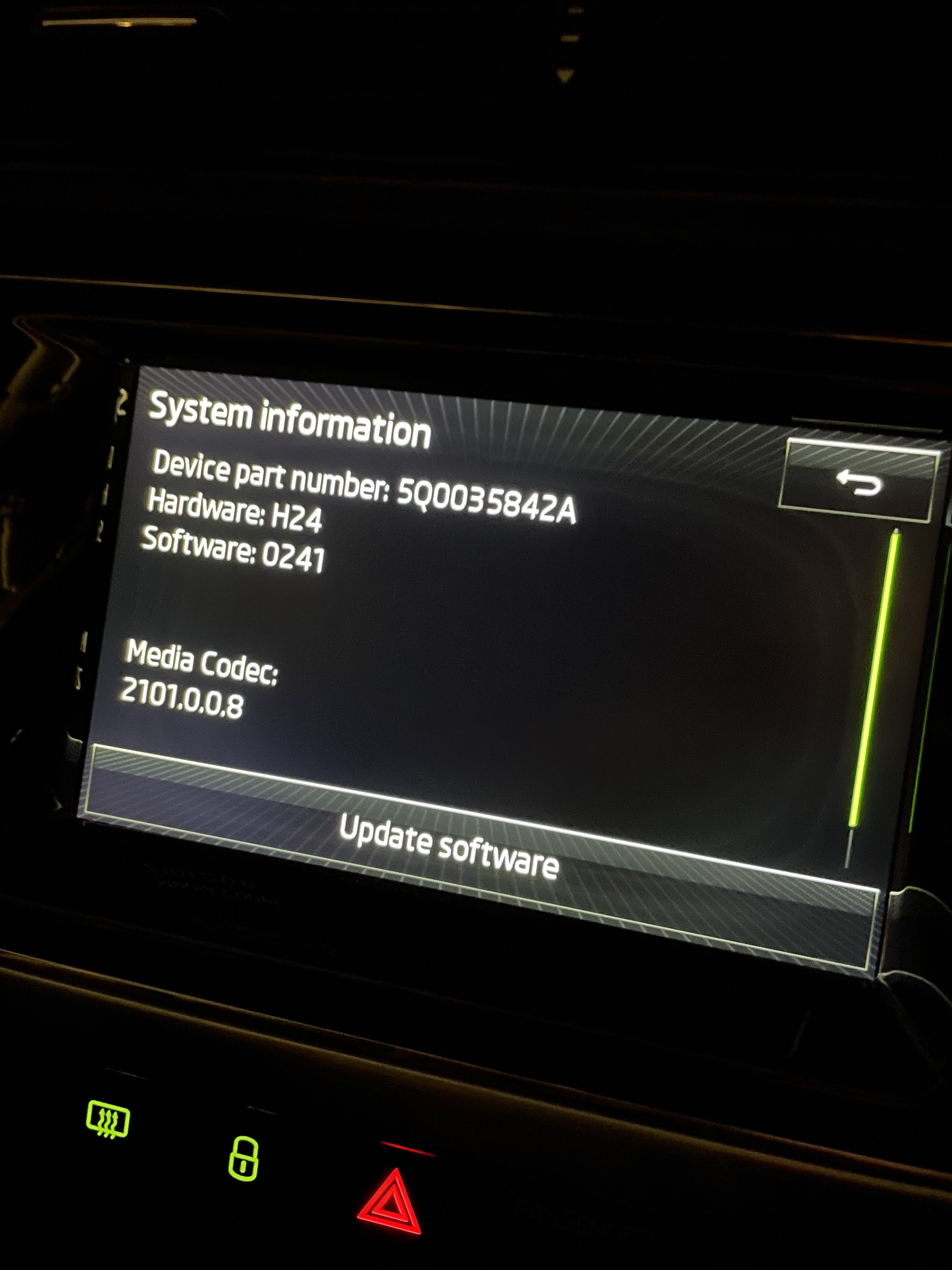
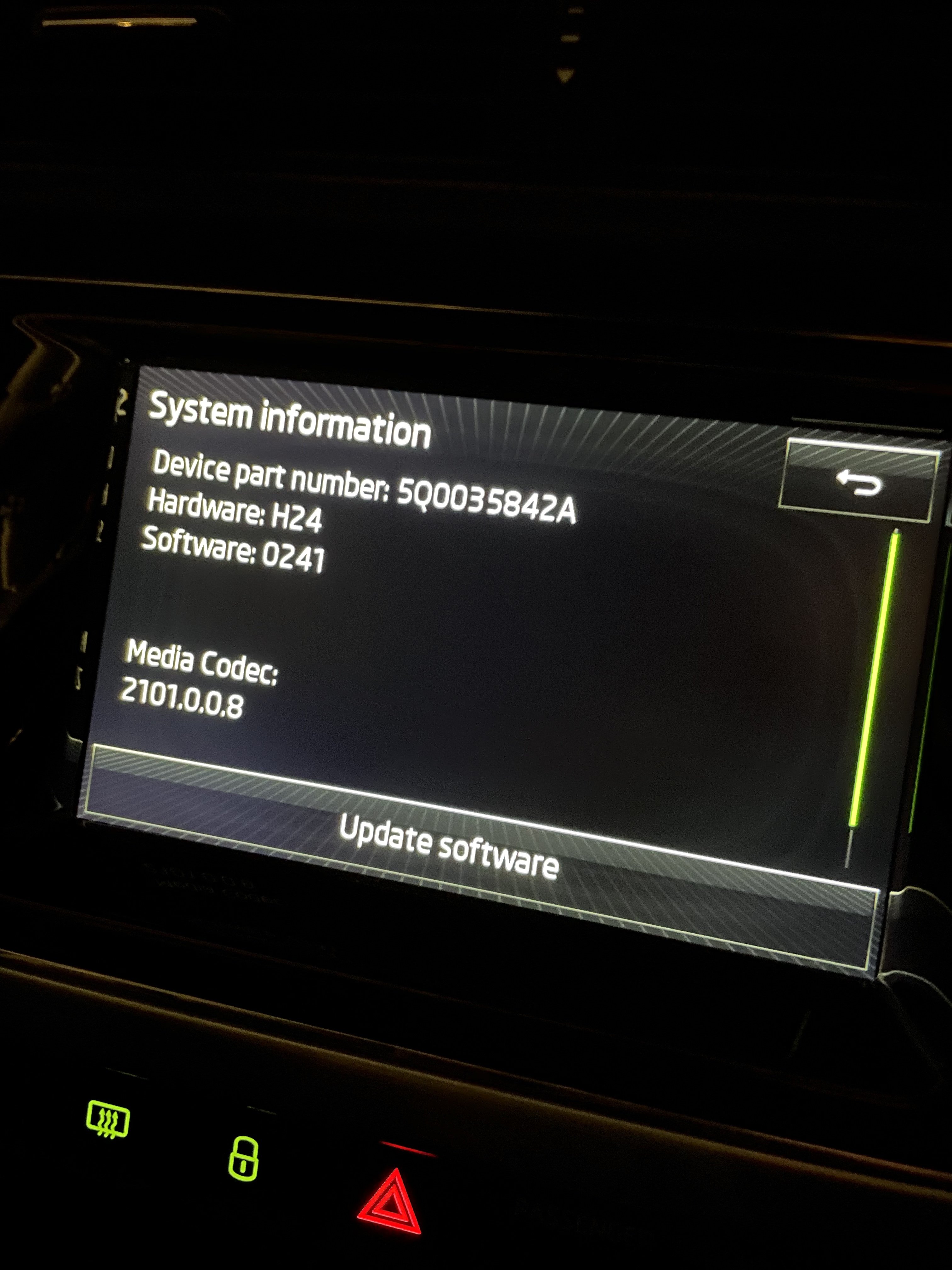
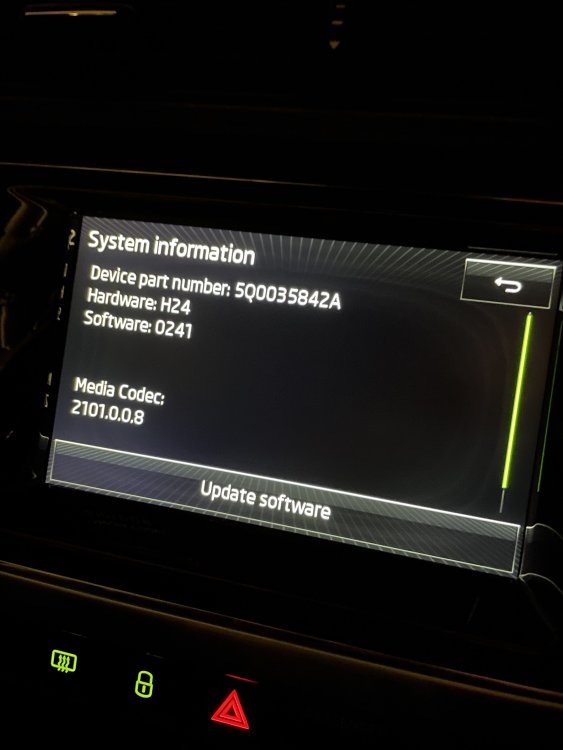
Reposting here as it may be more relevant to my specific issue: Hey there, I bought a Skoda Fabia (2015) recently and I'm very happy with it, except that I do have this touchscreen responsiveness as well (it gets better after a reboot but it's not ideal when you're in a rush). I understand that there is a new version available for it (0253), and I've asked the approved Skoda retailer if we could arrange this software update (my car is under warranty) and I have yet to receive their answer. Here are my questions: - is the update definitely improving the issue? - how safe would it be do update the system myself, should the retailer prove unresponsive as well (and providing that it is about a 100 miles from where I live)? - would proceeding to the update myself mean that the warranty would be void? - where can I get this specific software update file? Many thanks! PS: I've been told @pab567 would be the expert on this matter 🙂
-
Hey there, I bought a Skoda Fabia (2015) recently and I'm very happy with it, except that I do have this touchscreen responsiveness as well (it gets better after a reboot but it's not ideal when you're in a rush). I understand that there is a new version available for it (0253), and I've asked the approved Skoda retailer if we could arrange this software update (my car is under warranty) and I have yet to receive their answer. Here are my questions: - is the update definitely improving the issue? - how safe would it be do update the system myself, should the retailer prove unresponsive as well (and providing that it is about a 100 miles from where I live)? - would proceeding to the update myself mean that the warranty would be void? - where can I get this specific software update file? Many thanks!