Notahonda
New here
-
Joined
-
Last visited
-
So tested the brightness setting out and managed to resolve the issue, was at medium, changing to darker and then darkest made the noise worse, can confirm noise has stopped when on either Brighter or Brightest setting, so if it’s a component issue then it might in time get worse I guess, so thanks to all for the good posts on here, keep up the good work
-
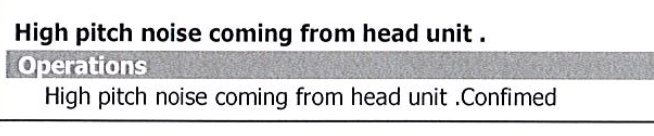
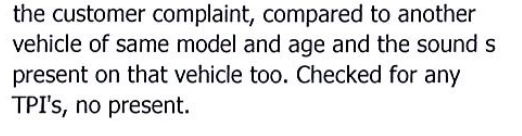
Have the same issue with our late 2019 Model Fabia and reported when we took for 1st service a year ago now, wasn't impressed with the response from the dealer, see snip from the service report, basically fobbed me off as if I was an idiot, explaining nothing wrong as they all do it, I did say what's the point having crystal clear DAB radio if all you can hear is the electronics oscillating above the volume. They said nothing else they can say or do about it. Great thanks for your help😆 Interesting point about increasing the Brightness , I will try that and report back if has any effect Kind of regretting swapping from a Honda Jazz, that car was brilliant even at 16 years old when we replaced it. The Fabia is a good car but just doesn't cut it like the Jazz I'm afraid, not to mention the never ending issue with Stop Start not working intermittently , one for another thread I know.