multiki
New here
-
Joined
-
Last visited
Everything posted by multiki
-
I replaced the driver and I have such errors, do I need to configure after the change? 4 Faults Found: 01546 - Sensor for Parking Aid; Rear Mid-Left (G204) 003 - Mechanical Failure 01545 - Shareware Version. To Decode all DTCs 003 - Please Register/Activate 01547 - Shareware Version. To Decode all DTCs 003 - Please Register/Activate 01548 - Sensor for Parking Aid; Rear Right (G206) 003 - Mechanical Failure
-
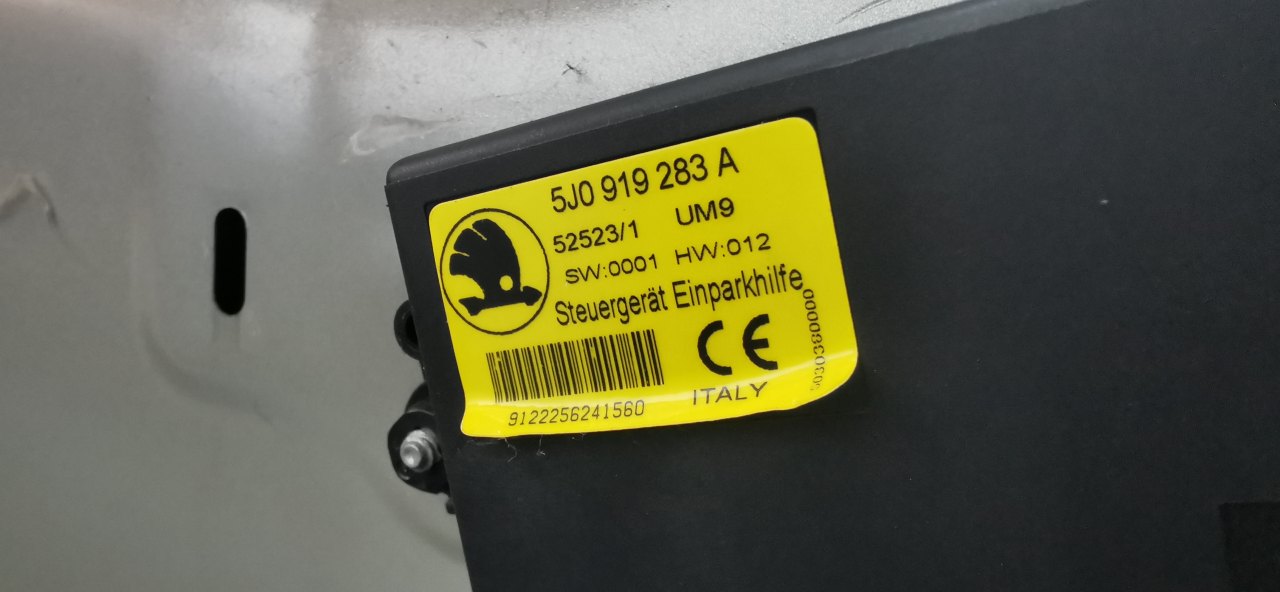
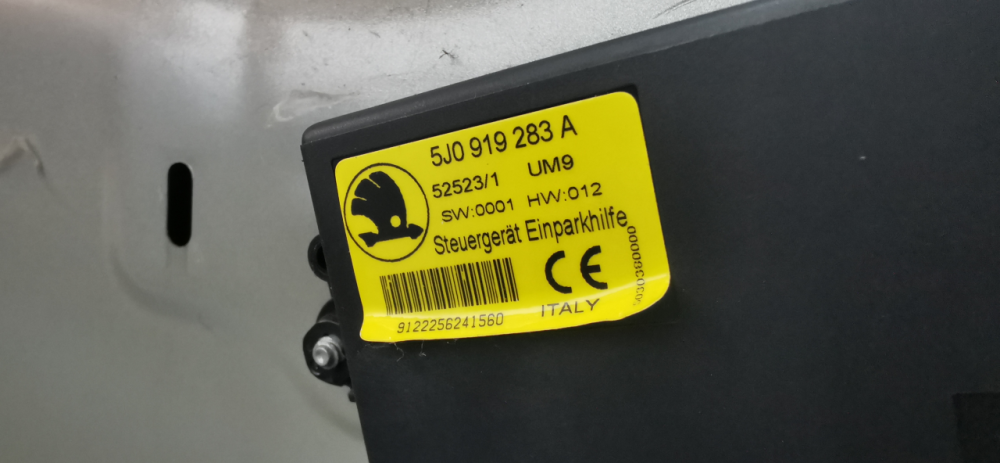
I have 5J0 919 283 in the car and I suspect damage, the cables are ok, the sensors are new, it indicates an obstacle on one of the sensors. this module gives a beep and displays on the radio. I have a question about compatibility, is the beginning of 5J0 important (it is probably the designation of the car) that I can use another, e.g. 3U0919283A which means the last letter A, can I use e.g. 5J0919283 translate by google
-
the reverse sensor did not work, there was a squeak after driving the reverse gear and the silence sensor was turned off, the computer indicated broken sensors I replaced the damaged ones the system works but shows an obstacle to the right I replaced the other two sensors for a while the system was working properly then again points to the obstacle on the right translate by google
-
thank you Wino
-
The electric control of the right-hand window on both the driver's and passenger's door does not work. After disconnecting the battery, the window can only be operated from the passenger door, however, this possibility disappears after some time translate by google