drifter1949
Finding my way
-
Joined
-
Last visited
-
I just couldn't manage to change the brake switch so I took the car to a European car Specialist and the man changed it for me. Car worked fine for 2 days till it rained again and in the mean time the abs and traction control and power steering lights came on too which was fixed by fitting a new wheel speed sensor. I have booked the car in again. I just hope they don't start throwing parts at it till they find the cause of the problem.
-
rum4mo Thanks for your input, every bit helps. It is frustrating when I get the time and motivation to have another look for the fault I have to catch it at the right time after rain and before it dries out again, my car lives outdoors. Cheers
-
Possible causes of OBD code P0571 Skoda – Misadjusted brake switch – Brake switch open or short circuit – Poor brake switch electrical connection – Failed brake switch The Error code is generally activated on detection of the following conditions: The P0571 Skoda codes is set when the stop light switch does not turn off even once the vehicle is driven.
-
Well of course it stopped raining and the fault went away again so I got a scan done which reported fault no. P057100 - Cruise, Brake Switch (A) Circuit Malfunction.
-
Exceptional weather event here, much rain and flooding and low motivation. I have noticed that even high humidity will bring on the fault. There is voltage at fuse 22 when fault is present. I found a Russian workshop manual online which says to remove brake light switch requires master cylinder to be removed. I dont want to do that myself so maybe I will look at making a special tool to reach the switch mounting screw. But before doing that I will unplug the switch again to see if there is voltage to the switch socket. Or I might be able to probe the wires with a sharp point.
-
J.R. thanks for that info. I will take some measurements when the new switch arrives.
-
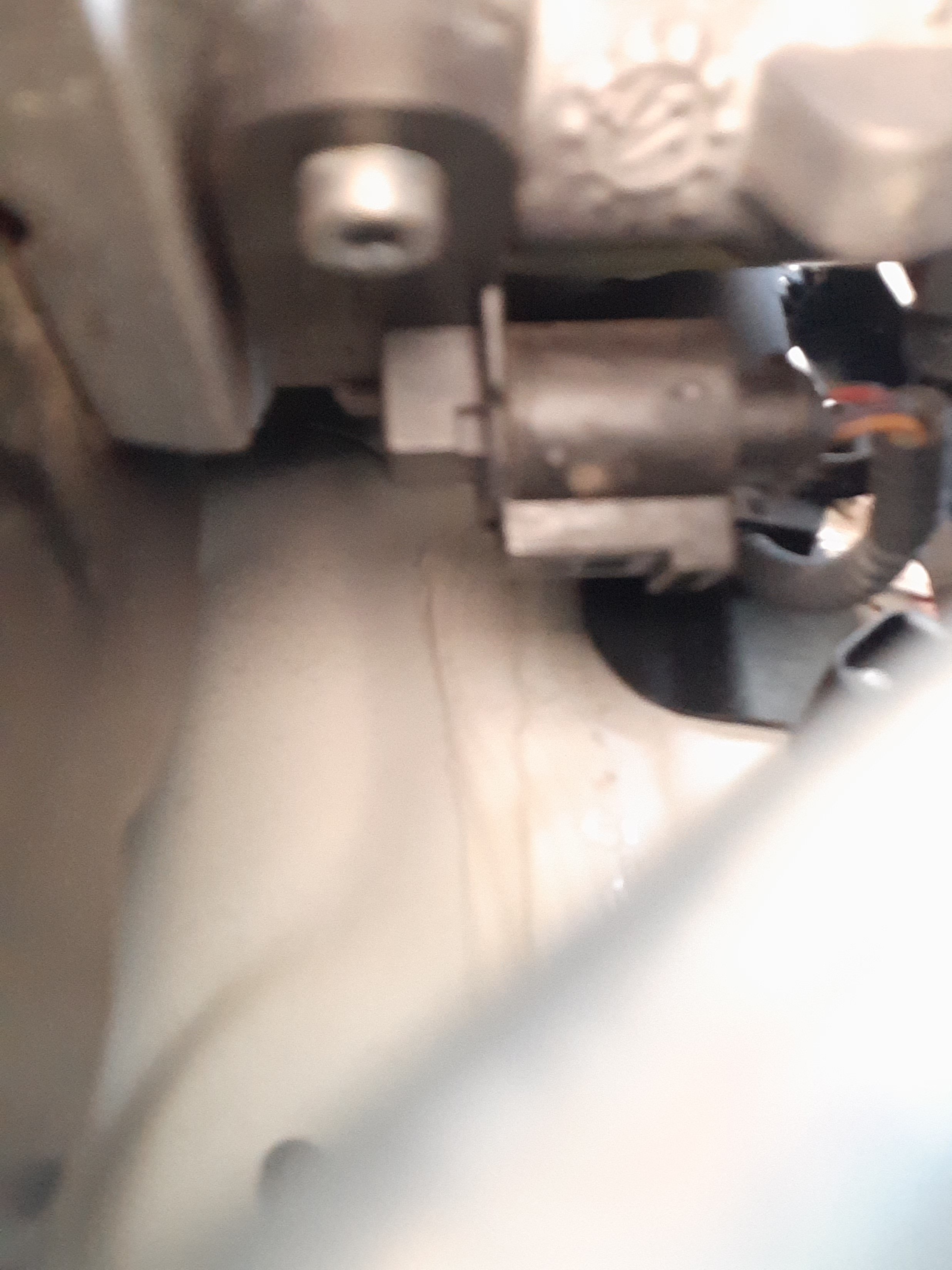
JR, I just noticed my phone photo is reversed left to right because i was using the front facing camera. It looks the same as the photo Wino posted earlier.
-
Austin 7 Thanks for your suggestions, I have worked in electronics many years and am searching for a circuit diagram at the moment. If the switch does not fix the issue I will certainly examine the rest of the system. I have read of so many like faults with the hall type brake switches that I will change that first.
-
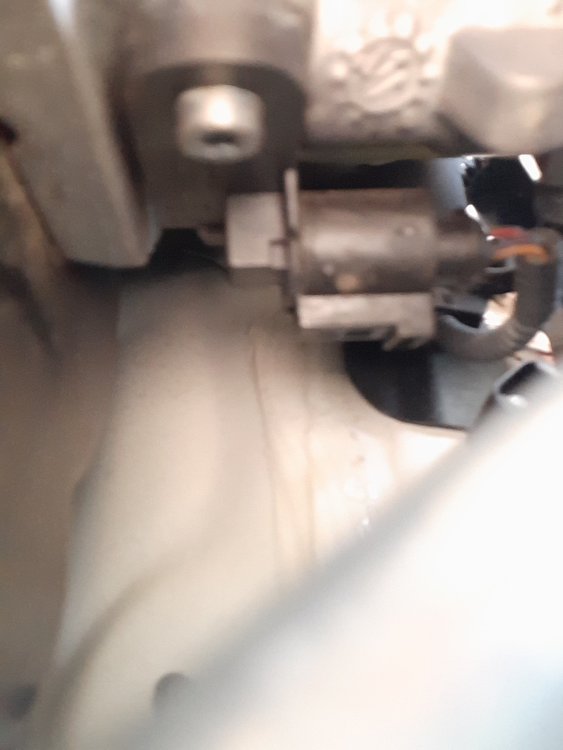
Update. It is indeed a pig of a job because it's a right hand drive and the plug is underneath and very close to the bodyworks. I was able to look through a narrow gap while manipulating a right angle pick and release the plug clip and then unplug the connector. I couldn't see any corosion on the contacts so I gave them a spray with inox and put it back together. To my amazement, the EPC light was gone an everything was working correctly. Then we had heavy rain overnight and the fault re-appeared the next day then came and went a couple of times over the next 2 days. I have ordered a new brake switch to see if that will fix it. If you are still interested, stand by for the next installment.
-
Thanks I will have a look.
-
No, especially since I can't get a good look at it. Any tips?
-
Correct but I was thinking about the contacts of the plug and socket. Thanks
-
20211226_142251.heic 20211226_142337.heic
-
I poked my phone in underneath and found the little bugger, now I just have to wrangle the plug out and inspect the contacts. 20211226_142251.heic
-
PS. The battery was replaced about 2 months ago.