Dodgy77
Finding my way
-
Joined
-
Last visited
Everything posted by Dodgy77
-
I have the same issue mate. I've gone through all the steps I have found in this forum as well and have given up
-
Yep, I have had it on my toyota's, which I have owned for the past 20 odd years. thinking back before that I had a mazda which had it as well. Admittedly I was in a different country so maybe they have slightly different build specs to the UK.
-
yeh you are probably right that i'll get used to it, it just seems a very tiny omission of something very basic for a car which has loads of other funky features on it.
-
Hello, I have just got myself a 2nd hand Octavia, its a tasty bit of kit and I think its fab. I tend to do a lot of night driving and have noticed that the ignition lock isnt lit up when I go to put the key in it. As its new to me I have found myself doing a bit of faffing around with my finger to find the hole......... So my question(s) is/are, is it something thats switchable on/off?, do none of them have this feature?, is my bulb up the duff? For reference, I have a 1.5 tsi se l.
-
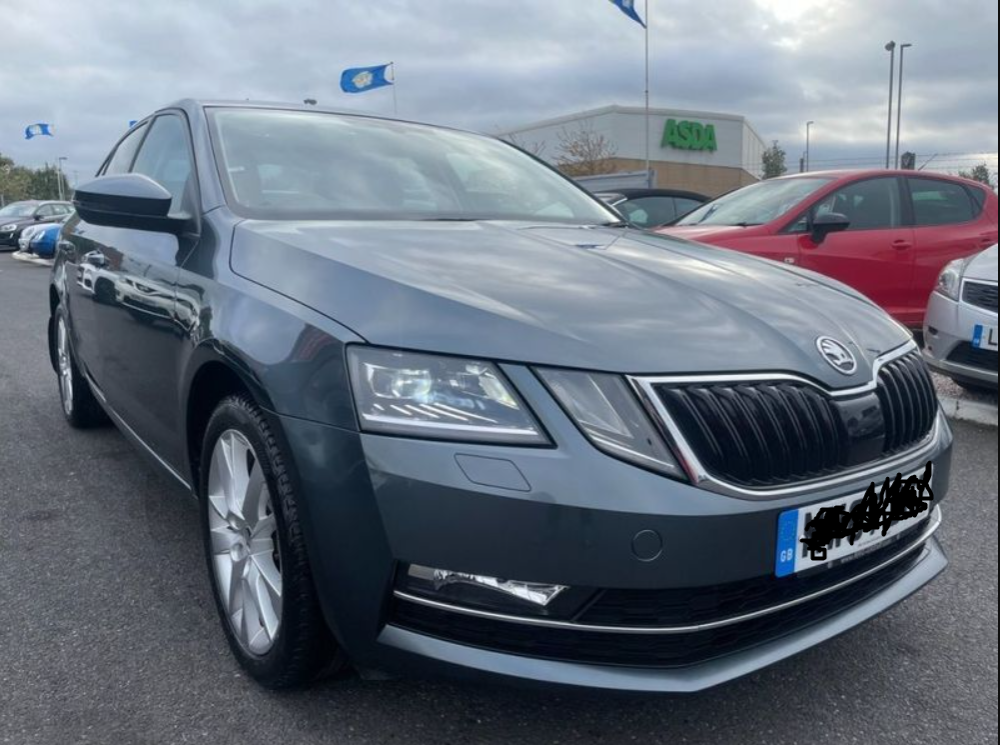
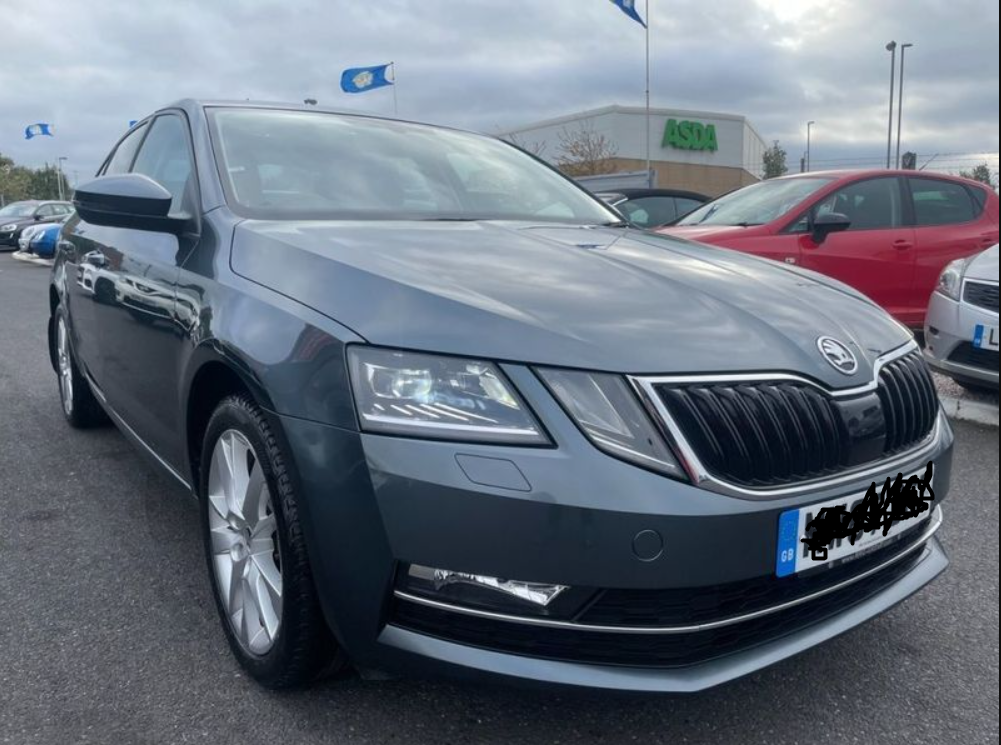
Ouch stever750. I'm new to the Skoda gang, partially paid for it today. Dealing with getting money from an Australian bank account into an English one for the rest of the payment :( Attached shot is from the dealer. He had a couple of VRS' in stock which is why I went there in the first place. As a fussy buyer I wasn't 100% happy, however I ended up with a mint 1.5 TSI with v. low miles on the clock. I am stoked.