CEJJ
FREEDOM
-
Joined
-
Last visited
-
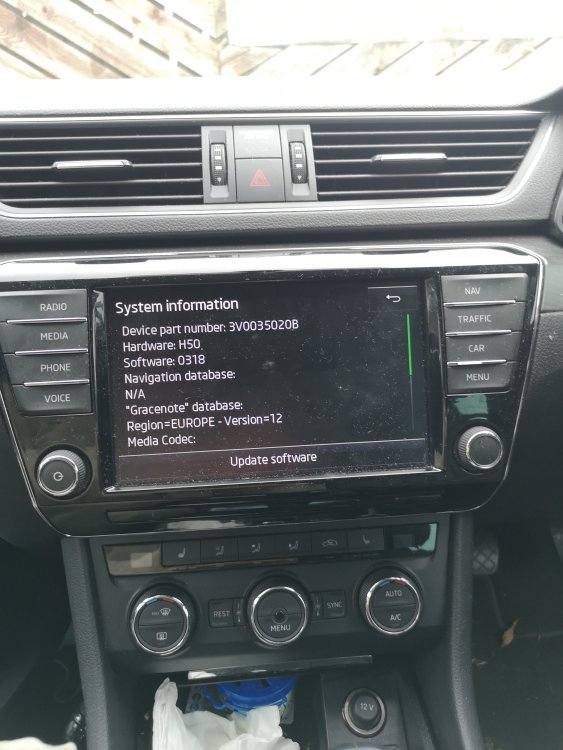
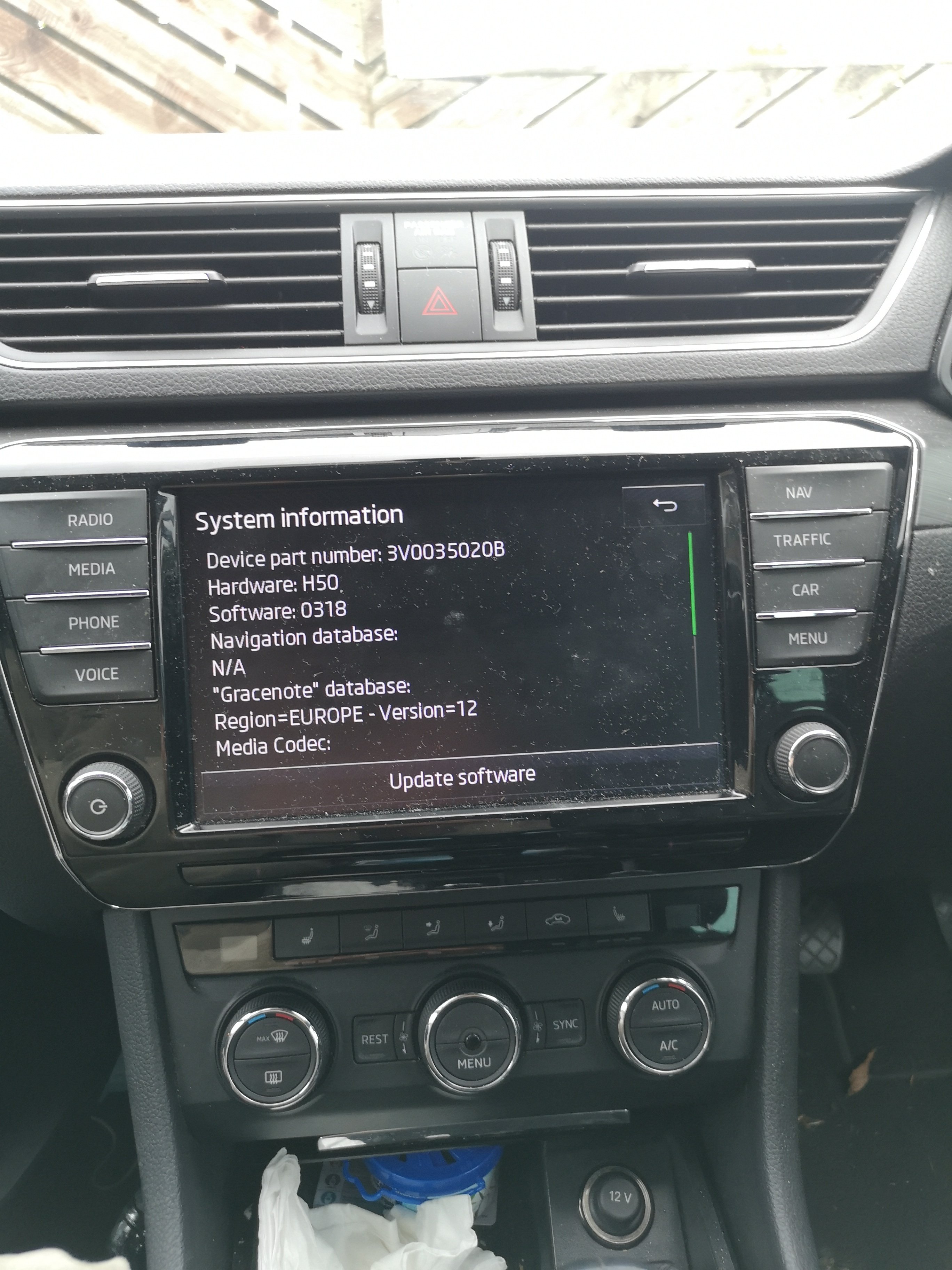
It appeared to be a hardware issue as no readable files on Jukebox and unable to restore maps. I have since been able to load music to the Jukebox, but still no bluetooth or cable connection for phone and no SatNav. Then I saw this thread an was hoping for some input. Thank you. I'll reach out and see if there is anyone near me who could do this.
-
I have had exactly the same problem as Outeh and bizarrely I have the same car and the problem arose around September 2021. Is there any chance that the activation key is time limited? I was just about to send MIB2 unit to PAB567 in Poland but am now keen to hear if Skoda have come up with any help.
-
Hi, The issues in the title happened a couple of weeks before my 2016 Superb Estate went in for a service. The dealer apparently spent 3 hours trying to rectify this problem but as there was no fault appeared when they ran the diagnosis, there only suggestion was a new unit. At least they didn't charge for their time. I have the 2 part Columbus, with the multimedia head unit in the glove box. Radio and sd card both work fine. I thought that as the Juke box files were corrupt and the maps database wasn't readable, I could simply reinstall the downloaded maps from the portal. The files on the sd card were recognised but the process quickly stalled. I now think that the Hard drive has failed, and I thought after some useful thoughts on HD replacement on the previous Columbus system I would give it a go. My question is can this be done, and is the HD in the display module or the multmedia unit? Thanks for any help that can be offered. A replacement multimedia unit seems to be around £450 from car breakers.