PvD
Finding my way
-
Joined
-
Last visited
-
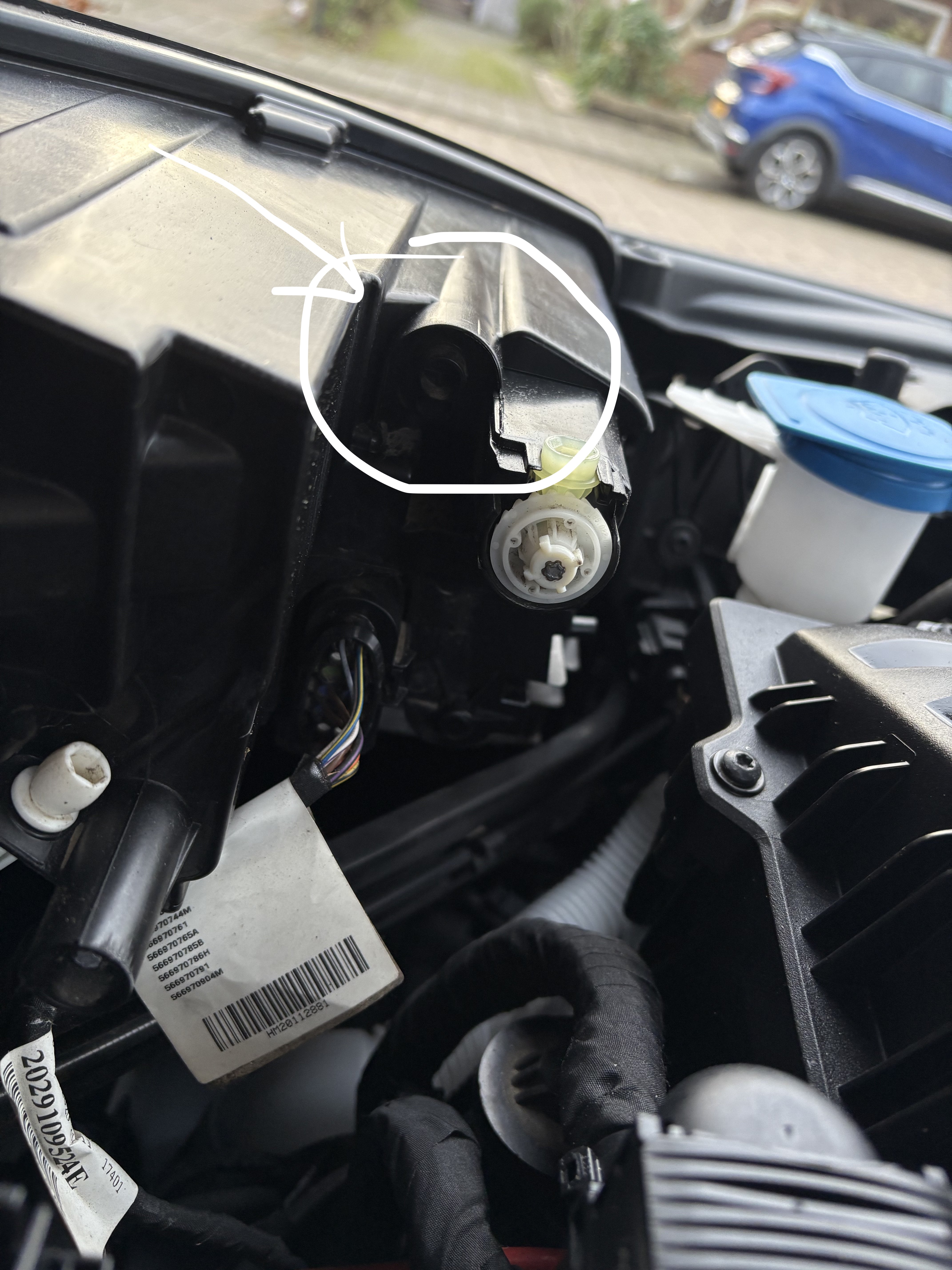
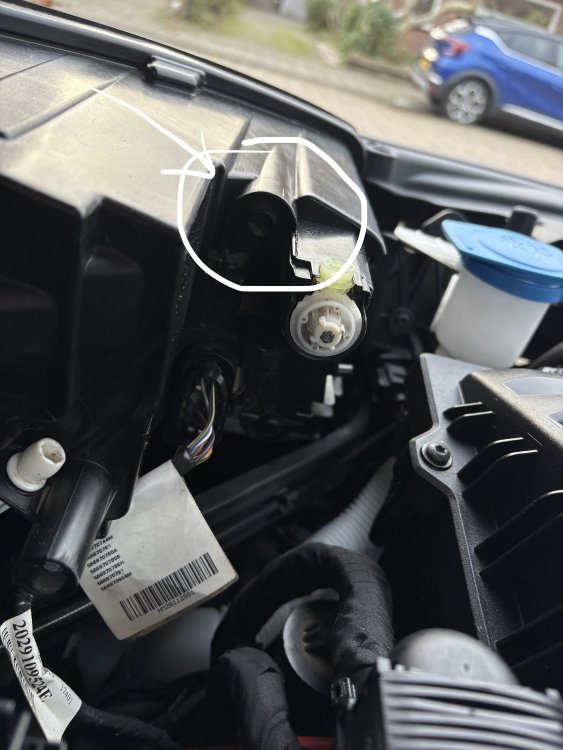
One More Thing all, would one of you be so kind to snap a picture with the motor comkpartment open and then from the LED light unit. Is something connected at the arrow indicated in my picture? I think I'm missing the headlight ventilation things here.
-
Thanks @inspectorman got confused for a minute here.
-
Chipping in here with a question about the arrow of the airflow, whioch way should the arrow point??? Seeing multiple video's on how to replace the filter, but no mentioning of the position. Who has the 100% def correct answer? Thanks to all in advance!
-
Hi @pab567 and/or @varooom, After my Octavia, I just bought a Kodiaq from 2020. Would you be so kind to PM me the latest for MST2_EU_SK_ZR_P0478T. Is that still the 480 or is there something more recent? Unfortunately mibsolution is down, so I hope you can help me. Super thanks in advance! PvD
-
Awesome write up, parts list and photo's. Great saturday afternoon "project" to do with my 8 year old son as help!
-
Thanks!!!! Thanks!
-
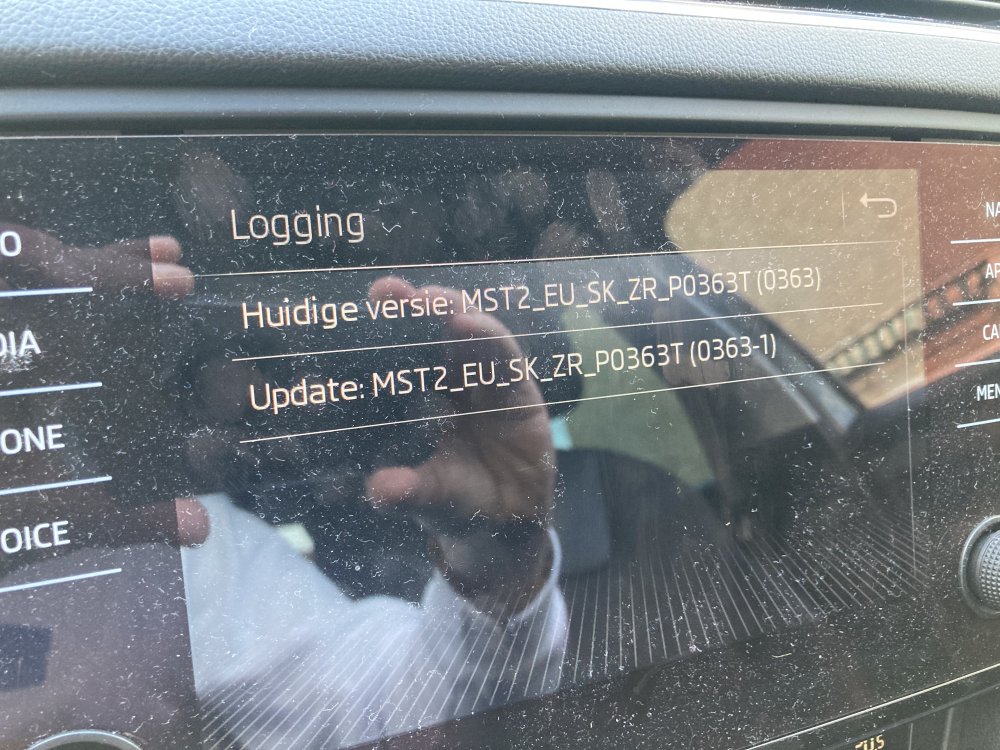
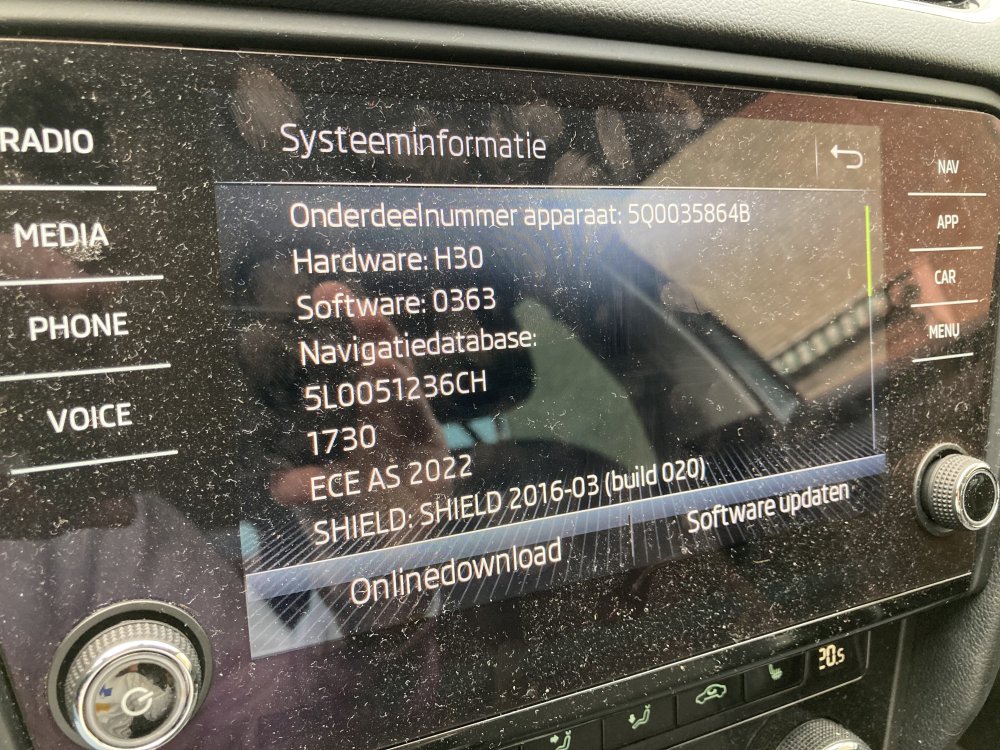
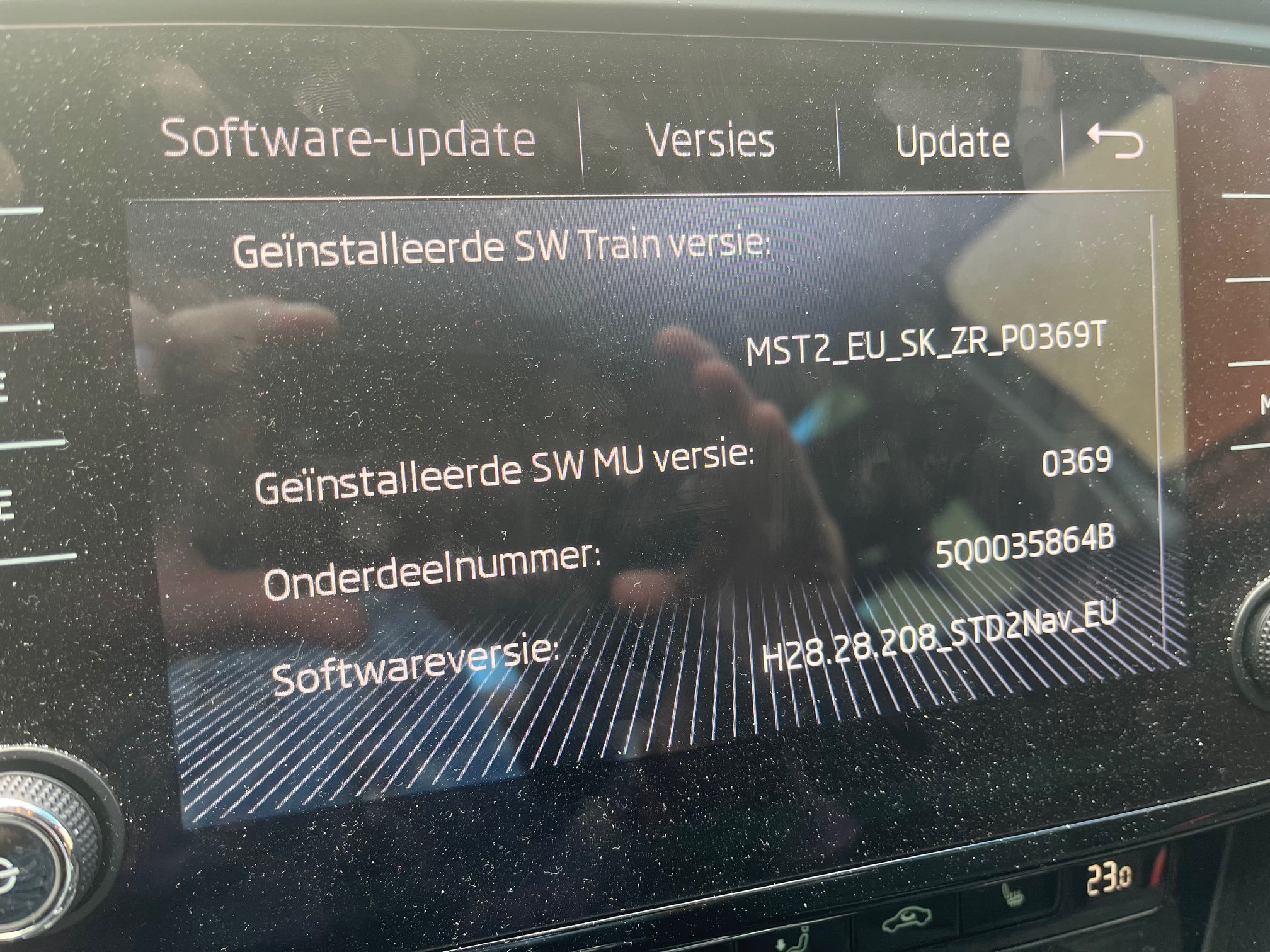
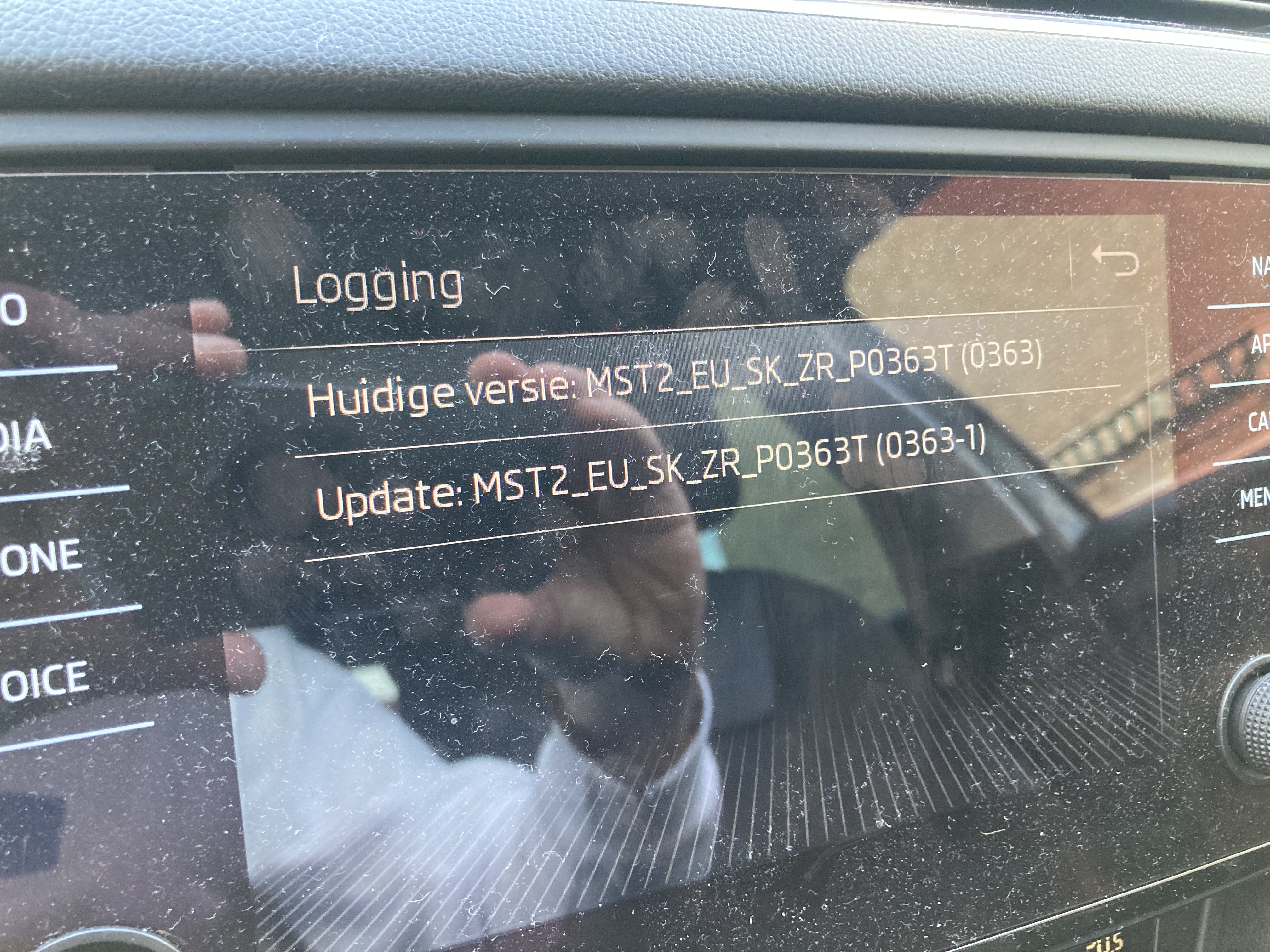
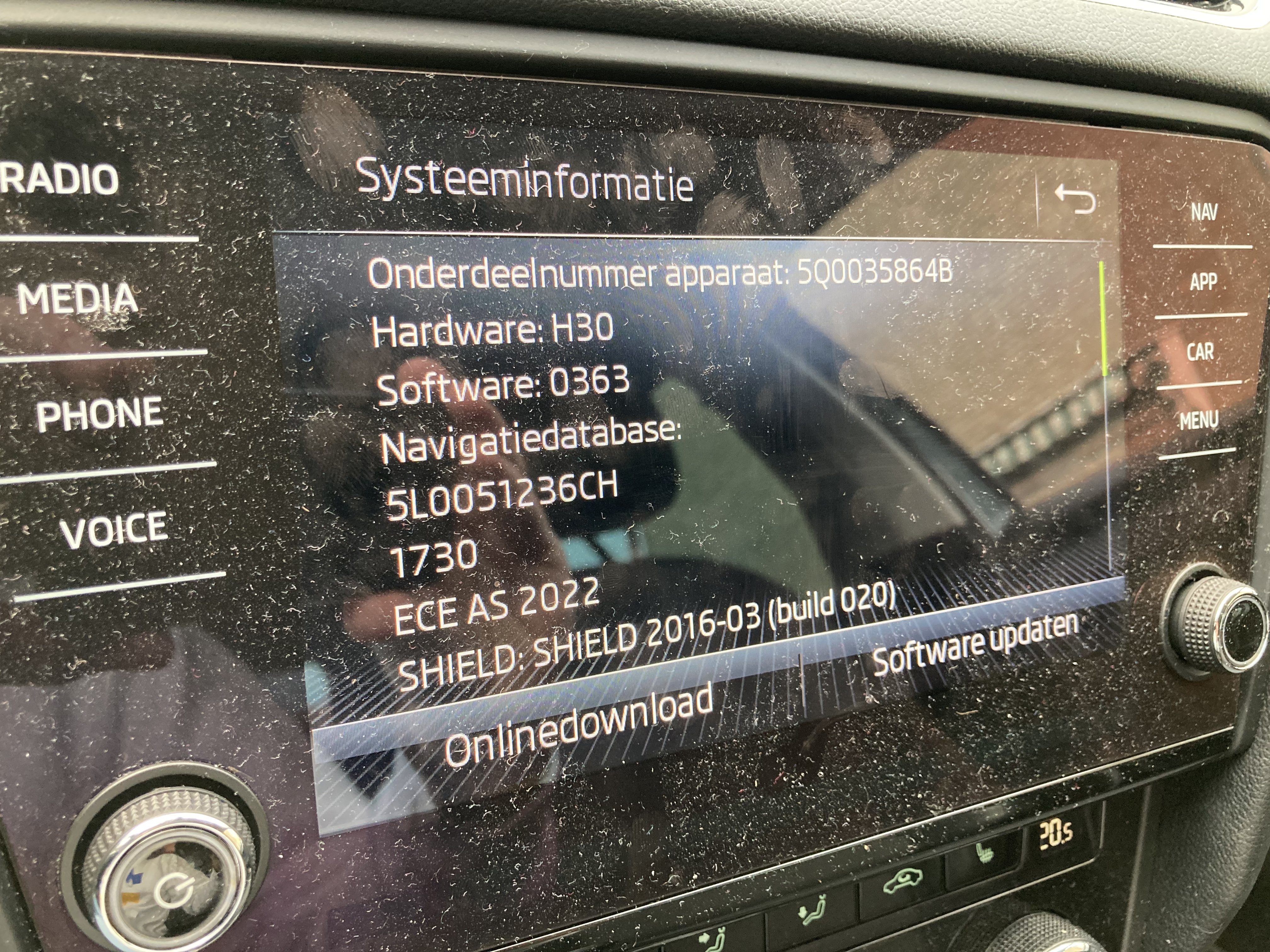
Good afternoon all! To my ''limited'' knowledge, this is still the most recent firmware version for my system, right? And no plug and play solution for going from 03 to 04 versions, right? Thanks in advance @pab567 and @varooom
-
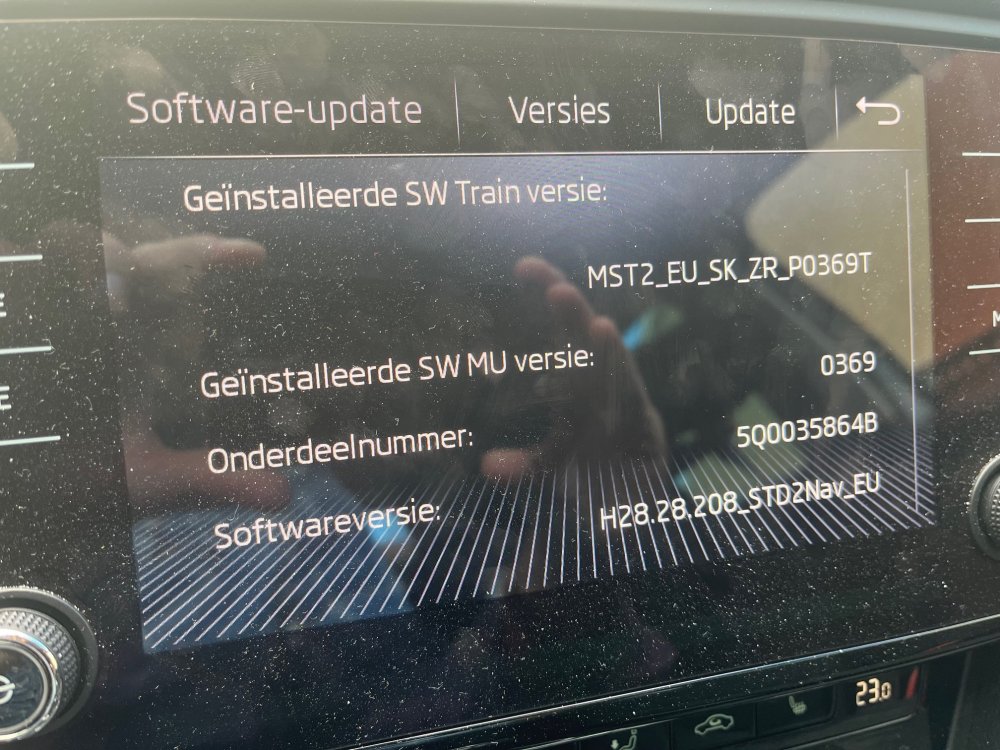
Happy New Year to all here. Really nice to see such an active community of Skoda owners/drivers and support here. Looking if there is an update available for my system. It seems that @pab567is a real expert and specialist. Pls see attached Thanks in advance