mats1969
New here
-
Joined
-
Last visited
Everything posted by mats1969
-
Can you give a tip how to get the speakercables through the door into the car?
-
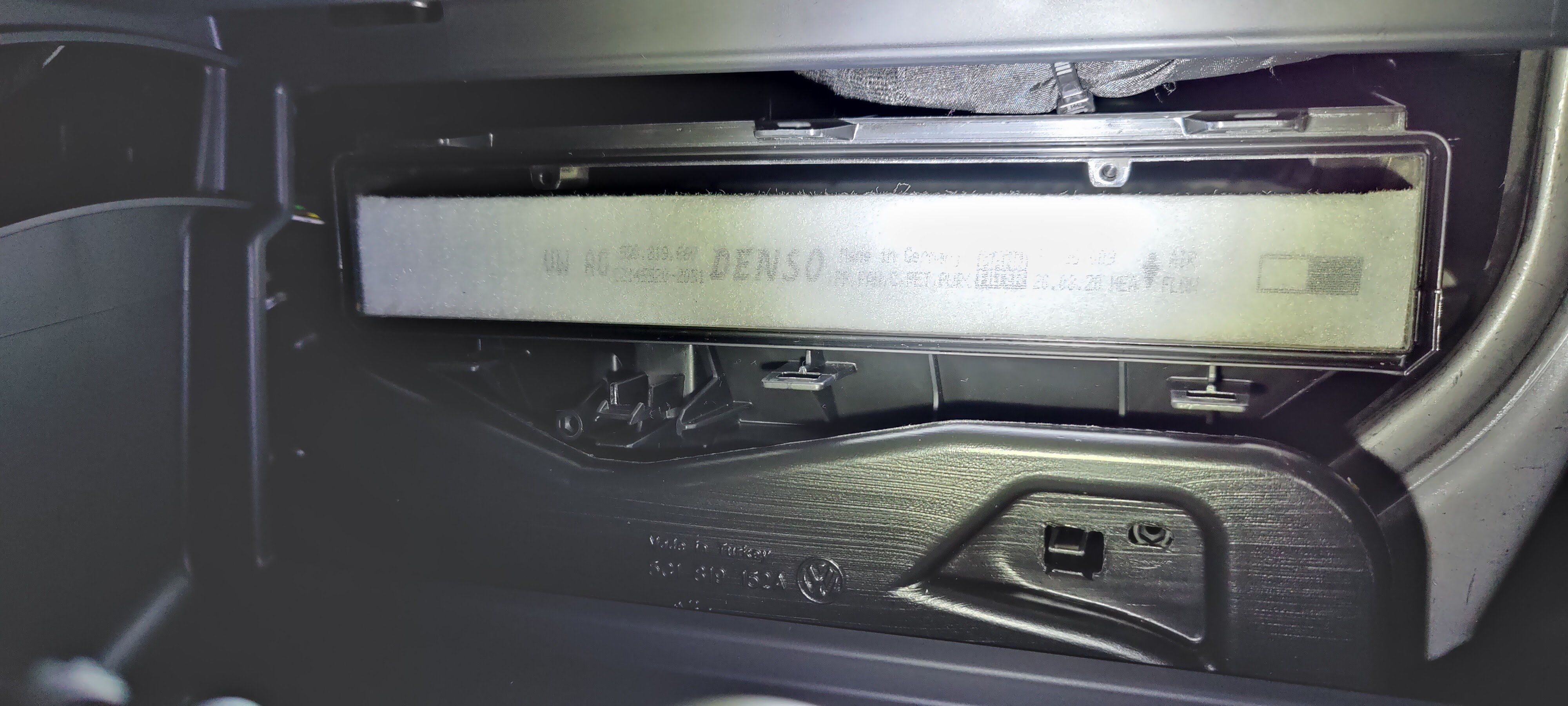
Hi. You need to use a tool (screwdriver) as you did with force. It don't seems right but it works. After that it's straight forward to remove the cover and replace the filter.
-
I can just confirm I had trouble as well since the car was new (1year). I have been in contact with skoda support so many times and they seems aware of it's lack of function. I have visit the workshop 3 times for different software updates and replace the ocu. Still don't wok properly. Will definitely don't pay for an extra year.
-
Ok, is there already a hole or did you need to drill a new one? I guess you ran the cable then under the door sill panel?
-
Hi, I hope someone can give med som help with this. I want to connect additional amplifiers and therefore have some questions that I hope someone here can help me with. 1. Where do I best pull the power cord from the battery to the trunk and where do I go through the firewall? (pictures are desirable) 2. I want to identify the pins on the canton amplifier that are located under the driver's seat to use the high level outputs. Is there a scheme for the connection pins on this amplifier? Many thanks in advance.
-
Hi, I hope someone can give med som help with this. I want to connect additional amplifiers and therefore have some questions that I hope someone here can help me with. 1. Where do I best pull the power cord from the battery to the trunk and where do I go through the firewall? (pictures are desirable) 2. I want to identify the pins on the canton amplifier that are located under the driver's seat to use the high level outputs. Is there a scheme for the connection pins on this amplifier? Many thanks in advance.
-
New here on Briskoda. Hope for interesting reading and posting.
-
Hi! Can i please ask where you did pull the cables through to the firewall to the battery?