SootyVRS
New here
-
Joined
-
Last visited
-
Just looking at a scan i did a couple weeks back, i take it its this im looking for: Address 09: Cent. Elect. Labels:. 6Qx-937-049-C.lbl Part No: 6Q1 937 049 D Component: 0000 BN-SG. 1S34 Coding: 25742 Shop #: WSC 13765 VCID: 3C341A1A2E46F2695D-50D0 No fault code found. I have found a module on ebay for £16 so ordered that, once it arrives ill do another scan to get fresh data and ill try code it in haha, thanks for the help
-
I have checked and replaced fuse 4 as a first measure but didnt sort it so I did some more digging, got some wiring diagrams and checked the red and green wire for power and i got 12v going into the module and the red and black feed wire for the lights coming out has nothing but if I power that black and red wire coming out which should be feeding my lights they all light up as they should. Its all standard bulbs and i know the wiring to the light unit on the roof is good since powering up the feed wire lights them up so im thinking the module is faulty
-
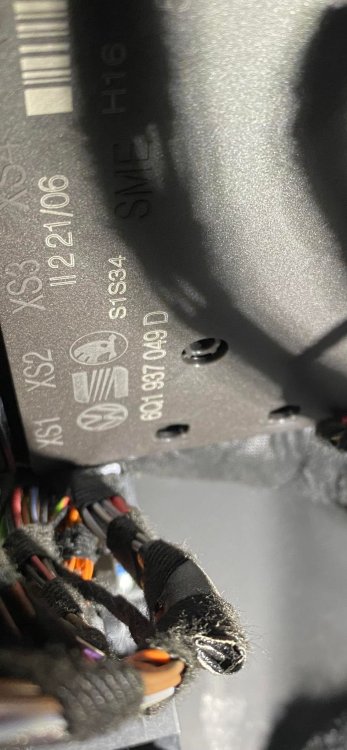
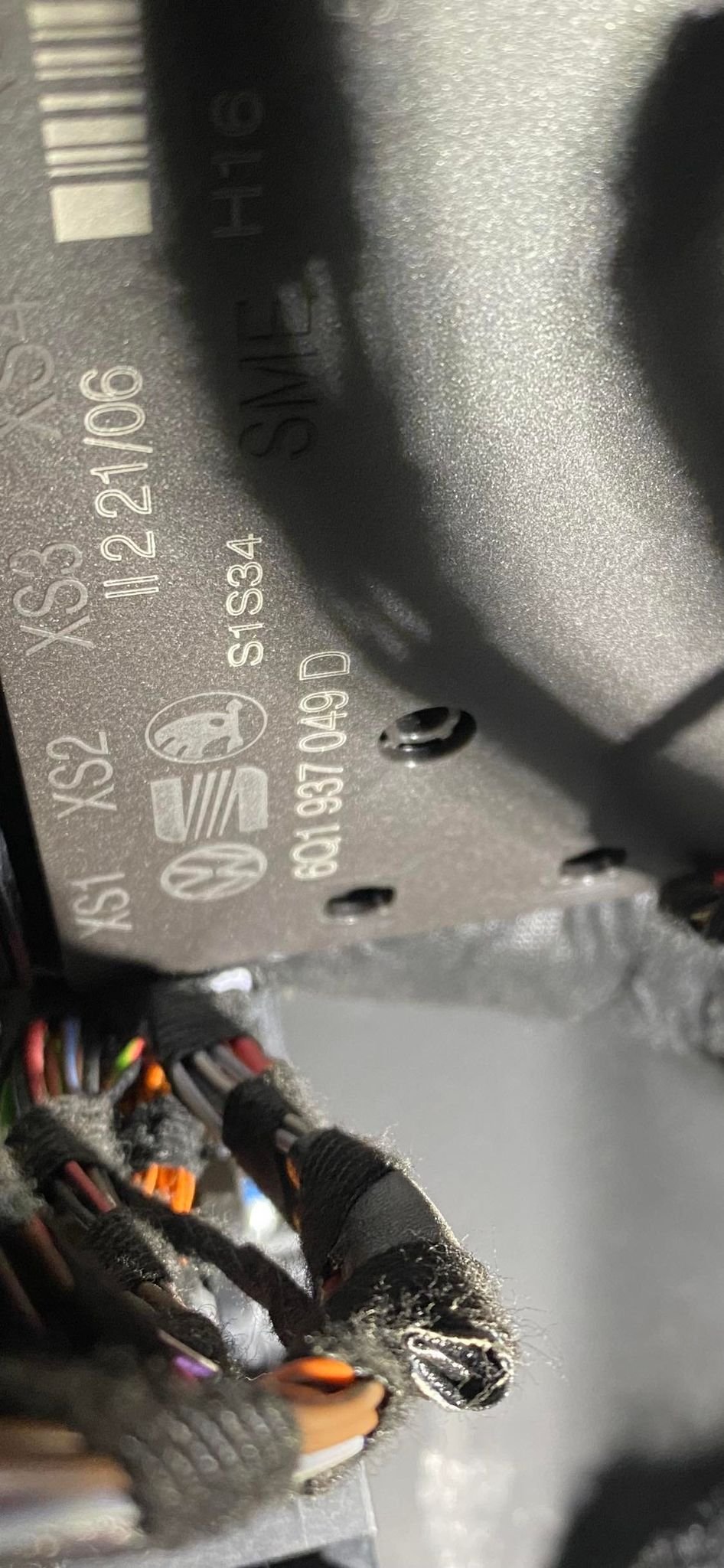
I've got a 2006 Fabia VRS and I don't have any interior lights. I have power going into my comfort module but no power coming out of it for the power to interior lights. I powered up the wire supposed to be supplying the lights and they all came on. I'm led to believe its my comfort module that has faulted internally with maybe a relay or something inside it. I am led to believe I'd need to replace this unit and code it in via VCDS which I have but haven't coded anything in the past using it. I have heard i need to get the adaptation values or something then put them in when the new one is plugged in? If anyone can let me know if that's sort of right and for getting a replacement module is it just the 6Q1 937 049 D number i would need to match? I also plan on adding cruise control in the near future and heard i need a 6Q1 unit to do this but when i put that number in to google i get modules for vw polos etc but presume it would be cross compatible. Thanks in advance and attached is a pic of my module .